
@ghostly-io/cli
v0.2.9
Published
Ghostly CLI — zero-config installer and local runner

Maintainers
 jonas.dev
Readme
@ghostly-io/cli
Write your end-to-end tests in one sentence. Ghostly runs them, self-heals broken selectors, and tells you the truth.
A local-first, AI-assisted E2E testing engine built on Playwright. This package (@ghostly-io/cli) is how you install, configure, and run Ghostly on your machine.
Install
npm install -g @ghostly-io/cliQuick start
ghostly install   # credentials, Chromium, and your editor's MCP server(s)
ghostly up        # -> http://localhost:4000
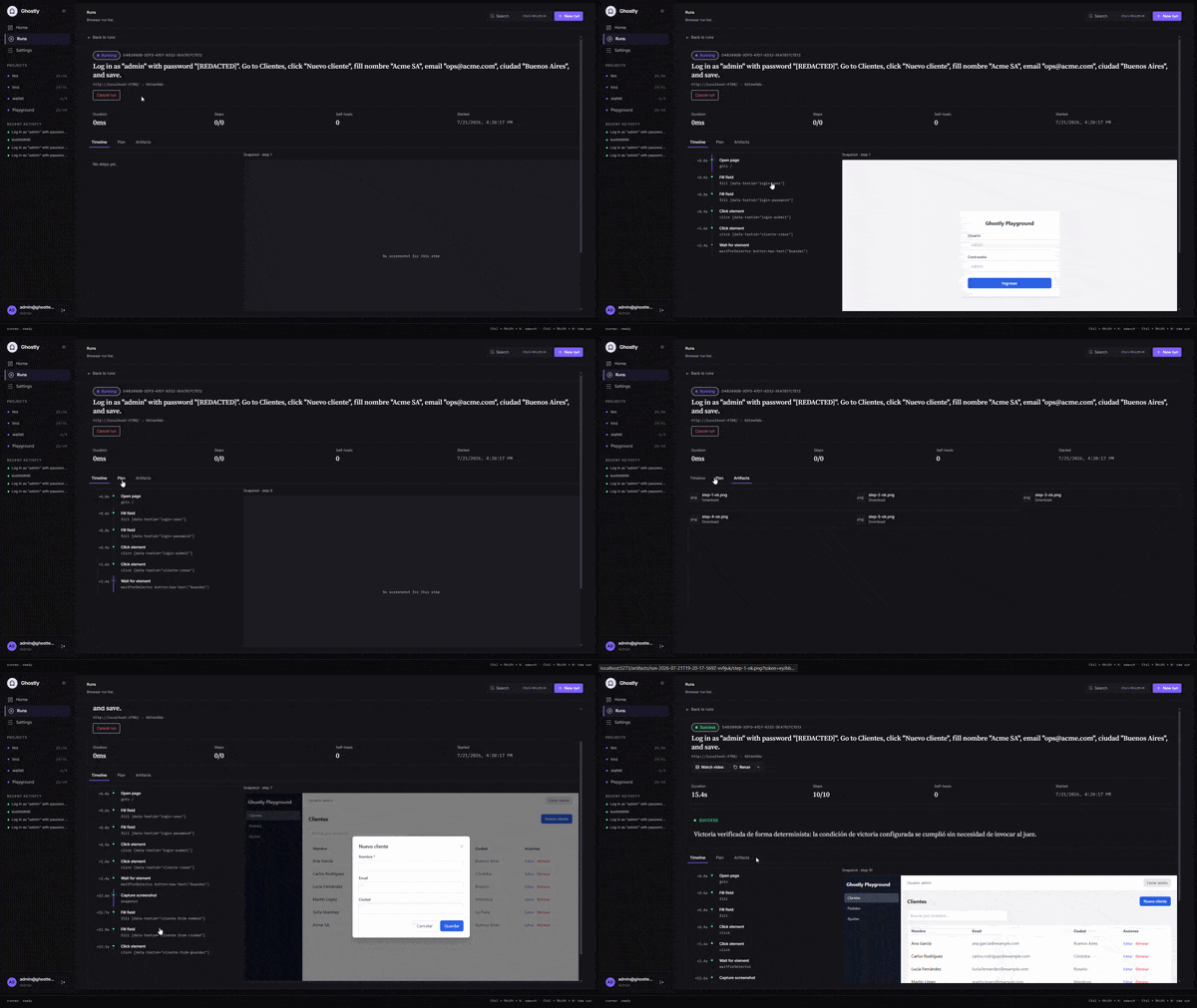
Then open http://localhost:4000, log in with the credentials printed by ghostly up, go to Settings → Assisted mode to connect your AI (BYOK), click New run, describe what to test, and watch it run live.
Three ways to drive it
- Assisted — describe the outcome in plain English; Ghostly plans and runs it. No code.
- Advanced — hand-write the exact steps as JSON when you want precise, deterministic control.
- MCP — call Ghostly's tools straight from your IDE (Cursor, Claude).
Bring your own model (BYOK). Any OpenAI-compatible endpoint or a local CLI. Your keys and source stay on your machine.
From your IDE (MCP)
ghostly install detects the MCP-capable editors on your machine and lets you pick which to set up — Cursor, Claude Desktop, and Claude Code are supported. For each, it registers Ghostly's MCP server and installs a Ghostly "expert" skill so the agent knows how to design solid tests. Manage them anytime:
ghostly mcp list          # which editors are detected and configured
ghostly mcp add cursor    # (re)configure one editor
Commands
| Command | What it does |
| --- | --- |
| ghostly install | Sets up credentials, Chromium, and the MCP server + skill for your chosen editors. |
| ghostly up | Prepares the local database and starts the engine and dashboard on http://localhost:4000. |
| ghostly config | Optional — configure the AI provider from the CLI instead of the dashboard (--clear to remove). |
| ghostly mcp | List detected editors and add or (re)configure Ghostly's MCP server in them. |
| ghostly update | Update the CLI to the latest version. |
| ghostly keygen | Regenerate the local Ghostly API key. |
Run ghostly --help (or the ghost alias) for the full list.
Requirements
- Node.js ≥ 20
- Chromium — installed automatically by
ghostly install(via Playwright). - An AI provider for assisted mode — any OpenAI-compatible endpoint or a local CLI. (Advanced/JSON mode works without one.)
- An MCP-capable editor (Cursor, Claude) is optional — only needed for MCP mode.
Troubleshooting
ERR_MODULE_NOT_FOUND(runner or other modules) — usually a stale or incomplete install. Reinstall the latest:npm i -g @ghostly-io/cli@latest.@prisma/client did not initialize yet— the Prisma client wasn't generated in the global install. Update to the latest CLI and runghostly upagain.EEXIST … ghost.cmd/ghostlynot recognized — a global wrapper conflict. Uninstall, clean the wrappers in%APPDATA%/npm, and reinstall.
Links
- Repository and full documentation: https://github.com/Meza-dev/Ghostly
License
MIT