
@henriquearthur/ai-voice
v0.3.1
Published
MCP server that lets AI agents speak through Amazon Echo devices

Maintainers
 henriquearthur
Readme
AI Voice
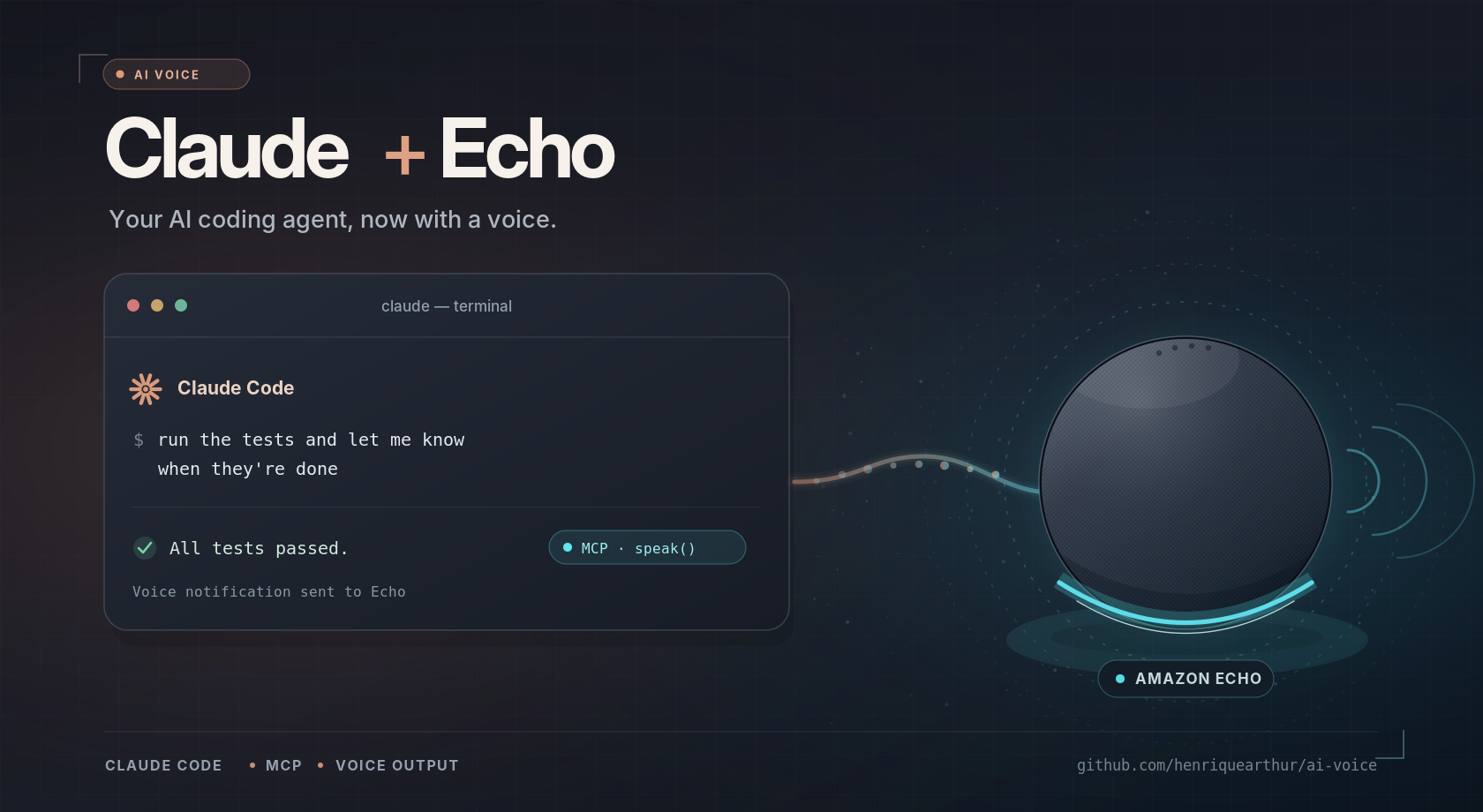
An MCP server that lets AI agents talk to you out loud through your Amazon Echo, in the Alexa voice.
Ask Claude Code or Codex to "tell me when the build is done", walk away from the screen, and hear the answer from the Echo in the room. It works with any client that speaks MCP.
you    > run the migration and tell me out loud how it went
agent  > (calls speak) "Migration finished. All 42 tables were updated and the tests pass."
AI Voice exposes two tools:
| Tool | What it does |
| --- | --- |
| list_devices | Lists the physical Echo devices on your Amazon account. Plays no audio. |
| speak | Speaks up to 4000 characters of plain text on one Echo. Uses your default Echo when device_serial is omitted. |
[!IMPORTANT] AI Voice is an unofficial, community project. It is not affiliated with or endorsed by Amazon, and it relies on the private APIs the Alexa app uses, through
alexa-remote2. Amazon can change those APIs at any time. Read How the Alexa integration works before trusting it with your account.
Requirements
- Node.js 22 or newer.
- An Amazon account with at least one Echo device.
- macOS or Linux. Windows is untested.
- The machine running AI Voice must be on and online while agents use it.
Quick start
AI Voice is published on npm as @henriquearthur/ai-voice. There is nothing to clone or install: npx downloads it on first use.
The quickest way is to let your AI agent do the setup. Paste this into Claude Code, Codex or any agent with a terminal, and it will run the steps below and guide you through them:
Set up the AI Voice MCP server from https://github.com/henriquearthur/ai-voice for me. Follow the quick start in its README and guide me through the Amazon sign-in.
You still sign in to Amazon yourself, in the browser: never give the agent your password. To do it all by hand, follow the steps.
1. Sign in to Amazon
npx @henriquearthur/ai-voice loginWhen the terminal says the proxy is ready, open http://127.0.0.1:3456/ in a browser on the same machine and sign in to Amazon, including MFA or CAPTCHA if asked. You type your password in the browser, never into an agent or chat. The proxy only listens on loopback and shuts down when login completes, after ten minutes, or on Ctrl+C. Logging in may register a virtual device on your Amazon account.
If your account is not on amazon.com, pass your marketplace for the login:
AI_VOICE_AMAZON_PAGE=amazon.co.uk npx @henriquearthur/ai-voice loginThe session is stored in ~/.local/share/ai-voice/ with owner-only permissions. It holds tokens for your Amazon account: do not share or commit that folder.
2. Pick your Echo
npx @henriquearthur/ai-voice devicesThis lists your Echo devices without playing audio. Copy the serial of the one that should speak by default.
3. Connect your agent
Speech stays disabled until you set AI_VOICE_ENABLE_SPEECH=1, so nothing can make noise in your home before you opt in. In the examples below, replace SERIAL with the serial from step 2. Set AI_VOICE_LOCALE if your Echo does not speak en-US, for example pt-BR or de-DE.
If your client does not inherit your shell PATH (common with nvm or fnm), replace npx with its absolute path, from which npx.
npx -y runs the latest published version. To stay on one version, pin it, for example @henriquearthur/[email protected].
Claude Code
claude mcp add ai-voice --scope user \
  --env AI_VOICE_ENABLE_SPEECH=1 --env AI_VOICE_DEFAULT_DEVICE=SERIAL \
  -- npx -y @henriquearthur/ai-voice
Codex
codex mcp add ai-voice \
  --env AI_VOICE_ENABLE_SPEECH=1 --env AI_VOICE_DEFAULT_DEVICE=SERIAL \
  -- npx -y @henriquearthur/ai-voice
Or add it to ~/.codex/config.toml:
[mcp_servers.ai-voice]
command = "npx"
args = ["-y", "@henriquearthur/ai-voice"]
env = { AI_VOICE_ENABLE_SPEECH = "1", AI_VOICE_DEFAULT_DEVICE = "SERIAL" }
Any other MCP client
AI Voice is a standard stdio MCP server. Most clients (Claude Desktop, Cursor, VS Code, Gemini CLI and others) accept this JSON shape in their MCP configuration file:
{
  "mcpServers": {
    "ai-voice": {
      "command": "npx",
      "args": ["-y", "@henriquearthur/ai-voice"],
      "env": { "AI_VOICE_ENABLE_SPEECH": "1", "AI_VOICE_DEFAULT_DEVICE": "SERIAL" }
    }
  }
}
Clients that speak Streamable HTTP can also connect to an AI Voice instance running on another machine. See Serve AI Voice over the network.
4. Try it
Restart or reconnect your client, then ask:
Say "hello from my agent" out loud.
To make an agent speak without being asked each time, add a rule to its instruction file (CLAUDE.md, AGENTS.md or equivalent), for example: "When you finish a task that took more than a few minutes, call speak with a one-sentence summary."
What to expect
speakreturnsstatus: "accepted"withplayback_confirmed: false. The Alexa API accepted the request; only you can confirm you heard it.- AI Voice never retries speech. After a timeout or error the Echo may already have received the request, and retrying would repeat it.
- Text longer than 250 characters is split at sentence or word boundaries and sent as one ordered sequence.
- One server speaks one request at a time, on one physical Echo. Device groups, volume control and SSML are out of scope.
- The session renews itself. If renewal fails, the tool asks you to run
npx @henriquearthur/ai-voice loginagain.
Documentation
- Configuration reference: every environment variable, the tool contracts, and troubleshooting.
- Serve AI Voice over the network: run it once on a home server and use it from every machine.
- How the Alexa integration works: the private APIs involved, what was validated, security and known limits.
Development
git clone https://github.com/henriquearthur/ai-voice.git
cd ai-voice
npm ci
npm test
Tests use simulated Amazon devices and transport, need no Amazon account and play no audio. The MCP tests run a real client over stdio and HTTP.
Every push to main publishes a new patch version to npm and creates the matching GitHub release, from GitHub Actions. The workflow picks the version, so package.json is not updated on each release. For a minor or major release, set that version in package.json in the pull request.
Issues and pull requests are welcome. Reports from marketplaces, locales and Echo models other than the ones listed in what was validated are especially useful.
License
MIT. Amazon, Alexa and Echo are trademarks of Amazon.com, Inc. or its affiliates.