
@hugeicons/react-native
v1.0.16
Published
Hugeicons React Native Component Library https://hugeicons.com

Maintainers
 hugeicons
Readme

@hugeicons/react-native
Hugeicons React Native rendering library for fast, customizable icons with TypeScript and tree-shaking support
What is Hugeicons?
Hugeicons is a large icon set for modern web and mobile apps. The free package includes 6,000+ Stroke Rounded icons. The Pro package provides 60,000+ icons across 10 styles.
How It Works
This package (@hugeicons/react-native) is a rendering library - it provides the HugeiconsIcon component that displays icons in your React Native app. The icons themselves come from separate icon packages:
- Free icons:
@hugeicons/core-free-icons(6,000+ icons) - Pro icons:
@hugeicons-pro/core-*packages (60,000+ icons, requires license)
Key Highlights
- 6,000+ Free Icons: Stroke Rounded set for unlimited personal and commercial projects
- 60,000+ Pro Icons, 10 Styles: Stroke, Solid, Bulk, Duotone, and Twotone families for sharp, rounded, and standard needs with richer variants
- Pixel Perfect Grid: Built on a 24x24 grid for crisp rendering at any size
- Customizable: Easily adjust colors, sizes, and styles to match your design needs
- Tree Shaking Ready: Named exports keep bundles lean in modern bundlers
- Regular Updates: New icons added regularly to keep up with evolving design trends
Looking for Pro Icons? Check out our docs at hugeicons.com/docs for detailed information about pro icons, styles, and advanced usage.
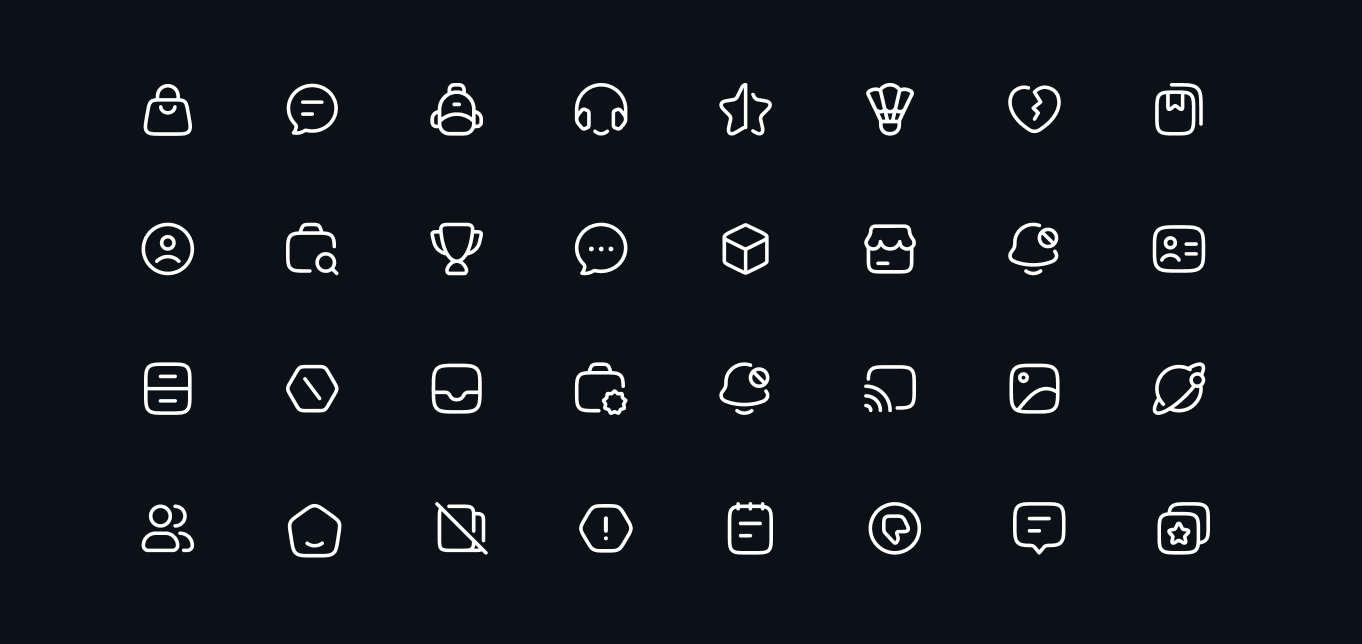
Table of Contents
- What is Hugeicons?
- How It Works
- Features
- Installation
- Usage
- Props
- Examples
- Performance
- Troubleshooting
- Platform Support
- Related Packages
- Pro Version
- License
- Related
Features
- Customizable colors, sizes, and stroke width
- TypeScript support with full type definitions
- Tree shakeable builds (ESM, CJS) for bundlers like Metro
- Native SVG rendering via react-native-svg for optimal performance
- Optimized SVGs for small payloads and fast render
- Alternate icon support for dynamic interactions
- NativeWind support for Tailwind CSS styling
Installation
# Using npm
npm install @hugeicons/react-native @hugeicons/core-free-icons react-native-svg

# Using yarn
yarn add @hugeicons/react-native @hugeicons/core-free-icons react-native-svg

# Using pnpm
pnpm add @hugeicons/react-native @hugeicons/core-free-icons react-native-svg

# Using bun
bun add @hugeicons/react-native @hugeicons/core-free-icons react-native-svg
Note: This package requires react-native-svg as a peer dependency. Some frameworks like Expo handle this automatically. For bare React Native projects, follow the react-native-svg installation instructions.
Expo Setup
If you're using Expo and experiencing issues with TypeScript autocomplete (no icon import suggestions or prop autocomplete), add this to your tsconfig.json:
{
  "compilerOptions": {
    "types": ["@hugeicons/core-free-icons", "@hugeicons/react-native"]
  }
}
This is due to Expo's TypeScript configuration using moduleResolution: "bundler" which requires explicit type hints for large packages. This is not needed for plain React Native projects.
Usage
import { HugeiconsIcon } from '@hugeicons/react-native';
import { SearchIcon } from '@hugeicons/core-free-icons';

function App() {
  return (
    <HugeiconsIcon
      icon={SearchIcon}
      size={24}
      color="black"
      strokeWidth={1.5}
    />
  );
}
Props
| Prop | Type | Default | Description |
|------|------|---------|-------------|
| icon | IconSvgElement | Required | The main icon to display |
| altIcon | IconSvgElement | - | Alternative icon for states, interactions, or dynamic icon swapping |
| showAlt | boolean | false | When true, displays the altIcon instead of the main icon |
| size | number \| string | 24 | Icon size in pixels |
| color | string | black | Icon color |
| strokeWidth | number | - | Width of the icon strokes |
| absoluteStrokeWidth | boolean | false | When true, the stroke width will be scaled relative to the icon size |
| className | string | - | NativeWind classes for styling (requires NativeWind) |
Examples
Basic Usage
import React from 'react';
import { View } from 'react-native';
import { HugeiconsIcon } from '@hugeicons/react-native';
import { SearchIcon } from '@hugeicons/core-free-icons';

function BasicExample() {
  return (
    <View>
      <HugeiconsIcon icon={SearchIcon} />
    </View>
  );
}
Custom Size and Color
import React from 'react';
import { View } from 'react-native';
import { HugeiconsIcon } from '@hugeicons/react-native';
import { NotificationIcon } from '@hugeicons/core-free-icons';

function CustomExample() {
  return (
    <View>
      <HugeiconsIcon
        icon={NotificationIcon}
        size={32}
        color="#FF5733"
      />
    </View>
  );
}
More examples and patterns
- Examples: https://hugeicons.com/docs/integrations/react-native/examples
- Best practices: https://hugeicons.com/docs/integrations/react-native/best-practices
Performance
- Tree-shaking: The package is fully tree-shakeable, ensuring only the icons you use are included in your final bundle
- Native SVG Rendering: Uses react-native-svg for optimal performance
- Optimized SVGs: All icons are optimized for size and performance
- Code Splitting: Icons can be easily code-split when using dynamic imports
Troubleshooting
Common Issues
Icons not showing up?
- Make sure you've installed both
@hugeicons/react-nativeand@hugeicons/core-free-icons - Verify that
react-native-svgis properly installed and linked - Check that the icon names are correctly imported
- Make sure you've installed both
TypeScript errors?
- Ensure your
tsconfig.jsonincludes the necessary type definitions - Check that you're using the latest version of the package
- Ensure your
Bundle size concerns?
- Use named imports instead of importing the entire icon set
- Implement code splitting for different sections of your app
Android/iOS specific issues?
- Make sure you've followed platform-specific setup for react-native-svg
- Check platform-specific color values are valid
Platform Support
The library supports both iOS and Android through react-native-svg.
Related Packages
- @hugeicons/react - React component
- @hugeicons/vue - Vue component
- @hugeicons/angular - Angular component
- @hugeicons/svelte - Svelte component
Pro Version
Want access to 60,000+ icons and 10 unique styles? Check out our Pro Version and visit our docs for detailed documentation.
Available Pro Styles
- Stroke Styles
- Stroke Rounded (
@hugeicons-pro/core-stroke-rounded) - Stroke Sharp (
@hugeicons-pro/core-stroke-sharp) - Stroke Standard (
@hugeicons-pro/core-stroke-standard)
- Stroke Rounded (
- Solid Styles
- Solid Rounded (
@hugeicons-pro/core-solid-rounded) - Solid Sharp (
@hugeicons-pro/core-solid-sharp) - Solid Standard (
@hugeicons-pro/core-solid-standard)
- Solid Rounded (
- Special Styles
- Bulk Rounded (
@hugeicons-pro/core-bulk-rounded) - Duotone Rounded (
@hugeicons-pro/core-duotone-rounded) - Duotone Standard (
@hugeicons-pro/core-duotone-standard) - Twotone Rounded (
@hugeicons-pro/core-twotone-rounded)
- Bulk Rounded (
License
The code in this package (@hugeicons/react-native) is licensed under the MIT License.
This package only provides rendering utilities. It does not include or grant any rights to Hugeicons icon assets. Using Pro icon styles requires a valid Hugeicons Pro license.
Hugeicons icon packs are licensed separately:
- Free icon packs: use the license included with the specific free icon package you install.
- Pro icon packs (
@hugeicons-pro/*): require a paid Hugeicons Pro license and are governed by the Hugeicons Pro Terms (see Pro License.).
Related
- Changelog - Version history and release notes
- @hugeicons/core-free-icons - Free icon package
- Hugeicons Website - Browse all available icons