
@ibm/bob
v2.1.0
Published
IBM Bob Shell brings IBM Bob's AI capabilities to your command line.


Readme
Bob Shell
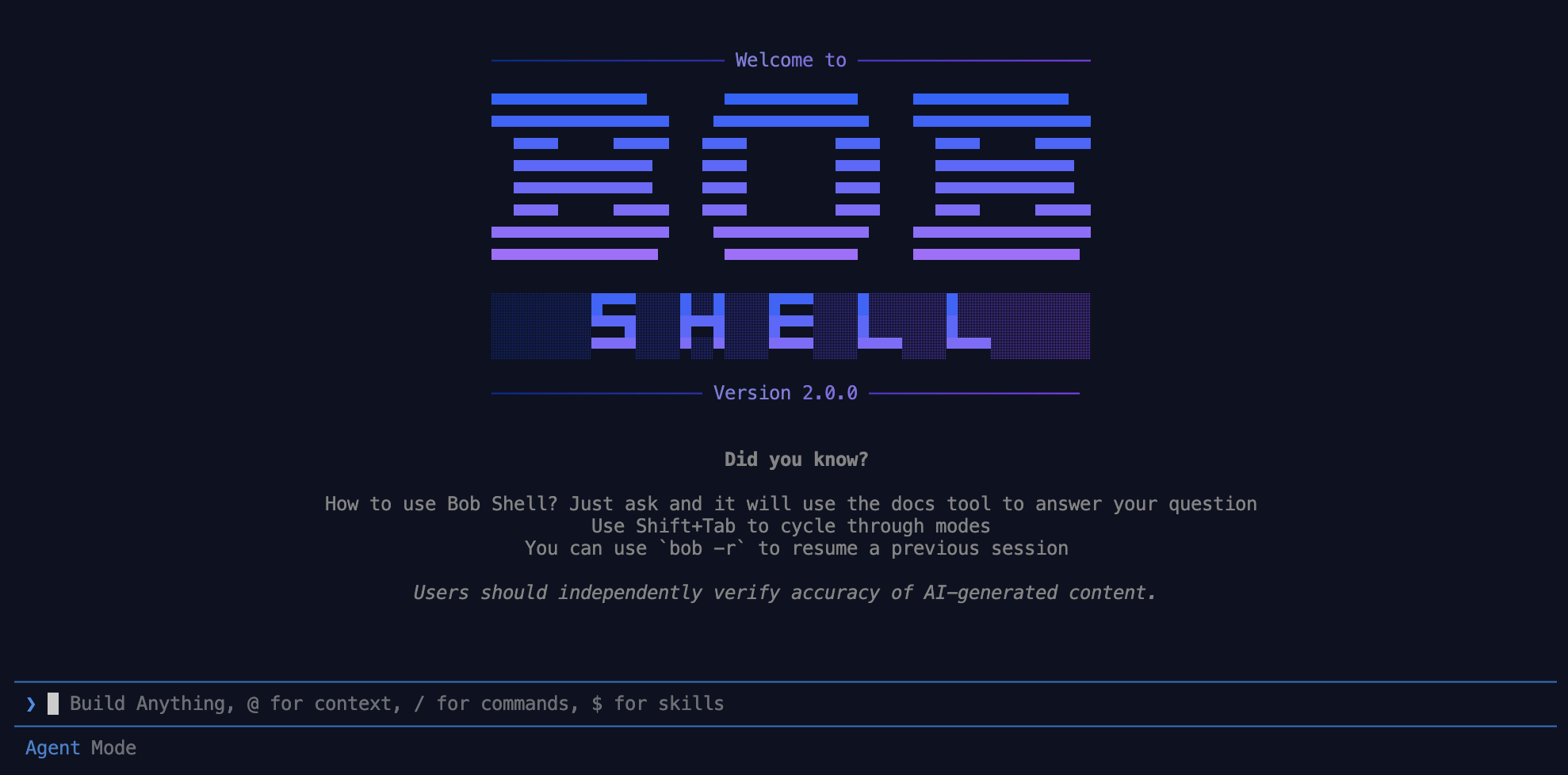
Bob Shell brings IBM Bob's AI coding assistant directly to your command line, enabling you to build, debug, and understand code through natural language conversations — interactive or fully headless.
Install
Install the @ibm/bob package globally from the public npm registry with your package manager of choice.
npm
npm install -g @ibm/bobyarn
yarn global add --registry=https://registry.npmjs.org/ @ibm/bobpnpm
pnpm add -g --registry=https://registry.npmjs.org/ @ibm/bobAuthentication
Bob Shell authenticates via an API key or SSO.
API key — set the BOB_API_KEY environment variable:
export BOB_API_KEY="your-key"SSO — run the bob command to start Bob Shell in interactive mode and follow the login prompt in your browser.
Usage
bob [options] [command]

Options:
  -v, --version              Show current version number
  -p, --prompt <prompt>      Prompt to send to the agent
  -r, --resume [task-id]     "Resume a specific task (optional: id, default is latest)"
  --list-tasks [limit]       List available tasks (optional: number or 'all', default 20)
  --show-license             Show full paths to license files for review
  --accept-license           Accept the IBM license agreement and continue
  -h, --help                 Display help for command

Commands:
  chat [options] [prompt...]  Launch the interactive terminal UI client
  run [options] [prompt...]   Execute a single task in headless mode
  mcp [options]               Manage MCP server configurations
  acp [options]               Start Bob Shell as an Agent Client Protocol server
Launch interactive chat:
bobLaunch interactive chat with an initial prompt:
bob "Explain the structure of this repository"Run a single task:
bob run "What are the top-level directories in this workspace?"Resume the latest task:
bob --resume latestEditor integration (ACP)
bob acp runs Bob Shell as an Agent Client Protocol server, so ACP clients like Zed can drive Bob from their agent panel:
{
    "agent_servers": {
        "Bob": {
            "command": "bob",
            "args": ["acp"]
        }
    }
}
Docs
- Welcome to Bob Shell — overview of capabilities and key concepts
- Installing & setting up — get Bob Shell running on your system
- Interactive sessions — conversational terminal sessions for exploratory tasks
- Non-interactive sessions — automate and script with
bob run - Configuration — settings, custom modes, and slash commands
- MCP servers — extend Bob Shell with Model Context Protocol integrations
- Usage examples — real-world patterns to get you moving faster
- FAQ — common questions answered
More from IBM Bob
Bob Shell is one part of the IBM Bob family. The same AI coding assistant is also available as a full IDE experience.