
@inquirer/external-editor
v3.0.6
Published
Edit a string with the users preferred text editor using $VISUAL or $ENVIRONMENT


Readme
@inquirer/external-editor
A Node.js module to edit a string with the user's preferred text editor using $VISUAL or $EDITOR.
[!NOTE] This package is a replacement for the unmaintained
external-editor. It includes security fixes.
Installation
yarn add @inquirer/external-editorpnpm add @inquirer/external-editorbun add @inquirer/external-editordeno add npm:@inquirer/external-editornpm install @inquirer/external-editorUsage
A simple example using the edit function
import { edit } from '@inquirer/external-editor';

const data = edit('\n\n# Please write your text above');
console.log(data);
Example relying on the class construct
import {
  ExternalEditor,
  CreateFileError,
  ReadFileError,
  RemoveFileError,
  LaunchEditorError,
} from '@inquirer/external-editor';

try {
  const editor = new ExternalEditor();
  const text = editor.run(); // the text is also available in editor.text

  if (editor.lastExitStatus !== 0) {
    console.log('The editor exited with a non-zero code');
  }

  // Do things with the text
  editor.cleanup();
} catch (err) {
  if (err instanceof CreateFileError) {
    console.log('Failed to create the temporary file');
  } else if (err instanceof ReadFileError) {
    console.log('Failed to read the temporary file');
  } else if (err instanceof LaunchEditorError) {
    console.log('Failed to launch your editor');
  } else if (err instanceof RemoveFileError) {
    console.log('Failed to remove the temporary file');
  } else {
    throw err;
  }
}
Windows editor commands
On Windows, prefer setting $VISUAL or $EDITOR to the editor executable
rather than a .cmd or .bat shim. This package launches the editor directly
instead of through a shell so editor arguments and temporary file paths are not
interpreted as shell commands.
For example, use Code.exe with --wait instead of code.cmd:
setx VISUAL '"C:\Program Files\Microsoft VS Code\Code.exe" --wait'API
Convenience Functions
edit(text, config)text(string) Optional Defaults to empty stringconfig(Config) Optional Options for temporary file creation- Returns (string) The contents of the file
- Could throw
CreateFileError,ReadFileError, orLaunchEditorError, orRemoveFileError
editAsync(text, callback, config)text(string) Optional Defaults to empty stringcallback(function (error?, text?))errorcould be of typeCreateFileError,ReadFileError,LaunchEditorError, orRemoveFileErrortext(string) The contents of the file
config(Config) Optional Options for temporary file creation
Errors
CreateFileErrorError thrown if the temporary file could not be created.ReadFileErrorError thrown if the temporary file could not be read.RemoveFileErrorError thrown if the temporary file could not be removed during cleanup.LaunchEditorErrorError thrown if the editor could not be launched.
External Editor Public Methods
new ExternalEditor(text, config)text(string) Optional Defaults to empty stringconfig(Config) Optional Options for temporary file creation- Could throw
CreateFileError
run()Launches the editor.- Returns (string) The contents of the file
- Could throw
LaunchEditorErrororReadFileError
runAsync(callback)Launches the editor in an async waycallback(function (error?, text?))errorcould be of typeReadFileErrororLaunchEditorErrortext(string) The contents of the file
cleanup()Removes the temporary file.- Could throw
RemoveFileError
- Could throw
External Editor Public Properties
text(string) readonly The text in the temporary file.editor.bin(string) The editor determined from the environment.editor.args(array) Default arguments for the bintempFile(string) Path to temporary file. Can be changed, but be careful as the temporary file probably already exists and would need be removed manually.lastExitStatus(number) The last exit code emitted from the editor.
Config Options
prefix(string) Optional A prefix for the file name.postfix(string) Optional A postfix for the file name. Useful if you want to provide an extension.mode(number) Optional Which mode to create the file with. e.g. 644dir(string) Optional Which path to store the file.
Why Synchronous?
Everything is synchronous to make sure the editor has complete control of the stdin and stdout. Testing has shown async launching of the editor can lead to issues when using readline or other packages which try to read from stdin or write to stdout. Seeing as this will be used in an interactive CLI environment, I made the decision to force the package to be synchronous. If you know a reliable way to force all stdin and stdout to be limited only to the child_process, please submit a PR.
If async is really needed, you can use editAsync or runAsync. If you are using readline or have anything else
listening to the stdin or you write to stdout, you will most likely have problem, so make sure to remove any other
listeners on stdin, stdout, or stderr.
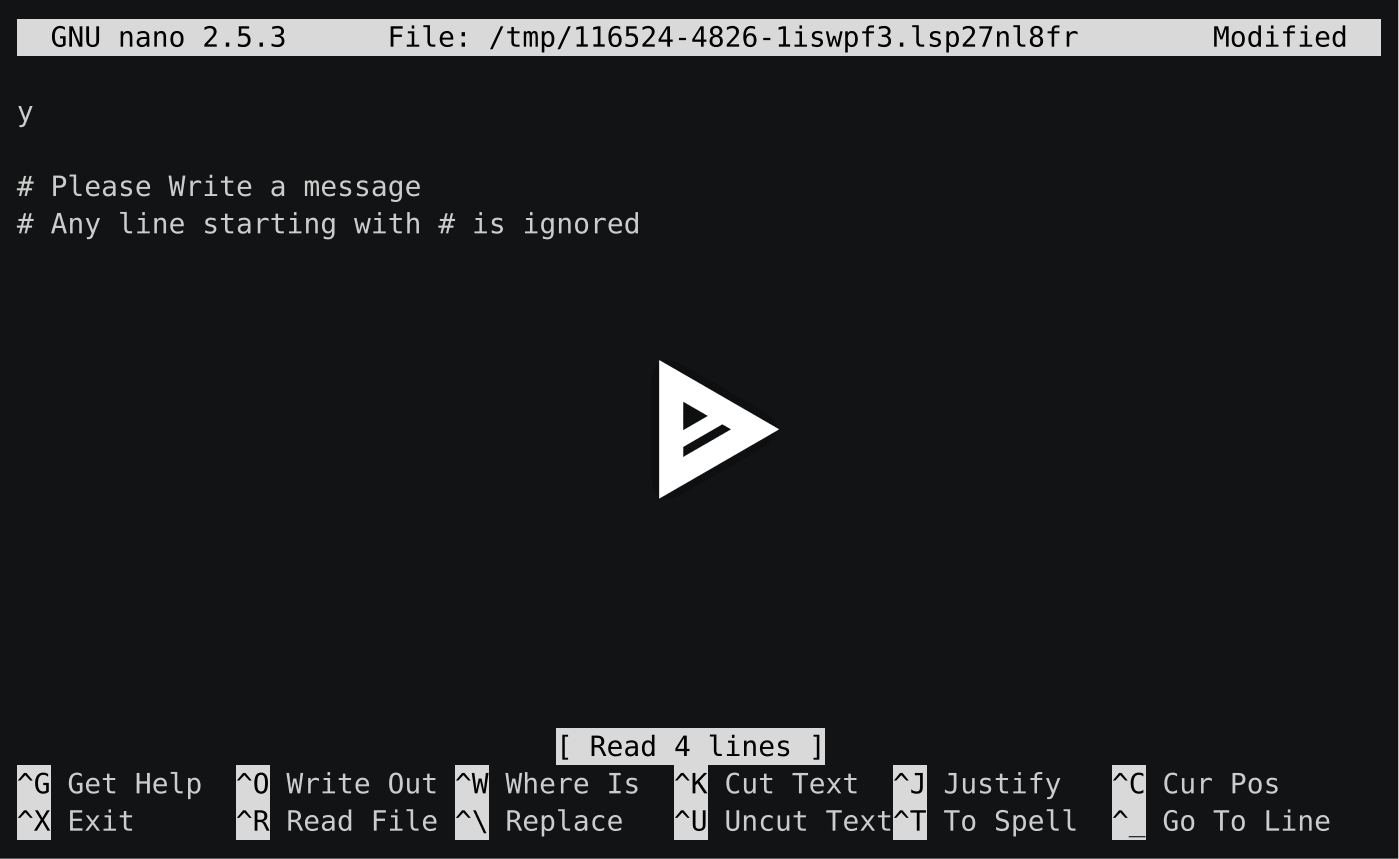
Demo
License
Copyright (c) 2025 Simon Boudrias (twitter: @vaxilart) Licensed under the MIT license.