
@itsib/icon-font
v0.4.14
Published
CLI utilities for icon-font generation, automation and presentation. Includes preview web server.

Maintainers
 sergeyitsib
Readme
Simple utilities for icon-font generation, automation and presentation. Includes preview web server.


:question: Why do I even need to generate an icon font instead of using svg images or svg sprites?
:bulb: SVG contours rarely fall exactly on a pixel grid. The browser smoothes (anti-aliases) each edge, so a small SVG image (which are icons) gives a noticeable "soap effect". Fonts have hinting for grid alignment at small sizes, but this does not happen when rendering SVG icons in the browser. Therefore, with small sizes, the contours "float".
Features
- Formatting of svg icons. The contour will be adjusted to the size of 512px and placed in the center.
- Tune icon size and position if necessary.
- Optimization. Extra points that do not affect the contour curves will be removed.
- Configuration support as in package.json, and in a separate file. It can also be transmitted via the command line interface.
- The input file format is svg.
- The output file format is
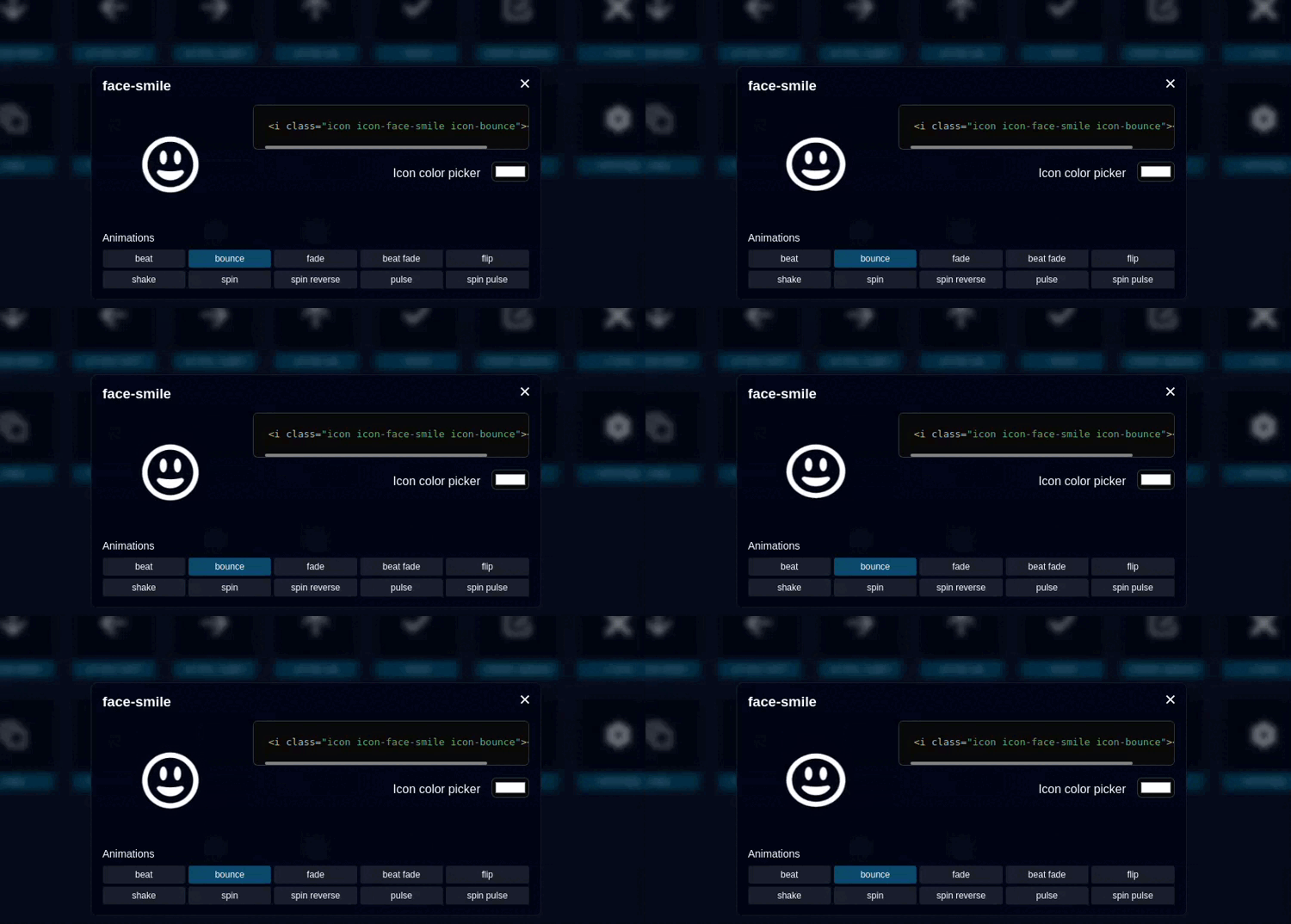
TTF,EOT,SVG,WOFF,WOFF2 - A web server to demonstrate the result. The server will watch the changes in the input files and instantly display the result.
Usage
Install:
npm install --save-dev @itsib/icon-fontOr global installation:
npm install -g @itsib/icon-fontShow help:
icon-font --helpRun demo server:
icon-font demo --input icons/dirGenerate fonts files:
icon-font generate --input icons/dir --output fonts/dirConfiguration
You need to create an icon-font.json file with json format in the root of your project. Or add field icon-font in package.json file.
{
  "input": "svg-icons",
  "output": "dist/fonts",
  "name": "IconFont",
  "prefix": "icon",
  "types": [ "woff2", "woff", "ttf", "eot"],
  "port": 9000,
  "fontUrl": "./",
  "fontUrlHash": false,
  "iconsTune": {},
  "shapeSizeAdjust": 0.9375,
  "startUnicode": 59905
}
Options description
Configuration parameters passed through the CLI have a higher priority than the configuration file.
| Option | Type | Required | Description |
|:------------------|:--------------------------------:|:--------:|----------------------------------------------------------------------------------------------------------------------------------------------------------------------------------------------------------------------------------------------|
| input | string | ✔ | The directory containing the SVG icon files that will be included in the font being created |
| output | string | ✔ | The directory where the generated files will be placed, if it does not exist, it will be created. |
| name | string | | The name of the new font, by default IconFont |
| prefix | string | | Class name prefix. Default icon |
| types | string[] | | Output font types, to be generated. Default: [ "woff2", "woff", "ttf", "eot"] |
| port | number | | Demo server port. Default 9000 (http://localhost:9000). |
| fontUrl | string | | The URL where the font files will be available. Used in the css file @font-fase. Default / |
| fontUrlHash | string | false | "random" | | Adds the GET parameter 'hash=${HASH}' at the end of the URL to reset the browser cache. Set to 'random' for random number. Or use yur own value. False is disabled. |
| iconsTune | {[name: string]: IconTune} | | Adjust the positioning and size for each icon. See below. Default {} |
| shapeSizeAdjust | number | | The standard character block size is 512. The size of the character in the block is 480. With these default parameters, shapeSizeAdjust = 480 / 512 = 0.9375 In fact, this number means changing the size of characters. Default: 0.9375 |
| startUnicode | number | | The number of the unicode character that the font will be filled with icons from. Default: 0xea01 (59905) |
Icons Tune
The icon is sized and aligned automatically. But you can also configure each individual icon. To do this, use the iconsTune field, which contains an object whose keys
are the names of icon files without an extension. For example:
{
  "iconsTune": {
    "helicopter": {
      "x": 0.2,
      "y": -0.5,
      "size": 1.5,
      "code": 59906
    }
  }
}
This means that the icon with the file name helicopter.svg will be shifted to the right by 20%, down by 50%, and enlarged by one and a half times.
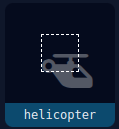
Do not forget that for screens, the Y-axis begins (point 0) at the top, but in the OpenType and TrueType specifications, Y has a beginning at the bottom.
| Option | Type | Description |
|--------|--------------------------------------|--------------------------------------------------------------------------------------------------------------------------------------------------------------------------------------------------------------------------------------------------------------------------------------------------------------------------------------------------|
| x | number | The x-axis displacement of the icon. In basis point (percent / 100) |
| y | number | The y-axis displacement of the icon. In basis point (percent / 100) |
| size | number | 'cover' | 'contain' | Tune the icon size. If a number is passed, the size will be multiplied by it. For example, the icon is 300x500, size = 1.2, then the result will be 360x600. If cover is passed, the icon will fill the entire 512x512 square. If contain is passed, the icon will be inscribed in a 512x512 square. This is default behavior. |
| code | number | Specify Unicode number for this symbol |
References
ots-sanitize - is a program which validates and/or transcodes a font file using the OTS library. Installation:
sudo apt install opentype-sanitizerUsage:
ots-sanitize dist/fonts/icon-font.ttfttfdump - dumps the contents of a TrueType font file in ASCII form. A TrueType font file is consist of various tables. Installation:
sudo apt install texlive-binariesUsage
ttfdump -t head dist/fonts/icon-font.ttf
ttfdump -t OS/2 dist/fonts/icon-font.ttf
TrueFont spec - documentation for the TrueFont tables.