
@jkershaw/harbour
v0.1.0
Published
Zero-dependency local service discovery dashboard
Downloads
82

Maintainers
 wardrox
Readme
Harbour
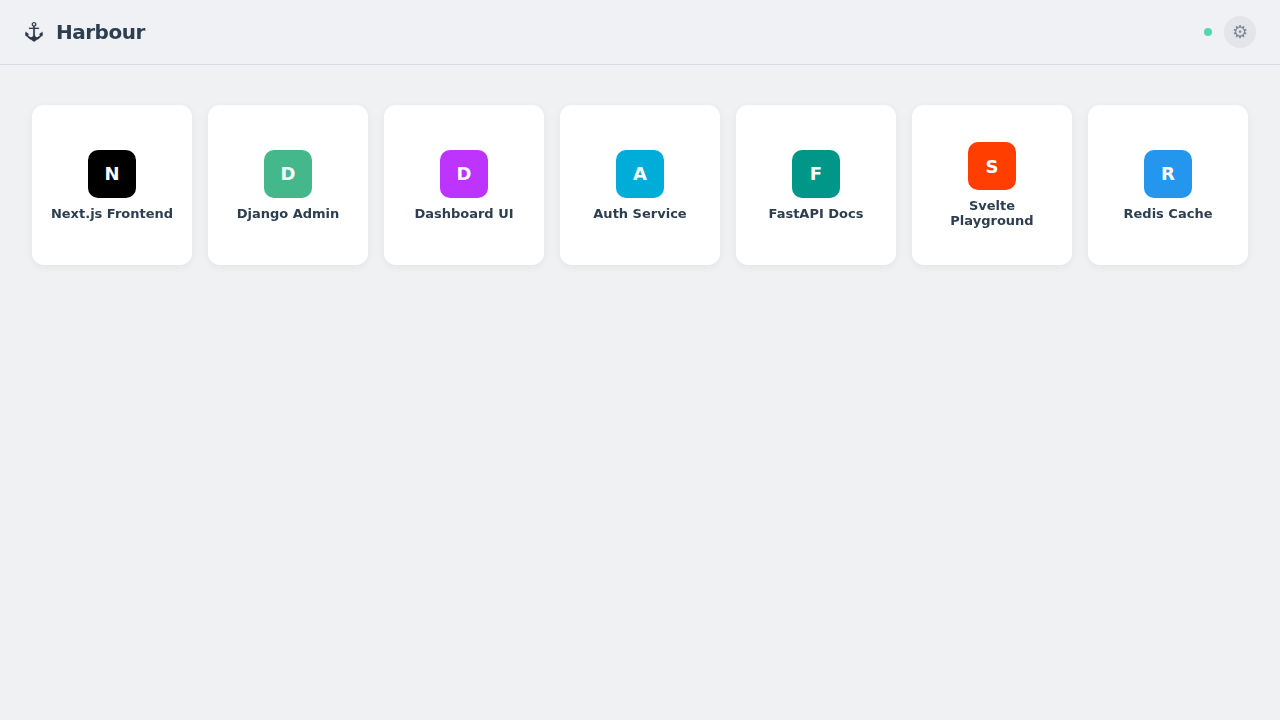
Zero-dependency local service discovery dashboard. One command shows every service running on your machine.
Install
npx @jkershaw/harbourOr install globally:
npm i -g @jkershaw/harbour
harbour
What it does
Harbour scans your machine for listening services and displays them in a visual grid. It auto-detects project names, tech stacks, and favicons — no configuration needed.
- Discovers local services by scanning listening ports
- Identifies frameworks (Next.js, Vite, Django, Rails, Go, Rust, ...)
- Shows project names from package.json, README, pyproject.toml, Cargo.toml, go.mod
- Fetches favicons from running services
- Pin, hide, and bookmark services
- Light and dark themes
Configuration
| Option | Default | Example |
|---|---|---|
| Port (arg) | 2999 | harbour 3000 |
| Port (env) | 2999 | PORT=3000 harbour |
| Data directory | ./data | HARBOUR_DATA_DIR=~/.harbour harbour |
Requirements
Node.js >= 22
Links
- Website: harbour.cat
- Source: github.com/JKershaw/harbour
License
MIT