
@knadh/tinytabs
v3.0.0
Published
A super tiny Javascript library for rendering tabbed UIs.

Maintainers
 knadh
knadhReadme
tinytabs
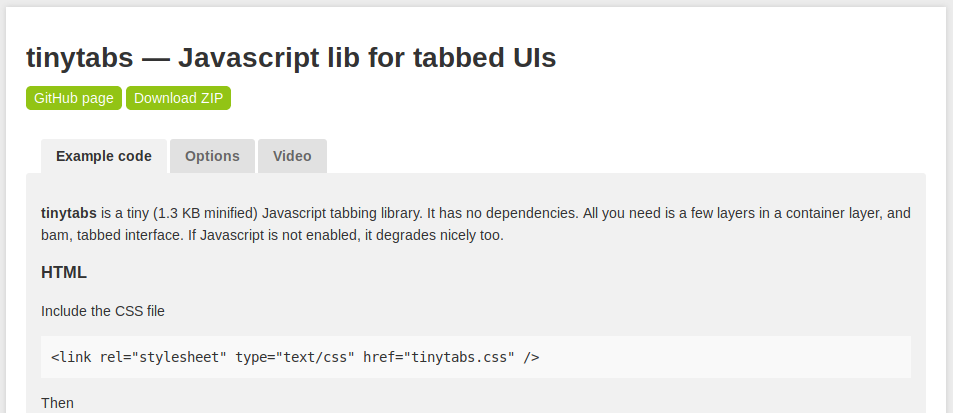
tinytabs is a tiny (~750 bytes minified+gzip) Javascript tabbing library with zero dependencies. I turns HTML markup into a tabbed interface.
Usage
npm install @knadh/tinytabsExample
<!-- Include the CSS file in <head> //-->
<link rel="stylesheet" type="text/css" href="tinytabs.css" />

<!-- Content to turn into tabbed UI //-->
<div id="mytabs">
	<section class="tab-section" id="music" data-name="Music">
		<h3>Music</h3>
		Content here
	</section>
	<section class="tab-section" id="videos" data-name="Videos">
		<h3>Videos</h3>
		Content
	</section>
</div>

<script type="module">
  import tinytabs from '@knadh/tinytabs';

  // Initialize tinytabs.
  tinytabs(document.querySelector("#mytabs"), {});
</script>
Options
The second argument to tinytabs() is an optional configuration object.
| Option | Description | Default |
| :----------- | :------------------------------------------------------------------------------------------------------ | :------------- |
| anchor | If true, clicking a tab updates the URL fragment (#tab-id) allowing direct linking and persistence. | true |
| history | If true (and anchor is true), enables browser Back/Forward button navigation between tabs. | true |
| sectionClass | CSS class applied to each section element that represents tab content. | 'tab-section'|
| tabsClass | CSS class applied to the tabs container. | 'tabs' |
| tabClass | CSS class applied to each individual tab. | 'tab' |
| selClass | CSS class applied to the currently selected tab. | 'sel' |
| onClose | Callback function executed when a tab is closed. Receives the id of the closed tab. | null |
| onBefore | Callback function executed just before a tab becomes active. Receives the id of the tab. | null |
| onAfter | Callback function executed right after a tab becomes active. Receives the id of the tab. | null |
MIT License.