
@legioncli/cli
v2.4.15
Published
**The AI coding agent built for the terminal.** Generate code from natural language, automate tasks, and run terminal commands — powered by **500+ AI models**.


Readme
Legion CLI
The AI coding agent built for the terminal. Generate code from natural language, automate tasks, and run terminal commands — powered by 500+ AI models.
Your AI pair programmer lives in your terminal now. No browser tabs. No switching apps. Just pure productivity.
🚀 Quick Demo
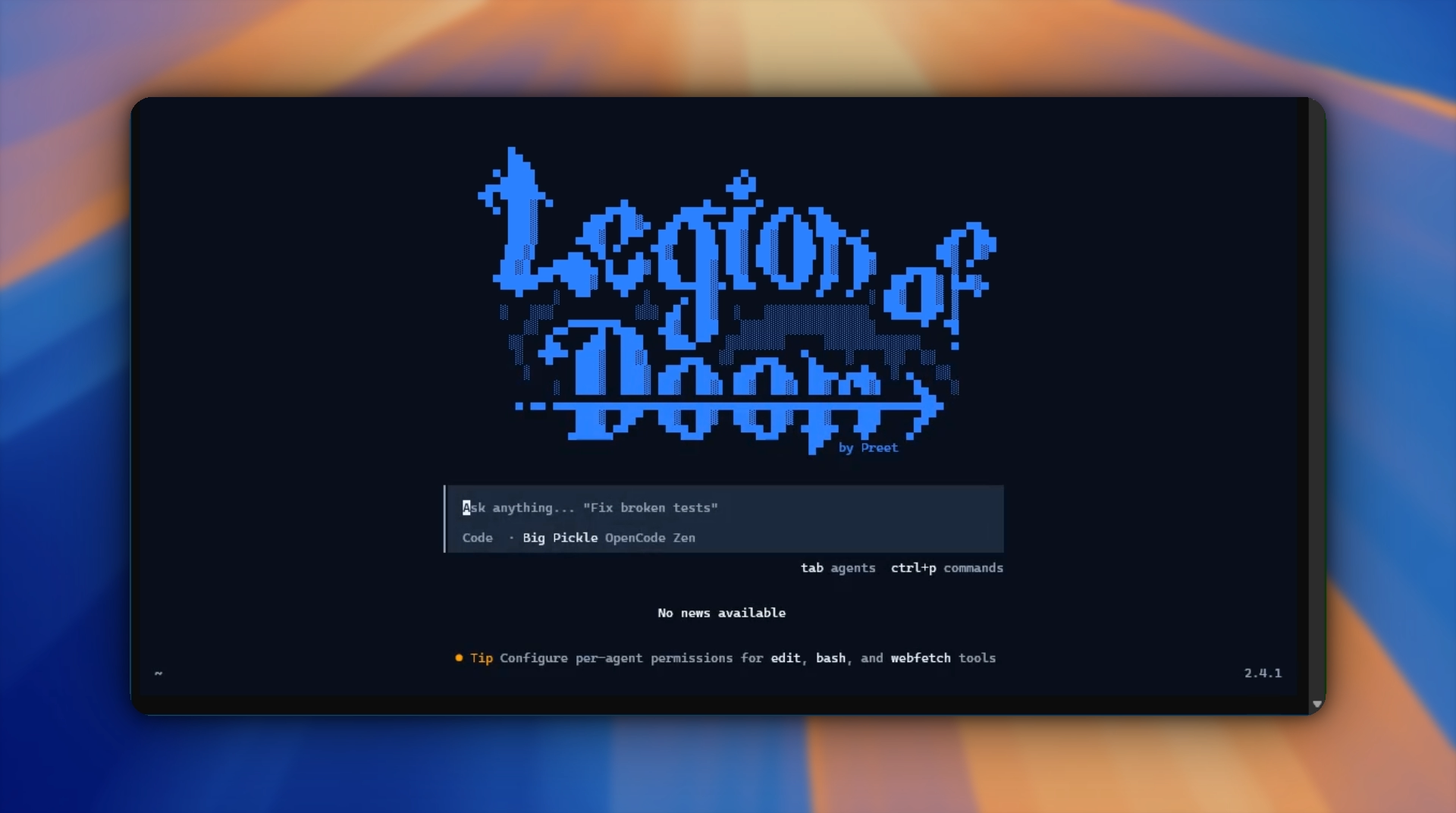
Click the button above to watch Legion turn a natural language request into working code in real-time.
⚡ Install
Get started in literally 30 seconds:
npm install -g @legioncli/cliNo setup. No config files. Just:
legionOr skip the install entirely:
npx @legioncli/cli🎮 Getting Started
Interactive Mode — Chat with Your Agent
legionSpin up a beautiful TUI and have a real conversation with your AI partner. Type naturally. Get code. Done.
One-Shot Mode — Fire & Forget
legion run "add input validation to the signup form"The agent reads your codebase, understands the context, runs the changes, and gets out of your way.
🔥 What Legion Actually Does
💻 Code Generation
Stop copy-pasting from Stack Overflow. Describe what you need in English. Legion writes it, tests it, and explains what it did. Works with any language, any framework.
⚡ Terminal Command Execution
Want the agent to run commands? Let it. Git commits, tests, deployments, environment setup — whatever. You see every command before it executes.
🧠 500+ AI Models on Tap
Not stuck with one LLM. Legion supports:
- OpenAI (GPT-4, o1, o3-mini, and more)
- Anthropic (Claude 3.5, Sonnet, Opus)
- Google (Gemini, all versions)
- Meta, Mistral, Groq, and 50+ others
Pick the right model for the job. Switch on a whim.
🔌 Model Context Protocol (MCP)
Extend Legion's brain with your own tools. Connect to APIs, databases, file systems, anything. The agent can now reach way beyond just code.
🎯 4 Agent Modes (+ Custom)
- Plan Mode — Think through complex problems step-by-step before coding
- Code Mode — Full speed code generation with zero overthinking
- Debug Mode — Feed it errors and broken code, watch it fix things
- Custom Mode — Build your own agent personality with your own system prompt
Pick the vibe that matches your workflow.
💾 Sessions & Persistent Memory
Everything is saved. Pick up a conversation from last week. Export transcripts as markdown or JSON. Your entire conversation history lives in Legion.
🧠 Adaptive Responses
Legion detects your mood. Frustrated? It slows down and explains more. Moving fast? It keeps pace. Excited? It matches your energy.
🛠️ Built-In Power Tools
- Test Runner — Run tests, understand failures, fix them
- Git PR Tools — Create PRs, manage branches, handle merges
- Memory System — Structured memory that persists across sessions
- And more — bash execution, file operations, codebase analysis
🎛️ The Model Picker (New)
We built something special for choosing your AI engine:
- Collapsible Providers — Expand/collapse OpenAI, Anthropic, Google, and 50+ others
- Full Pricing Breakdown — See input/output/reasoning/cache costs upfront before you pick
- Provider Stats — Know how many models each provider has
- Live Model Count — Total available models in your header (spoiler: it's 500+)
Pick the cheapest model for small tasks. Go for the smartest model when it matters.
🔄 Update & Maintenance (Auto-Magic)
# Check for updates and install with confirmation
legion update

# Skip the prompt and update instantly
legion update -y

# Or jump to a specific version
legion upgrade v2.5.0
Smart timeouts protect you on slow networks:
- 15s timeout for checking for new versions
- 120s timeout for the actual upgrade
No hanging. No frozen terminals.
💪 Real-World Examples
Generate a Full Component
legion run "create a React auth form with email/password validation, error handling, and loading states"Debug Production Issues
legion run "we're getting 401s on the checkout endpoint — read the logs and fix it"Automate Your Release
legion run "bump version to 2.1.0, update CHANGELOG, commit, create a git tag, and push"Write Tests for Existing Code
legion run "write comprehensive unit tests for the payment processor function"Refactor Legacy Code
legion run "this function is 200 lines and does 5 things — break it into smaller functions"🎯 Why Legion Hits Different
✅ Zero Context Switching — Everything happens in your terminal. No browser tabs. No Slack notifications breaking your flow.
✅ Understands Your Codebase — Legion reads your files, runs your tests, interprets your errors. It's not guessing.
✅ Actually Executes — It doesn't just write code. It runs commands, creates commits, deploys. You see every step.
✅ You Control the AI — Bring your own API keys. Use any model. Switch providers whenever you want.
✅ Fully Transparent — Every command, every change, every decision is visible to you. You're never flying blind.
✅ Built for Speed — No bloat. No unnecessary confirmations. Fast enough to feel like an extension of your fingers.
📋 Command Reference
| Command | What It Does |
|---------|--------------|
| legion | Launch interactive agent mode |
| legion run "<task>" | Execute a single task |
| legion auth | Configure your API keys |
| legion models | Browse the 500+ models (with pricing) |
| legion mcp | Install and manage MCP servers |
| legion session list | See all saved conversations |
| legion session delete <id> | Remove a session |
| legion export <id> | Export session as markdown/JSON |
| legion update | Check for updates |
| legion upgrade | Jump to a specific version |
Full list: legion --help
📄 License
MIT
Built for developers who move fast and hate context switching.
Keywords: AI coding agent, CLI tool, code generation, terminal, LLM, automation, developer productivity, MCP, multi-model AI