
@llttlltt/poimandres-pi
v0.4.3
Published
pi coding agent theme based on the poimandres VSCode theme

Maintainers
 llttlltt
Readme
poimandres-pi

Pi Coding Agent theme based on the Poimandres VSCode theme.
| poimandres | poimandres storm | poimandres white |
| :---: | :---: | :---: |
| 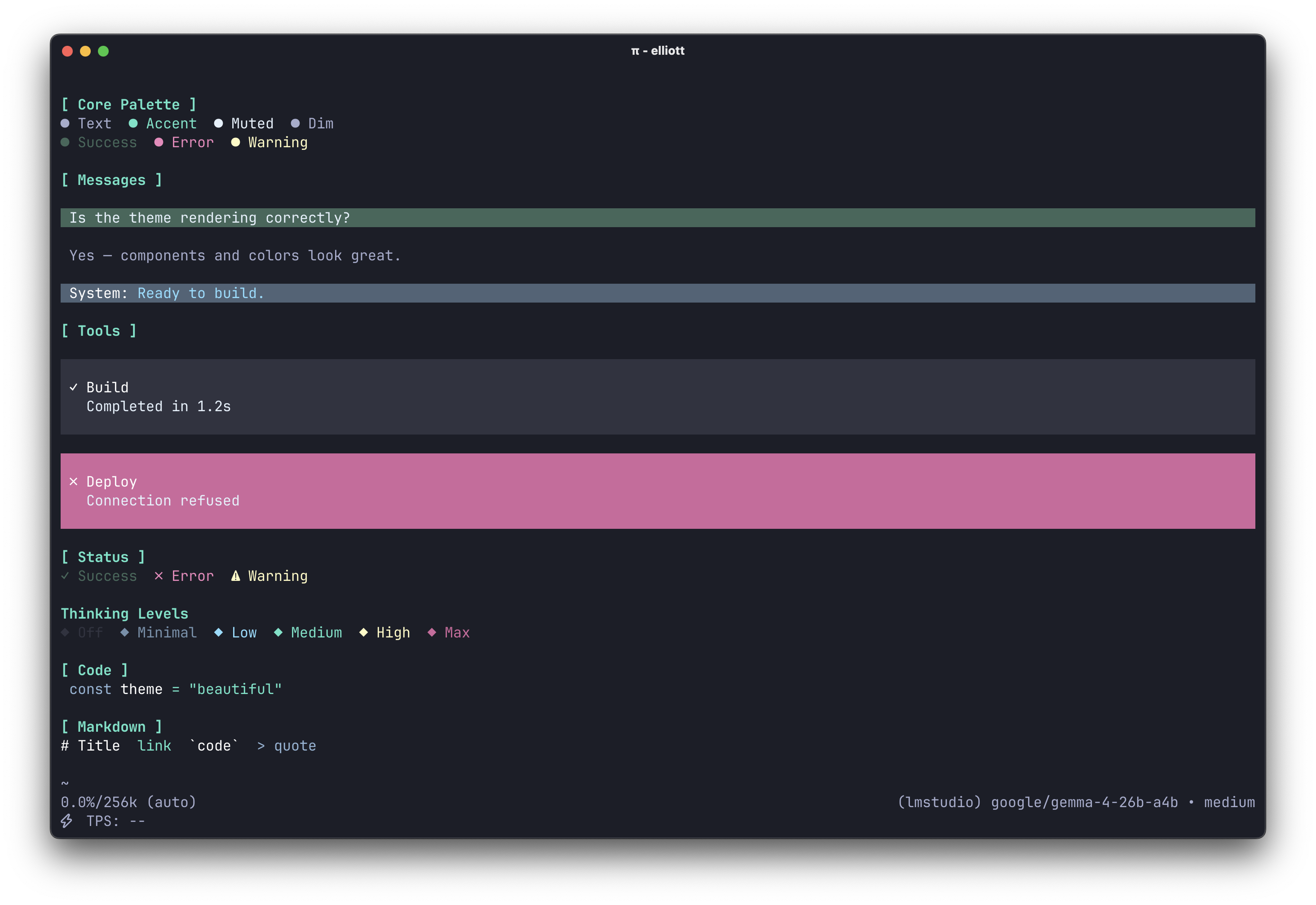 |
| 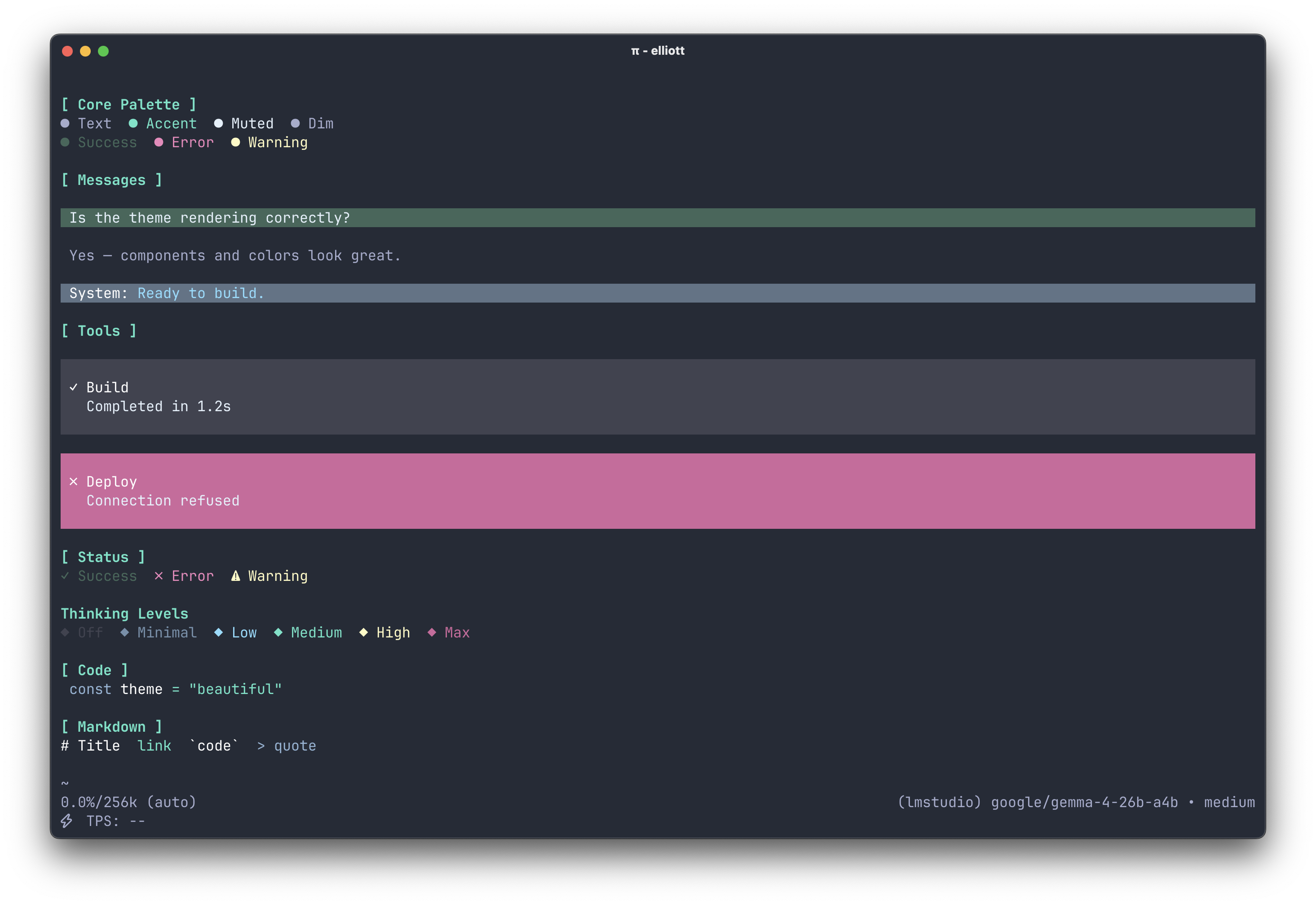 |
| 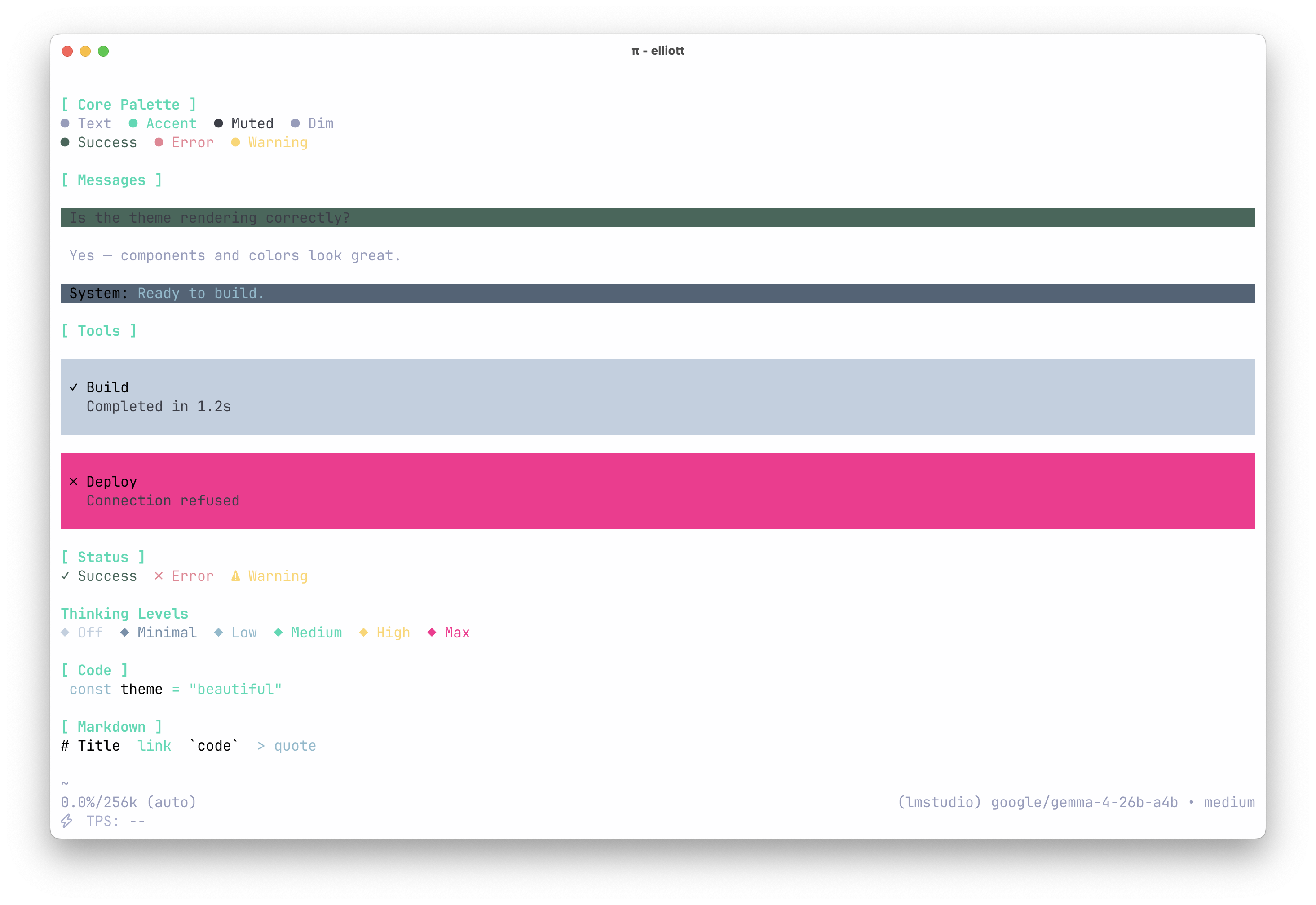 |
|
Installation
# From npm
pi install npm:@llttlltt/poimandres-pi

# From git
pi install git:github.com/llttlltt/poimandres-pi
Then select a theme via /settings or in your settings.json:
{
  "theme": "poimandres"
}
Available theme names: poimandres, poimandres storm, poimandres white.
To try without a permanent install:
pi -e npm:@llttlltt/poimandres-pi
# or
pi -e git:github.com/llttlltt/poimandres-pi
Development
The theme files in themes/pi/ are generated from the upstream poimandres-theme VS Code source, which is included as a git submodule at poimandres-theme/.
Setup
Note:
--recurse-submodulesis required. Without it the upstream theme source will be missing and the build will fail.
git clone --recurse-submodules https://github.com/llttlltt/poimandres-pi.git
cd poimandres-pi
pnpm install
pnpm build

# Verify the generated themes are correct
pnpm test:generated
Commands
| Command | Purpose |
| :--- | :--- |
| pnpm build | Regenerate themes (lint, type-check, unit tests, and clean as a prebuild step) |
| pnpm verify | Lint, type-check, and unit tests — without building |
| pnpm lint | Fix all formatting and lint issues |
| pnpm format | Format source files only |
| pnpm check | TypeScript type-check only |
| pnpm test | Run schema unit tests |
| pnpm test:generated | Verify generated themes after a build |
| pnpm clean:themes | Delete and recreate the themes/ output directory |
🙌 Related
- poimandres-theme: VSCode version
- poimandres-terminal: macOS / iTerm / Windows Terminal version
- poimandres.nvim: Neovim version
- poimandres.zed: Zed version
- poimandres-alacritty: Alacritty version
- poimandres-iterm: iTerm version