
@lofcz/pptxgenjs
v4.1.17
Published
Create JavaScript PowerPoint Presentations

Maintainers
 lofcz
lofczKeywords
Readme
PptxGenJS
Fork of PptxGenJS published as @lofcz/pptxgenjs on npm.
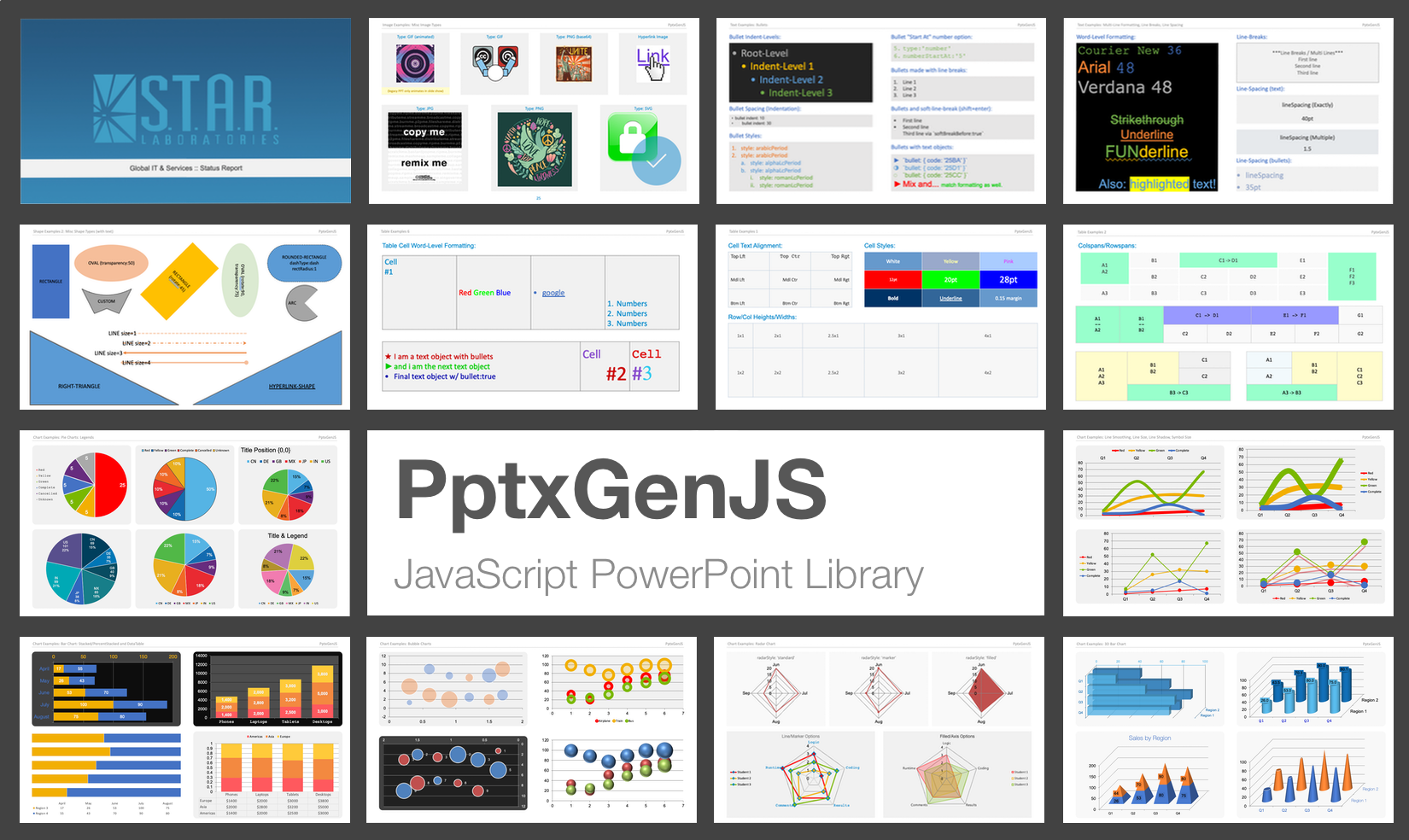


PptxGenJS is a JavaScript library for generating PowerPoint presentations programmatically. It runs in Node.js, browsers, and bundler-based environments (React, Angular, Vite, Webpack, Electron), and requires no PowerPoint installation or license. Output is standards-compliant Open Office XML (OOXML), compatible with Microsoft PowerPoint, Apple Keynote, LibreOffice Impress, and Google Slides (via import). For PowerPoint-specific behavior, see Microsoft's Office implementation notes.
About this fork
This repository is a fork of gitbrent/PptxGenJS, maintained for the PPTist / ScioBot stack and published as @lofcz/pptxgenjs. It tracks hardening work from NEOMA GmbH's distribution (@neo-ma/pptxgenjs):
- Strict null-safety — the entire source compiles under TypeScript
strictNullCheckswith zero non-null assertions (!) and zero uncheckedascasts; null-safety is enforced through explicit types, guard clauses, and validated defaults - Continuous integration — unit, end-to-end, OOXML package-contract tests, and an optional LibreOffice consumer check run on Node.js 20 and 22
- Security — no known vulnerabilities in the published package, and a published security policy
The public API remains compatible with upstream PptxGenJS; existing code and documentation continue to apply.
Requirements
- Node.js 20 or newer
Installation
npm install @lofcz/pptxgenjsyarn add @lofcz/pptxgenjsThe package ships dual ES Module and CommonJS builds. Bundlers select the correct build automatically via the exports field in package.json. The .pptx output can be delivered as a browser download, base64 string, Blob, Buffer, or Node stream.
Quick start
A presentation is created in four steps: instantiate, add a slide, add content, save.
import pptxgen from "@lofcz/pptxgenjs";

// 1. Create a presentation
const pres = new pptxgen();

// 2. Add a slide
const slide = pres.addSlide();

// 3. Add content (text, tables, shapes, images, charts, media)
slide.addText("Quarterly Results", { x: 0.5, y: 0.5, fontSize: 24, bold: true });
slide.addText("Revenue up 12% year over year", { x: 0.5, y: 1.3, fontSize: 14, color: "363636" });

// 4. Write the .pptx file
await pres.writeFile({ fileName: "quarterly-results.pptx" });
When loading the library via a <script> tag rather than a module import, the constructor is the global PptxGenJS (for example, const pres = new PptxGenJS()); the remaining steps are identical.
Documentation
Complete API reference, tutorials, and integration guides are available on the official docs site: https://gitbrent.github.io/PptxGenJS.
Local VitePress docs under docs/ can be previewed with npm run docs:dev.
Issues and support
Report defects and feature requests on the issue tracker, or submit a pull request. When reporting an issue, include a code snippet or a link that demonstrates the problem. See CONTRIBUTING.md for build and test instructions.
Contributors
Thanks to everyone who contributed to the original project and this distribution.
Notable contributions:
- Dzmitry Dulko — initial NPM publication
- Michal Kacerovský — Master Slide layouts and chart expertise
- Connor Bowman — placeholder support
- Reima Frgos — chart and general functionality patches
- Matt King — chart expertise
- Mike Wilcox — chart expertise
- Joonas — react-pptx
PowerPoint shape definitions and portions of the XML generation are derived from the Officegen Project.
License
Copyright © 2015-present Brent Ely, © 2026-present lofcz
Licensed under the MIT License.