
@lucasmarkes/motes
v0.3.0
Published
Procedural, pointer-reactive ASCII fields for the web

Maintainers
 lucasmarkes
Readme
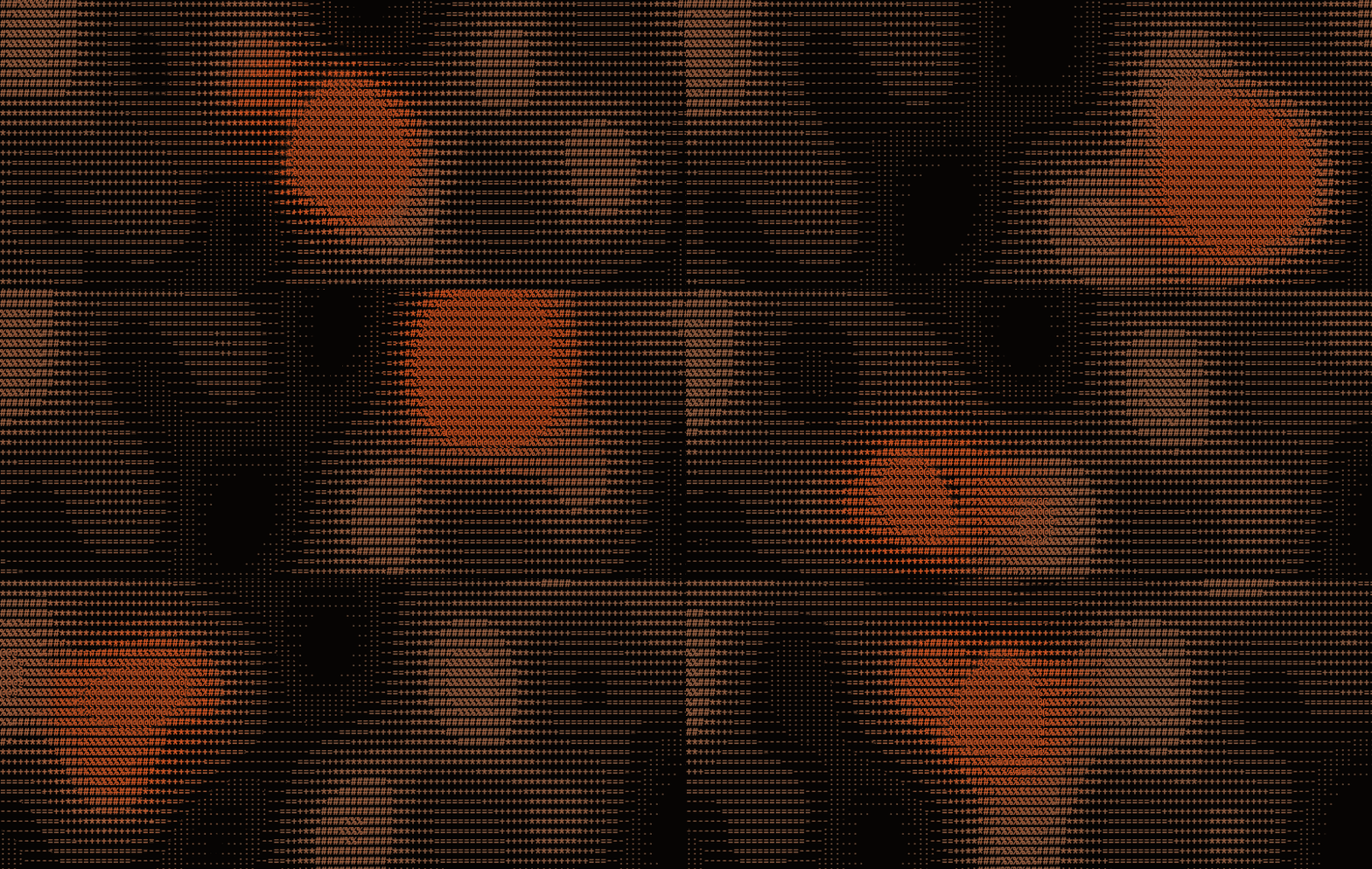
motes
Procedural, pointer-reactive ASCII backgrounds for the web.
A grid of monospace characters, generated in a single WebGL2 fragment shader, that reacts to the cursor in real time. Zero runtime dependencies.
npm i @lucasmarkes/motesUsage
import { createMotes } from '@lucasmarkes/motes'

const field = createMotes(canvas, {
  effect: 'flow',   // 'flow' | 'waves' | 'pulse' | your own
  pointer: true,    // the cursor is a first-class input
})

field.start()
Sizing comes from CSS. Give the canvas a box and the field follows it, across resizes and monitor-to-monitor DPI changes.
Options
| Option | Default | What it does |
| --- | --- | --- |
| effect | 'flow' | Which field function drives the animation. |
| pointer | true | Whether the field reacts to the cursor. |
| radius | 150 | Pointer influence radius, in CSS pixels. |
| force | 1.4 | Pointer force strength. |
| speed | 1.0 | Ambient animation speed multiplier. |
| density | 13 | Cell size in CSS pixels. Smaller is denser. |
| charset | ' .:-=+*#%@' | Dark-to-bright glyph ramp. Index 0 must be a space. |
| accent | '#d8531f' | Colour the field intensifies toward. |
| background | '#050403' | Field background. #rgb, #rrggbb, #rrggbbaa, or 'transparent'. |
| ink | '#827865' | Colour of the ambient glyphs. |
| contrast | 1 | Ambient tone curve gain. Reshapes which glyphs the field reaches for. |
| brightness | 0 | Ambient tone curve bias. Negative thins the field out. |
| respectMotionPreference | true | Freeze ambient motion under prefers-reduced-motion. |
| trail | 0.3 | Phosphor persistence, 0 to 1. |
Instance
field.start()
field.stop()
field.set({ force: 2, effect: 'waves' })  // live-update any subset
field.getOptions()
field.destroy()                            // GL resources, listeners, RAF
Custom effects
An effect is one GLSL function returning 0 to 1. Write it, and the cursor works automatically — you never write pointer code.
import { defineEffect } from '@lucasmarkes/motes'

defineEffect('rain', {
  glsl: `
    float field(vec2 cell, float t) {
      float lane  = fract(sin(cell.x * 91.7) * 4321.0);
      float speed = 0.5 + lane * 1.1;
      float drop  = fract(cell.y * 0.05 - t * speed + lane * 7.0);
      float head  = smoothstep(0.0, 0.05, drop) * pow(1.0 - drop, 5.0);
      return head * (0.55 + lane * 0.45);
    }
  `,
})

createMotes(canvas, { effect: 'rain', pointer: true }).start()
The renderer assembles the fragment shader as common → your field() → shared
pointer pass → main, and the pointer contribution is added after field()
returns. An effect cannot see or override it, which is why the cursor works
without you asking.
React
npm i @lucasmarkes/motes-reactimport { Motes } from '@lucasmarkes/motes-react'
<Motes effect="flow" pointer className="fixed inset-0 -z-10 h-full w-full pointer-events-none" />Troubleshooting
Two CSS traps turn a working renderer into a blank page. In development the field detects each and prints a one-time console warning with the exact fix.
- Field is tiny in a corner.
<canvas>has an intrinsic 300×150 size, so pinning alone (fixed inset-0) does not stretch it —width: autoleaves the inset equation over-constrained and the intrinsic size wins. Addwidth: 100%; height: 100%. - Field draws but nothing shows, behind a negative z-index. When
<html>and<body>both have a background colour,<body>'s stops propagating to the viewport and paints above a negative z-index. Keep the background on exactly one of them, or drop the negative z-index.
Both warnings are development-only and compile out of production builds. Silence
a deliberate layout with <canvas data-motes-quiet>.
Not warned about, but the same family: an absolute negative-z canvas nested in
a positioned parent that has its own opaque background and does not establish a
stacking context — the parent paints over it. fixed (its containing block is
the viewport) sidesteps this; if you must nest, give the parent isolation:
isolate or move its background. Detecting it reliably would mean reimplementing
the stacking-context algorithm, whose wrong answer is a false positive.
Notes
Requires WebGL2. Pointer events are read from the window and hit-tested against
the canvas box, so a field placed behind your content can carry
pointer-events: none — it never swallows a click, and still reacts as the
cursor crosses whatever is stacked on top.
MIT.