@lucassantana/sharekit
v0.6.4
Published
Share your AI coding setup with anyone — one command to install, one to rollback.

Maintainers
 lucassantana
Readme
sharekit
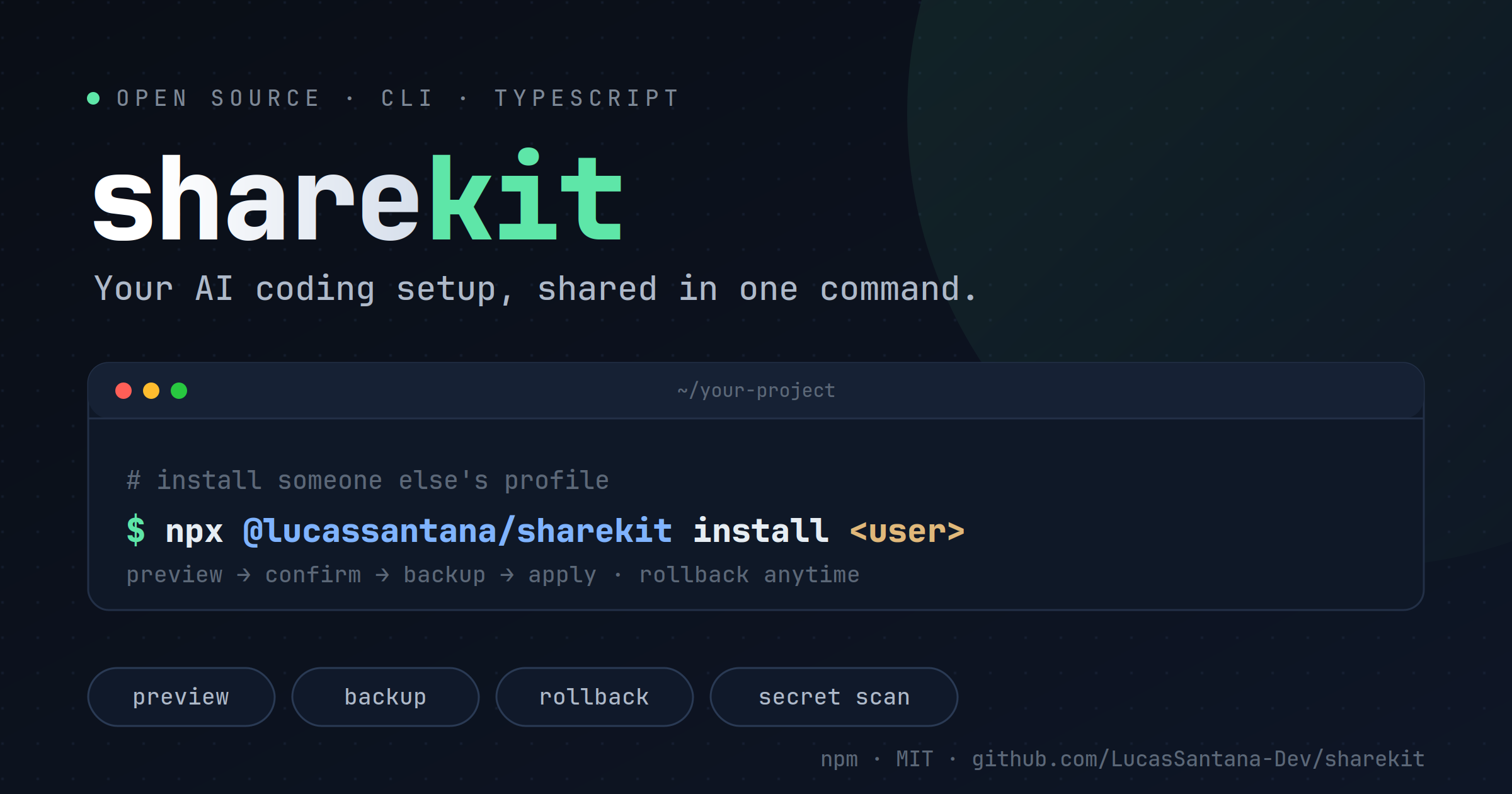
Share your entire AI coding setup in one command.
Distribute your CLAUDE.md, skills, cursorrules, and dotfiles to team members, colleagues, or the public. One command to install. One command to rollback. Built for Claude Code, Cursor, Windsurf, Codex, and more.


Quick Start
Install a profile from GitHub in seconds:
npx @lucassantana/sharekit install <github-user>That's it. sharekit will:
- Fetch the profile from
github.com/<github-user>/sharekit-profile - Show you a preview of changes (files, counts, paths)
- Ask for confirmation
- Back up existing files before overwriting
- Apply the configuration
Undo anytime:
npx @lucassantana/sharekit rollback <github-user>Core Commands
| Command | Purpose |
|---------|---------|
| install <user> | Install a profile and apply its configuration |
| preview <user> | See what would change without applying anything |
| rollback <user> | Restore the last backup for a profile |
| uninstall <user> | Remove an installed profile's files cleanly |
| list | View all installed profiles with versions and dates |
| update <user> | Sync an installed profile to its latest version |
| search [keyword] | Discover published profiles on GitHub |
| init [skills...] | Create a profile from your current ~/.claude |
| scan | Detect secrets before publishing a profile |
How It Works
What Gets Synced
sharekit copies files from a profile into your local environment:
claude/→~/.claude/— CLAUDE.md, skills, settings, hooks, standardscursor/→~/.cursor/— Cursor IDE configurationopencode/→~/.config/opencode/— OpenCode configurationgjc/→~/.gjc/— gajae-code configurationshared/→~/— Root dotfiles and shared config
Files are copied as-is (TOML, text, binary). Use preview to spot conflicts before applying.
Pinning Versions
Track a specific version or branch instead of HEAD:
npx @lucassantana/sharekit install <github-user>@v1.0     # tag
npx @lucassantana/sharekit install <github-user>@stable   # branch
Update only works on HEAD-tracked profiles. Pinned refs are skipped.
Hooks & Safety
Sharekit gates two types of executable files by default: hooks in .claude/settings.json and shell startup files in shared/. Both are flagged but not installed by default because they run commands under your account and require explicit trust.
Hooks in settings.json
Settings files (.claude/settings.json) may define hooks that run shell commands. After reviewing a profile in preview, install hooks with:
npx @lucassantana/sharekit install <github-user> --include-hooksYou'll get a second confirmation before the settings file is written.
If you already have a ~/.claude/settings.json, it is merged, not replaced. Your file wins: every key you have stays exactly as is. Re-running is idempotent. Only the hooks key is touched: no other profile key (permissions, env, statusLine, ...) is copied into your file. Within an event, if you already have a hook group with the same matcher, only the profile's inner hooks whose type and command are missing are added to it; otherwise the whole group is appended. If your file is not valid JSON it is left untouched, a warning is printed, and the other profile files still apply. With no existing file, the profile's settings.json is written as-is. The plan lists it as merged (hooks), and rollback restores your original file byte for byte.
Executable dotfiles in shared/
Shell startup files in shared/ like .zshrc, .bashrc, .profile, .xinitrc and similar files are automatically skipped for security — these are sourced on every shell startup and could execute arbitrary code when you open a terminal. Review the profile in preview, then optionally include them:
npx @lucassantana/sharekit install <github-user> --include-dotfilesYou'll get a second confirmation before dotfiles are written.
Both flags also work with update and are independent—you can install hooks without dotfiles, dotfiles without hooks, or both.
Discover Profiles
GitHub is the registry. Find published profiles by searching for repos named sharekit-profile:
npx @lucassantana/sharekit search              # list all profiles
npx @lucassantana/sharekit search react        # filter by keyword
Each result includes the one-liner to install it.
Manage installed profiles:
npx @lucassantana/sharekit list        # see installed profiles + versions
npx @lucassantana/sharekit update user  # sync to latest (HEAD-tracked only)
Publish Your Own Profile
Create a GitHub repository named sharekit-profile with this structure:
sharekit-profile/
├── sharekit.toml
├── .gitignore
├── claude/           (→ ~/.claude/)
│   ├── CLAUDE.md
│   ├── skills/
│   │   ├── skill-1/SKILL.md
│   │   └── skill-2/SKILL.md
│   ├── settings.json
│   └── standards/
├── cursor/           (→ ~/.cursor/)
│   └── settings.json
├── opencode/         (→ ~/.config/opencode/)
├── gjc/              (→ ~/.gjc/)
└── shared/           (→ ~/)
    └── .cursorrules
Profile Metadata: sharekit.toml
[profile]
name = "My Setup"
version = "1.0.0"
description = "Claude Code + Cursor config with custom skills and standards"
Subdirectories automatically mirror to their targets: claude/ → ~/.claude/, cursor/ → ~/.cursor/, opencode/ → ~/.config/opencode/, gjc/ → ~/.gjc/, shared/ → ~/.
Scaffold from Your Config
Bootstrap a profile repo from your current setup:
npx @lucassantana/sharekit init                    # copy CLAUDE.md + all skills
npx @lucassantana/sharekit init skill-1 skill-2   # copy specific skills only
This creates a ready-to-push sharekit-profile/ directory.
Security Check Before Publishing
Always scan for secrets before pushing:
npx @lucassantana/sharekit scan ./sharekit-profileThe scanner detects:
- High-severity (blocks): Private keys, AWS/GitHub/Slack/Google API tokens, bearer tokens
- Medium/Low (warns): Sensitive env variable names, home-path leaks
Override a block (after manual review) with:
npx @lucassantana/sharekit scan ./sharekit-profile --forceYou are responsible for ensuring no real secrets escape. The scanner is best-effort. Always review the profile and .gitignore sensitive files before git push.
Supported Tools
sharekit works with any tool that stores config in ~/, ~/.claude/, ~/.cursor/, or similar:
- ✅ Claude Code — CLAUDE.md, skills, settings, hooks, standards
- ✅ Cursor — settings.json, keyboard shortcuts
- ✅ Windsurf — configuration
- ✅ Codex — setup files
- ✅ VS Code — via
shared/dotfiles - ✅ Neovim — via
shared/dotfiles - ✅ Any tool with home-relative paths
Security Model
- Hooks are never auto-installed. Settings with hooks are flagged in
previewand skipped. Merge them manually after reviewing. - Preview before applying.
sharekit previewshows exact diffs (new/changed/unchanged counts, file paths) — inspect before any write. - Everything is backed up. Changed files are saved to
~/.sharekit/backups/<user>-<timestamp>/before apply.rollbackrestores them instantly.
For the full trust model, path assumptions, and responsible disclosure policy, see SECURITY.md.
Status & Roadmap
- ✅ Install, preview, rollback, update
- ✅ Profile discovery via GitHub
- ✅ Version pinning (tags, branches)
- ✅ Backup & restore
- ✅ Hook safety gating
- ✅ Secret scanning
- ⏳ Multi-tool merge logic (planned)
File-copy only for now—no smart merging. Use preview to spot conflicts.
License
MIT — Share freely.
Made with ❤️ by Lucas Santana. Contribute on GitHub.