
@lucidquery/lucidcode
v0.1.5
Published
Plan it, build it: An AI coding agent for your terminal, powered by LucidQuery.

Maintainers
 damianbraun2234
Readme
LucidCode
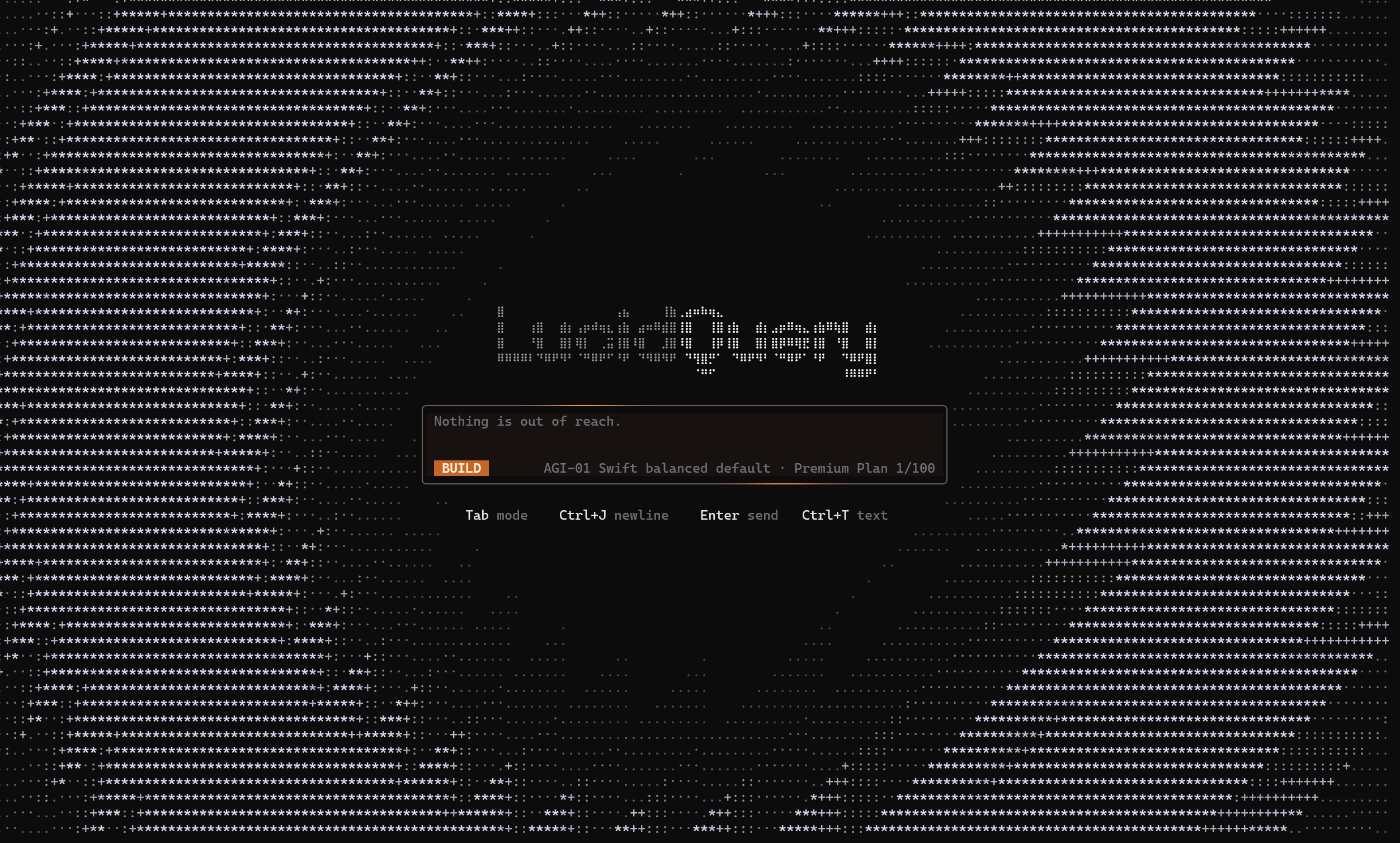
Plan it, build it: An AI coding agent for the terminal that reads your codebase, plans the work, and writes code with you. Powered by LucidQuery.
Read more at lucidquery.com/lucidcode
Why LucidCode
- Terminal native from the start. Stay in your shell and work where your code already lives.
- Agentic, not autocomplete. LucidCode reads files, searches your repo, runs commands, and applies edits as reviewable diffs.
- Plan, then build. Use Plan mode to map the change first, then Build mode to carry it through.
- Built for real projects. LucidCode works inside the directory you launch it in and keeps every change visible.
- Control on your terms. Approval modes let you decide when LucidCode can act.
Powered by LucidQuery AGI-01
LucidCode leverages the full power of the LucidQuery AGI-01 family for coding work that goes beyond single-file suggestions.
AGI-01 Swiftfor fast everyday coding, repo exploration, and quick iterationAGI-01 Frontierfor harder multi-file changes, deeper reasoning, and more demanding tasks
From quick fixes to larger builds, LucidCode brings LucidQuery intelligence directly into your terminal.
Install
npm install -g @lucidquery/lucidcodeStart
lucidcodeQuick start
- Run
lucidcodeinside your project. - Connect with
/loginusing free access, your LucidQuery subscription, or an API key. - Describe the task in plain English.
- Press
Tabto move between Plan and Build. - Review diffs, approve actions, and let LucidCode carry the change through.
Requirements
- Node.js 22 or newer
- macOS, Linux, or Windows
Learn more
- Website: https://lucidquery.com
- Product page: https://lucidquery.com/lucidcode
- GitHub: https://github.com/Lucidquery/LucidCode
- Issues: https://github.com/Lucidquery/LucidCode/issues