
@malsuke/react-hex-viewer
v1.0.5
Published
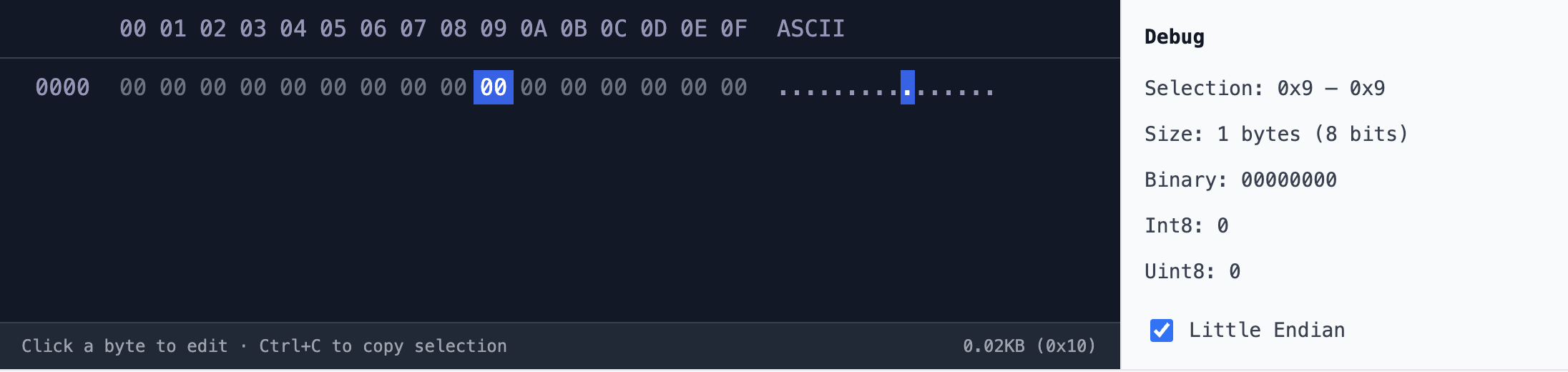
A React component to display and edit hex data.


Readme
react-hex-viewer
A React component to display and edit hex data.
Install
npm install @malsuke/react-hex-vieweror
yarn add @malsuke/react-hex-vieweror
pnpm add @malsuke/react-hex-viewerUsage
Basic Usage
import { HexViewer } from '@malsuke/react-hex-viewer'

export default function App() {
  return (
    <HexViewer
      hexString="48656c6c6f2c20576f726c642120f09f918b"
      editable={true}
      showDebugPanel={true}
    />
  )
}
With Next.js (next/font)
For the best experience, it is recommended to use a monospace font. If you are using Next.js, you can use next/font to load a font and pass it to the fontFamily prop.
import { JetBrains_Mono } from 'next/font/google'
import { HexViewer } from '@malsuke/react-hex-viewer'

const jetbrainsMono = JetBrains_Mono({
  subsets: ['latin'],
  display: 'swap',
})

export default function Page() {
  return (
    <HexViewer
      hexString="48656c6c6f2c20576f726c642120f09f918b"
      fontFamily={jetbrainsMono.style.fontFamily}
    />
  )
}
Props
| Property | Type | Default | Description |
| --- | --- | --- | --- |
| hexString | string | '00000000000000000000000000000000' | The hex string to display (2 characters = 1 byte). |
| fontFamily | string | undefined | The font family to use for the hex viewer. |
| showDebugPanel | boolean | true | Whether to show the debug panel on the right side. |
| editable | boolean | true | Whether the hex values can be edited. |
| className | string | '' | Additional CSS class for the root container. |