
@manushanboss/react-music-visualizer
v0.3.1
Published
A React music visualizer component library

Maintainers
 manushanboss
Readme
🎧 react-music-visualizer
A customizable React component for creating dynamic, real-time music visualizations using an audio file.
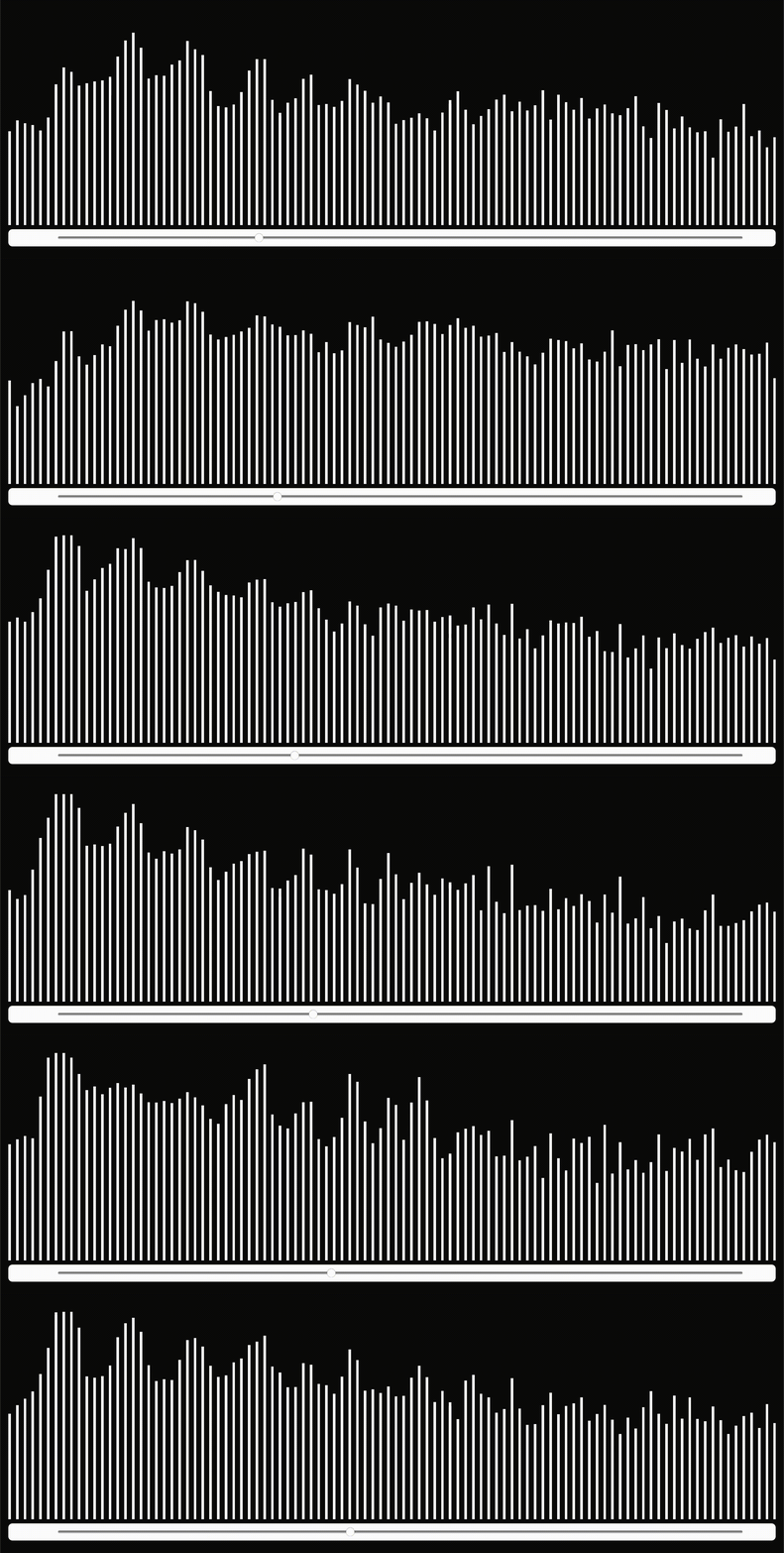
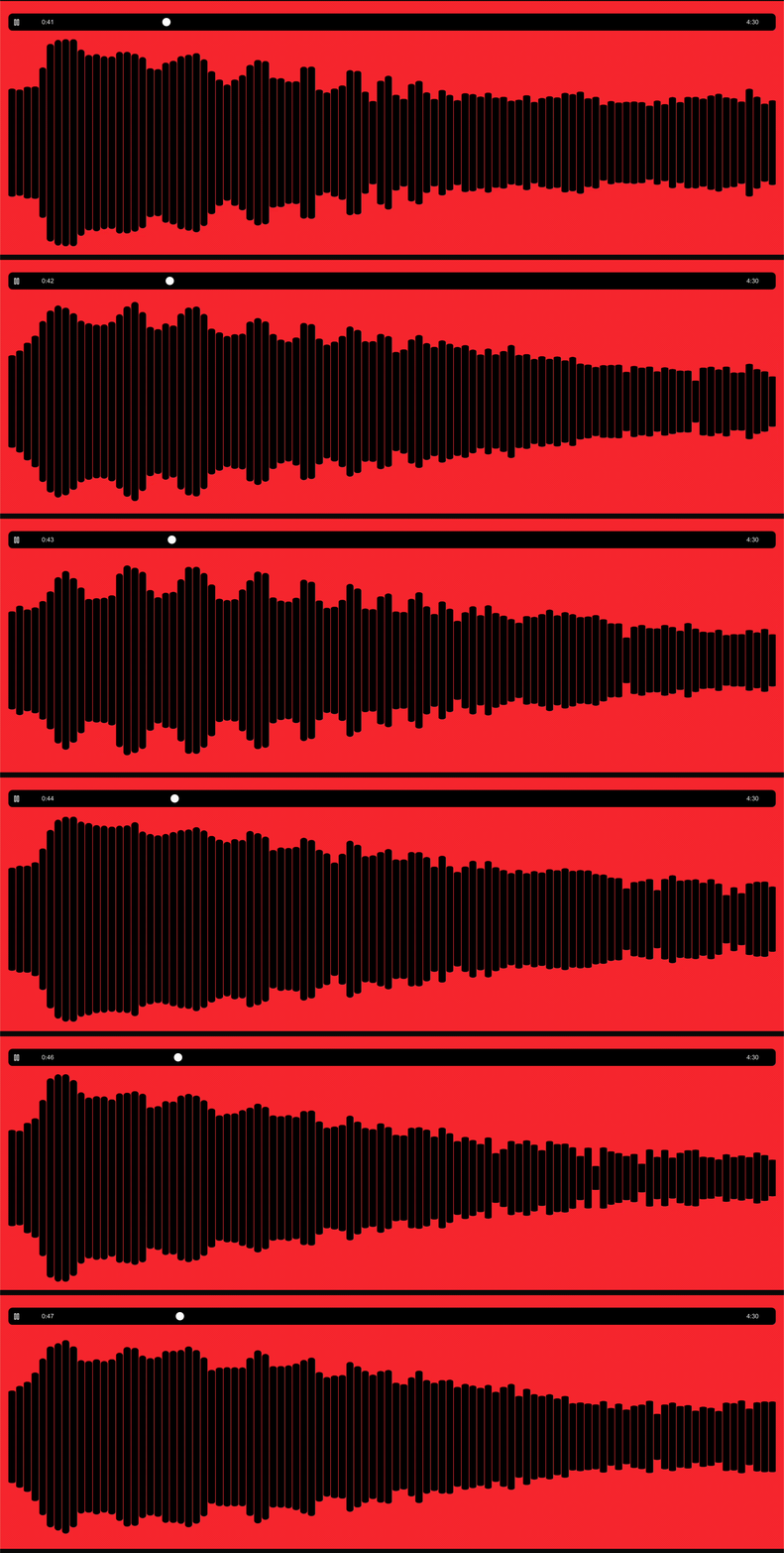
🚀 Features
- Pass an audio file via a
songprop - Logarithmically distributed frequency bars
- Smooth animated transitions
- Optional player controls and scrubber
- Gradient or solid color bars
- Configurable FFT, frequency range, bar count, and more
📦 Installation
npm install @manushanboss/react-music-visualizer
# or
yarn add @manushanboss/react-music-visualizer
🧠 Usage
import AudioVisualizer from "react-music-visualizer";

function App() {
  return (
    <AudioVisualizer
      song="/audio/song.mp3"
      showPlayer={true}
      showScrubber={true}
      playerPosition="bottom"
      color="#4E80EE"
      colorGradient={["#ff00cc", "#3333ff"]}
      height={200}
      numBars={80}
      fftSize={4096}
      startFreq={20}
      endFreq={20000}
      graphStyle="centered"
      barStyle="rounded"
      gapWidth={2}
    />
  );
}
📐 Props
| Prop | Type | Default | Description |
| ---------------- | ------------------------- | ------------ | ------------------------------------------------------------- |
| song | string | Required | Path to the audio file to visualize |
| showPlayer | boolean | true | Show the play/pause button |
| showScrubber | boolean | true | Show the seek bar |
| playerPosition | "top" / "bottom" | "bottom" | Position of the player controls relative to the visualization |
| color | string | #4E80EE | Bar color if no gradient is provided |
| colorGradient | [string, string] | undefined | Gradient colors for bars (from bottom to top) |
| height | number | 60 | Height of the visualizer container in pixels |
| numBars | number | 30 | Number of frequency bars |
| fftSize | number | 4096 | FFT size (must be power of 2) |
| startFreq | number | 20 | Lowest frequency in Hz to visualize |
| endFreq | number | 20000 | Highest frequency in Hz to visualize |
| graphStyle | "centered" / "bottom" | "bottom" | Whether bars grow from the center or base |
| barStyle | "square" / "rounded" | "rounded" | Bar shape style |
| gapWidth | number | 1 | Space between bars in pixels |
🐛 Debugging Tips
If things aren't working as expected, check the following:
✅ No visual bars?
- Confirm the
songfile path is accessible in the browser (try opening it directly). - Make sure no
audioElementis being passed—onlysongis supported.
- Confirm the
✅ Bars not animating smoothly?
- Some environments may not interpret Tailwind utility classes like
duration-150. This package uses CSS transitions directly for compatibility.
- Some environments may not interpret Tailwind utility classes like
✅ Play button not showing?
- Ensure
showPlayer={true}is set and you’re not trying to control the audio externally.
- Ensure
✅ Audio doesn’t play on click?
- Browsers may block autoplay without interaction. Click the play button manually to initialize the AudioContext.
✅ Console warnings?
- FFT size must be a power of 2 (e.g., 512, 1024, 2048, 4096, 8192).
numBarsmust be less than or equal tofftSize / 2.
📝 License
MIT