
@marttinn/mdpreview
v0.2.0
Published
Markdown preview in your terminal — big headings, real images, drawn mermaid diagrams. Zero runtime dependencies, runs on Node.
Downloads
445

Maintainers
 marttinn
Readme
mdpreview
Markdown, preview in your terminal — the way a browser would show it, mapped to what a terminal can show. Zero dependencies
mdpreview README.md              # render
mdpreview --tui doc.md           # full-screen pager: j/k scroll, / search, q quit
mdpreview --tui --watch doc.md   # live preview, re-renders on save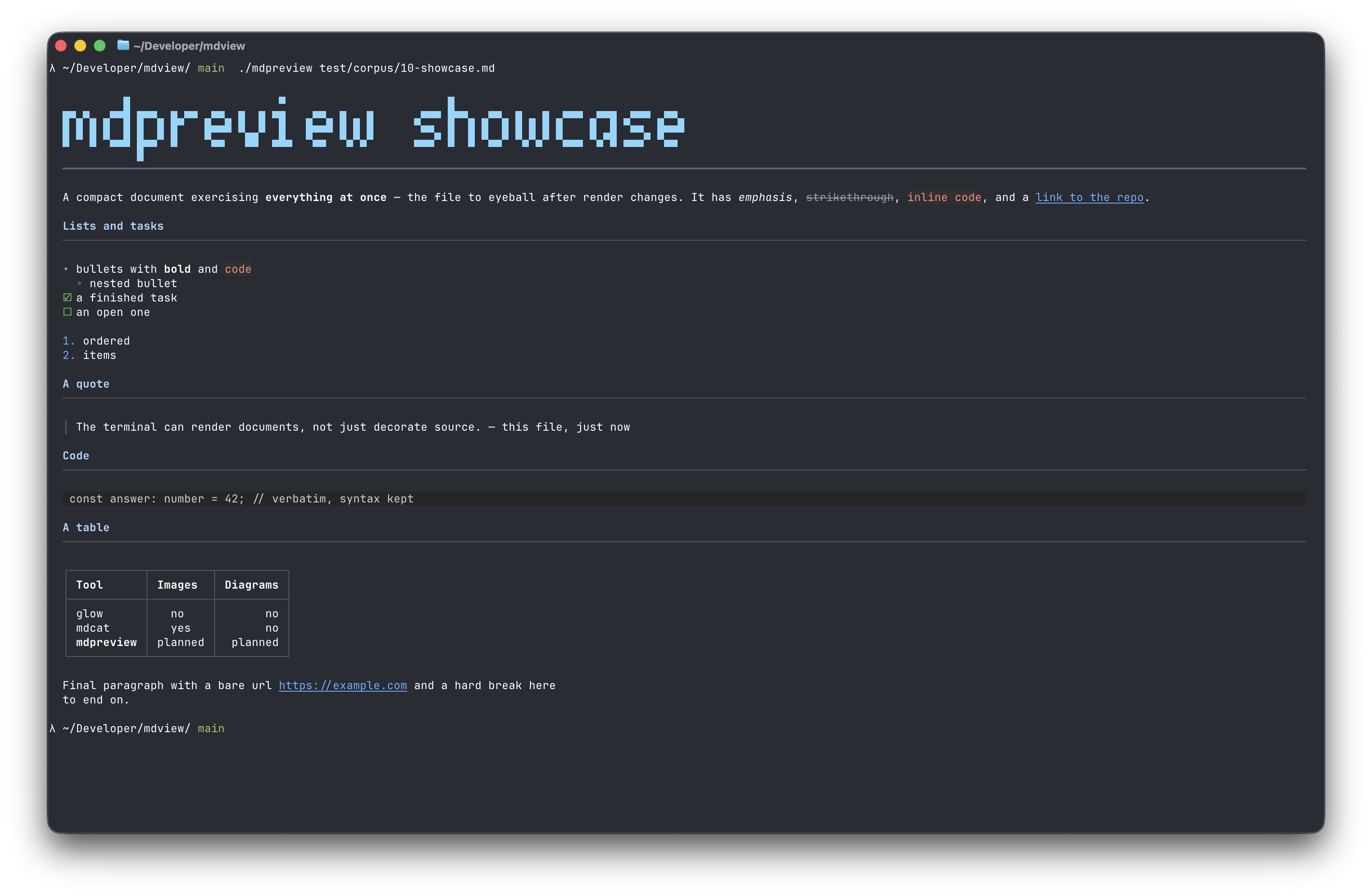
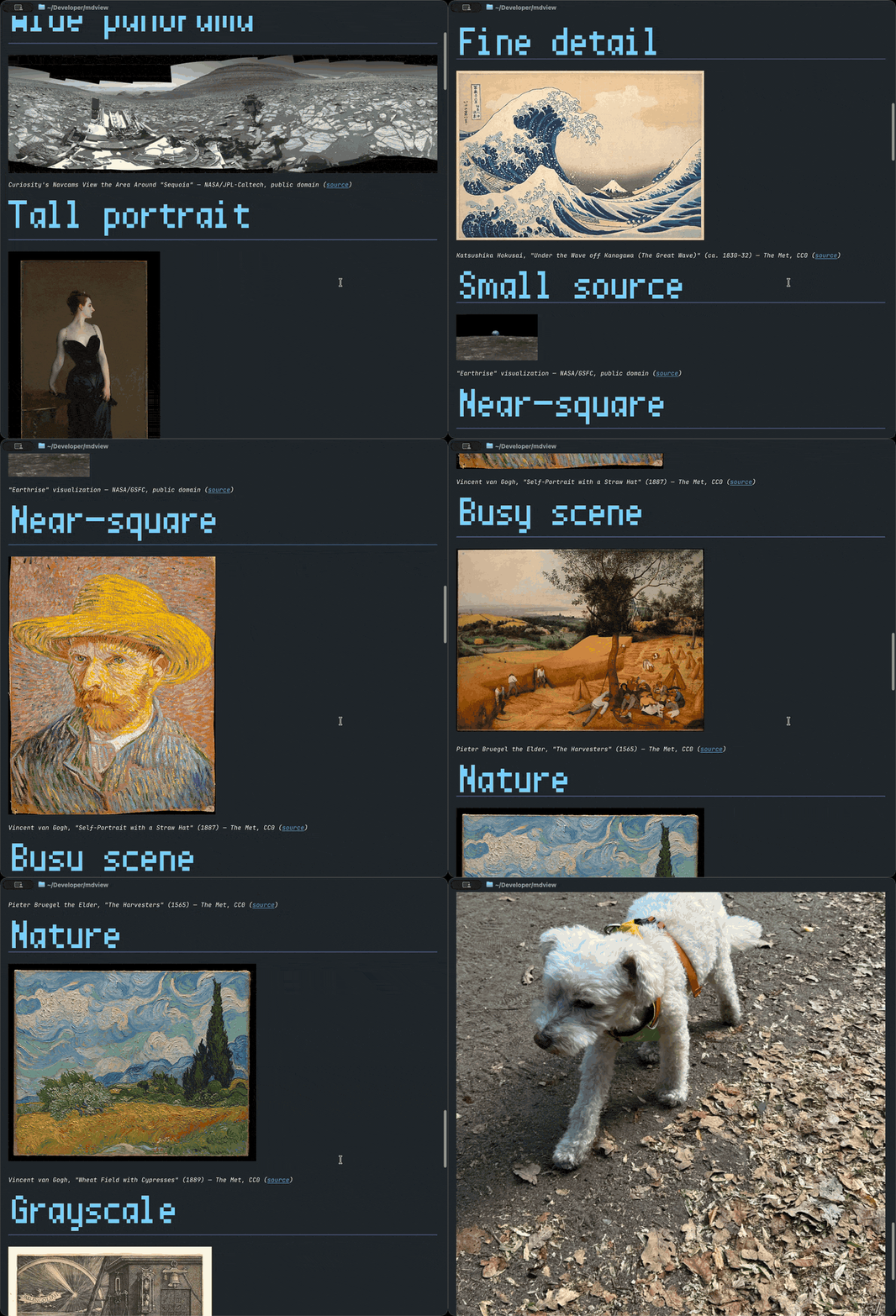
Real pixels, in a terminal — examples/gallery.md, artworks via The Met Open Access.
Install
npm install -g @marttinn/mdpreview # or try it first: npx @marttinn/mdpreview README.mdRequires Node ≥ 22. Also runs on Bun, which adds JPEG/WebP/GIF image decoding (Node renders PNG only).
Or build a standalone binary from a clone: bun run build:binary → ./mdpreview.
What renders
- Headings become visual hierarchy: h1 draws big everywhere — true double-height glyphs where a protocol exists (iTerm2/WezTerm/xterm, kitty), a built-in pixel font in every other terminal
- Images render as real pixels (kitty/iTerm2 graphics, JPEG auto-transcoded)
or as universal cell-art mosaics — including inside the pager (
--images) - Tables become box-drawn aligned grids; links clickable text (OSC 8); paragraphs reflow to your width
- Mermaid flowcharts (flattened subgraphs, long links, feedback cycles), responsive sequence diagrams (loop/alt frames, notes), pie charts, and git graphs draw as diagrams, laid out by mdpreview's own engine — no headless browser
Zero dependencies
"dependencies": {} — parser, layout, renderer, diagrams, and pixel font are
all in this repo, on the Node stdlib alone. Safe on
untrusted files: terminal-escape bytes are stripped at parse time.
Credits
- Image rendering: in kitty/Ghostty and iTerm2/WezTerm the terminal draws
the real pixels — mdpreview base64-wraps the bytes in the terminal's graphics
protocol (kitty graphics,
iTerm2 inline images) and the
terminal decodes them. PNGs are decoded in-repo for the universal sextant
cell-art fallback; under Bun,
Bun.Imagealso transcodes JPEG/WebP → PNG for kitty (which is PNG-only) and decodes them for cell art — still zero npm dependencies. - Big-heading font: clR5×10 from the Schumacher "clean" bitmap family,
© 1989 Dale Schumacher, freely redistributable. Embedded as generated bitmap
data (
tools/make-blockfont.ts), drawn as half-blocks with edge-collision kerning. - Example gallery (
examples/gallery.md): artworks by Sargent, Hokusai, Van Gogh, Bruegel, and Dürer via The Met Open Access (CC0), plus NASA image library photos (public domain). Per-image credits inline in the file.