
@mdless/cli
v1.2.1
Published
Mind less, ship more. Agent loops for Claude Code projects.


Readme
@mdless/cli
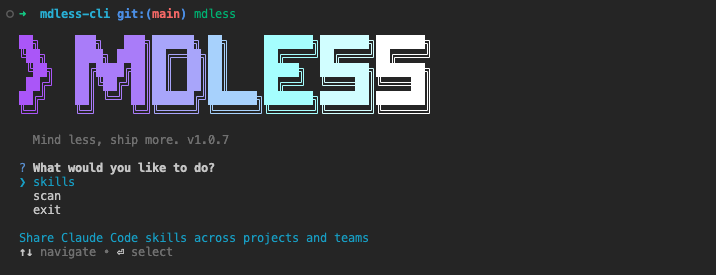
Mind less, ship more.
Run custom Claude Code agent loops from plain markdown prompts in your repo.
📦 Installation
Run instantly with npx
npx @mdless/cliInstall globally with npm
npm install -g @mdless/cli🧠 The idea
An agent is just a markdown file. Drop your prompts into .mdless/agents/ and
each file becomes a looping Claude Code agent.
.mdless/
└── agents/
    ├── curator.md     →  agent "curator"
    ├── developer.md   →  agent "developer"
└── reviewer.md → agent "reviewer"- One markdown file = one agent.
- The file name is the agent name (
reviewer.md→reviewer). - The file contents are the agent's prompt — write whatever instructions you want.
Get started with the bundled defaults:
mdless initThis copies a few example prompts into .mdless/agents/. Edit them, rename them,
add your own — anything in that folder counts as an agent.
🚀 Running agents
Run a single agent
mdless agent <name>Runs the agent in .mdless/agents/<name>.md on a loop: it executes Claude Code,
waits, then runs again. For example, mdless agent reviewer loops
.mdless/agents/reviewer.md.
Logs are written to .mdless/logs/<name>.log. Stop with Ctrl-C.
Run every agent at once (tmux)
mdless workDiscovers every prompt in .mdless/agents/ and launches each one as its own
looping agent inside a single tmux session, split side by side.
- Detach from the session:
Ctrl-b d - Re-attach later: just run
mdless workagain - Kill everything:
tmux kill-session -t mdless-<repo>
mdless work must be run inside a git repository and needs tmux, gh
(authenticated), and claude available on your PATH. Missing tools are
installed automatically where possible.
📋 Command reference
| Command | What it does |
| --------------------- | ------------------------------------------------------- |
| mdless | Interactive menu |
| mdless init | Copy the default agent prompts into .mdless/agents/ |
| mdless agent <name> | Loop a single agent from .mdless/agents/<name>.md |
| mdless work | Loop every agent in .mdless/agents/ in a tmux session |
📄 License
MIT — go wild.