
@mdxstudio/cli
v0.3.0
Published
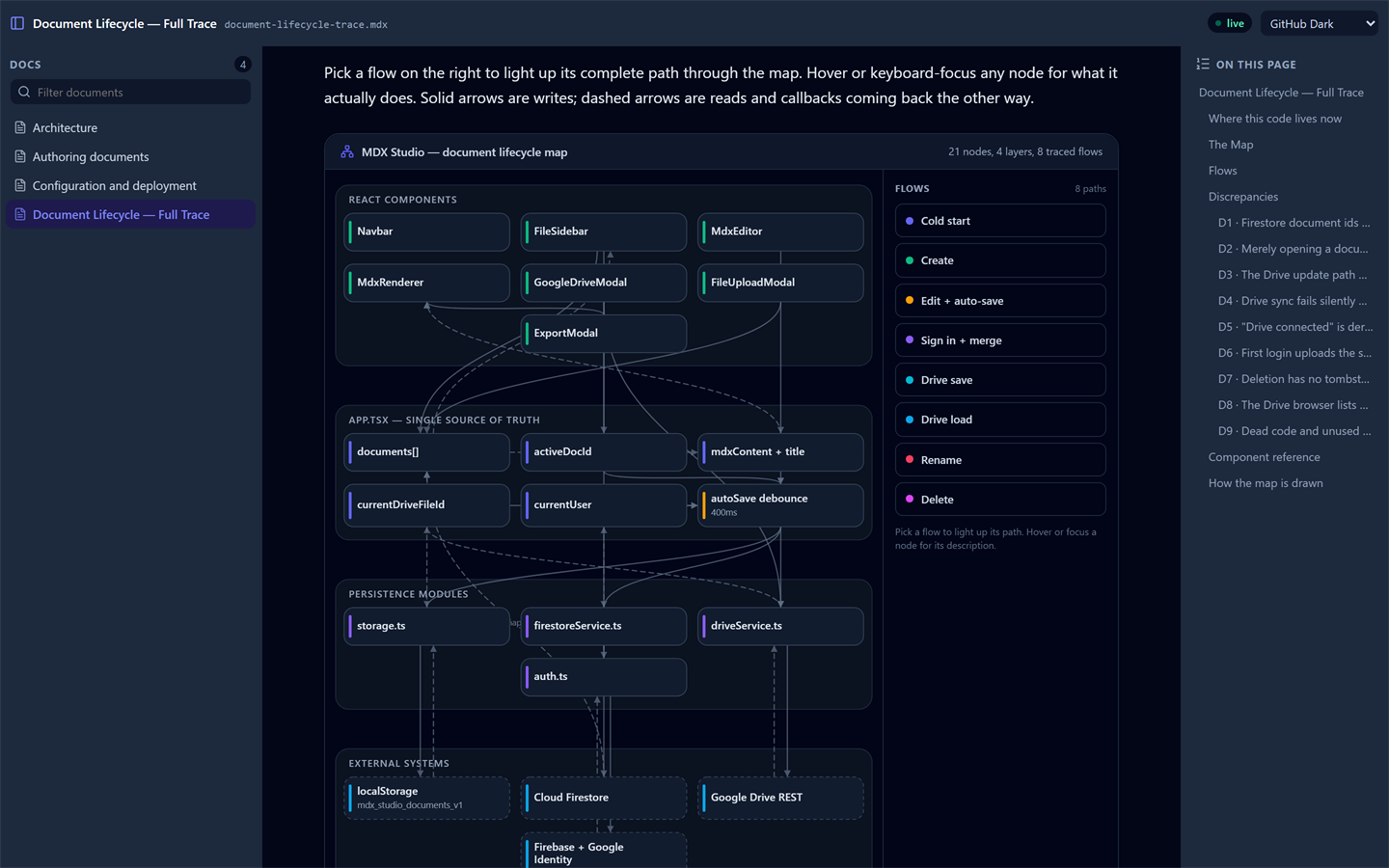
Browse a whole folder of MDX and Markdown documents in the browser, with a navigable sidebar and live reload.

Maintainers
 sdonthi
Readme
@mdxstudio/cli
Read a folder of MDX documents in your browser. Point it at a directory, get a sidebar of everything in it, and edits show up without a refresh.
npx @mdxstudio/cli serve ./docsNo install, no config, no build step in the folder you are reading — it does not need to be a JavaScript project at all.
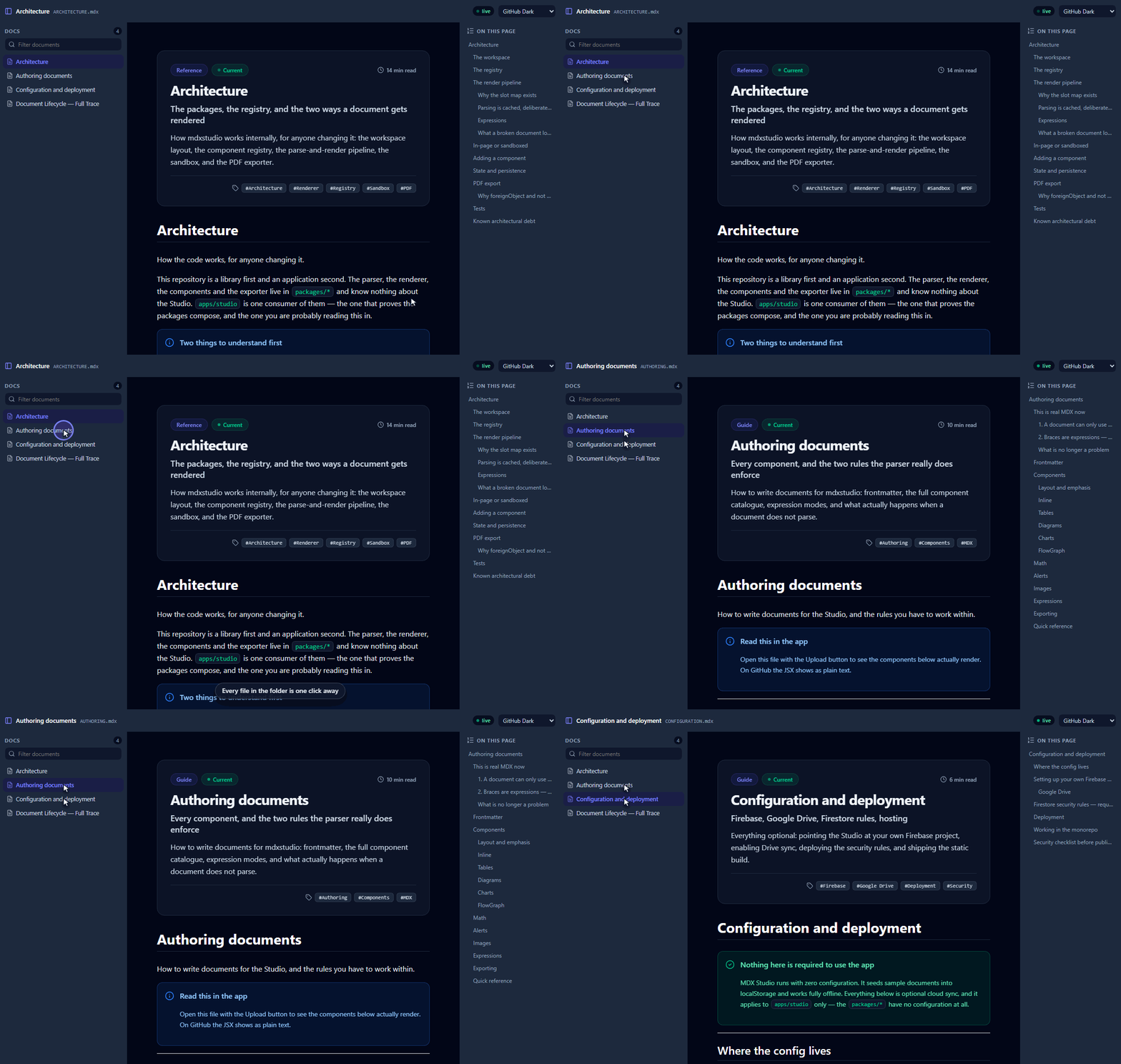
Clicking between documents, with the table of contents following along:
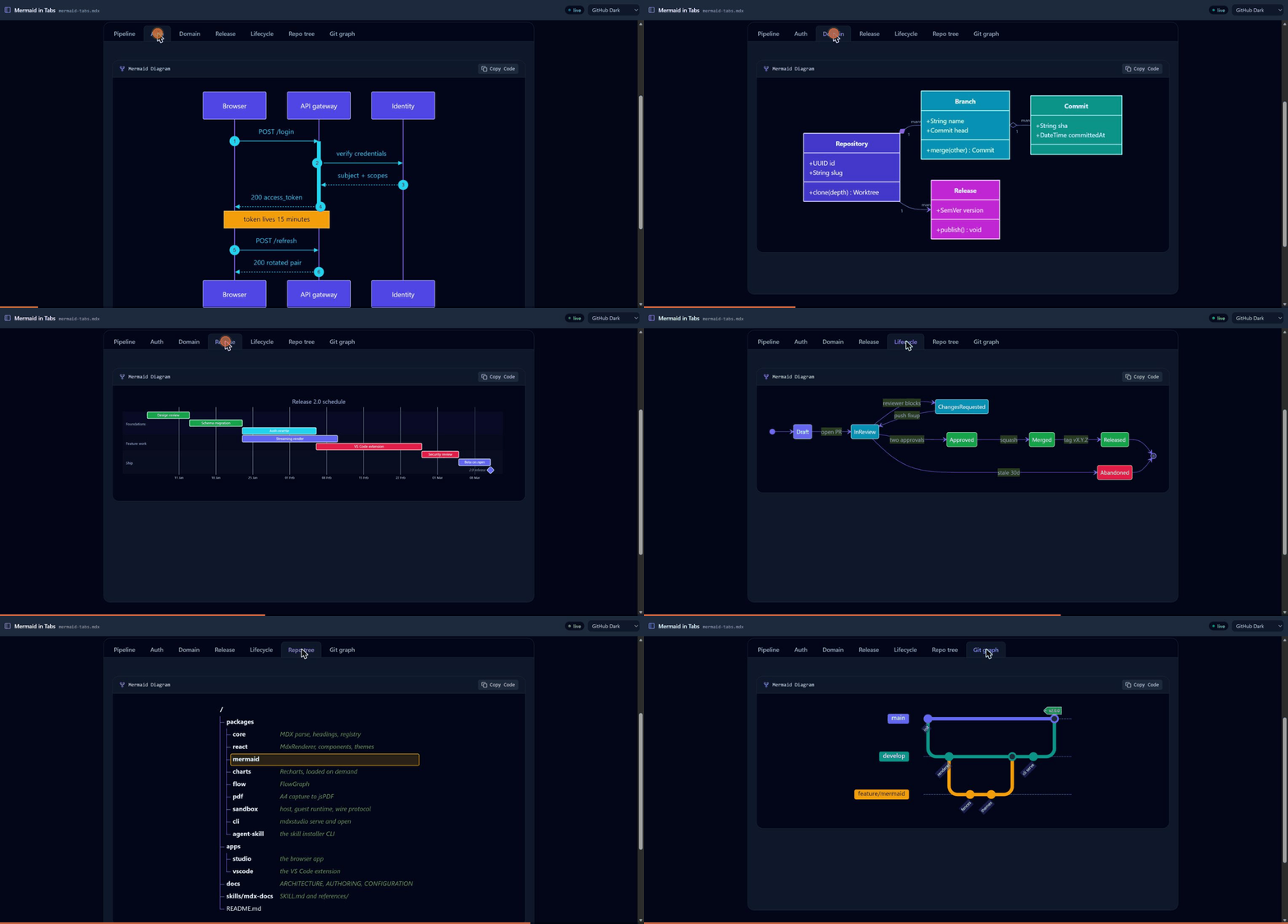
Every Mermaid diagram type renders, including inside <Tabs>:
Commands
mdxstudio serve [dir]          # default '.'
mdxstudio ./docs               # a bare path implies serve
mdxstudio open <file>          # one document
cat draft.mdx | mdxstudio open -   # from stdin
| Flag | |
| --- | --- |
| -p, --port <n> | Default 4321. Without this it walks forward to the next free port; with it, a taken port is an error. |
| -H, --host[=addr] | Bare --host binds 0.0.0.0. An explicit address needs the =. |
| -o, --open / --no-open | Open a browser. |
| --no-watch | Stop watching for changes. |
| --no-gitignore | Include files .gitignore excludes. |
| --no-collapse | Headings do not fold. The control that copies a heading link stays. |
| --expressions full\|literals | See below. |
| --theme <id> | One of the built-in theme presets. |
What you get
- A sidebar of every
.mdxand.mdunder the directory, with a filter box..gitignoreis respected andnode_modulesis skipped. - Live reload — editing, adding, renaming or deleting a file updates the page.
- The full component set: Mermaid diagrams, Recharts charts,
FlowGraph, callouts, tabs, accordions, timelines, frontmatter headers, and a scroll-spy table of contents. - The markdown you already write:
$math$, GitHub's> [!NOTE]alerts, and images that open enlarged when clicked. KaTeX is fetched only by documents that contain an equation. - Readable on a phone — pass
--hostand open the LAN URL it prints.
Starts in about 250 ms; the client is prebuilt, so nothing compiles on startup.
Configuration
A folder may contain an mdxstudio.config.js (or .mjs). Without one nothing
changes; with one, its default export adds components, aliases, code fences and
unified plugins to the renderer.
It is the same file the MDX Studio Preview extension for VS Code reads out of
a workspace folder — same two names, same default export, same
{ React, createElement, components } argument — so a repository writes it once
and its documents look the same on the command line and in the editor.
// docs/mdxstudio.config.js
export default ({ createElement }) => ({
  components: {
    Chip: ({ children }) => createElement('span', { className: 'chip' }, children),
  },
  aliases: { Pill: 'Chip' },
  codeFences: { graphviz: 'Chip' },
  remarkPlugins: [],
  rehypePlugins: [],
});
The default export is either that object or a function returning one, which may
be async. Everything is optional; a component registered under a built-in name
replaces it.
The config runs in the browser, because that is where the renderer is — so
it cannot import from node_modules, and there is no bundler to compile JSX.
Two consequences:
- Build elements with
createElementrather than JSX, or import a package from a URL (import confetti from 'https://esm.sh/canvas-confetti'). - A remark or rehype plugin is a plain function, so the useful ones usually need no dependency at all.
The function form is called with { React, createElement, components }, where
components is everything already registered — enough to wrap or replace a
built-in.
If the file is missing the CLI behaves exactly as it did before. If it throws, fails to import, or declares an alias pointing at nothing, the documents still render with the built-in components and the page shows one line naming the file and the reason.
One difference worth knowing if you also use the extension: the CLI loads the config for any folder you point it at, because you typed the path. VS Code will not load one in a workspace you have not trusted.
Expressions
MDX documents can contain JavaScript expressions, and rendering them means
evaluating them. Serving a repository you already trust as much as its code,
full is the sensible default and is what you get.
mdxstudio serve ./docs --expressions literalsliterals restricts evaluation to values the syntax spells out — no calls, no
member access. Worth using for a folder you have not read, which matters more
once --host puts it on your network.
Related
@mdxstudio/react— the renderer this is built on- MDX Studio Preview — the same renderer in VS Code, reading the same
mdxstudio.config.js @mdxstudio/agent-skill— teach a coding agent to write documents in this flavour
MIT.