
@mediasfu/widgets
v0.1.1
Published
Embeddable MediaSFU web components for click-to-call, meeting join, AI agents, calls dashboards, React, and headless WebRTC UI

Maintainers
 mediasfu-main
Readme
@mediasfu/widgets
Add production-shaped calls, meetings, AI agents, and operator dashboards to a website without rebuilding their interfaces from scratch. The package ships six maintained custom elements plus optional React and headless entry points.
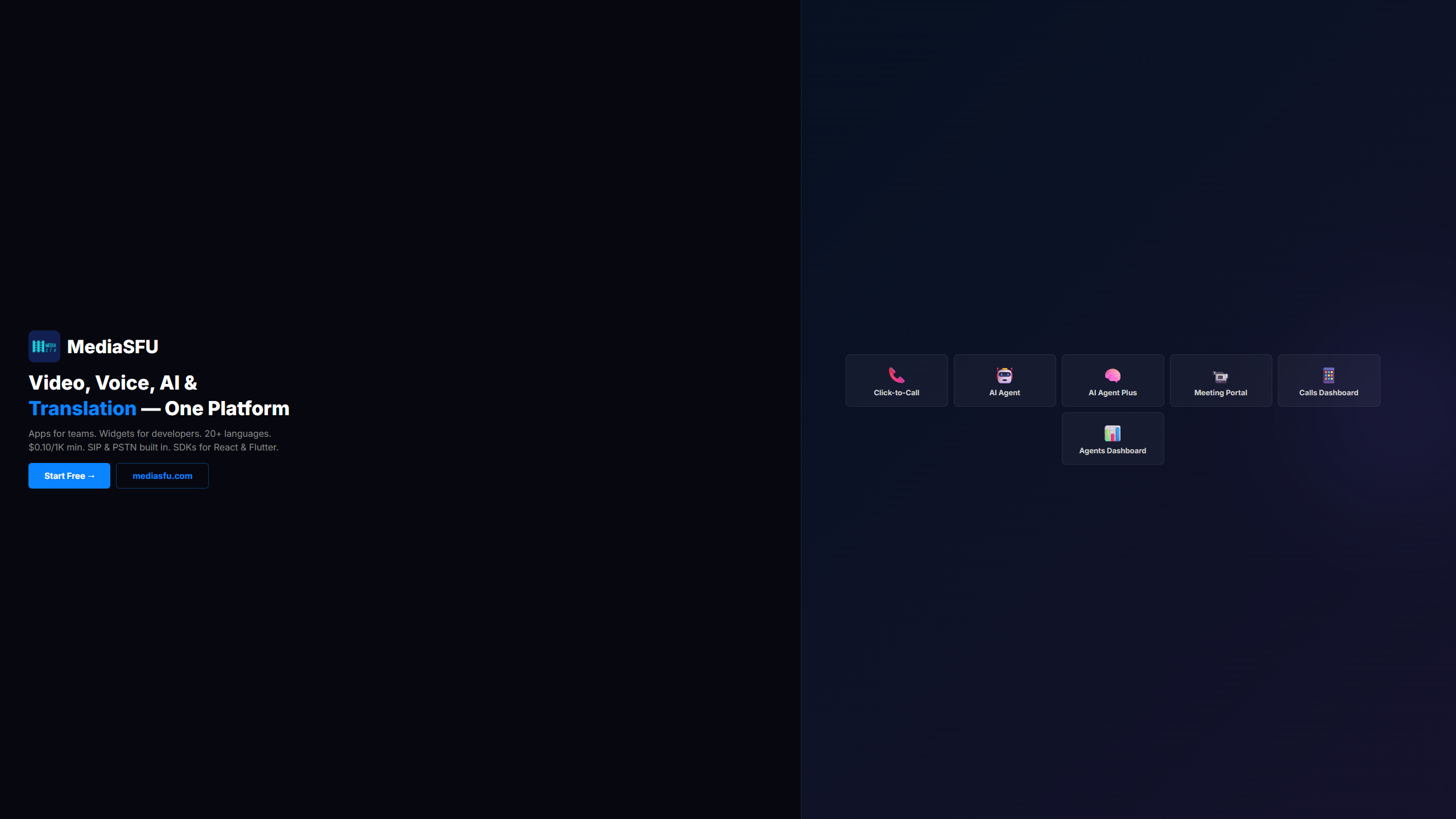
| Widget | Custom element | Best for |
|---|---|---|
| Click-to-call | mediasfu-call-button | Browser-to-phone or SIP calling |
| Meeting portal | mediasfu-meeting-join | Secure room creation and joining |
| AI Agent | mediasfu-ai-agent | Voice and multimodal agent experiences |
| Web Agent | mediasfu-web-agent | Text, voice, multimodal, and human-escalation flows |
| Calls Dashboard | mediasfu-calls | Calls, history, and telephony operations |
| Agents Dashboard | mediasfu-agent-dashboard | Agent monitoring and operator takeover |
Installation
CDN
Use the self-contained CDN bundle when you want one script and no build step:
<script src="https://cdn.mediasfu.com/v1/widget.js" async></script>npm
npm install @mediasfu/widgetsImport only the surface you use. Vanilla entries do not load React or the MediaSFU React SDK:
import '@mediasfu/widgets/call-button';
// Other entries: meeting-join, ai-agent, web-agent, calls, agent-dashboard
React composition and semantic headless controls are separate opt-in entries:
npm install @mediasfu/widgets mediasfu-reactjs react react-dom @mediapipe/selfie_segmentationThe current React SDK loads its optional background-segmentation peer from the package entry, so SSR/bundler consumers should install the MediaPipe package even when they do not enable virtual backgrounds.
import { MeetingJoinWidget } from '@mediasfu/widgets/react';
import { MediaSFUProvider, useMediaSFU } from '@mediasfu/widgets/headless';
Quick Start
Click-to-Call Button
<script src="https://cdn.mediasfu.com/v1/widget.js"></script>
<mediasfu-call-button
  widget-key="YOUR_PUBLIC_WIDGET_KEY"
  button-text="Call Sales"
  theme="dark"
></mediasfu-call-button>
AI Voice Agent
<mediasfu-ai-agent
  widget-key="YOUR_PUBLIC_WIDGET_KEY"
  agent-id="YOUR_AGENT_ID"
  mode="voice"
  position="bottom-right"
></mediasfu-ai-agent>
Meeting Join Form
<mediasfu-meeting-join
  widget-key="YOUR_PUBLIC_WIDGET_KEY"
  room-prefix="meeting-"
  require-name="true"
  show-preview="true"
></mediasfu-meeting-join>
Web Agent
<mediasfu-web-agent
  widget-key="YOUR_PUBLIC_WIDGET_KEY"
  mode="text"
  allow-escalation="true"
  width="100%"
  height="680px"
></mediasfu-web-agent>
Calls and Agents Dashboards
<mediasfu-calls
  widget-key="YOUR_PUBLIC_WIDGET_KEY"
  width="100%"
  height="720px"
></mediasfu-calls>

<mediasfu-agent-dashboard
  widget-key="YOUR_PUBLIC_WIDGET_KEY"
  operator-name="Support team"
  width="100%"
  height="760px"
></mediasfu-agent-dashboard>
Configuration
Global Initialization
MediaSFU.init({
  widgetKey: 'YOUR_PUBLIC_WIDGET_KEY'
});
Environment Resolution
The production CDN selects MediaSFU Cloud automatically. Endpoint overrides are intended for deployments you control and should be configured outside public page source. Never place a MediaSFU API key, session token, or backend credential in HTML, JavaScript bundles, URLs, or browser logs.
The widget-key is the public, domain-scoped key created in Widget Builder. It is not your MediaSFU API key.
Programmatic Widget Creation
const callButton = MediaSFU.createWidget('call-button', {
  container: '#call-widget',
  theme: 'dark'
});

callButton.on('call-start', (data) => {
  console.log('Call started:', data.callId);
});

callButton.on('call-end', (data) => {
  console.log('Call duration:', data.duration);
});

// Cleanup
callButton.destroy();
Widget Attributes
Call Button
| Attribute | Type | Default | Description |
|-----------|------|---------|-------------|
| widget-key | string | required | Public, domain-scoped key from Widget Builder |
| destination | string | configured key | Optional phone-number or SIP-URI override when allowed by the widget configuration |
| caller-id | string | "Web Caller" | Display name for the call |
| button-text | string | "Call" | Button label |
| button-icon | string | "phone" | Icon: phone, video, headset, none |
| theme | string | "light" | light, dark, or auto |
| position | string | "inline" | inline, bottom-right, bottom-left |
| show-status | boolean | true | Show online indicator |
| require-email | boolean | false | Collect email before call |
| require-name | boolean | false | Collect name before call |
AI Agent
| Attribute | Type | Default | Description |
|-----------|------|---------|-------------|
| widget-key | string | required | Public, domain-scoped key from Widget Builder |
| agent-id | string | configured key | Agent configuration ID |
| mode | string | multimodal | voice or multimodal |
| theme | string | dark | light, dark, or auto |
| width | CSS length | 100% | Embed width |
| height | CSS length | 700px | Embed height |
| brand-color | CSS color | configured theme | Accent color |
Meeting Join
| Attribute | Type | Default | Description |
|-----------|------|---------|-------------|
| widget-key | string | required | Public, domain-scoped key from Widget Builder |
| room-prefix | string | "" | Prefix for room codes |
| room-code | string | "" | Pre-filled room code |
| theme | string | "light" | light, dark, or auto |
| show-preview | boolean | true | Show camera preview |
| require-name | boolean | true | Require name input |
| require-email | boolean | false | Require email input |
| default-name | string | "" | Pre-filled name |
| default-email | string | "" | Pre-filled email |
Web Agent
| Attribute | Type | Default | Description |
|-----------|------|---------|-------------|
| widget-key | string | required | Public, domain-scoped key from Widget Builder |
| mode | string | text | text, voice, or multimodal |
| allow-escalation | boolean | configured key | Allow a visitor to request human help |
| config-name | string | configured key | Web Agent configuration name |
| theme | string | dark | light, dark, or auto |
| width | CSS length | 100% | Embed width |
| height | CSS length | 680px | Embed height |
Calls and Agents Dashboards
Both dashboard elements accept widget-key, theme, width, height, brand-color, and custom-css. mediasfu-agent-dashboard also accepts operator-name. Sensitive session and operator grants are delivered to the owned iframe after load; they are not URL attributes.
Events
Call Button Events
const widget = document.querySelector('mediasfu-call-button');

widget.addEventListener('widget-ready', (e) => {
  console.log('Widget initialized');
});

widget.addEventListener('call-ringing', (e) => {
  console.log('Calling:', e.detail.destination);
});

widget.addEventListener('call-connected', (e) => {
  console.log('Connected:', e.detail.callId);
});

widget.addEventListener('call-end', (e) => {
  console.log('Duration:', e.detail.duration, 'seconds');
});

widget.addEventListener('widget-error', (e) => {
  console.error('Error:', e.detail.message);
});
AI Agent Events
const agent = document.querySelector('mediasfu-ai-agent');

agent.addEventListener('ai-session-start', (e) => {
  console.log('Session started:', e.detail.sessionId);
});

agent.addEventListener('agent-disconnect', () => {
  console.log('Agent session ended');
});
Meeting Events
const meeting = document.querySelector('mediasfu-meeting-join');

meeting.addEventListener('meeting-start', (e) => {
  console.log('Room:', e.detail.roomName);
});

meeting.addEventListener('meeting-end', () => {
  console.log('Meeting closed');
});
Theming
Auto Theme
Automatically matches user's system preference:
<mediasfu-call-button theme="auto" ...></mediasfu-call-button>Browser Support
Use a current Chrome, Edge, Firefox, or Safari release with Custom Elements, postMessage, and the media capabilities required by your chosen widget. Browser permission and autoplay policies still apply to microphone, camera, and audio playback.
Security
- Create widget keys in Widget Builder and restrict them to the domains that should host each widget.
- Keep MediaSFU API keys and backend credentials on your server. Browser code receives only the public widget key and short-lived, scoped session grants.
- Room creation and joining are mediated by the widget backend. If you build a custom flow, proxy create/join through your backend and follow the API contracts in the MediaSFU Sandbox.
- Iframe session grants use exact-window and exact-origin messaging and are not placed in iframe URLs or public events.
- Serve embedding pages over HTTPS so browsers can grant microphone and camera access.
MediaSFU Cloud and MediaSFU Open
These hosted widget flows use MediaSFU Cloud, including its managed room, agent, and telephony services. MediaSFU Open is the media server you run on your own infrastructure; it is not a second hosted endpoint. For a self-hosted experience, connect your own backend and SDK composition to that server and keep all server credentials outside the browser.
License
MIT © MediaSFU