
@menueqr/widget
v0.4.0
Published
Framework-independent reservation widgets for MenüQR. Zero runtime dependencies, SSR-safe imports, typed lifecycle API.

Maintainers
 trillianti
Readme
MenüQR Widget
A table for two. A few lines of code.
The reservation flow for your restaurant website. Four components. Any framework. One public restaurant link.



Live demo · Quick start · Integration reference · AI prompt
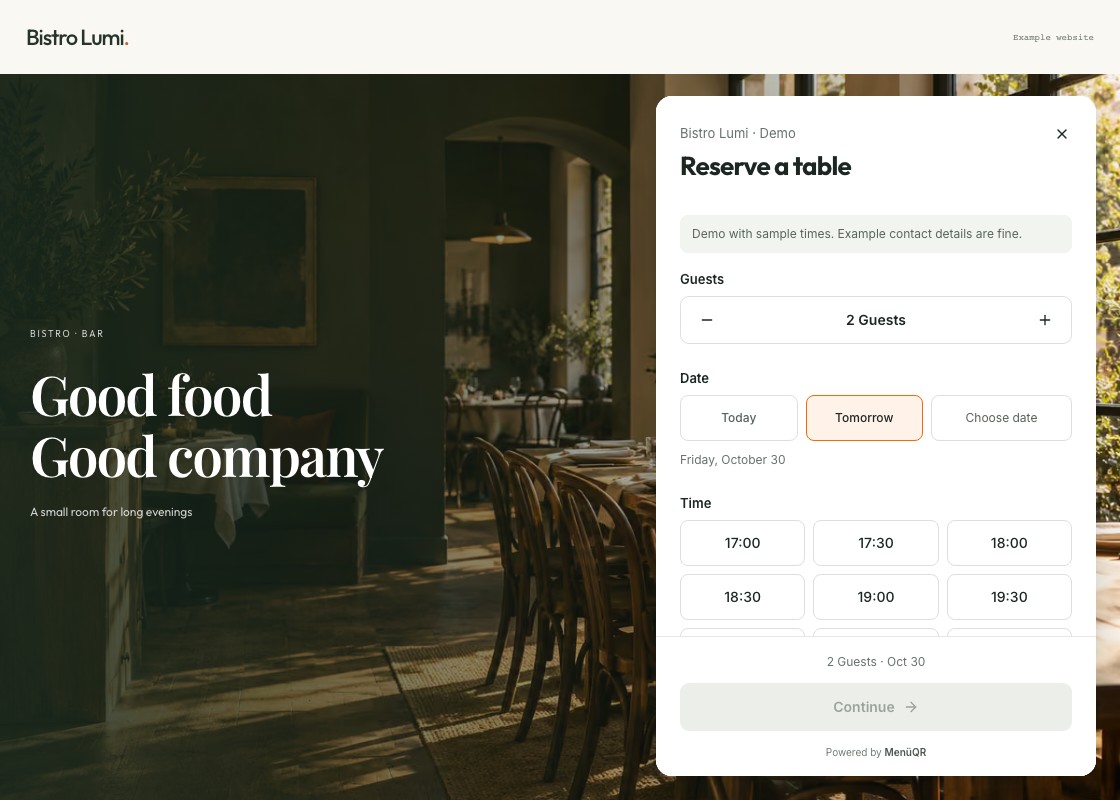
Built to fit your website, without building another booking system. The SDK handles the entry point, presentation and lifecycle. MenüQR handles availability, configurable guest fields and reservation requests. The restaurant accepts each booking in its dashboard.
- Zero runtime dependencies in the core. React is an optional adapter.
- Four separate components, with a typed API and automatic cleanup in React.
- Full-screen booking on phones, keyboard support and reduced-motion support.
- Nine languages, configurable colour and placement. No API key in your frontend.
The SDK is free and MIT-licensed. Live reservations require a published MenüQR restaurant with PRO or above, enabled reservations and an approved website origin. The online demo uses sample times and does not create bookings.
Pick your entry point
01 / Button
A button in your layout. A dialog above it.
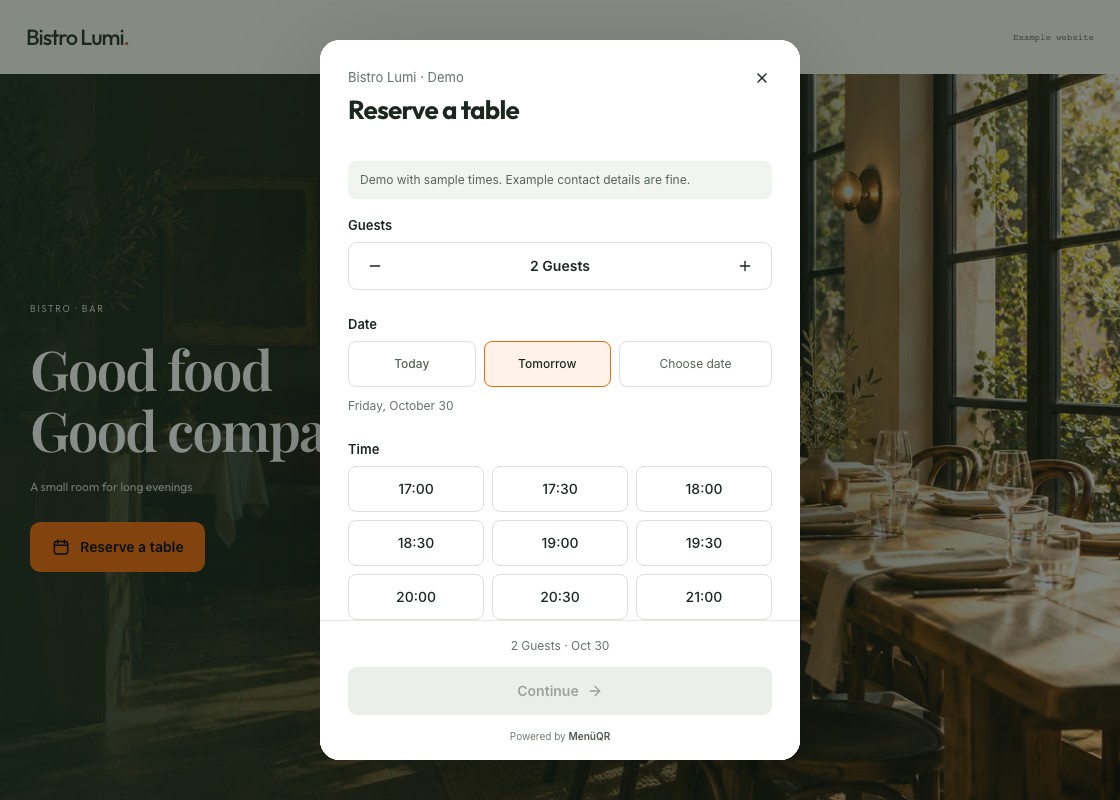
<ReservationButton restaurant="bistro-lumi" />02 / Floating
A corner launcher that grows into a booking panel.
<ReservationFloating restaurant="bistro-lumi" />03 / Tab
A slim page-edge tab. A drawer from the side.
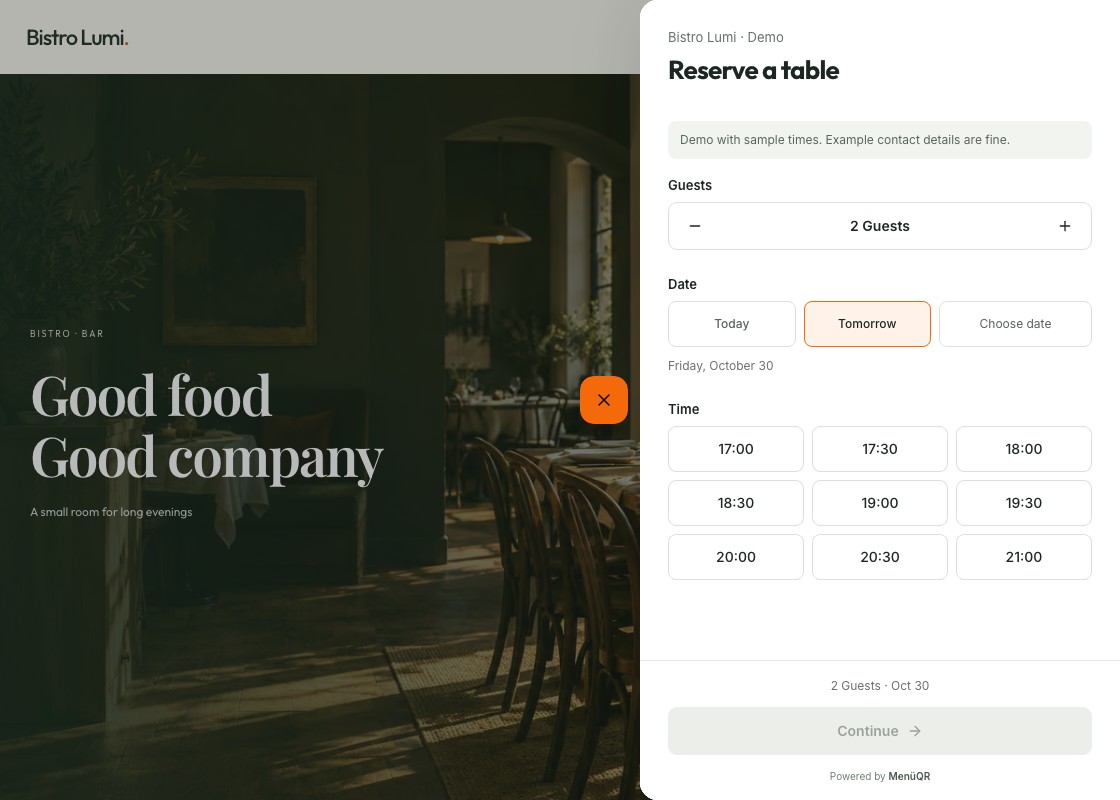
<ReservationTab restaurant="bistro-lumi" />04 / Inline
The booking form, already part of your page.
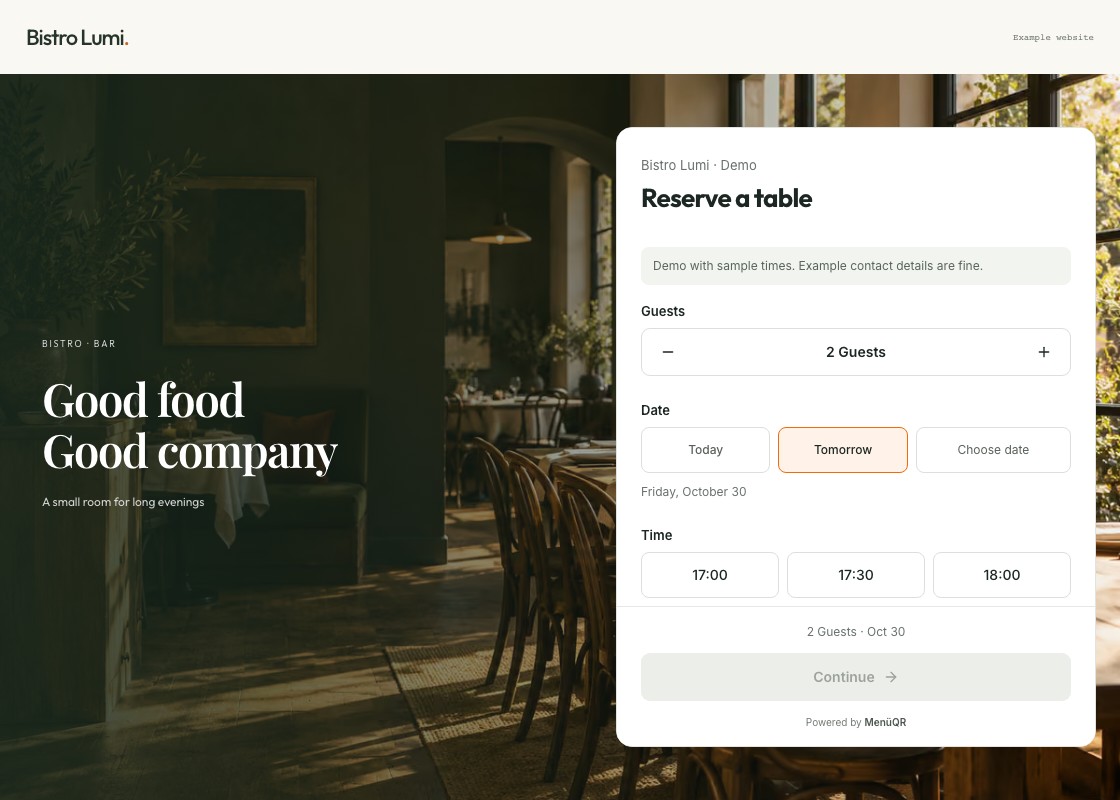
<ReservationInline restaurant="bistro-lumi" />Each has its own React component, JavaScript mount function and custom element. Choose a component, rather than passing a mode prop. All four share the same hosted booking flow.
Overlay components open full screen on narrow devices. The same guest fields, booking conditions and language settings follow the restaurant across integrations.
Quick start
Install with the package manager your project already uses. Run one command:
npm install @menueqr/widget
# or
pnpm add @menueqr/widget
# or
yarn add @menueqr/widget
# or
bun add @menueqr/widget
React
Place the component in your page or shared layout. Mounting and cleanup are automatic.
import { ReservationFloating } from '@menueqr/widget/react';

export default function App() {
  return <ReservationFloating restaurant="bistro-lumi" language="en" color="#ef6709" />;
}ReservationButton, ReservationTab and ReservationInline use the same import path.
Next.js App Router
Add the component inside your existing layout's <body>:
import { ReservationFloating } from '@menueqr/widget/react';

// Inside your existing app/layout.tsx:
<body>
  {children}
  <ReservationFloating restaurant="bistro-lumi" />
</body>;
Keep your existing fonts, providers and metadata. The adapter already has a "use client" boundary; your layout can stay a Server Component. Put event callbacks in a separate client wrapper. Full Next.js guide →
JavaScript / TypeScript
Use the core SDK with any bundler. Mount after the target is connected, then clean up when your page or component unmounts.
<div id="reservations"></div>import { mountReservationButton } from '@menueqr/widget';
const widget = mountReservationButton('#reservations', {
restaurant: 'bistro-lumi',
language: 'en',
color: '#ef6709',
});
// When leaving the page or unmounting:
widget.destroy();The same entry point exports mountReservationFloating, mountReservationTab and mountReservationInline. ESM and CommonJS are supported; importing on a server does not touch the DOM.
Mount in onMounted, release in onBeforeUnmount. Imports are SSR-safe.
<script setup lang="ts">
import { onMounted, onBeforeUnmount, ref } from 'vue';
import { mountReservationFloating, type ReservationComponent } from '@menueqr/widget';

const target = ref<HTMLElement | null>(null);
let widget: ReservationComponent | undefined;

onMounted(() => {
  if (target.value) {
    widget = mountReservationFloating(target.value, { restaurant: 'bistro-lumi' });
  }
});
onBeforeUnmount(() => widget?.destroy());
</script>

<template>
  <div ref="target" />
</template>| Environment | Integration |
| ------------------------ | --------------------------------------------------------------------------------- |
| Svelte | onMount with cleanup |
| Angular | Browser-guarded lifecycle component |
| Astro / other frameworks | JavaScript API inside a client lifecycle |
| HTML with a bundler | Register a custom element, then use its tag |
import { defineReservationFloatingElement } from '@menueqr/widget/element';

defineReservationFloatingElement();
<menueqr-reservation-floating
restaurant="bistro-lumi"
language="en"
color="#ef6709"
></menueqr-reservation-floating>Register individual elements or call defineReservationElements() once. Attribute updates change configuration; disconnection releases the widget. Boolean attributes use literal "true" / "false" strings. Full custom-element reference →
Svelte and Angular examples are integration recipes, rather than a claim of full framework certification. React, Next.js, Vue and the browser SDK have dedicated integration tests.
Connect your restaurant
1. Use your public slug or menu link. Both work:
restaurant: 'bistro-lumi';
// or
restaurant: 'https://www.menueqr.de/menu/bistro-lumi/';
2. Enable reservations in MenüQR. Live bookings need PRO or above and an eligible, published restaurant.
3. Approve your website. Add its HTTPS URL in Settings → Profile → Website, or connect an additional WordPress site through the supported connection flow.
No password, private token or database ID belongs in the integration. Knowing the slug grants no administrative access. The hosted service enforces feature access and allowed origins. If it reports a blocked website, the widget explains the origin and links to the setting; connection failures offer a separate retry. CSP and diagnostics →
Make it yours
| Option | Default | Purpose |
| -------------------------------- | ------------ | ------------------------------------------------------------ |
| restaurant | Required | Public slug or MenüQR menu link |
| language | de | de · en · fr · it · es · pt · pl · uk · tr |
| color | #ff730a | Six-digit hex accent; launcher text contrast is automatic |
| label | Localized | Launcher label, up to 120 characters |
| side | right | Floating / Tab: left or right |
| offsetX / offsetY | 24 / 24 | Floating launcher offsets in pixels |
| mobile | true | Show the widget on screens up to 540 px |
| icon | true | Show the launcher icon |
| inlineHeight | 720 | Inline form height: 240–1600 px |
| nonce | Empty | Server-generated CSP nonce for the widget's styles |
| onOpen / onReady / onClose | — | Lifecycle callbacks; no guest data |
| onLoadError | — | Stable frame failure code; no guest data |
React also accepts id, className and style for the mount element. Guest fields and reservation conditions are configured in the restaurant dashboard, so every integration uses the same settings.
The JavaScript controller exposes open(), close(), update(options) and destroy(). Destroy before replacing a component type on the same target. Repeated mounts of the same component on the same target reuse its controller. Complete API →
Give your AI assistant the right context
Choose your framework and component in the live installation guide, then copy its AI prompt. Or give your assistant AI_INTEGRATION.md.
import { createIntegrationPrompt } from '@menueqr/widget/prompt';

const prompt = createIntegrationPrompt({
  restaurant: 'bistro-lumi',
  component: 'floating',
  integration: 'react', // react | next | api | element
  packageManager: 'pnpm',
  language: 'en',
});
The prompt uses the real public API and selected component. It includes lifecycle, SSR and restaurant connection instructions.
Run the playground
Requires Node.js 22.12+ or 24+.
git clone https://github.com/Trillianti/menueqr-widget.git
cd menueqr-widget
npm ci
npm run dev
Open 127.0.0.1:4310. The cross-origin form fixture uses 4311; Ctrl+C stops both. The local preview uses fictional data and sends no bookings, emails or payments. Live mode is an explicit opt-in and can create real reservations.
npm run check
npm run format:check
npx playwright install chromium firefox webkit
npm run test:e2e
npm pack
Browser tests cover the four components, lifecycle cleanup, source/origin checks, keyboard behaviour, mobile viewports and local preview submissions. The packed-package Next.js consumer checks server metadata, hydration, navigation and refresh. Browser emulation does not replace physical-device testing.
Package checks compile clean ESM and CommonJS consumers with Node16 and NodeNext
resolution. CI also checks React 18, strict CSP nonces, retry keyboard access and
long labels. Next.js consumer QA runs next build with Turbopack and next start.
Local service-contract tests and an opt-in read-only staging check are described
in security controls.
The deprecated mountReservations({ mode }) and <menueqr-reservations mode="…"> remain for 0.1.x integrations. New code should use separate components. Optional /button, /floating, /tab and /inline subpaths remain supported; importing from the root is enough.
This repository contains the SDK, examples and preview tools. The WordPress plugin and hosted MenüQR application are maintained separately.
Contributing · Security · Publishing · Releases
Built by MenüQR. SDK licensed under MIT. The hosted service has its own terms. The local preview's Inter font uses the SIL Open Font License.