@mesh3d/cesium-vectortile-gl
v0.5.3
Published
CesiumJS 矢量瓦片渲染库


Readme
🌍 cesium-vectortile-gl
cesium-vectortile-gl 是专为 CesiumJS 设计的开源矢量瓦片渲染库。原生 Primitive 实现,不依赖 ImageryProvider 和 第三方矢量瓦片渲染器,支持 MLT/MVT/PBF 与 GeoJSON,兼容 MapLibre 样式规范,可渲染线/面/文字,支持虚线、贴地、合批优化与 GPU 剔除。
✨ 核心特性
- ✅ 原生 Cesium 渲染:使用
Primitive、PolylineGeometry和自定义Appearance,深度集成 Cesium 渲染管线 - ✅ 多源支持:加载 MLT/MVT (PBF) 矢量瓦片 或 GeoJSON 数据(通过
geojson-vt动态切片) - ✅ MapLibre 样式兼容:完整解析
maplibre-gl-style-spec的样式表达式(颜色、透明度、线型、文本等) - ✅ 丰富图层类型:支持
background/fill/line/symbol四大基础图层,含虚线(line-dasharray)、本地字体、文字大小、显隐控制 - ✅ 三维场景融合:可与
Entity、Model、贴地线/面等 Cesium 对象共存,实现真三维 GIS 可视化 - ✅ 高性能渲染:按图层合批构建几何体,通过
DrawCommand的offset/count复用 buffer,显著提升帧率 - ✅ GPU 精准剔除:利用 FBO + RTT 技术生成瓦片 ID 纹理,在 GPU 中高效剔除不可见矢量片段
- ✅ 高度可扩展:提供清晰接口,轻松接入新数据源(如 TopoJSON)或自定义图层类型(如热力图、流线)
- ✅ 文字符号自动避让:使用
maplibre-glGridIndex类,结合 Cesium.Label 屏幕空间位置和包围盒计算API,实现符号碰撞检测(自动避让) - ✅ 样式动态修改:提供
setLayoutProperty、setPaintProperty、setFilter等样式修改API,可动态控制图层显隐、颜色、透明度
🧠 技术栈亮点
- 解析:
@mapbox/vector-tile+maplibre-gl+@maplibre/vt-pbf - 切片:
geojson-vt - 样式:
@maplibre/maplibre-gl-style-spec - 投影与细分:复用
maplibre-gl的线/面投影逻辑 - 文字渲染:
Cesium.LabelCollection - 渲染优化:自定义
Appearance+ 合批DrawCommand+ GPU 剔除
📦 Apache-2.0 许可证 · 欢迎贡献 · 由 mesh-3d 社区维护 · QQ交流群 1064447844
📜 许可证变更:MIT → Apache License 2.0
从 0.3.0 版本起,本项目已将许可证由 MIT 许可证 更改为 Apache License 2.0。
此次变更旨在:
- 为贡献者和用户提供明确的专利授权与保护,
- 对商业使用和再分发提供更清晰的法律条款,
- 与相关地理空间项目(如 CesiumJS)的许可策略保持一致。
Apache 2.0 仍是一个宽松且对商业友好的许可证——您依然可以自由地使用、修改和分发本软件(包括用于专有产品),只需保留原始版权声明和免责声明即可。
本次变更后的新贡献均遵循 Apache 2.0 条款。此前发布的版本(MIT 许可)仍按其原始许可证条款继续有效。
详情请参见 LICENSE 文件。
构建
安装 vite 等开发依赖项
npm install --save-dev然后可以运行构建命令
npm run build源码调试
npm run dev安装
npm install @mesh3d/cesium-vectortile-gl使用
import { VectorTileset } from '@mesh3d/cesium-vectortile-gl'

const tileset = new VectorTileset({
  style: '/assets/demotiles/style.json'
})

viewer.scene.primitives.add(tileset)
样式修改示例
tileset.readyEvent.addEventListener(() => {
  // 1、修改绘制属性(颜色、透明度),不会触发强制刷新,实时变化
  tileset.setPaintProperty('background', 'background-color', 'skyblue')
  tileset.setPaintProperty('geolines', 'line-color', 'green')
  tileset.setPaintProperty('us_states:fill', 'fill-color', 'red')
  tileset.setPaintProperty('countries-label', 'text-color', 'blue')

  // 2、修改布局属性,除 visibility 外,都会触发强制刷新
  // 2.1、布局属性修改:图层显隐,不会触发强制刷新
  tileset.setLayoutProperty('coastline', 'visibility', 'none')
  // 2.2、布局属性修改(非visibility):字体大小修改,会触发强制刷新
  tileset.setLayoutProperty('countries-label', 'text-size', {
    stops: [
      [2, 12],
      [4, 16],
      [6, 20]
    ]
  })

  // 3、修改过滤器。
  //和setLayoutProperty一样(visibility例外)会触发强制刷新
  tileset.setFilter('geolines', null)
})
可选:Web Worker 多线程瓦片处理
将瓦片解析、坐标转换、几何构建放到子线程,减轻主线程卡顿。不传 workerUrl 时仍走主线程。
import {
  VectorTileset,
  DEFAULT_WORKER_FILENAME
} from '@mesh3d/cesium-vectortile-gl'

// 与 cvt-gl.js 同目录的 Worker 脚本 URL
const workerUrl = new URL(
  `./node_modules/@mesh3d/cesium-vectortile-gl/dist/${DEFAULT_WORKER_FILENAME}`,
  import.meta.url
).href

const tileset = new VectorTileset({
  style: '/assets/demotiles/style.json',
  workerUrl,
  maximumActiveTasks: 4
})- 仅对 vector 源生效;若瓦片含 GeoJSON 源则自动回退到主线程。
maximumActiveTasks与maxLoading/maxInitializing配合,控制并发数。- 本地示例:运行
npm run dev后打开 worker.html 可查看启用 Web Worker 的示例。 - 性能对比:在浏览器中打开 benchmark.html,点击「运行性能对比」可测量主线程 vs Worker 的帧时间、长帧数等(无需 Vitest,需真实浏览器与 WebGL)。
注意:请确保通过window.Cesium能够访问到可用的 Cesium 包,例如:
import * as Cesium from 'cesium'
window.Cesium = Cesium
或者在 html 中通过script标签引入 Cesium.js,例如
<script src="libs/cesium/Build/CesiumUnminified/Cesium.js"></script>性能测试(Worker vs 主线程)
- 运行
npm run dev,在浏览器打开 benchmark.html。 - 点击「运行性能对比(约 30 秒)」:先采集约 12 秒主线程模式帧时间,再采集约 12 秒 Worker 模式帧时间。
- 页面与控制台会输出:帧数、平均/最大帧时间、P95/P99、长帧(≥50ms) 数量及两者对比。
扩展
可以通过实现统一的接口,对图层类型和数据源类型两大模块的进行自定义扩展,以支持更多 Maplibre 规范的数据源类型和图层样式。
扩展图层类型
扩展支持新的图层类型,有两种方式:
简单扩展 只扩展渲染图层类,通过继承和重写关键方法的方式实现IRenderLayer接口,每个图层对应一个渲染图元(Primitive),这种方式适合确定图层实例极少的情况,是否复用缓冲区对性能的影响不大,可以参考 background 图层渲染类BackgroundRenderLayer实现;
高级扩展 扩展渲染图层类和图层渲染器,实现IRenderLayer和ILayerVisualizer接口。图层渲染器负责瓦片内指定类型图层的合批几何体、批次表、绘图命令(DrawCommand)的构建,以及图层 DrawCommand 浅拷贝副本(shallow clone)的分配;渲染图层类只负责更新图层状态(例如同步图层样式)。如果图层实例数量不确定或者很大,每个图层实例独占一个顶点缓冲区和索引缓冲区,性能损耗将很大,应该采用这种方式进行扩展,确保流畅渲染。可以参考FillRenderLayer和FillLayerVisualizer的实现。
编写扩展类后,通过如下方式注册:
import { registerRenderLayer } from '@mesh3d/cesium-vectortile-gl'
//简单扩展
registerRenderLayer('layerType', XXXRenderLayer)

//高级扩展
registerRenderLayer('fill', FillRenderLayer, FillLayerVisualizer)第一个参数为图层类型名称,如 circle,必选第二个参数为图层渲染类,必选第三个参数为图层渲染器类,可选,仅注册高级扩展时需要传递
扩展数据源类型
数据类型的扩展采用面向接口,只需要按ISource的约定编写必须实现的方法(init、requestTile)即可。
- constructor(styleSource, path = '') 构造函数,第一个参数接收数据源配置,第二个参数接收样式路径(如果 style 传入 url 的话),可以用于支持相对路径
- init 初始化数据源
- requestTile 请求瓦片,异步返回 @mapbox/vector-tile 的 VectorTile 类型或者与该类具有一致接口的类型
- destroy 销毁实例,释放内部创建的资源
编写扩展类后,通过如下方式注册:
import { registerSource } from '@mesh3d/cesium-vectortile-gl'

registerSource('sourceType', XXXSource)第一个参数为数据源类型名称,如 raster,必选第二个参数为数据源类,必选
依赖
本项目依赖:
- @mapbox/vector-tile(BSD-3-Clause)
- @maplibre/maplibre-gl-style-spec(ISC)
- @maplibre/vt-pbf(MIT)
- geojson-vt(ISC)
- maplibre-gl(BSD-3-Clause)
- pbf(BSD-3-Clause)
相关项目
- CesiumVectorTile - 基于 ImageryProvider 的轻量版
- Mesh-3D - 企业级 Web3D 引擎(提供商业支持和高级功能)
更多技术文章及案例,敬请关注微信公众号【Mesh-3D】

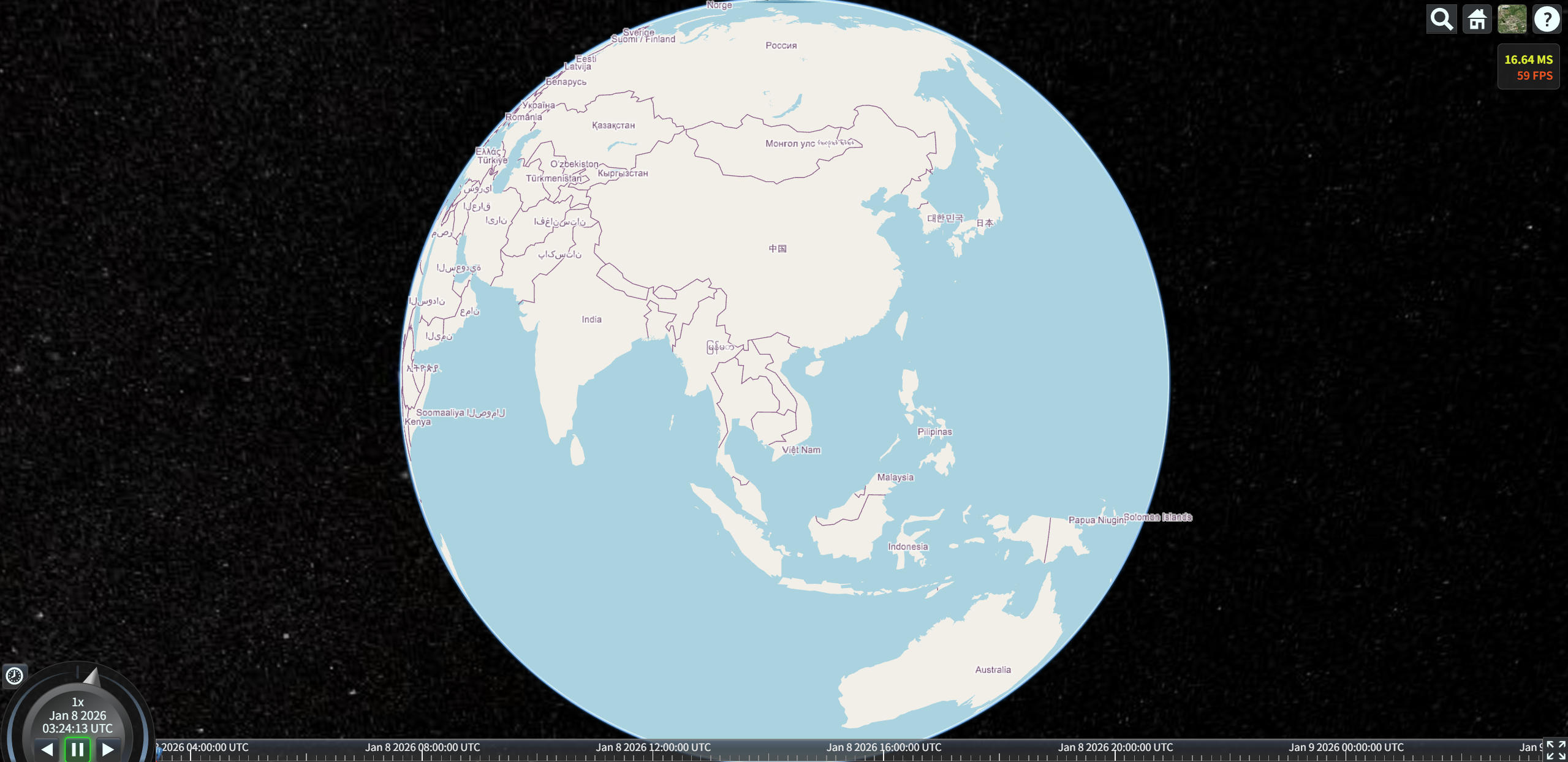
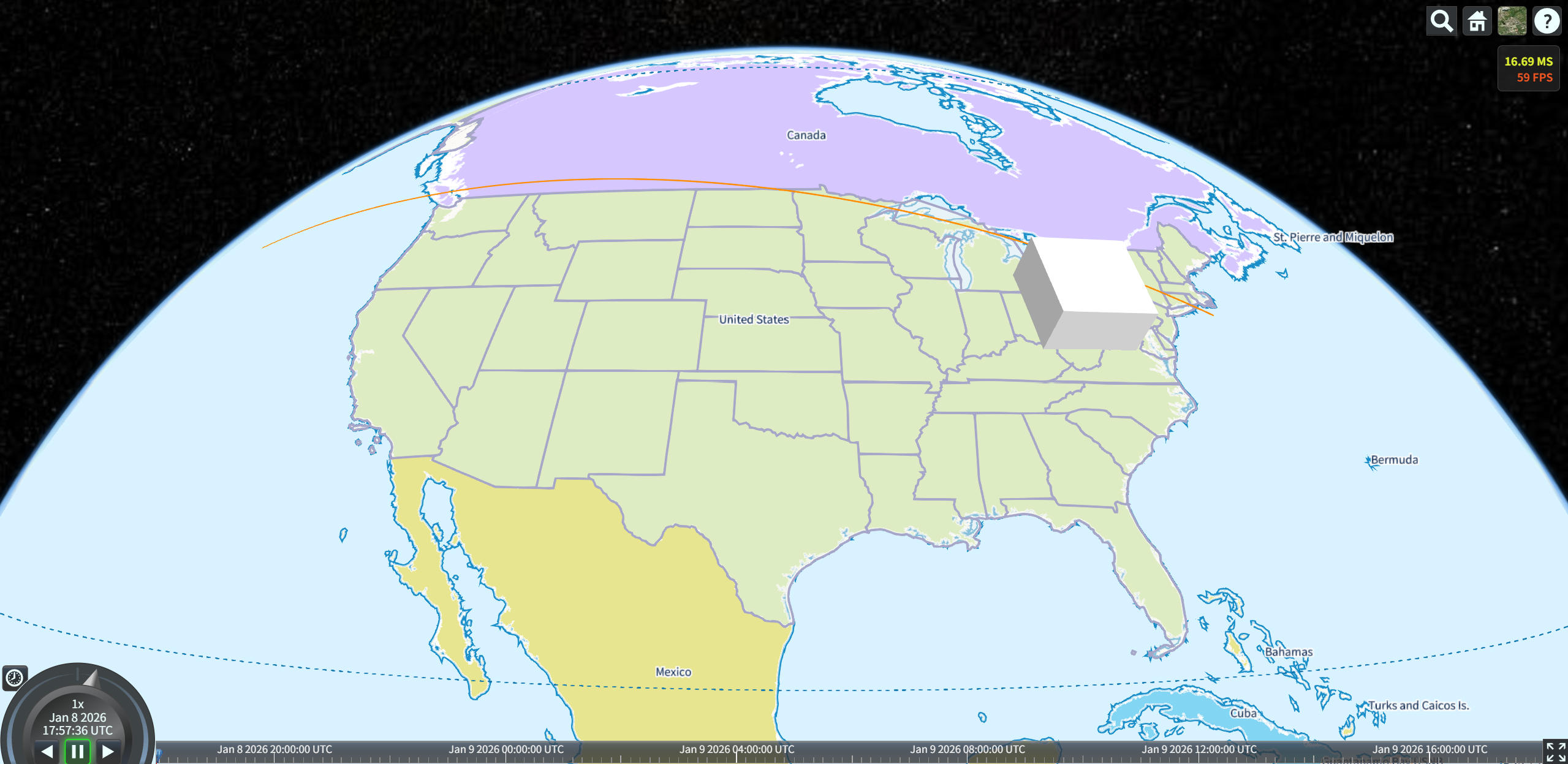
效果图