
@meteor-icons/hamlet
v4.5.0
Published
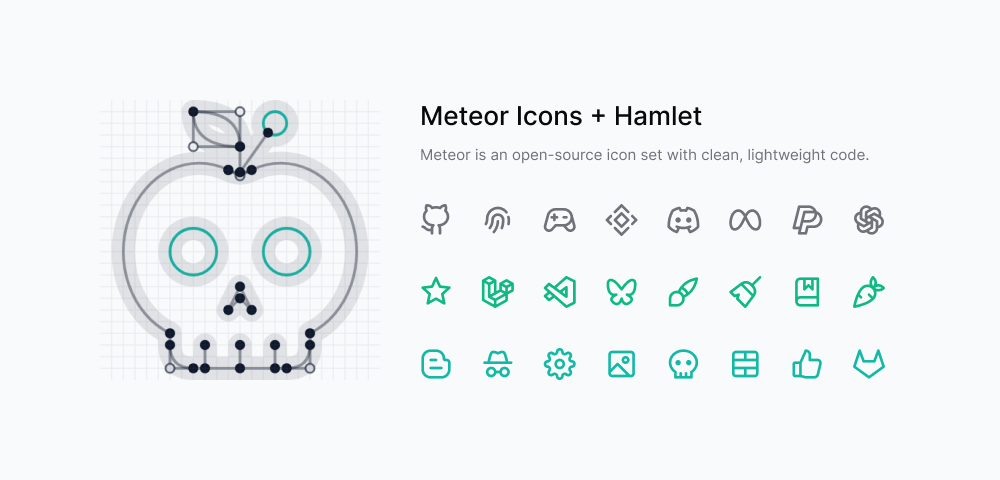
Meteor is an open-source icon set with ultra-lightweight, performance-focused code, crafted through human reasoning.

Maintainers
 zkreations
Readme
About
A Hamlet plugin that exposes Meteor Icons partials for inline SVG output and Blogger includes.
Features
- Registers the Meteor namespace
- Provides svg, include, and includable partials
- Reuses the same generated icon map as the rest of the project
- Keeps Blogger and SVG output aligned with the core package
Installation
npm install @meteor-icons/hamletUsage
Add the plugin to your hamlet.config.js configuration file:
import Meteor from '@meteor-icons/hamlet'

export default {
  plugins: [
    Meteor()
  ]
}
Partials
| Partial | Description |
| --- | --- |
| Meteor.svg | SVG partial for inline icon markup |
| Meteor.include | Blogger <b:include> helper partial |
| Meteor.includable | Blogger includable XML partial |
Parameters
| Parameter | Description |
| --- | --- |
| icon | Icon name |
| class | Additional classes |
| color | Stroke color |
| size | Width and height |
| strokeWidth | Stroke thickness |
| minimal | Renders only essential SVG attributes (class and viewBox) |
Minimal mode
Use the minimal prop to keep only essential attributes in the generated SVG root (class and viewBox).
{{> Meteor.svg icon="github" minimal=true}}If you use minimal mode, you should add the following CSS to your styles for proper icon rendering:
.i {
  stroke-width: var(--i-stroke, 2);
  width: var(--i-size, 24px);
  height: var(--i-size, 24px);
  stroke: var(--i-color, currentColor);
  stroke-linecap: round;
  stroke-linejoin: round;
  fill: none;
}
Options
| Option | Description |
| --- | --- |
| minimalSvgAttrs | Generates SVGs with only the essential attributes (class, viewBox) |
Example
You can use the partials in your Hamlet templates like this:
{{> Meteor.includable}}

{{> Meteor.include icon="github"}}

{{> Meteor.svg icon="github"}}
Please note that if you use the Meteor.include partial, you must include the Meteor.includable partial in your template within Blogger's default common markup, for example:
<b:defaultmarkups>
  <b:defaultmarkup type='common'>
    {{> Meteor.includable}}
  </b:defaultmarkup>
</b:defaultmarkups>
If, instead, you are using the Meteor.svg partial, you do not need to include anything else. You can use it directly in your template. If you want to use the minimalSvgAttrs option, you can enable it in your configuration like this:
import Meteor from '@meteor-icons/hamlet'

export default {
  plugins: [
    Meteor({ minimalSvgAttrs: true })
  ]
}
Contributing
All icons are created by Daniel Abel, but contributions are welcome.
Guidelines
- Ensure visual consistency across icons
- Keep SVG code clean and optimized
- Provide clear references when requesting new icons
- Contributions must be original work
Support
For more information, see CONTRIBUTING.md. You can also support the project by buying a coffee.
License
Meteor Icons is licensed under the MIT License.