
@mhar00n/emdashcms-visual-builder
v0.1.0-alpha.1
Published
Visual page and site building for EmDash CMS, powered by GrapesJS Core: responsive pages, header and footer, global styles, templates and reusable components.

Maintainers
 mhar00n
Readme
EmDash CMS Visual Builder
Visual page and site building for EmDash CMS, powered by GrapesJS Core.
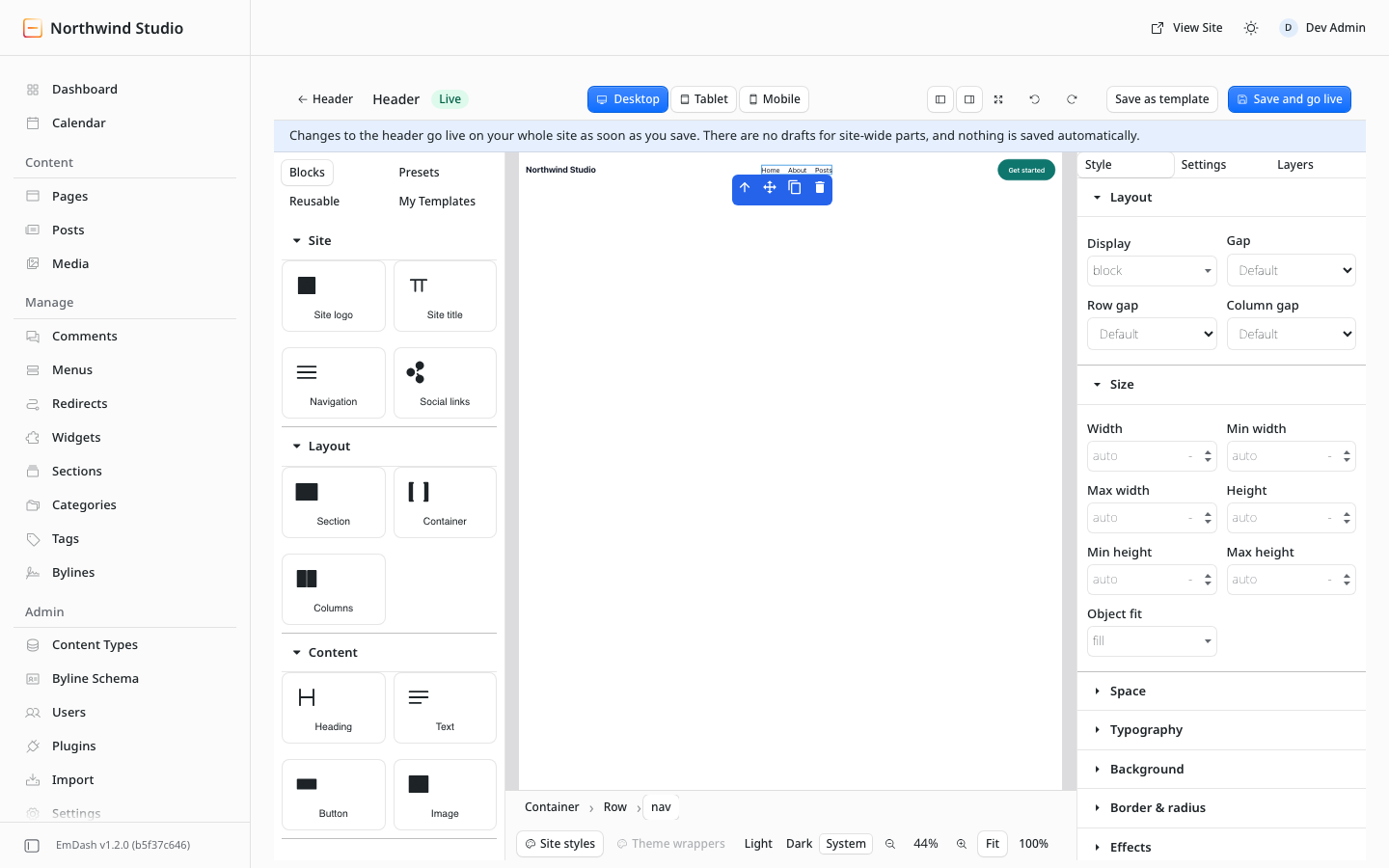
Build responsive pages, headers and footers visually while media, menus, permissions, drafts and publishing stay in EmDash.
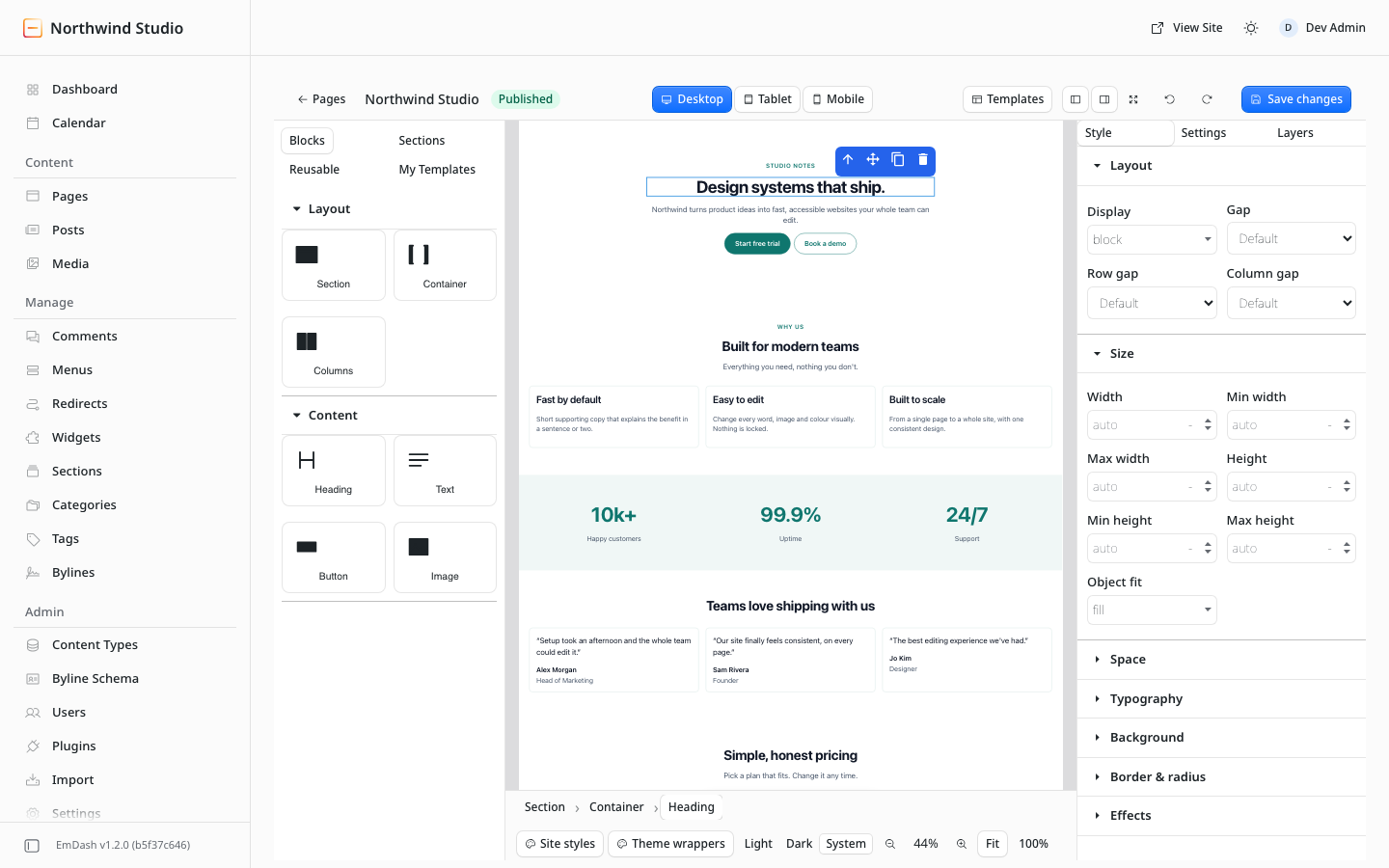
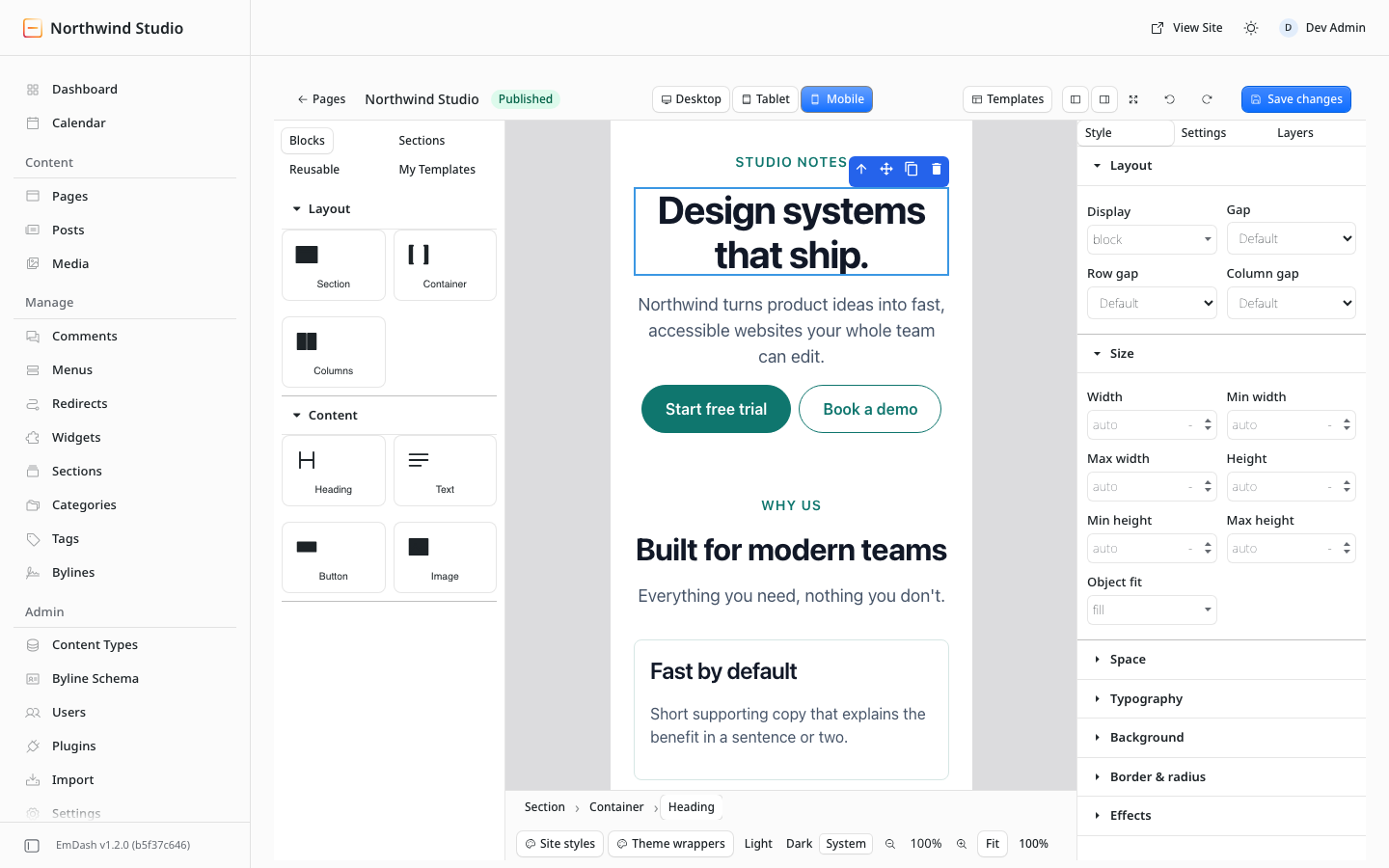
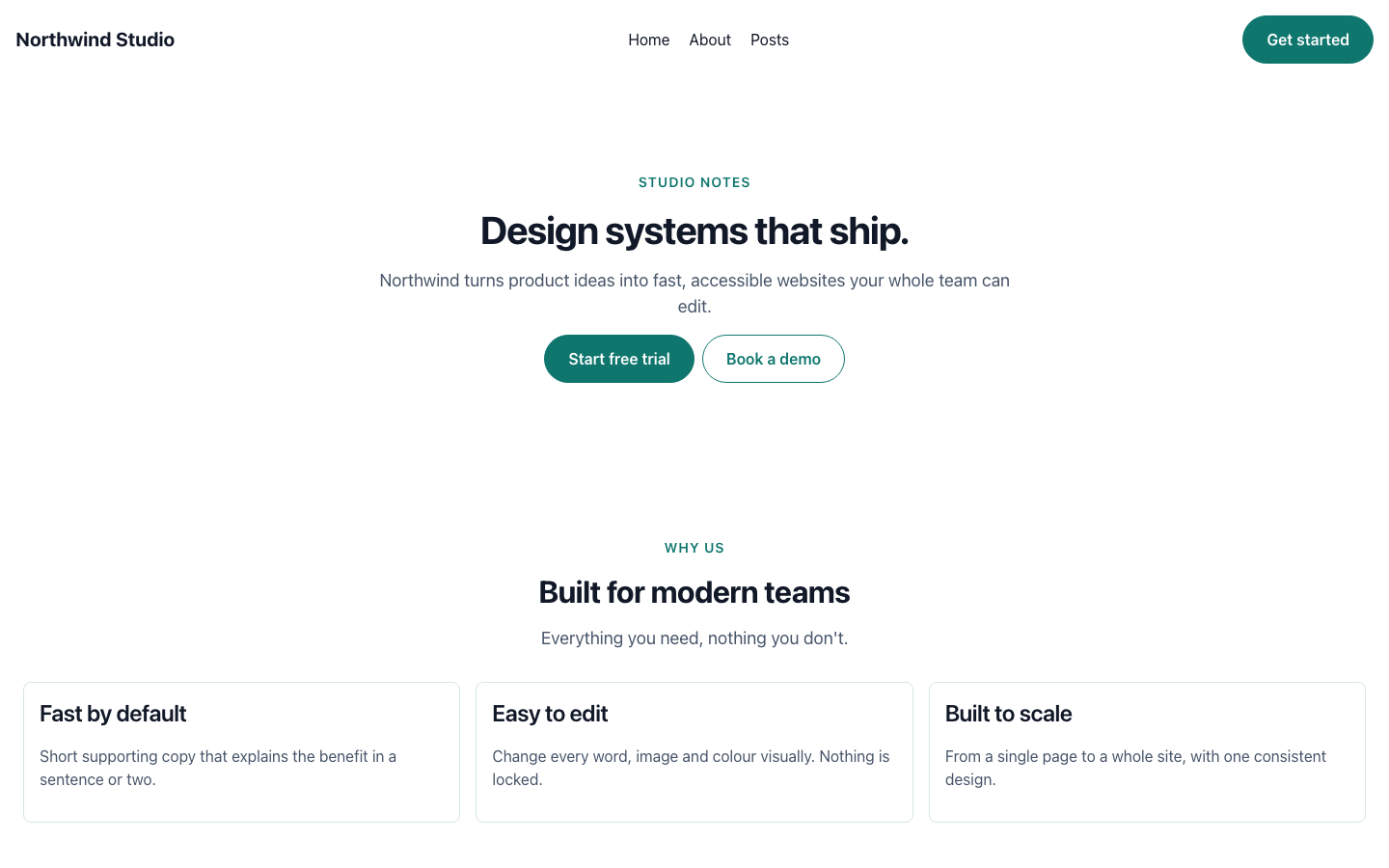
- Drag-and-drop pages with responsive (desktop / tablet / mobile) editing
- EmDash Media for images and backgrounds (only the media id is stored)
- Visual Header and Footer with live logo, title, menus, social links and copyright
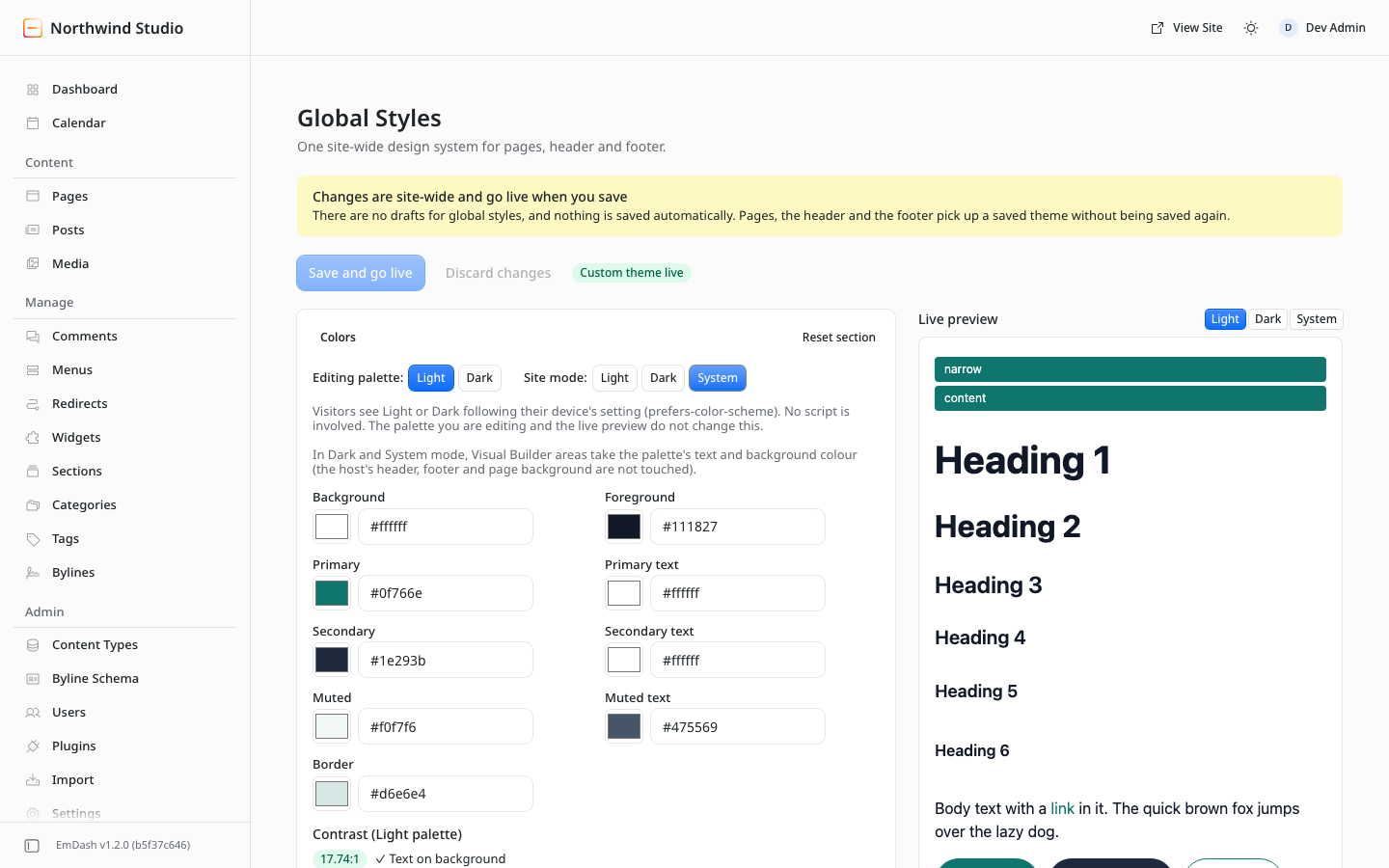
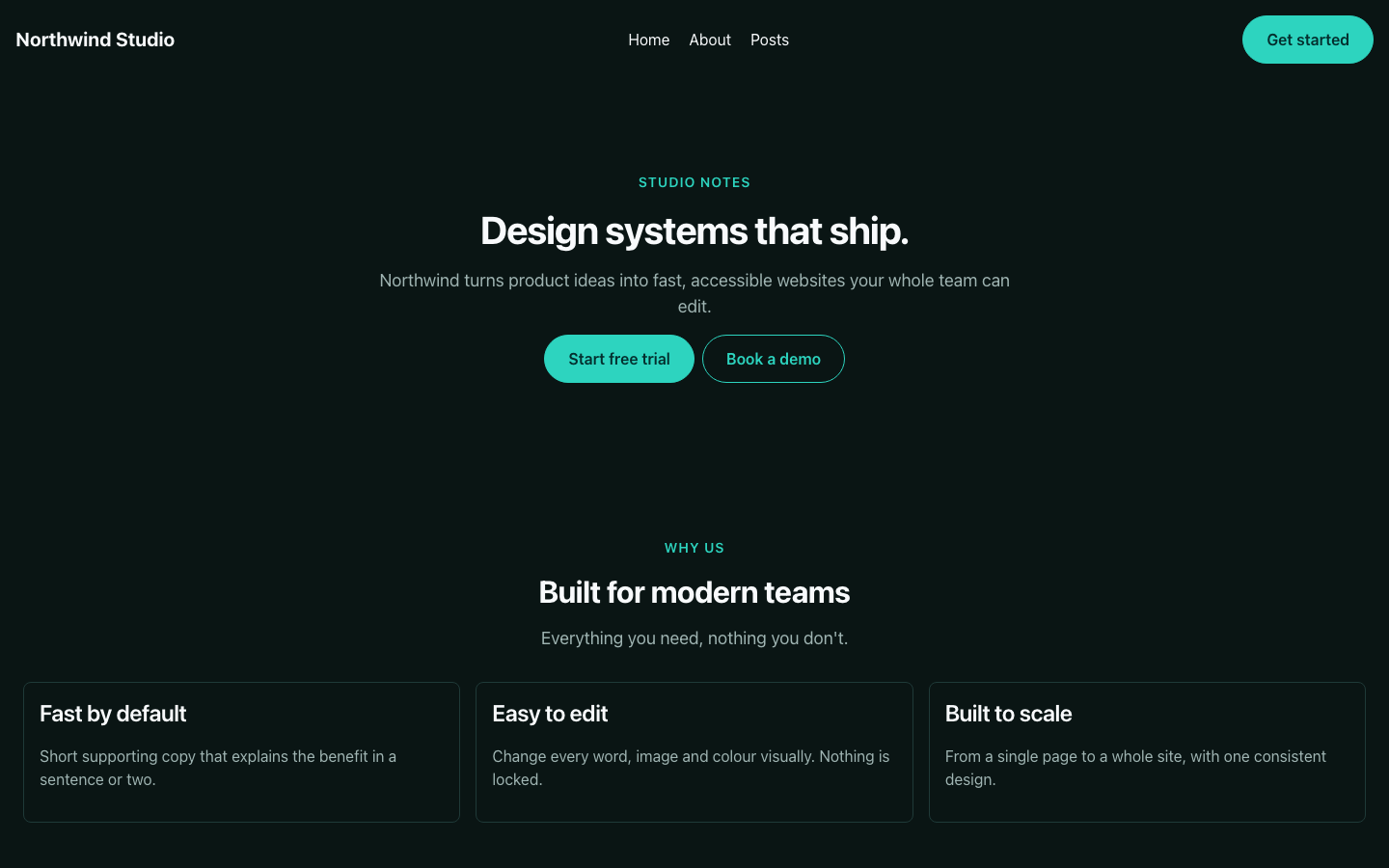
- Global Styles: one design system for colours, type, buttons and spacing, with Light / Dark / System palettes
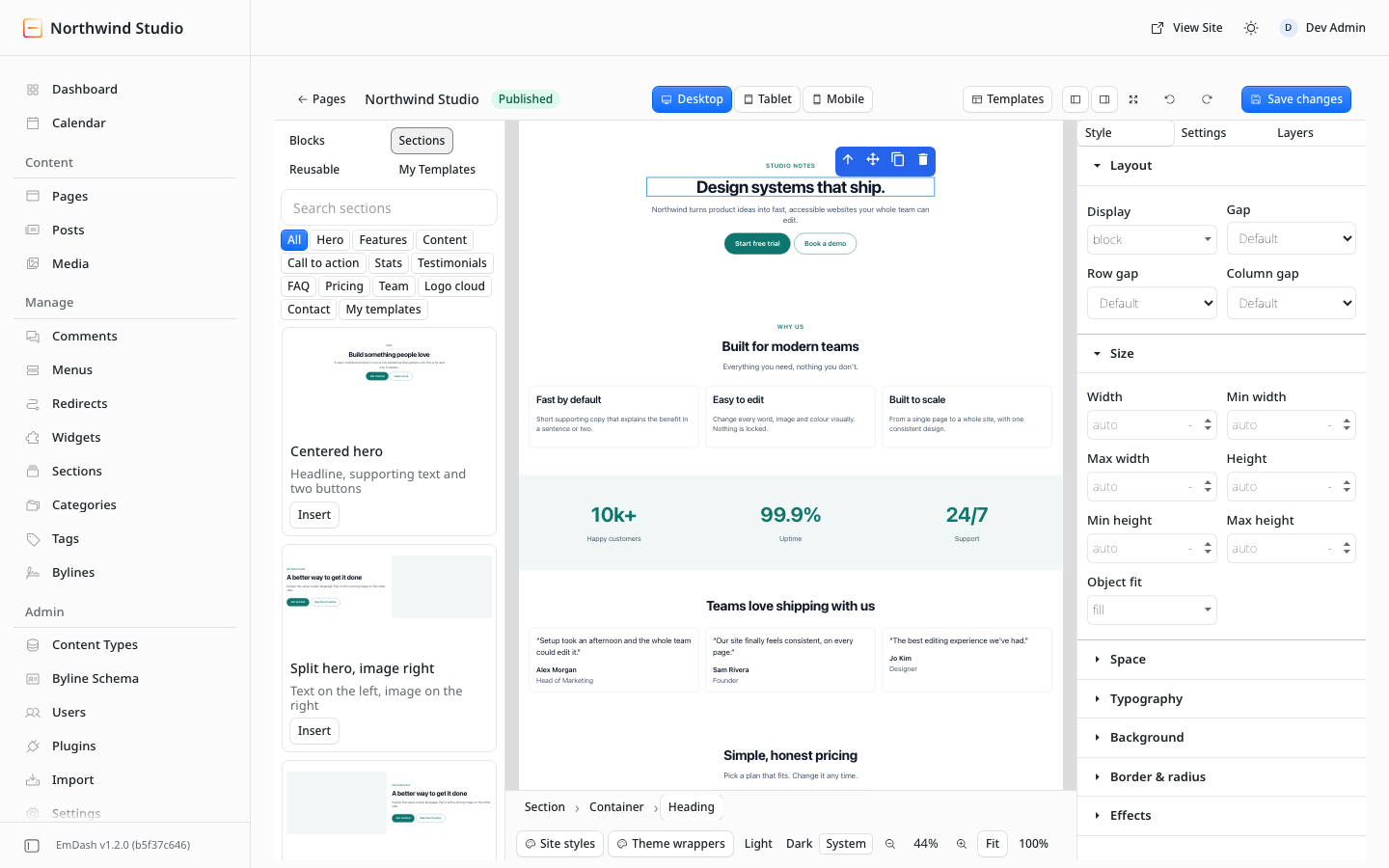
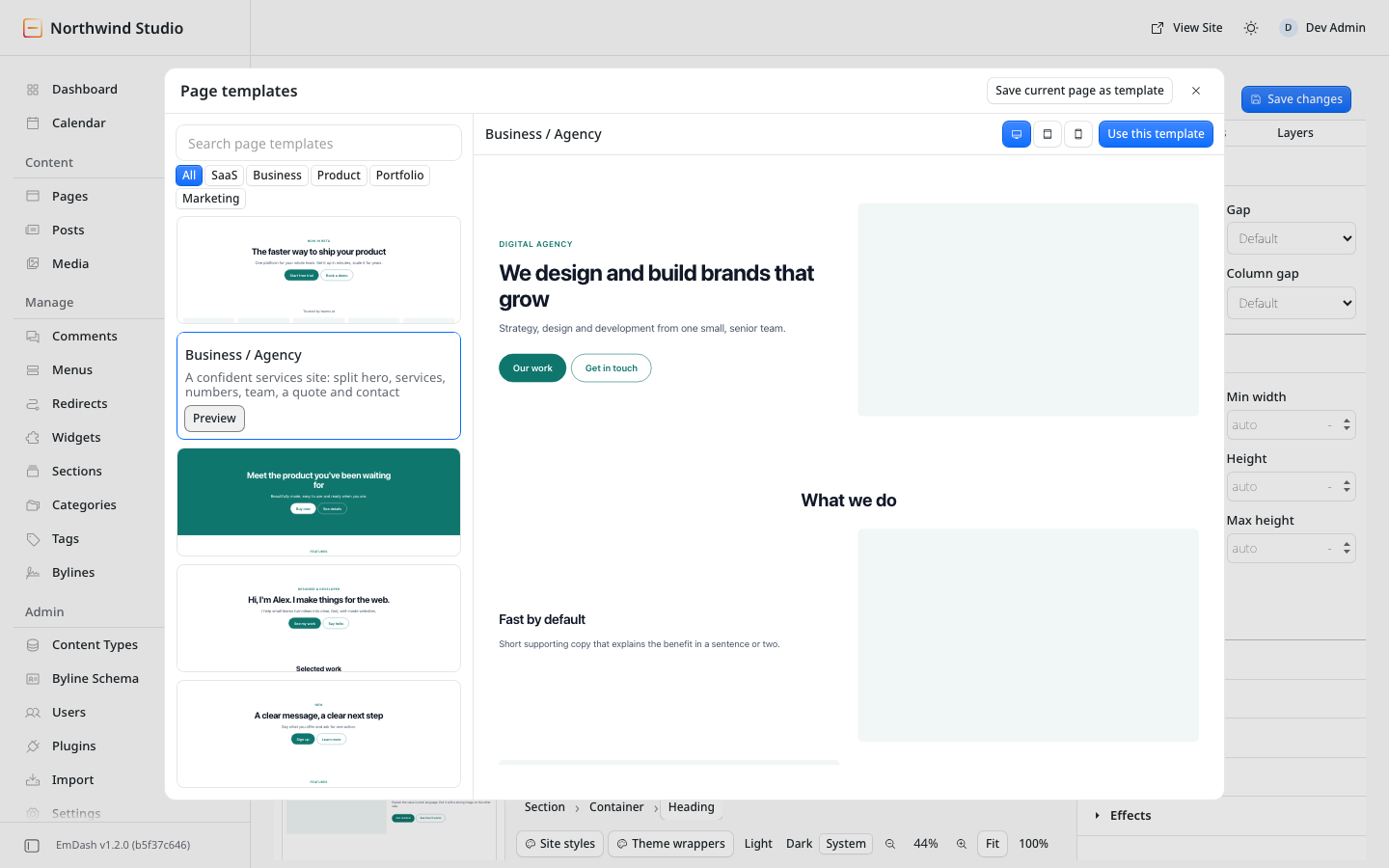
- 22 sections, 5 page templates and header/footer presets
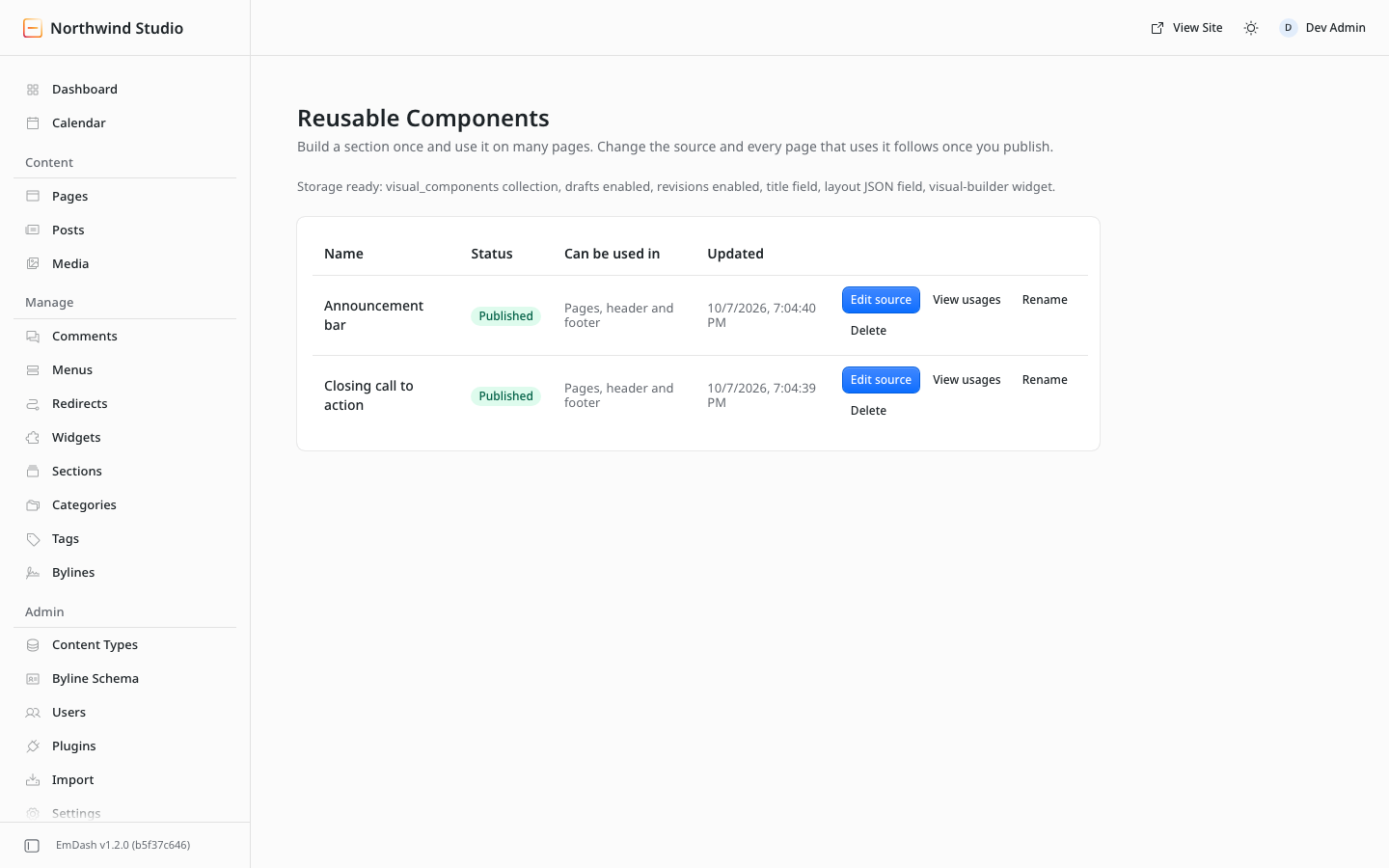
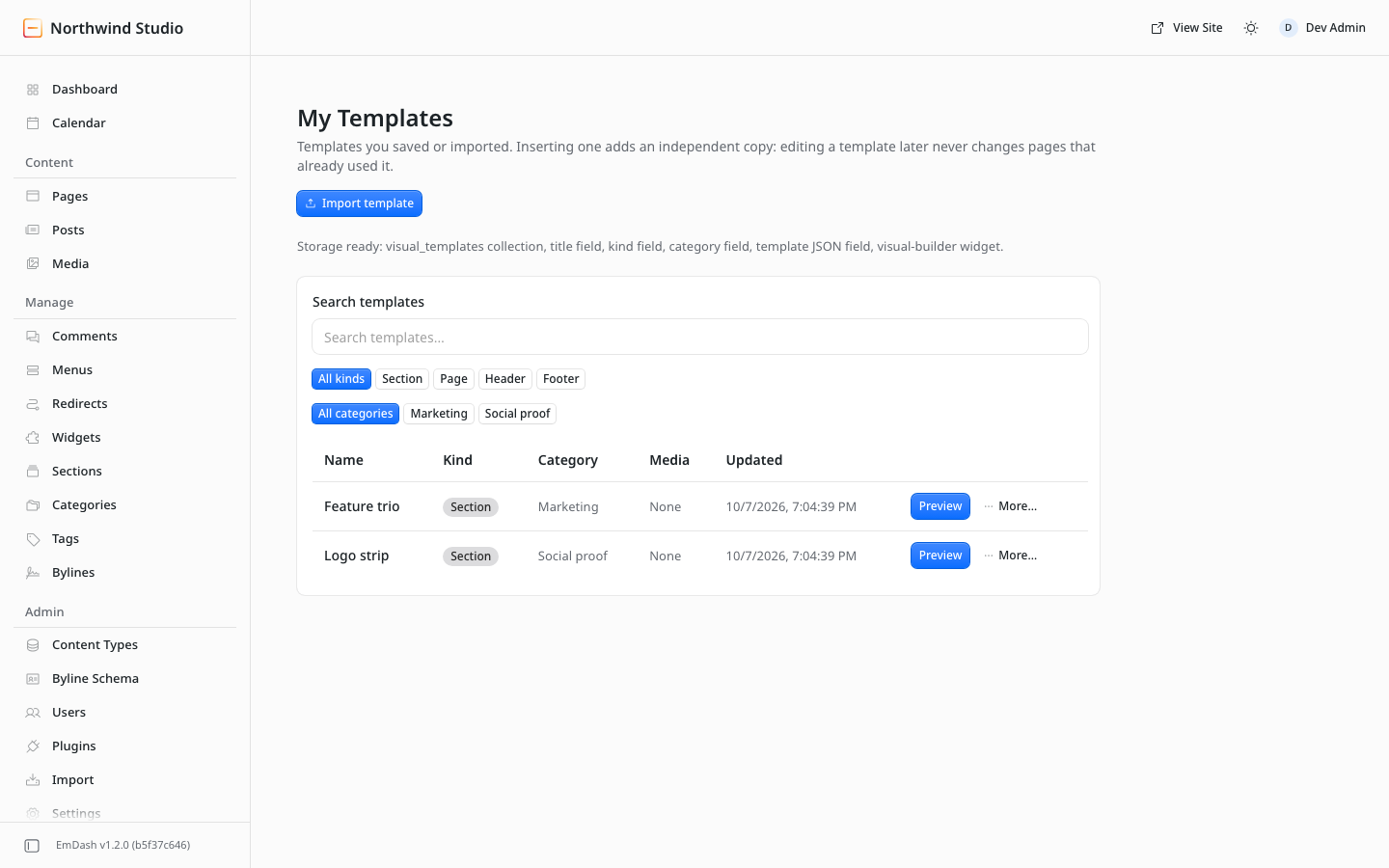
- Reusable Components: one source, many pages, draft and publish
- My Templates with portable import / export (
.evb-template.json) - Draft / publish through EmDash's normal content flow, with EmDash roles and permissions
Alpha.
0.1.0-alpha.1is the first public pre-release. It is tested with EmDash 1.1 and 1.2, Node ≥ 22.16, React 19. It is a native EmDash plugin (it runs in your site's process), not a registry sandboxed plugin; install it only in sites you control.
Quick start
You need an EmDash site (create one with npm create emdash@latest). The steps below take a few minutes.
1. Install
pnpm add @mhar00n/emdashcms-visual-builder@alphaEmDash's starter sets minimumReleaseAge: 1440 in pnpm-workspace.yaml, which refuses packages published in the last 24 hours. If the install is refused for that reason, add the package to the exclusions (or wait a day):
minimumReleaseAgeExclude:
  - emdash
  - "@emdash-cms/*"
  - "@mhar00n/emdashcms-visual-builder"
2. Register the plugin in astro.config.mjs:
import { emdashVisualBuilderPlugin, emdashVisualBuilderVite } from "@mhar00n/emdashcms-visual-builder";

export default defineConfig({
	// ...
	integrations: [
		react(),
		emdash({
			// ...your existing options
			plugins: [emdashVisualBuilderPlugin()],
		}),
	],
	vite: emdashVisualBuilderVite(), // or emdashVisualBuilderVite({ ...yourViteConfig })
});
3. Start the site and run setup. Start pnpm dev, sign in at /_emdash/admin, and open Visual Builder. A setup panel shows what your site is missing and offers Fix setup for me. It adds a JSON layout field to your pages collection (nothing changes until you press the button, and an existing field is never rewritten).
4. Render the design in your theme. Installing the plugin does not change your site's pages. In the starter's src/pages/pages/[slug].astro, add the import and the view line to the frontmatter (after page has been loaded) and replace the existing <article>…</article> block (the starter already imports PortableText):
---
import { renderPage } from "@mhar00n/emdashcms-visual-builder/render";
const view = await renderPage(page.data.layout, Astro.locals.emdash);
---

{(view.showTitle || !view.visual) && (
	<article>
		<h1>{page.data.title}</h1>
		{!view.visual && <PortableText value={page.data.content} />}
	</article>
)}
{view.visual && (
	<>
		<style set:html={view.visual.css} />
		<Fragment set:html={view.visual.html} />
	</>
)}
Pages without a visual design keep rendering their normal content. The setup panel checks your theme and shows this snippet if it is missing. Your theme files are never edited for you. See docs/theme-integration.md for the header and footer.
5. Build a page. Open Visual Builder, choose a page, drag blocks in, Save changes (this saves a draft), then Publish the page in EmDash as usual.
What is optional
| Feature | Where | Needs setup |
|---|---|---|
| Visual Header and Footer | Visual Builder → Header / Footer | Add the header/footer snippet to your layout (theme integration). Saving a visual header or footer activates it; until then your theme's own keeps rendering. |
| Global Styles (Light / Dark / System) | Visual Builder → Global Styles | None |
| Reusable Components | Visual Builder → Reusable Components | Fix setup for me (creates a hidden visual_components collection) |
| My Templates, import / export | Visual Builder → My Templates | Fix setup for me (creates a hidden visual_templates collection) |
Nothing is created when the plugin loads. Every schema change is an explicit button, idempotent, additive and never rewrites an existing collection or field.
Screenshots
| | |
|---|---|
|  |
|  |
|
|
|  |
|  |
|
|
|  |
|  |
|
|
|  |
|  |
|
|
|  | |
| |
Who can do what
The plugin asks EmDash for permission for the signed-in user on every request; declaring a plugin capability never bypasses a user's role.
| Role | Can | |---|---| | Subscriber | Nothing in the builder | | Contributor | Read drafts, components and templates; create components and templates | | Editor | Edit pages, edit and publish component sources, rename and delete templates, view header, footer and Global Styles | | Administrator | Everything: save the header, footer and Global Styles, and run the explicit setup actions |
The exact route-by-route table is in docs/permissions.md.
Documentation
| | |
|---|---|
| Theme integration | Page, header and footer snippets, fallbacks, short-page spacing |
| Permissions and capabilities | What the plugin requests and why; role table |
| Security | Trust boundary and protections |
| Template format | The .evb-template.json file |
| Architecture | Documents, storage, rendering |
| Troubleshooting | Common problems |
| Changelog | Release notes |
Status and known limitations
This is an alpha. Notably: no per-instance overrides for reusable components (edit the source, or detach), a template can't change kind after saving, media is not bundled in exported templates (images become placeholders), System mode follows prefers-color-scheme only (not a host's own dark-mode class), and the builder is designed for a pointer and keyboard (touch devices are not tested). The browser suite (574 checks) passes in Chromium, Firefox and WebKit; in Safari, Tab skips links by default (enable Press Tab to highlight each item, or use Option+Tab). See docs/troubleshooting.md.
Development
pnpm install
pnpm typecheck && pnpm test:run     # unit tests
pnpm build && pnpm check:package    # build and verify the npm tarball contents
pnpm test:e2e                       # browser suite; needs a running EmDash dev site (see tests/e2e/helpers.mjs)
License
MIT. The editor engine is GrapesJS Core (BSD-3-Clause); see THIRD_PARTY_LICENSES.md. No GrapesJS Studio SDK or licence-key product is used.