
@mocko/cli
v2.2.0
Published
Mocking made easy, proxy your API and choose which endpoints to mock

Maintainers
 gabrielpinheiro
Readme
@mocko/cli
Dynamic HTTP mocking from your terminal.
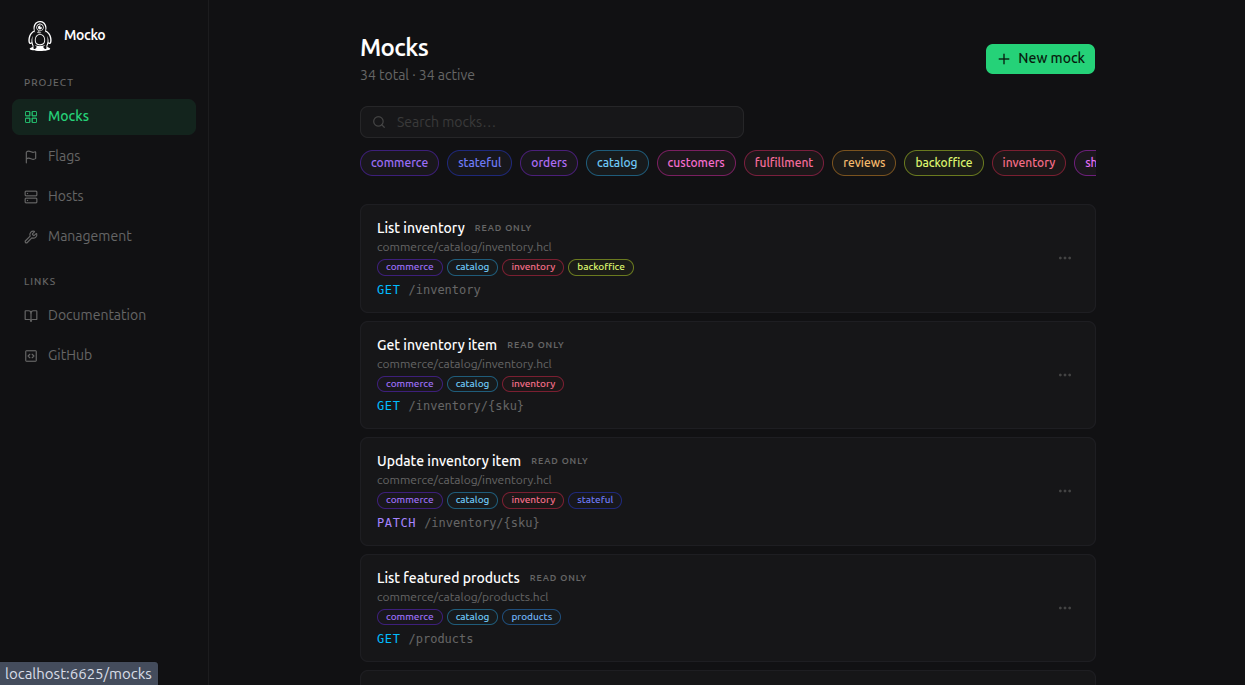
Mocko CLI starts the Mocko mock server and, by default, the Control Panel. Use it to create dynamic API mocks, run versioned File Mocks, proxy real APIs, and simulate stateful flows with flags.
Installation
npm i -g @mocko/cliCheck the installation:
mocko --helpQuick Start
Start Mocko with the Control Panel enabled:
mockoOpen the Control Panel at http://localhost:6625. Mocked HTTP endpoints are served from http://localhost:8080.
Run File Mocks
Create ./mocks/orders.hcl:
mock "GET /orders/{id}" {
  name   = "Get order"
  labels = ["orders", "checkout"]
  format = "json"

  body = <<EOF
    {
      "id": "{{request.params.id}}",
      "status": "{{default request.query.status 'processing'}}",
      "etaMinutes": {{random 5 30}}
    }
  EOF
}
Run Mocko pointing to the folder:
mocko --watch ./mocksCall the mock:
curl http://localhost:8080/orders/123File Mocks are loaded into the mock server and shown in the Control Panel.
Proxy An API
Mocko can sit in front of a real API. Requests with matching mocks are handled by Mocko; everything else is proxied.
mocko --watch ./mocks --url https://api.example.comTemplates can also choose when to proxy:
mock "GET /orders/{id}" {
  format = "json"

  body = <<EOF
    {{#is request.params.id "preview"}}
      {
        "id": "preview",
        "status": "draft"
      }
    {{else}}
      {{proxy}}
    {{/is}}
  EOF
}
Flags And Tests
Flags are persisted values that mocks, the Control Panel, and automated tests can read and write. Use them to simulate multi-step flows such as balances, purchases, inventory, order status, or feature switches.
For test automation, use @mocko/sdk:
npm install @mocko/sdk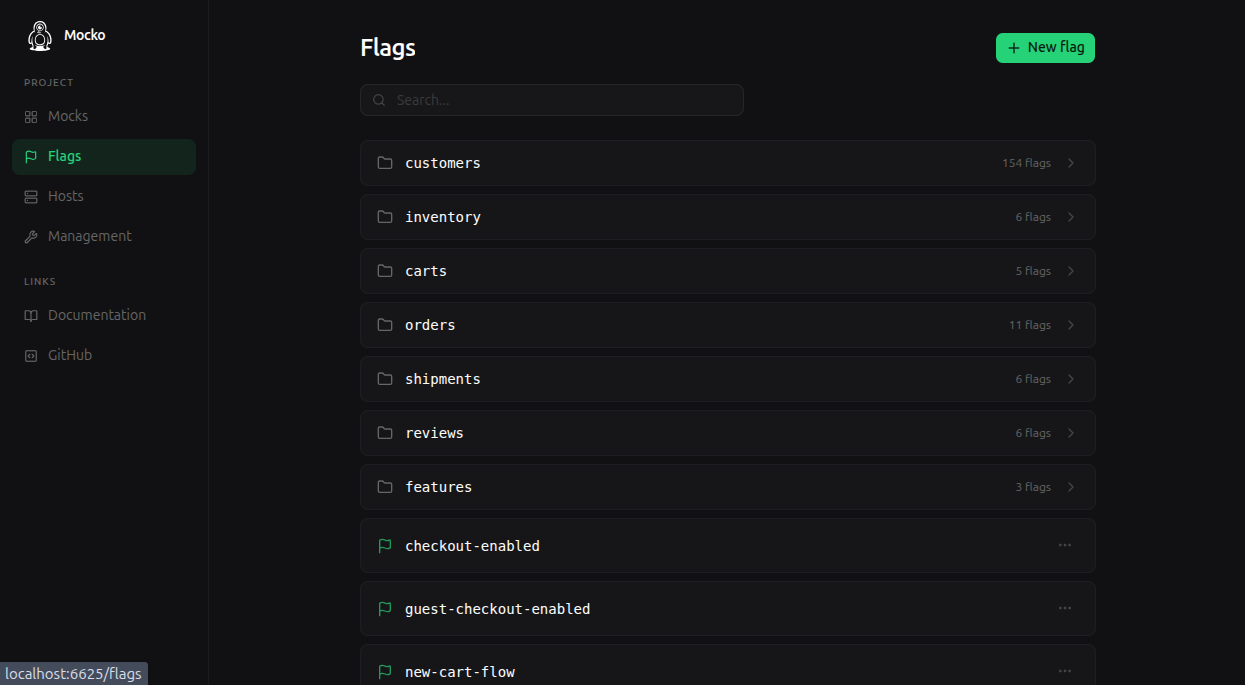
Options
Usage: mocko [options] [path to mocks folder]
Example: mocko --watch ./mocks

Options:

  -h, --help       Shows this screen
  -v, --version    Shows the current version
  -w, --watch      Watches for file changes and restarts the server
  -p, --port       Port to serve the mocks (8080)
  -u, --url        URL to proxy requests when no mock is defined
  -t, --timeout    Max time to wait for a response from the proxied URL in millis (30000)
  --no-ui          Disables the Control Panel
  -r, --redis      Enables Redis mode using the provided Redis URL
  -P, --ui-port    Overrides the Control Panel port (6625)
Validating mocks in CI
mocko validate checks every mock in a folder without starting a server and exits with a non-zero code when any of them is broken: HCL syntax errors, invalid definitions, duplicated routes, or body templates that fail to compile.
Usage: mocko validate [options] <path to mocks folder>
Example: mocko validate mocks

Options:

  -h, --help      Shows this screen
  -s, --strict    Treats warnings as errors
  -j, --json      Outputs machine-readable JSON