
@mosetta/ide-desktop
v0.0.14
Published
Mosetta IDE — the Electron shell: the windows, the tray and the daemon


Readme
Native app
@mosetta/ide-desktop · Mosetta IDE as an application your system knows: the Electron shell, the tray, and an installer that puts it in your Applications.
What it does
npx @mosetta/ide install      # the short way — it hands over to this package
npx @mosetta/ide-desktop install
The installer copies the package into ~/.mosetta/ide/app/<version>, builds the IDE
on your machine, points current at that version and creates a shortcut your system
understands: a real .app in ~/Applications on macOS (Spotlight and the Dock find
it), a .lnk in the Start menu and on the desktop on Windows, a .desktop entry on
Linux. Then it starts it.
There is no prebuilt binary in the package on purpose: the IDE builds where it is going to live, so the client, the Electron main process and every plugin are built by the same tools for the same machine.
npx @mosetta/ide-desktop start— start the installed app.npx @mosetta/ide-desktop uninstall— remove the app and its versions; settings and state stay in~/.mosetta/ide.--purgeremoves those too.npx @mosetta/ide-desktop install --force— reinstall the same version.- One previous version is kept for a rollback; older ones are removed, and the space freed is said out loud.
The shell is the supervisor of the daemon (@mosetta/ide-server): it starts it, keeps it
alive, opens windows on the mosetta://app scheme and closes everything down when you
quit from the tray. Settings are the same ~/.mosetta/ide/config/settings.json the
browser run uses.
Screenshots and demos
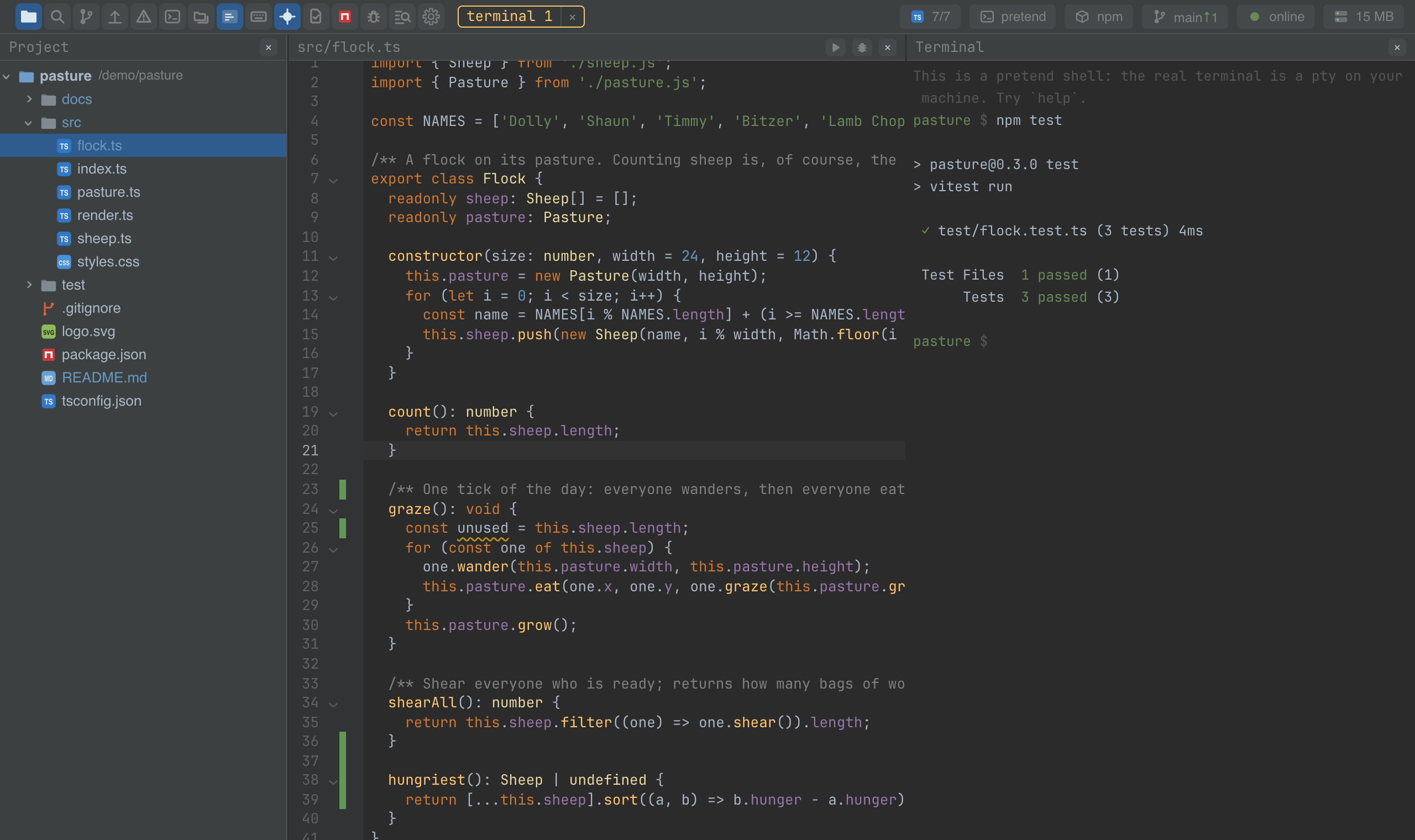
The windows look the same as in the browser — try it there first.
Using it from another plugin
Plugins do not talk to the shell: whether the IDE runs in a browser tab or in Electron is
not a plugin's business, and nothing in the contract mentions windows. What the shell
adds — the tray, the supervisor, the scheme — belongs to the application. If your plugin
needs to know where it runs, ask for what you actually need (ide.mount, the daemon's
services) rather than for the shell.