
@mosetta/ide-plugin-changes
v0.0.14
Published
Changelists, commits, a shelf of patches outside git, and the diff over the editor.

Maintainers
 pre-fabricated
Readme
Changes
@mosetta/ide-plugin-changes · Changelists, commits, a shelf of patches outside git, and the diff over the editor.
What it does
A panel with everything you changed since the last commit, and what to do with it.
- Changelists. Sort your changes into named lists and commit one list at a time; conflicts land in a list of their own until they are settled.
- Commit the ticked files with a message — amend the last commit if you like, and set the author per project. The draft of the message survives a reload.
- The shelf. Put the ticked changes aside as a patch — outside git, so no stash juggling — and bring them back later, all at once or file by file. If a shelved file changed meanwhile, bringing it back opens the merge screen instead of guessing.
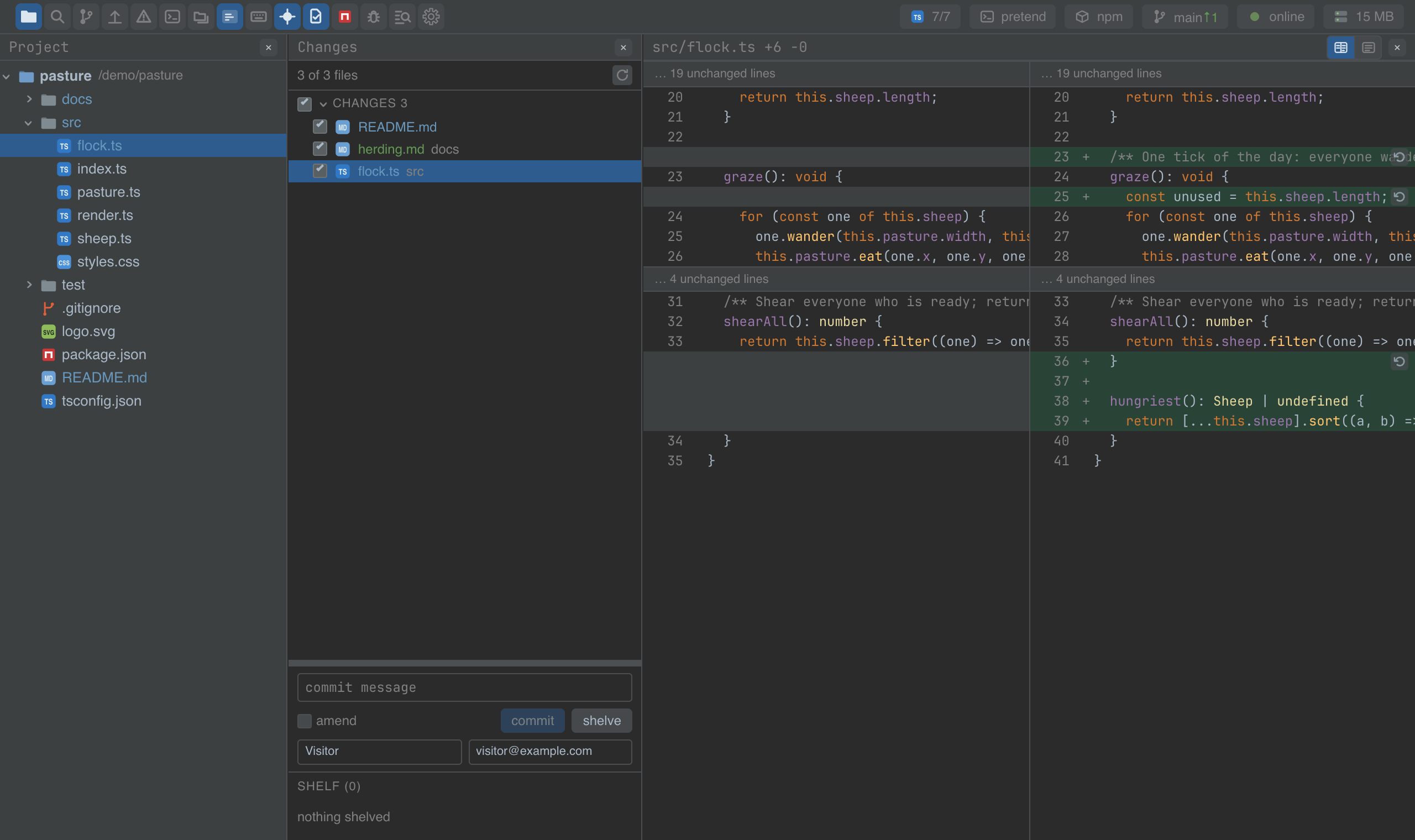
- The diff over the editor. Enter on a file covers the editor with its diff, in two columns or as one ribbon; Escape takes it away and leaves the editor exactly as it was; F4 jumps to the file.
- Revert a file, or a single hunk from the diff.
Keys
| Command | macOS | Windows and Linux |
|---|---|---|
| panel.changes — the changes panel | Cmd+K | Ctrl+K |
| changes.commit | Cmd+Enter | Ctrl+Enter |
| changes.showDiff / changes.diffClose | Enter / Escape | Enter / Escape |
| changes.openFile — from the diff to the file | F4 | F4 |
Settings
Section changes in settings.json:
| Key | Default | What it does |
|---|---|---|
| diffMode | split | split shows the diff in two columns, unified as one ribbon. |
Screenshots and demos
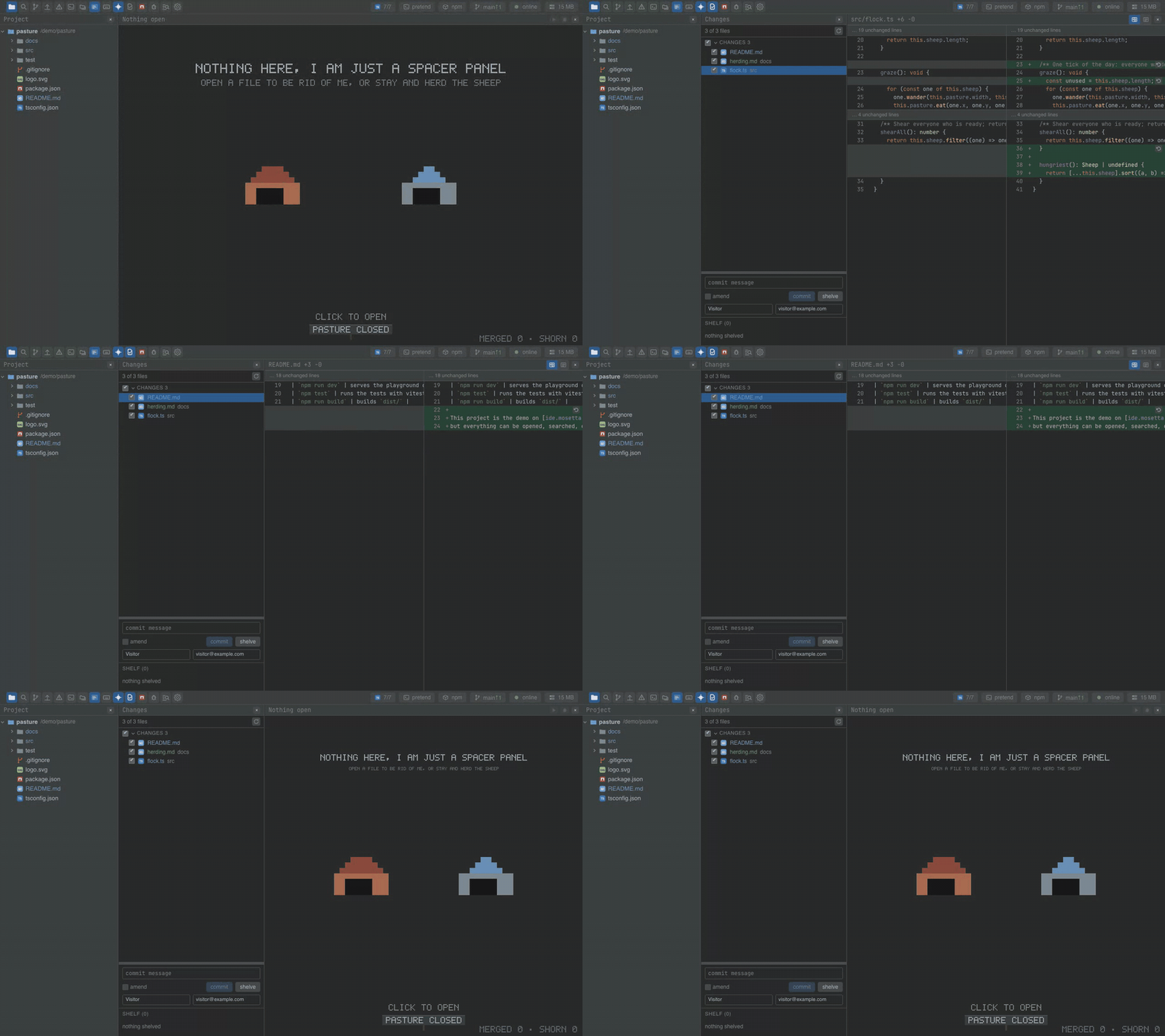
Watch the video · Try it in the browser
Using it from another plugin
The instance carries the panel's state and the diff screen:
import ChangesPlugin from '@mosetta/ide-plugin-changes';

const { changes, diff } = this.ide.getPlugin(ChangesPlugin);

await diff.show('src/flock.ts');   // cover the editor with this file's diff
diff.close();

changes.shelf.value;              // what is on the shelf: [{ id, name, at, files }]
changes.open.value = true;        // open the panel
Its daemon side — commit, shelve, unshelve, revert, the lists — is reached through the
same instance (commit, shelve, unshelve, revert, lists, …); each returns an
error string or null rather than throwing, so a failed git call is shown to the user
as it is.
The diff over the editor is a main.overlay entry, and a shelved file that no longer
applies goes to the merge plugin as a merge session — both are keys and methods any
plugin can use for the same purpose.