
@mosetta/ide-plugin-git
v0.0.14
Published
Branches, fetch, pull and push with a preview of what goes out, and the git state everyone else reads.

Maintainers
 pre-fabricated
Readme
Git
@mosetta/ide-plugin-git · Branches, fetch, pull and push with a preview of what goes out, and the git state everyone else reads.
What it does
The plugin keeps a snapshot of the repository in the daemon — the branch, how far ahead
and behind it is, every changed file — and updates it as files change, so nothing in the
interface waits for git status. Twenty status reads in a row fit in 300 ms, and a test
holds it to that.
- Branches: a window with local and remote branches, how far each is ahead or behind, and its last commit. Check out, create from here, rename, delete, merge into the current one.
- Push with a preview: before anything leaves, you see the commits that will go out,
the ones on the remote you do not have yet, and the files each touches. Force-push is
there, as
--force-with-lease. - Fetch in the background every few minutes; pull is fast-forward only.
- The state for the rest of the IDE: coloured files in the tree, strips beside changed lines in the editor (click one to see the old text and put it back), the branch chip on the toolbar.
Keys
| Command | macOS | Windows and Linux |
|---|---|---|
| git.branches — the branches window | Option Option, Cmd+3, Ctrl+ | Ctrl+Alt+3 (browser), Ctrl+3 (desktop), Ctrl+ |
| git.push — push, with the preview | Cmd+4, Cmd+Shift+K | Ctrl+Alt+4 (browser), Ctrl+4 (desktop), Ctrl+Shift+K |
| git.fetch | — | — |
Settings
Section git in settings.json:
| Key | Default | What it does |
|---|---|---|
| autoFetchMinutes | 10 | How often to fetch from the remote; 0 never does. |
| statusPollSec | 3 | How often to re-read the state for changes made outside the IDE, such as a git checkout in another tool. |
Screenshots and demos
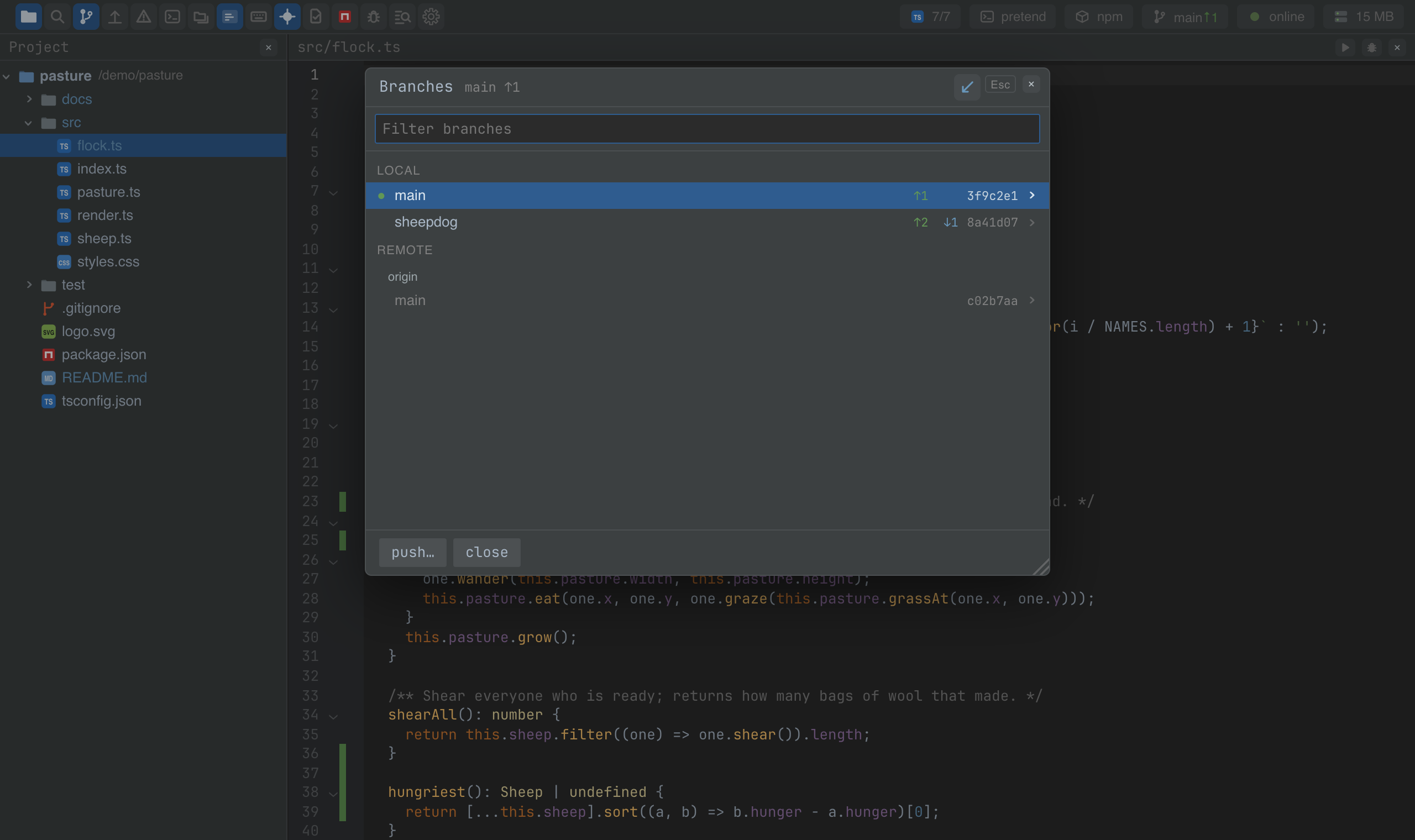
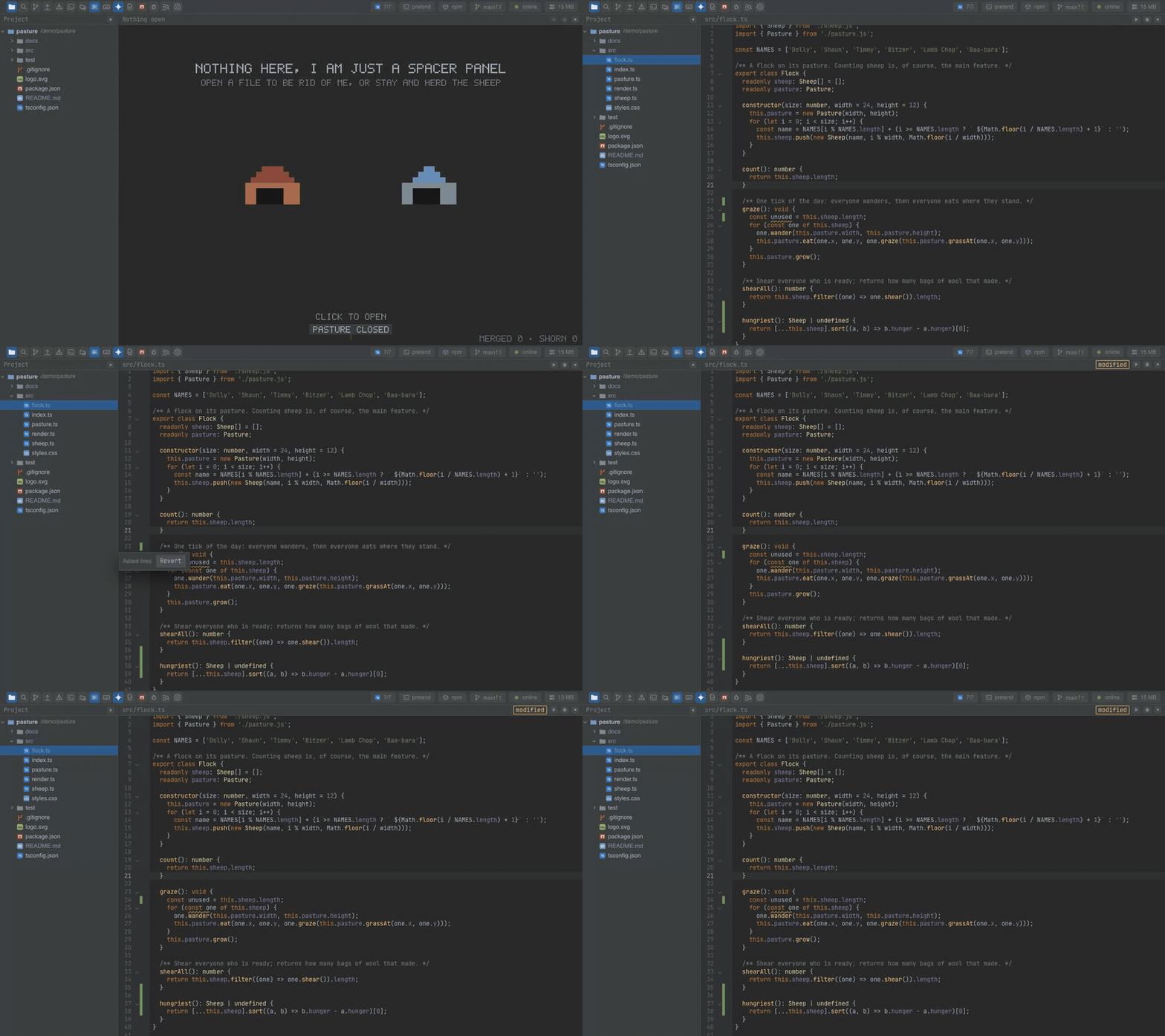
Watch the video · Try it in the browser
Using it from another plugin
import GitPlugin from '@mosetta/ide-plugin-git';

const git = this.ide.getPlugin(GitPlugin);

const state = git.snapshot.value;        // { repo, branch, ahead, behind, files, moved }
state.files['src/flock.ts'];             // 'modified' | 'added' | 'untracked' | 'deleted' | 'conflict'

const { text } = await git.head('src/flock.ts');  // the file in the last commit, or null
const changed = await git.changes();              // [{ path, state }]
await git.refresh();                               // recount now, after a commit of your own

const { error } = await git.run('checkout', 'sheepdog');
snapshot is a signal: read it in a view or an effect and your plugin follows the
repository. run takes an action — checkout, create, rename, delete,
force-delete, push, force-push, pull, fetch, merge — and a branch; the
arguments for git are assembled by the daemon, never taken from the client.
The tree's colours come from this plugin's tree.tint entry, and the editor's strips from
setHead — both through keys any plugin can use.