
@mosetta/ide-plugin-npm-scripts
v0.0.14
Published
Every script of every package.json in the project, one key away, each run in its own terminal.
Downloads
700

Maintainers
 pre-fabricated
Readme
npm scripts
@mosetta/ide-plugin-npm-scripts · Every script of every package.json in the project, one key away, each run in its own terminal.
What it does
The plugin finds the scripts in every package.json of the project — in a monorepo too —
and offers them in a window: type to filter, Enter to run. A script runs in a terminal
named after it, so running it again reuses that terminal rather than opening another.
- Scripts are search hits too:
npm devin search everywhere runs thedevscript. - The package manager is the one the project suggests by its lock file (pnpm, yarn, bun or npm), or the one you pick; the choice is shown on the toolbar.
- Actions next to a script: the debugger adds debug, and any plugin can add more.
Keys
| Command | macOS | Windows and Linux |
|---|---|---|
| scripts.open — the scripts window | Cmd Cmd, Cmd+Shift+S | Ctrl+Shift+S |
| scripts.packageManager — choose the package manager | Cmd+Shift+P | Ctrl+Shift+P |
Settings
Section tools in settings.json:
| Key | Default | What it does |
|---|---|---|
| packageManager | empty — as the project decides | npm, pnpm, yarn or bun. |
Screenshots and demos
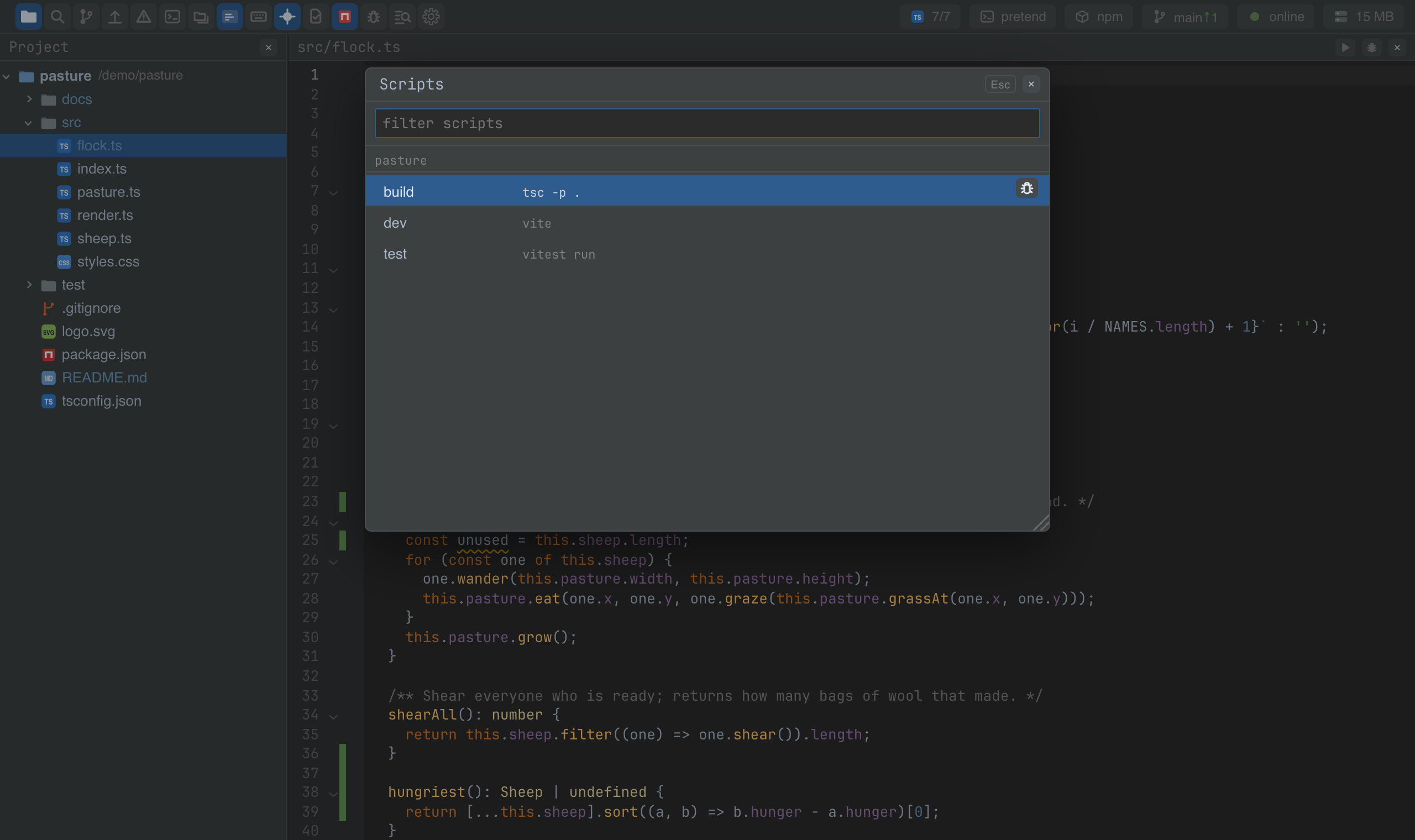
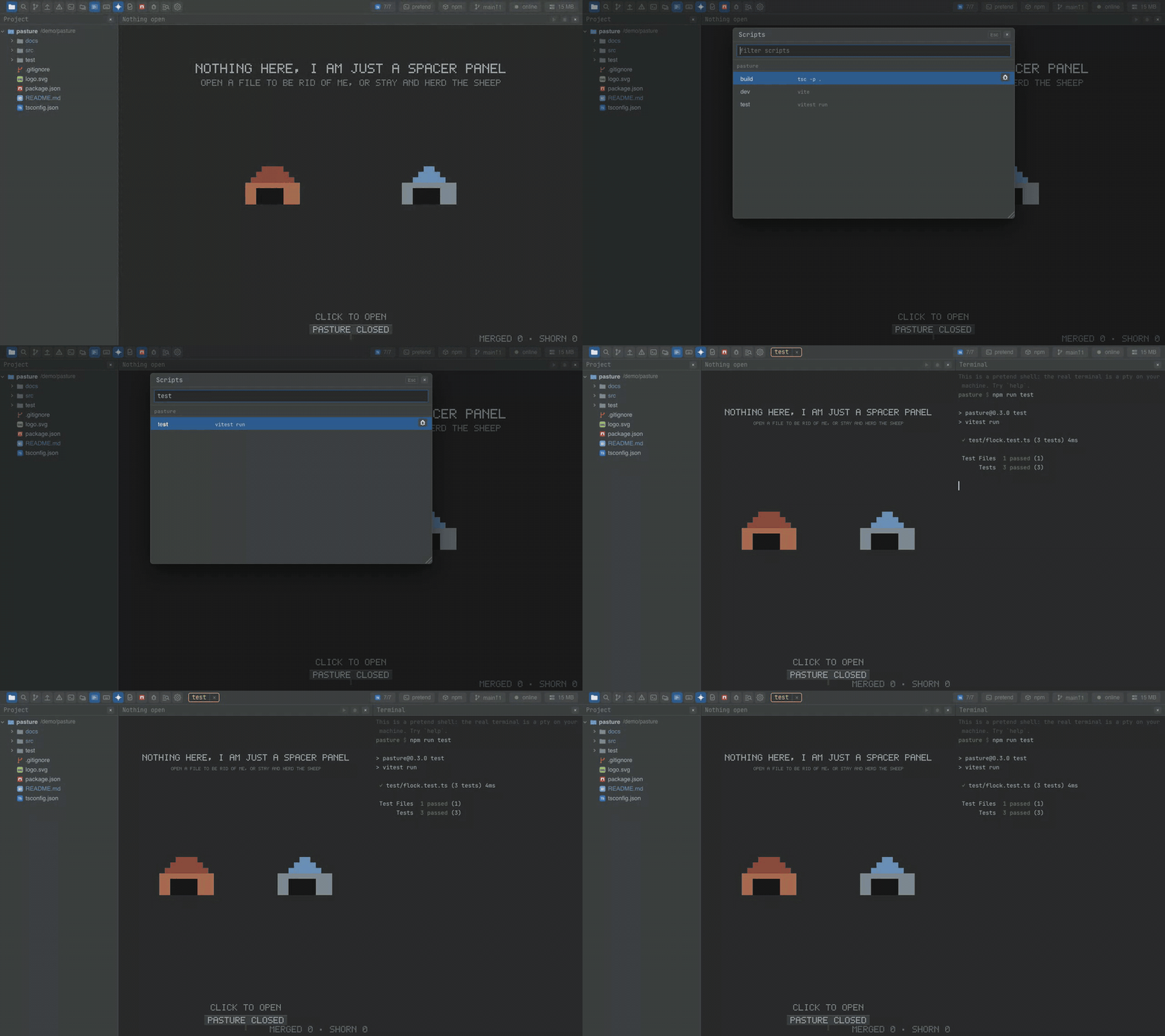
Watch the video · Try it in the browser
Using it from another plugin
import NpmScripts from '@mosetta/ide-plugin-npm-scripts';

const npm = this.ide.getPlugin(NpmScripts);

npm.scripts();                         // [{ id: 'pasture::test', script: 'test', command: 'vitest run', path: 'package.json' }]
await npm.run('pasture::test');        // run it in its terminal
const plan = await npm.plan('pasture::dev'); // { command, argv, cwd } — what would run, without running it
A script's id is <package name>::<script>. plan is how the debugger runs a script
under the debugger with the same command the terminal would use.
Add an action to every script in the window with the scripts.action key: id, a
dictionary key for the title, an icon, and run(scriptId).
this.ide.registry('scripts.action').add({
  id: 'notes.time',
  title: 'notes.time',
  icon: () => <ClockIcon />,
  run: (scriptId: string) => this.timed(scriptId),
});