
@mosetta/ide-plugin-rerun
v0.0.14
Published
Run the last npm script again, on one key.

Maintainers
 pre-fabricated
Readme
Rerun
@mosetta/ide-plugin-rerun · Run the last npm script again, on one key.
What it does
Press Cmd+Shift+Enter (Ctrl+Shift+Enter) and the npm script you ran last runs again, in the same terminal. Nothing ran yet? It takes the first script of the project.
The plugin is a few dozen lines long, and that is the point: it is the example in the main README, showing a whole plugin that uses another one as a typed neighbour.
Keys
| Command | macOS | Windows and Linux |
|---|---|---|
| scripts.rerun | Cmd+Shift+Enter | Ctrl+Shift+Enter |
Screenshots and demos
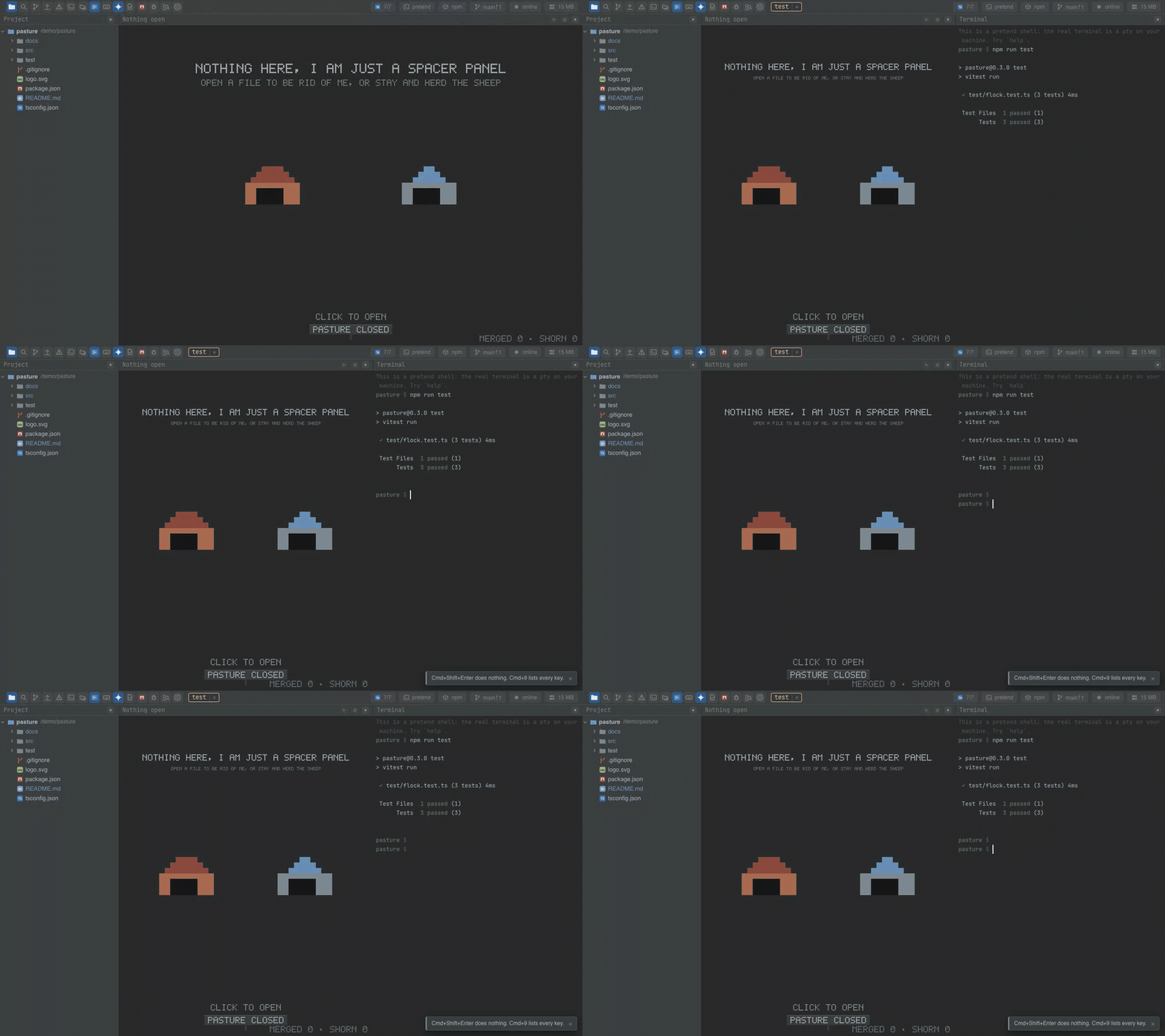
Watch the video · Try it in the browser
Using it from another plugin
The whole plugin, as a pattern to copy:
import { command, plugin, type Ide } from '@mosetta/ide-api/client';
import NpmScripts from '@mosetta/ide-plugin-npm-scripts';

@plugin({ title: 'plugin.rerun' })
export default class Rerun {
  private last: string | null = null;

  constructor(private readonly ide: Ide) {}

  @command('scripts.rerun')
  protected rerun(): void {
    const npm = this.ide.getPlugin(NpmScripts);
    const id = this.last ?? npm.scripts()[0]?.id ?? null;
    if (!id) return this.ide.say(this.ide.t('rerun.nothing'));
    this.last = id;
    void npm.run(id);
  }
}
Its one public method, remember(id), marks a script as the last one run — call it if
your plugin runs scripts some other way and the rerun key should repeat them.