
@mosetta/ide-plugin-terminal
v0.0.14
Published
Real terminals that live in the daemon: TUI programs work, Ctrl+C interrupts, and they survive a reload.

Maintainers
 pre-fabricated
Readme
Terminal
@mosetta/ide-plugin-terminal · Real terminals that live in the daemon: TUI programs work, Ctrl+C interrupts, and they survive a reload.
What it does
A terminal here is a real pseudo-terminal in the daemon with xterm.js in the tab, so
everything a terminal program expects works — colours, full-screen programs like htop
or vim, Ctrl+C, resizing. The process belongs to the project rather than to the panel:
close the panel, reload the tab, open the project in a second tab — the terminal is
still there, with its scrollback.
- Several terminals, each a chip on the toolbar; a busy one shows what is running in it.
- Scripts get terminals of their own, named after the script, so a second run lands in the same place instead of piling up new tabs.
- Terminals are found in search everywhere by their name.
- The shell is a choice: the one your system uses by default, or any other found on the machine (zsh, bash, fish, PowerShell, …), picked from a list.
Keys
| Command | macOS | Windows and Linux |
|---|---|---|
| terminal.create — a new terminal | Cmd+6 | Ctrl+Alt+6 (browser), Ctrl+6 (desktop) |
| terminal.shell — choose the shell | Cmd+Option+T | Ctrl+Alt+T |
| panel.terminal — show or hide the panel | — | — |
Settings
Section terminal in settings.json:
| Key | Default | What it does |
|---|---|---|
| shell | empty — the system's | A name looked up in PATH, or a path taken as it is. |
| args | empty — sensible ones for the shell | The shell's launch arguments. |
| fontFamily | empty — the editor's font | The terminal's font. |
Screenshots and demos
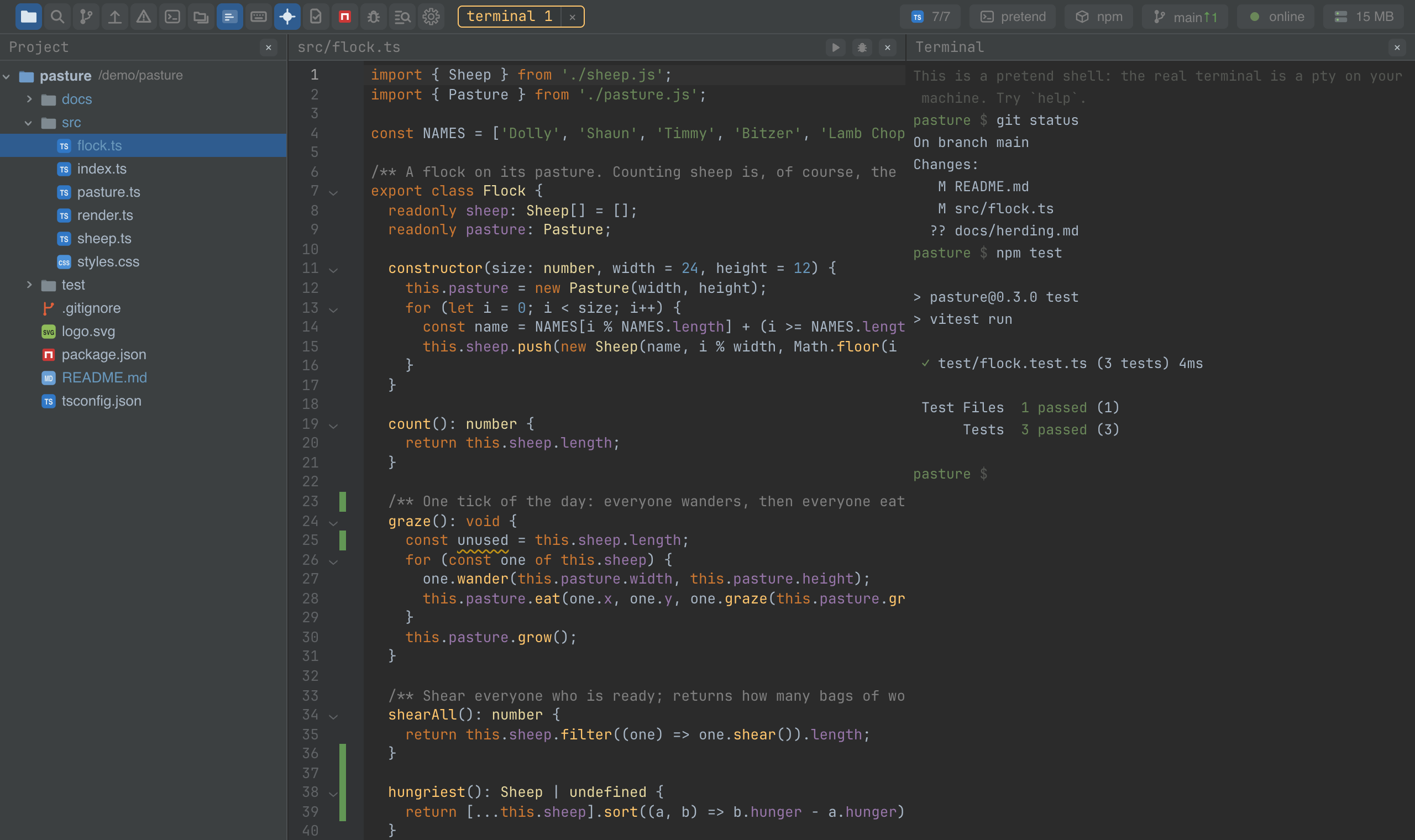
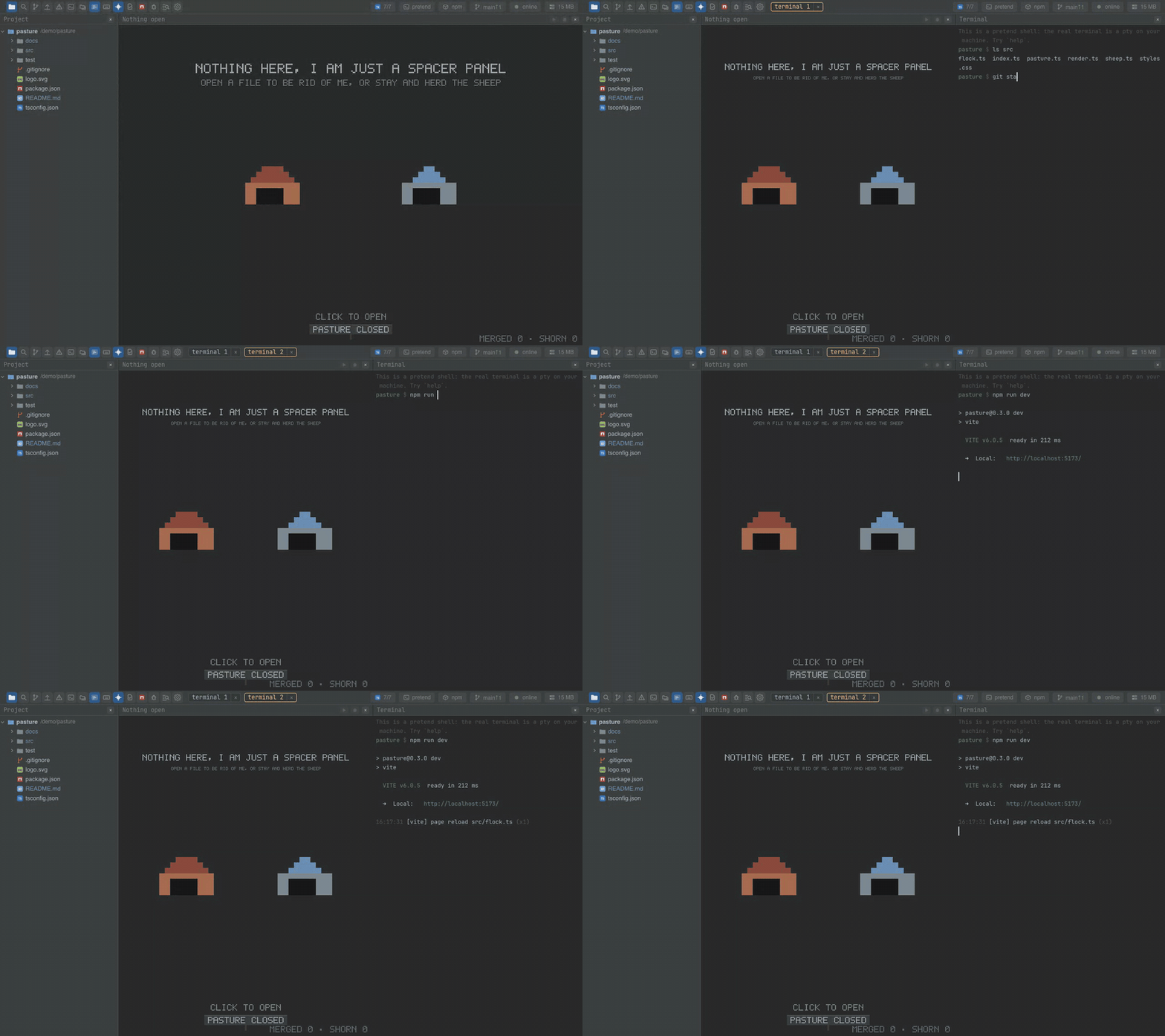
Watch the video · Try it in the browser
Using it from another plugin
The plugin's public methods are its API; the npm scripts and the debugger use exactly these.
import TerminalPlugin from '@mosetta/ide-plugin-terminal';

const terminals = this.ide.getPlugin(TerminalPlugin);

// A terminal of your own, by name: opened once, reused afterwards, and shown.
await terminals.show(() =>
  terminals.open({ name: 'notes::watch', kind: 'script', command: 'npm run watch', cwd: 'packages/notes' }),
);

terminals.showing(); // the name of the terminal on screen, or null
| Method | What it does |
|---|---|
| open(ask) | Open a terminal by name, or return the one that already has it. Optional kind (manual or script), a command to type into the fresh shell, a cwd relative to the project root, and a size. |
| show(open) | Run open, then bring the resulting terminal into the panel. |
| showing() | Which terminal is on screen. |
| chooseShell(ref) | Write the shell choice into the settings. Open terminals keep theirs. |
The daemon side is reachable from a server half too, for a plugin that needs to read a
terminal's output (the debugger watches it for the dev server's address):
getPlugin(TerminalServer).watch(root, name, listener).