
@mosetta/ide-plugin-theme
v0.0.14
Published
Darcula, as a palette of CSS variables — and the shared look of fields, buttons and scrollbars.

Maintainers
 pre-fabricated
Readme
Theme
@mosetta/ide-plugin-theme · Darcula, as a palette of CSS variables — and the shared look of fields, buttons and scrollbars.
What it does
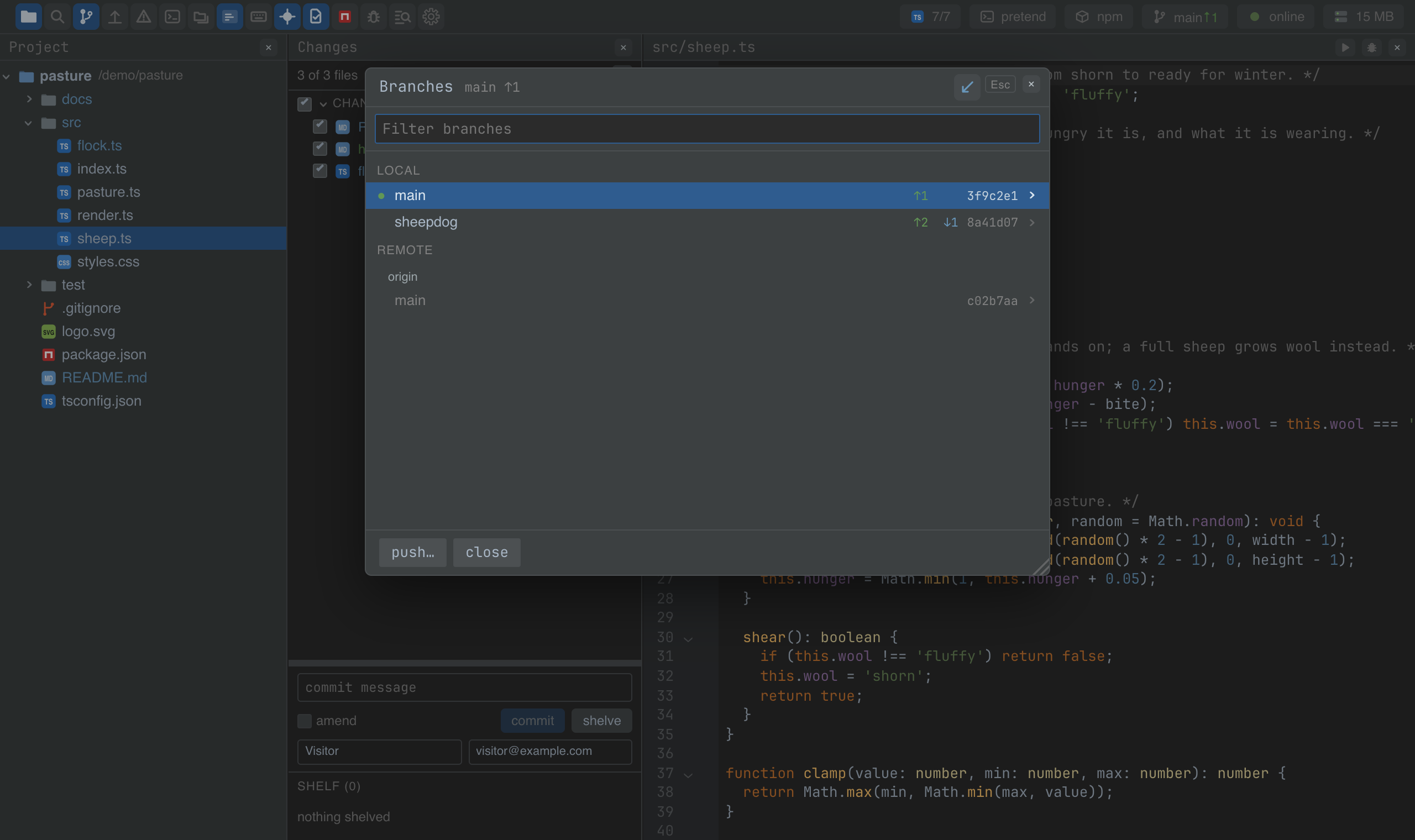
The theme gives the IDE its colours: Darcula as in WebStorm, with the values taken from
JetBrains' own scheme rather than picked by eye from a screenshot. It sets them as CSS
variables (--bg, --fg, --selection, --git-modified, …) on the IDE's root and
styles the shared elements — the input field, the button, the checkbox, the scrollbars.
Code colours come from the same palette through the code display plugin, so every view
of code changes together.
Without the theme the IDE still works; it just looks like a plain web page.
Screenshots and demos
Using it from another plugin
Style your plugin with the variables, never with colours of your own, and it will follow any theme:
this.ide.css(`
  .notes-row { color: var(--fg); background: var(--panel-bg); }
  .notes-row.is-new { color: var(--git-added); }
  .notes-row:hover { background: var(--control-bg-hover); }
`);
ide.css() fences your rules in to the IDE's root, so a class name of yours never
reaches the page the IDE is embedded in, and a :root rule lands on the root itself.
The palette itself, for code drawn outside CSS (a canvas, an SVG):
import ThemePlugin from '@mosetta/ide-plugin-theme';

const theme = this.ide.getPlugin(ThemePlugin);
theme.palette.keyword; // '#CC7832'
theme.codeFont;        // the code font stack
theme.dark;            // true — CodeMirror picks its base colours to match
A different theme is a plugin with the same shape — a palette, a codeFont, dark,
and its variables — put in place of this one in the plugins setting.