
@mosetta/ide-plugin-visits
v0.0.14
Published
Back and forward through the places your caret has been, across files — and the recent files in search everywhere.

Maintainers
 pre-fabricated
Readme
Caret history
@mosetta/ide-plugin-visits · Back and forward through the places your caret has been, across files — and the recent files in search everywhere.
What it does
Jump to a definition, follow a search hit, click a usage — and come back with one key. The history records where the caret was, not only which file was open, so back returns you to the line you left. It is kept by the daemon, per project, so it survives a reload.
The mouse's back and forward buttons work too, and the files you visited recently are the first thing search everywhere offers before you type.
Keys
| Command | macOS | Windows and Linux |
|---|---|---|
| nav.back | Cmd+[, Cmd+Ctrl+← (browser), Cmd+Option+← (desktop) | Ctrl+[, Ctrl+Alt+← |
| nav.forward | Cmd+], Cmd+Ctrl+→ (browser), Cmd+Option+→ (desktop) | Ctrl+], Ctrl+Alt+→ |
Screenshots and demos
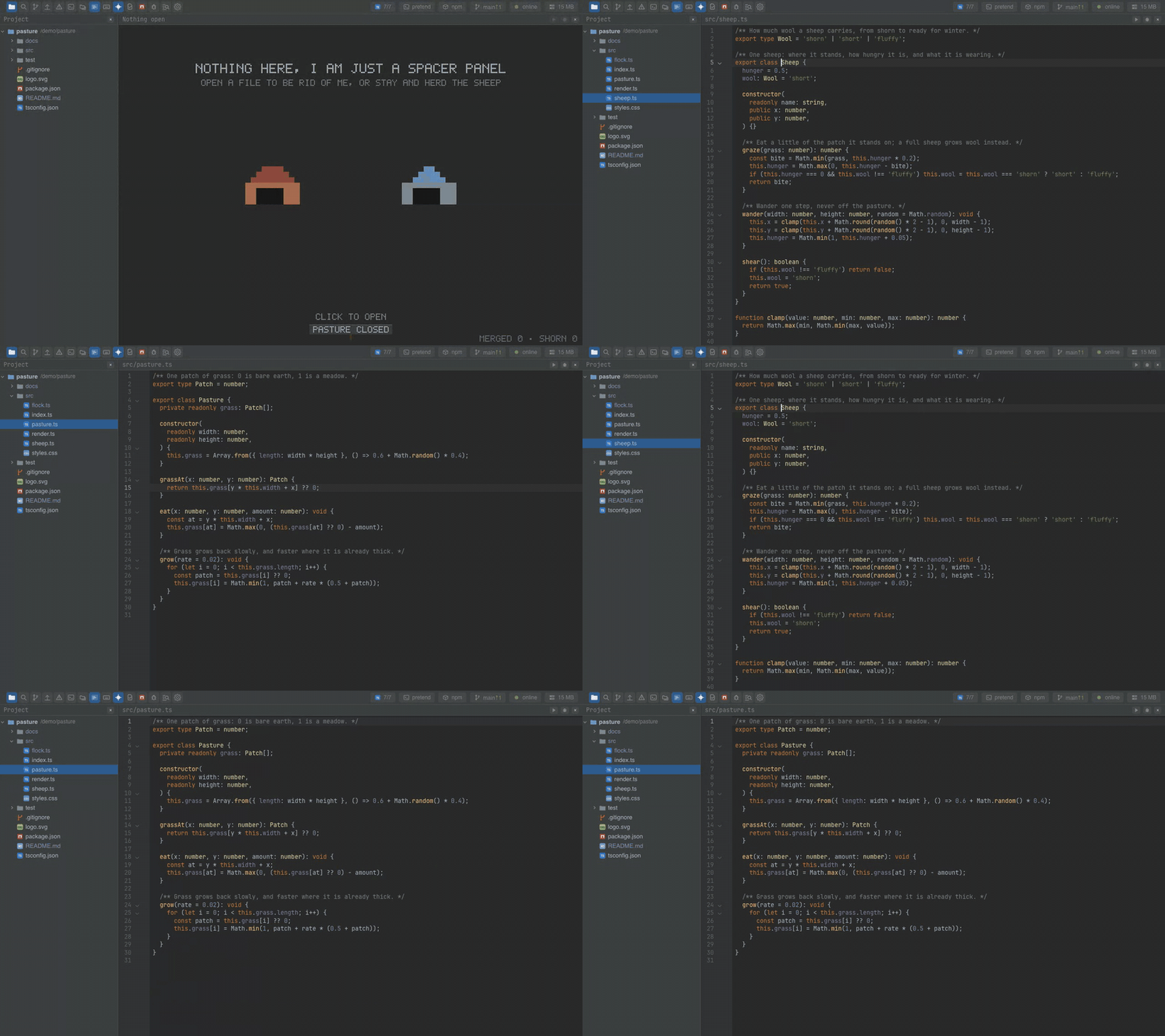
Watch the video · Try it in the browser
Using it from another plugin
A jump made with DocPlugin.goTo is recorded by itself — there is nothing to call. To
read the history, or the recent files, use the instance:
import VisitsPlugin from '@mosetta/ide-plugin-visits';

const { visits } = this.ide.getPlugin(VisitsPlugin);
visits.recentFiles(10); // the last ten files, newest first: [{ path, line, … }]
The plugin listens to the editor's onCaret and adds a search.source of kind
recent — the same keys any plugin can use.