
@nonfx/vue-flagpack
v3.3.7
Published
Gorgeous flag components for your Vue 3 and Nuxt 3 project with tree-shaking support.


Readme
Flagpack
Flagpack contains 260+ flag icons to easily use within your code project. Flagpack is an open source project and available for JavaScript frameworks/libraries Angular, Vue and React.
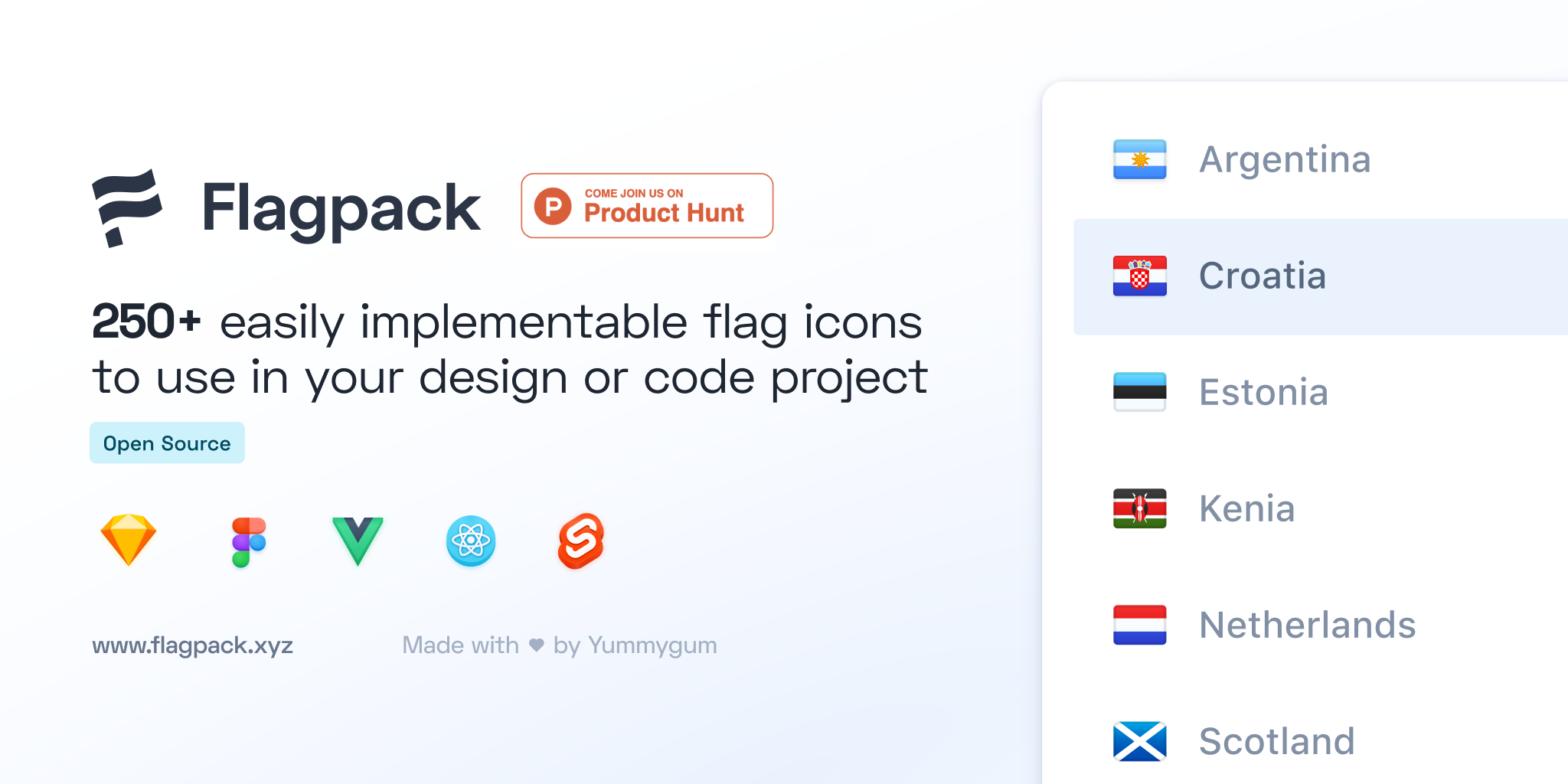
View documentation on flagpack.xyz
vue-flagpack
Flagpack for Vue is fully compatible with Vue 3 and Nuxt 3! The package uses Vue 3's Composition API and includes a dedicated Nuxt module for seamless integration.
🎉 What's New in v3.0
- 66% Smaller Bundle: Optimized from 750 to 255 flag files by eliminating redundant ISO code variants
- Full ISO Support: Use alpha2 (
"US"), alpha3 ("USA"), or numeric ("840") codes - all work seamlessly - Smart Conversion: Automatic runtime conversion from any ISO format to the optimized alpha2 format
- Tree-Shaking Support: Only the flags you use are included in your bundle via dynamic imports
- Zero Breaking Changes: Full backward compatibility with existing code
Installation
npm install @nonfx/vue-flagpackThe package includes 255 optimized flag components with dynamic imports for automatic tree-shaking. Only the flags you actually use will be included in your final bundle.
Usage
📖 Complete Usage Guide - See USAGE.md for detailed examples and all usage patterns
Quick Start
Vue 3 - Global Plugin
import { createApp } from 'vue'
import VueFlagpack from '@nonfx/vue-flagpack'

createApp(App).use(VueFlagpack).mount('#app')
<template>
<Flag code="US" size="m" />
</template>Vue 3 - Direct Import
<script setup>
import { Flag } from '@nonfx/vue-flagpack'
</script>

<template>
  <Flag code="US" size="m" has-drop-shadow />
</template>
Nuxt 3
// nuxt.config.ts
export default defineNuxtConfig({
  modules: ['@nonfx/vue-flagpack/nuxt']
})
<template>
<Flag code="US" size="m" />
</template>All ISO Code Formats
<template>
  <Flag code="US" />   <!-- alpha2 -->
  <Flag code="USA" />  <!-- alpha3 - auto-converted -->
  <Flag code="840" />  <!-- numeric - auto-converted -->
</template>
ISO Utilities
import { isoToCountryCode, isValidIsoCode } from '@nonfx/vue-flagpack'

isoToCountryCode('USA')  // "US"
isValidIsoCode('USA')    // true
Available plugin options
| Key | Value | Required | Default | |-------|-------|------|------| | name | String | false | vue-flagpack |
How It Works
Vue-flagpack uses dynamic imports with smart ISO code conversion for optimal bundle size:
- Optimized Bundle: Only 255 flag components (one per country) instead of 750+ duplicates
- Smart Conversion: Automatically converts alpha3 (
"USA") and numeric ("840") codes to alpha2 ("US") - Tree-Shaking: Only the flags you use are included in your final bundle
- Zero Configuration: Works out-of-the-box with Nuxt 3, Vite, Webpack, and any Vue 3 setup
- Dynamic Loading: Flags are loaded on-demand via dynamic imports
Usage (Static or Dynamic)
Both static and dynamic usage work identically:
<!-- Static -->
<Flag code="NL" size="m" />

<!-- Dynamic (fully supported) -->
<Flag :code="selectedCountry" size="m" />

<!-- All ISO formats work -->
<Flag code="USA" />  <!-- Converted to "US" -->
<Flag code="840" />  <!-- Converted to "US" -->
Both work perfectly! Flags change instantly when your ref updates.
Bundle Size
v3.0 Optimization:
- Flag Files: 255 components (one per country)
- Package Size: ~6.3 MB compressed, ~22.7 MB unpacked
- Runtime Overhead: Minimal (<26KB for country code mappings)
- Reduction: 66% fewer files compared to v2.x
Benefits:
- ✅ Smaller bundles - Only include flags you use
- ✅ Full ISO support - alpha2, alpha3, and numeric codes
- ✅ No breaking changes - All existing code works
- ✅ Tree-shaking - Individual flags can be imported
- ✅ Zero configuration - Works with any bundler
Available component configurations — Props
| Key | Value | Required | Default | Format | |-------|-------|------|------|------| | code | String | false | 'NL' | See all codes | | size | String | false | 'L' | 'S', 'M' or 'L' | | className | String | false | - | - | | hasDropShadow | Boolean | false | false | - | | hasBorder | Boolean | false | true | - | | hasBorderRadius | Boolean | false | true | - | | gradient | String | false | '' | 'top-down', 'real-linear' or 'real-circular' |
Development
# Install dependencies
npm install

# Generate flag components and build for production
npm run build

# Clean generated files (dist/ and src/flags/)
npm run clean

# Build with watcher for development
npm run dev

# Generate flag components only
npm run generate-flagsNote: The src/flags/ directory is auto-generated during build and is not tracked in git. It contains 255 flag components generated from the source SVG files.
Releasing
To release a new version you'll need to make sure all changes commits are done and pushed. After that you'll need to decide which release type you want to use. The release types are; patch (0.0.1), minor (0.1.0), or major (1.0.0).
# Update version number and create git tag
npm version <release_type>

# Push commits and tags to remote
git push --tags origin main

# Publish to npm (prepublishOnly hook will build automatically)
npm publishNote: The prepublishOnly script automatically runs npm run build before publishing, ensuring the latest flag components are generated and included in the package.
When you're confident with the release, make sure the version tag is also released at GitHub.
Support
Releases
You can find a changelog of Flagpack's releases on the Releases page on GitHub.
Migration Guide
From v2.x to v3.0
Good news: v3.0 is fully backward compatible! No code changes required.
What changed internally:
- Reduced from 750 to 255 flag files (66% smaller)
- Added automatic ISO code conversion
- Moved
flagpack-coreto devDependencies
All existing code continues to work:
<!-- v2.x code -->
<Flag code="NL" size="m" />

<!-- Still works in v3.0 -->
<Flag code="NL" size="m" />

<!-- Bonus: Now supports more ISO formats -->
<Flag code="NLD" size="m" />  <!-- alpha3 -->
<Flag code="528" size="m" />  <!-- numeric -->
New features in v3.0:
import { isoToCountryCode, isValidIsoCode } from 'vue-flagpack'

// Convert any ISO format to alpha2
isoToCountryCode('USA')  // "US"

// Validate ISO codes
isValidIsoCode('USA')    // true
Contribute
If you're interested in contributing to this project, great! Please see the contributing document.
For details on the v3.0 optimization, see OPTIMIZATION.md.
License
Flagpack is an open source project published under a MIT license.