
@obsfx/trekker-dashboard
v1.12.1
Published
Kanban board dashboard for Trekker issue tracker. Connects to local .trekker database.

Maintainers
 obsfx
obsfxReadme
Trekker Dashboard
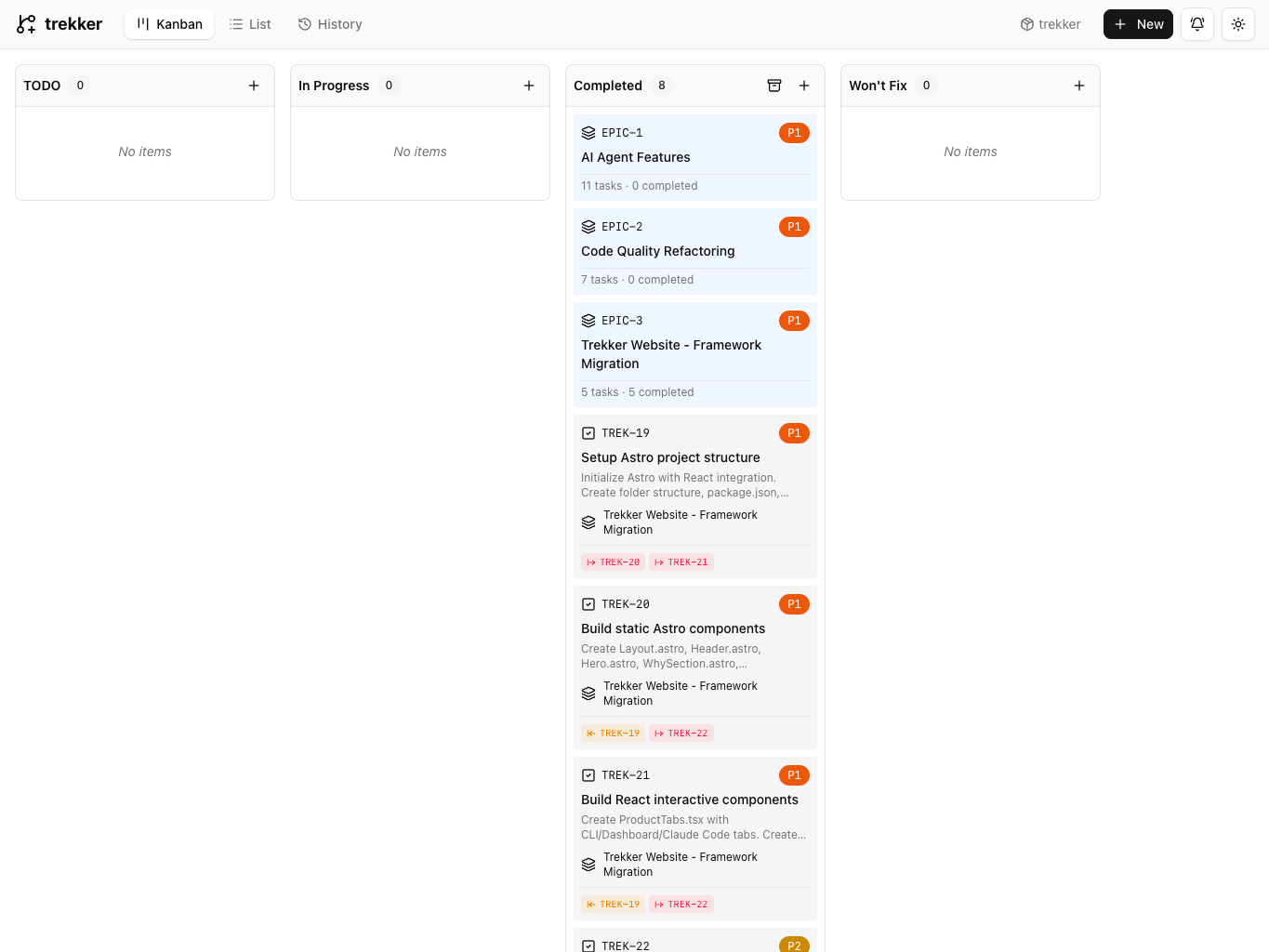
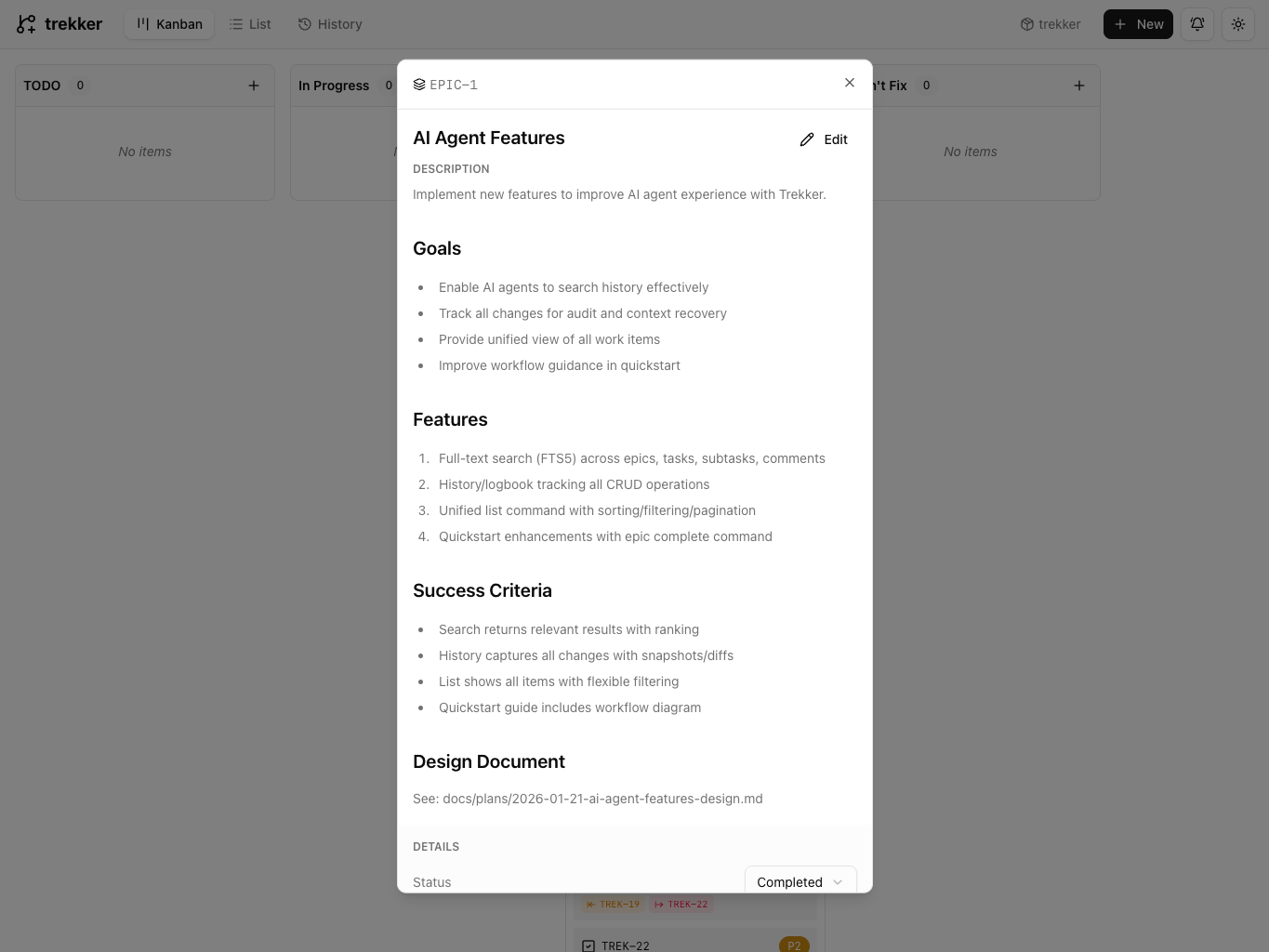
A kanban board dashboard for Trekker issue tracker. Provides a visual interface for managing tasks, epics, and dependencies stored in the local SQLite database.
Install
bun install -g @obsfx/trekker-dashboardOr with npm (still requires Bun runtime to run):
npm install -g @obsfx/trekker-dashboardUsage
Navigate to a directory with a .trekker database and start the dashboard:
cd your-project
trekker-dashboard
Options:
trekker-dashboard -p 8080    # Start on custom port (default: 3000)
trekker-dashboard --help     # Show help
Requirements
- Bun runtime (required) - The dashboard uses Bun's native SQLite driver
- A project initialized with Trekker (
trekker init)
Installing Bun
# macOS/Linux
curl -fsSL https://bun.sh/install | bash

# Homebrew
brew install oven-sh/bun/bun

# Windows (scoop)
scoop install bun

# npm (any platform)
npm install -g bun
See bun.sh/docs/installation for more options.
Features
- Kanban board with tasks grouped by status (TODO, In Progress, Completed)
- Epic filtering to focus on specific features
- Task details including dependencies, subtasks, and tags
- Create, edit, and delete tasks directly from the UI
- Edit issue, epic, and comment prefixes from the UI
- Real-time updates via Server-Sent Events
- Dark mode support
How It Works
The dashboard connects to the same .trekker/trekker.db SQLite database used by the Trekker CLI. Any changes made in the dashboard are immediately visible in the CLI and vice versa.
Related
- Trekker CLI - The main CLI tool for issue tracking
License
MIT