@odemian/gamemaker-typescript
v0.0.11
Published
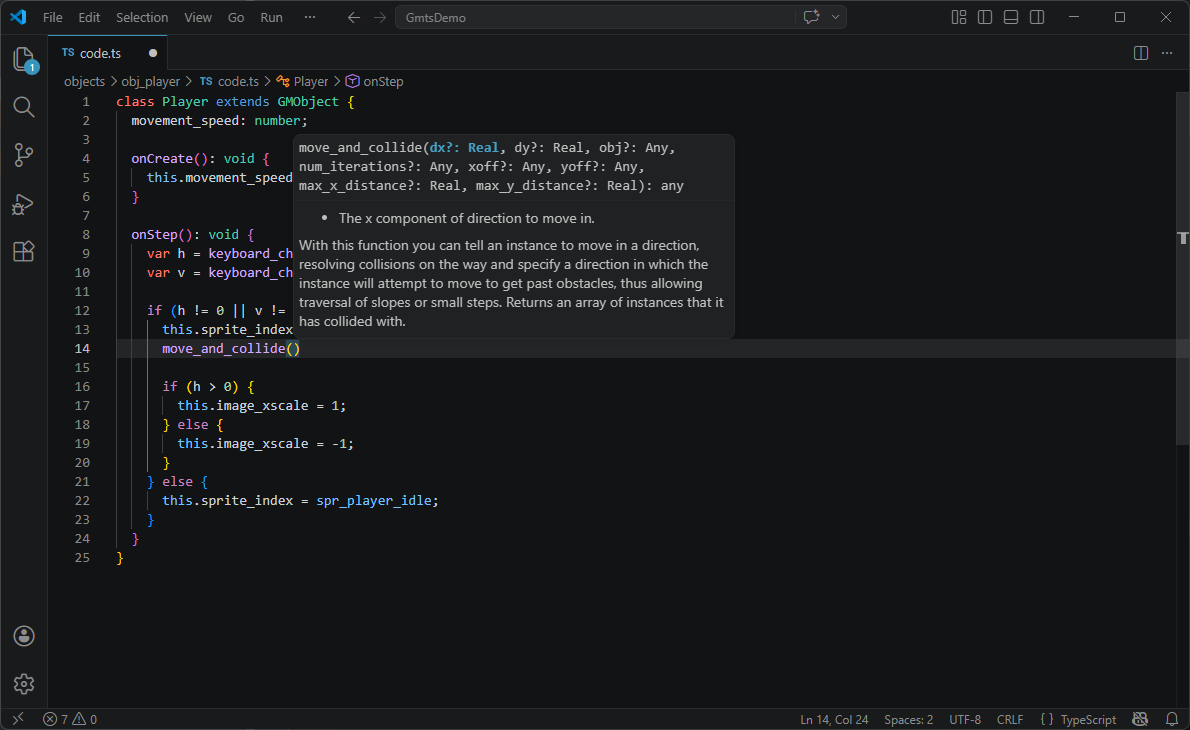
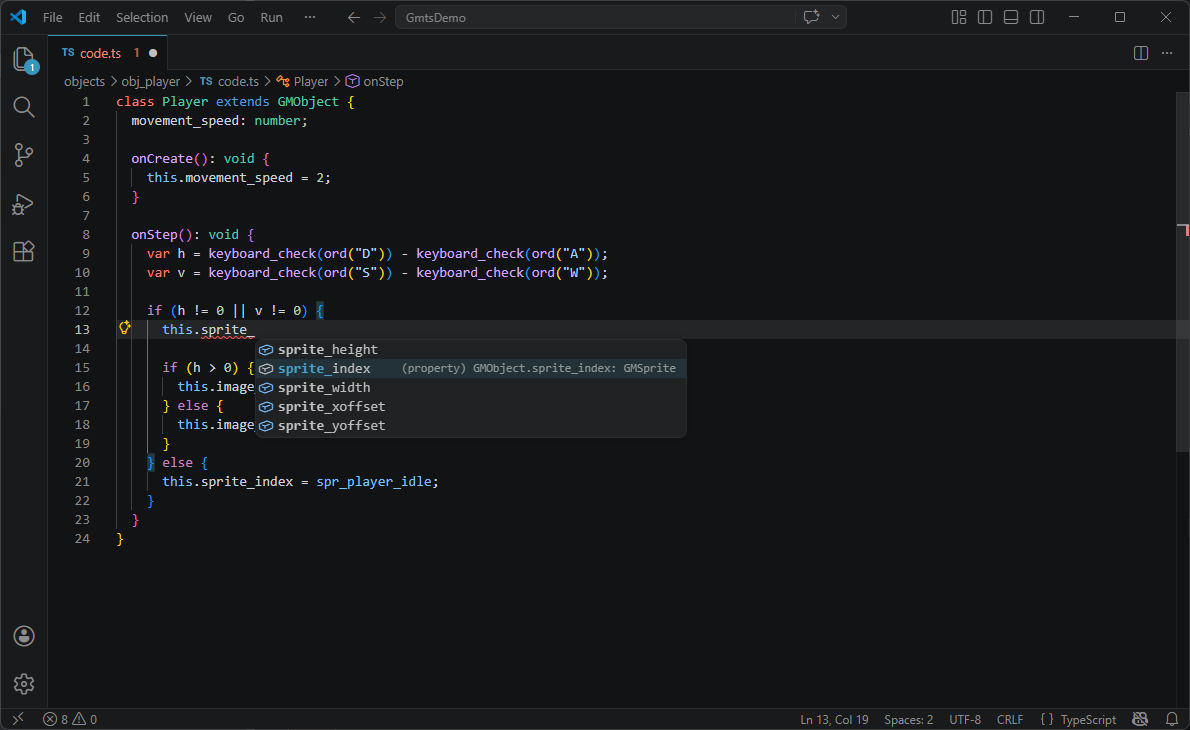
GameMaker TypeScript is a CLI tool that allows you to transpile TypeScript into GameMaker Language (GML). It provides strong typing, better autocomplete, and compatibility with any IDE, making it easier to develop GameMaker projects with TypeScript.
Downloads
30

Maintainers
 oleksandr_demian
Readme
GameMaker TypeScript
GameMaker TypeScript is a CLI tool that allows you to transpile TypeScript into GameMaker Language (GML). It provides strong typing, better autocomplete, and compatibility with any IDE, making it easier to develop GameMaker projects with TypeScript.
⚠️ This project is in very early stage of development and requires GameMaker v2024.14.4 (March 2026)
Features
- Compile Typescript files: Automatically transpile TypeScript files (
.ts) found in scripts and objects. It follows resource hoisting. - Automatic Asset Scanning: Automatically scans for sprites, rooms, tilesets and sounds in your project.
- Strong Typing: Enforces strong types for better code quality and improved autocomplete.
- Code editors compatible: Works seamlessly with any code editors, including VS Code, WebStorm, and others.
Example code
⚠️ Before writing any code run gmts setup to configure project and create extension to automatically (requires v2024.14.4) compile TS before starting the game.
Game object creation
TS classes are bound to the GameMaker objects, so you first need to create GM object in IDE, and then place .ts script in the same folder as .yy.
Here is an example of how to create an object which can be moved on the map using keyboard (filename: objects/obj_player/code.ts):
class Player extends GMObject {
  _movement_speed: number;

  // inside of the defineObject you can declare all of your events, like onCreate, onStep, onDraw etc...
  onCreate() {
    // use "this." keyword to access object properties in a safe fully typed way
    this._movement_speed = 2;
  }

  onStep() {
    var _hspd = keyboard_check(vk_right) - keyboard_check(vk_left);
    var _vspd = keyboard_check(vk_down) - keyboard_check(vk_up);

    if (_hspd != 0 || _vspd != 0) {
        var _dir = point_direction(0, 0, _hspd, _vspd);
        this.x = this.x + lengthdir_x(this._movement_speed, _dir);
        this.y = this.y + lengthdir_y(this._movement_speed, _dir);
    }
  }
}
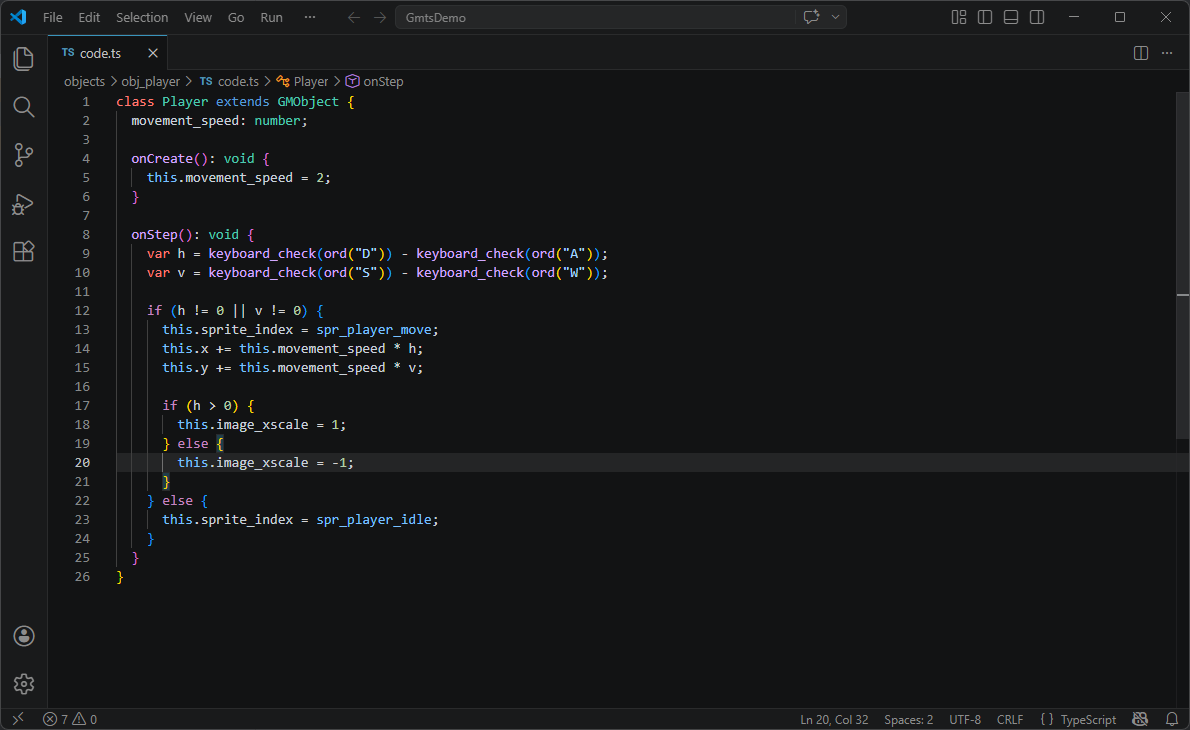
You can also extend other object and use inheritance:
// obj_base/code.ts
class Base extends GMObject {
  _movement_speed: number;

  move (in_h: number, in_v: number) {
    // in_h and in_v are compued by obj_base, here we receive result and make player move using movement_speed
    if (in_h != 0 || in_v != 0) {
      this.sprite_index = spr_player_move;
      this.x += this._movement_speed * in_h;
      this.y += this._movement_speed * in_v;

      if (in_h > 0) {
        this.image_xscale = 1;
      } else {
        this.image_xscale = -1;
      }
    } else {
      this.sprite_index = spr_player_idle;
    }
  }
}

// obj_player/code.ts
class Player extends Base {
  onCreate(): void {
    this._movement_speed = 2;
  }

  onStep (): void {
    var h = keyboard_check(ord("D")) - keyboard_check(ord("A"));
    var v = keyboard_check(ord("S")) - keyboard_check(ord("W"));

    // this.move is inherited from obj_base
    this.move(h, v);
  }
}
⚠️ Currently extending class does not make GM assign parent, you will have to do it manually in GM Editor.
Script
It is also possible to create a script (filename: scripts/scr_player/code.ts):
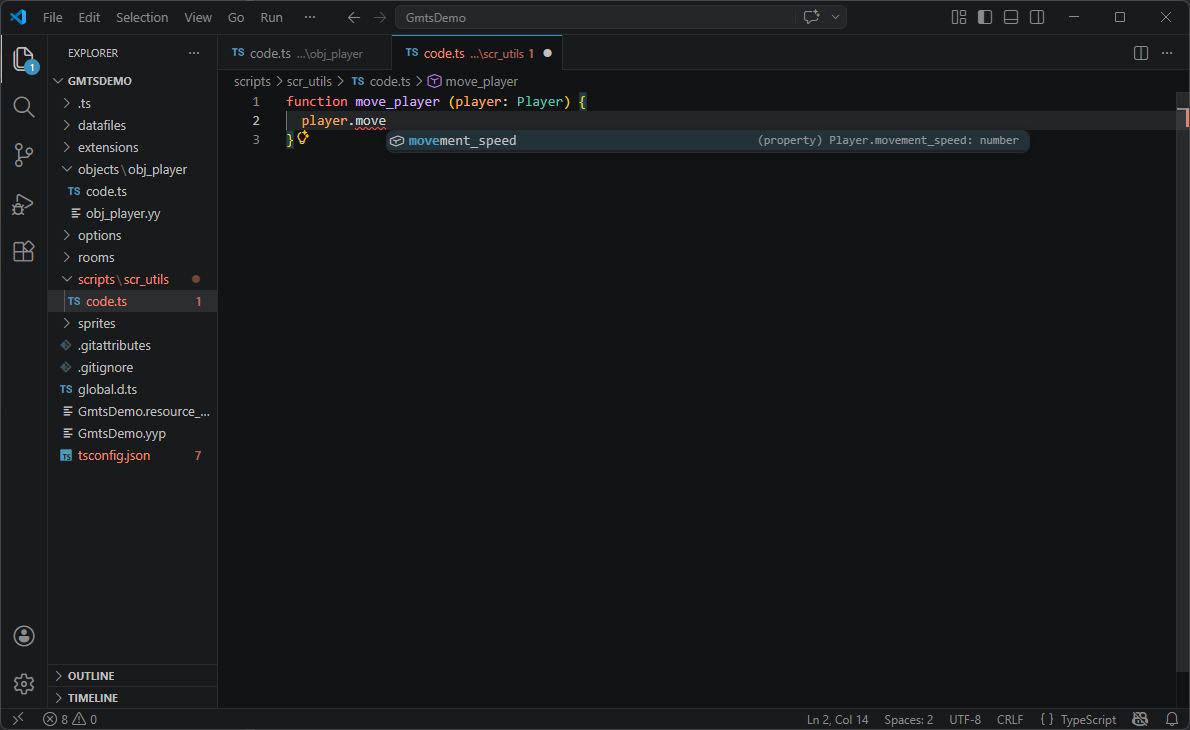
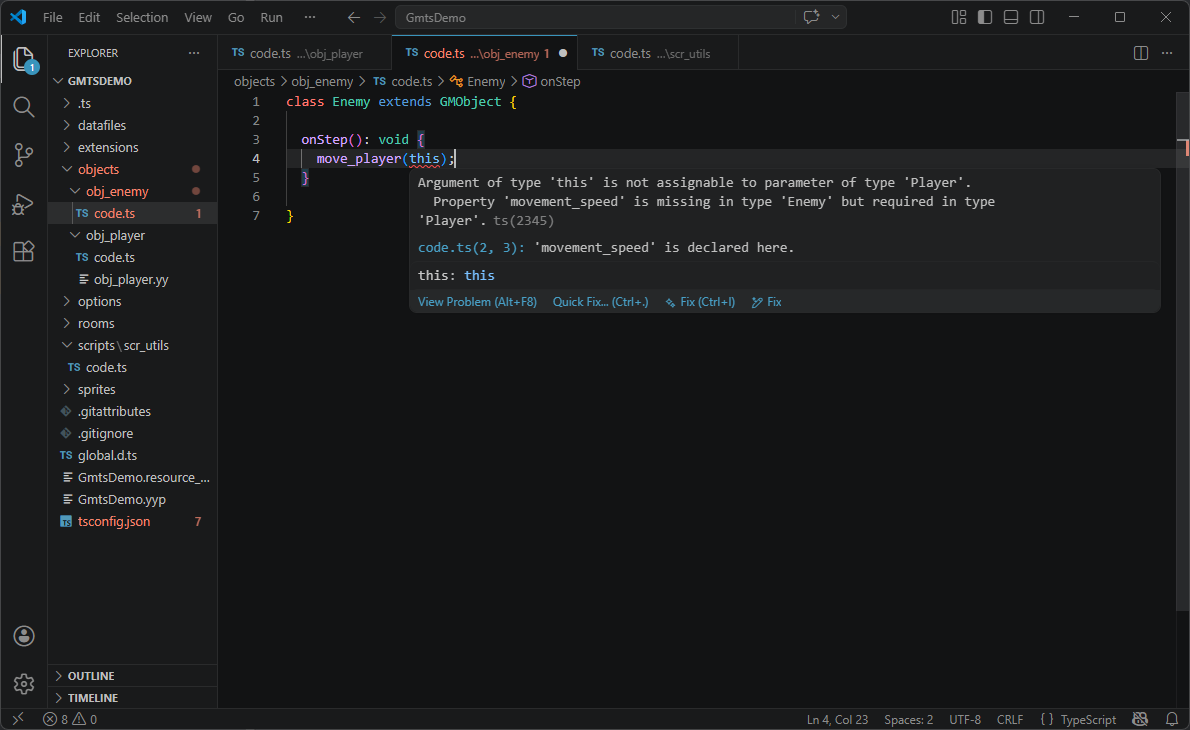
// you can fully type arguments, in this case we tell that obj is IPlayer, so only IPlayer can be passed here
function increase_player_speed (obj: Player) {
  // here you have full autocomplete for player object, plus, if you try to pass something that is not IPlayer, the code editor will tell you about your mistake
  obj._movement_speed += 2;
}
Resource hoisting
⚠️ To make this library stable and fully compatible with GameMaker's inner workings this project uses resource hoisting.
The hoisting requires the .ts file to be part of the GM resource such as Object or Script.
So for example, if I create an object obj_player, the relative .ts should be placed in /objects/obj_player/code.ts (you can use any name for .ts file).
This ensures the library never touches .yyp file to prevent corruption or de-synchronization. It also ensures that any changes done to the GM resource, applies to the .ts (ex: rename, move, etc...).
Installation
Install the package globally via NPM:
npm install -g @odemian/gamemaker-typescriptUsage
Setup
Before using the tool, you need to set it up. Run the following command to initialize the project:
gmts setupThis will create a tsconfig.json file, configure extension to compile TS when you run your app, and copy the necessary static types into your project.
Automatic compilation
Starting from version 2024.14.4 (April 2026) GameMaker added pre_project_step extension hook which allows to compile file before assets collection.
So if you use that version or newer, after running gmts setup GameMaker will automatically compile .ts files before running the game.
Compile Once
It is also possible to manually compile from command line:
gmts compileThis is useful if you have older versions that does not support pre_project_step hook for automatic compilation.
You can also use this one when creating new sprites, sounds etc..., to get them typed.
Current Limitations
- The package is currently in the Proof of Concept (PoC) stage.
- Types are incomplete, and not all object types are supported yet.
- Enums are not supported
- Constructor function are not supported
Contributing
Contributions are welcome! If you encounter any issues or have suggestions for improvements, feel free to open an issue or submit a pull request.
License
This project is licensed under the MIT License.
Examples
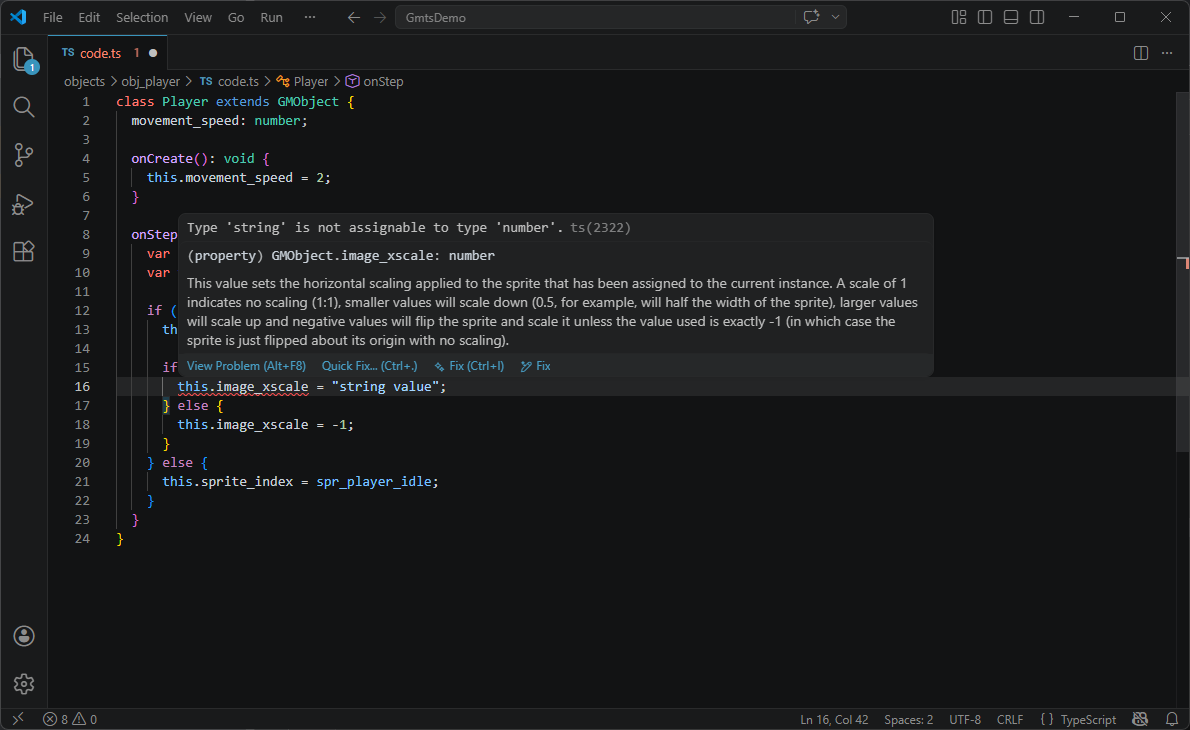
Autocomplete GML
Type safe