
@ogpipe/next
v1.0.3
Published
Pixel-perfect OG images for Next.js — full CSS, any font, any hosting platform

Maintainers
 ogpipe
Readme
@ogpipe/next
Pixel-perfect OG images for Next.js — full CSS, any font, any hosting platform.
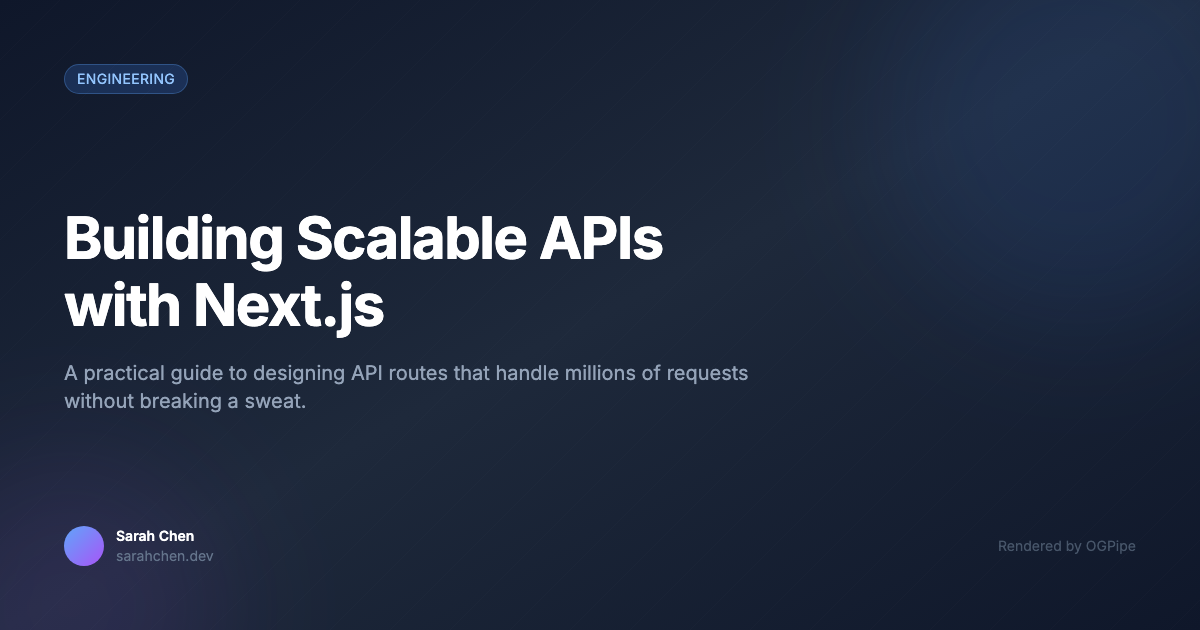
Open-source alternative to @vercel/og that uses real Chromium rendering. No Satori CSS limitations, no font-loading boilerplate, works on any deployment target.
Why?
@vercel/og uses Satori (an SVG renderer), not a real browser. This means:
- ❌ No CSS Grid
- ❌ No
display: blockordisplay: inline - ❌ No
calc(), noz-index, no 3D transforms - ❌ No WOFF2 fonts
- ❌ Flexbox-only layouts with rendering quirks
- ❌ Only works well on Vercel
@ogpipe/next uses real Chromium (headless). This means:
- ✅ Any CSS that works in Chrome works here
- ✅ Any font format (TTF, OTF, WOFF, WOFF2, Google Fonts)
- ✅ Tailwind CSS, CSS Grid, complex layouts — all supported
- ✅ Deploy anywhere (Vercel, AWS, Netlify, Cloudflare, self-hosted)
- ✅ Pixel-perfect rendering — what you see in DevTools is what you get
Quick Start
npm install @ogpipe/next1. Create a config
// ogpipe.config.ts
import { defineConfig } from '@ogpipe/next'

export default defineConfig({
  templates: {
    blog: { file: './og-templates/blog.html' },
    default: {
      html: `<div style="display:flex; width:1200px; height:630px; background:#1a1a2e; align-items:center; justify-content:center; padding:60px;">
        <h1 style="color:white; font-size:56px;">{{title}}</h1>
      </div>`,
    },
  },
  routes: {
    '/blog/[slug]': {
      template: 'blog',
      vars: (meta) => ({ title: meta.title || '', date: meta.params?.slug || '' }),
    },
    '*': { template: 'default' },
  },
})
2. Add to your build script
{
  "scripts": {
    "build": "next build && ogpipe generate"
  }
}
3. Build — OG images generated automatically
npm run build
# → ✅ Generated 12 OG images in 4200ms
# → 📁 Output: public/og/
Images are saved as static files in public/og/. Zero runtime dependency.
Local Preview (Dev Mode)
See your OG images in real-time with hot-reload:
npx ogpipe dev
# → ⚡ OGPipe Dev Preview
# → http://localhost:3010
Preview shows your images inside Twitter, LinkedIn, Slack, and Discord frames. Edit a template → preview updates instantly.
Templates
Templates are HTML files with {{variable}} placeholders. Use any CSS:
<!-- og-templates/blog.html -->
<!DOCTYPE html>
<html>
<head>
  <link href="https://fonts.googleapis.com/css2?family=Inter:wght@700&display=swap" rel="stylesheet">
  <script src="https://cdn.tailwindcss.com"></script>
</head>
<body class="w-[1200px] h-[630px] flex flex-col justify-center p-20 bg-gradient-to-br from-blue-600 to-purple-700">
  <h1 class="text-5xl font-bold text-white">{{title}}</h1>
  <p class="text-xl text-blue-100 mt-4">{{description}}</p>
  <p class="text-lg text-blue-200 mt-auto">{{author}} · {{date}}</p>
</body>
</html>
Self-Hosted API (Optional)
OGPipe can also run as a self-hosted API for dynamic/on-demand rendering. See the api/ and infra/ directories in the GitHub repo for AWS CDK deployment.
API Client (Framework-Agnostic)
Use the raw client from any Node.js context:
import { OGPipeClient } from '@ogpipe/next/client'

const client = new OGPipeClient({ endpoint: 'https://your-api.example.com' })
const result = await client.render({
  html: '<div style="...">Hello World</div>',
  width: 1200,
  height: 630,
})

if (result.success) {
  console.log(result.data.url) // → CDN URL of rendered image
}
Contributing
Contributions welcome! Please open an issue first to discuss what you'd like to change.
License
MIT