
@othent/kms
v2.1.1
Published
Othent JS SDK to manage Arweave wallets backend by Auth0 and Google Key Management Service.


Readme
Othent KMS JS SDK
Othent JS SDK to manage Arweave wallets backend by Auth0 and Google Key Management Service.
Try our demo at kms-demo.othent.io!

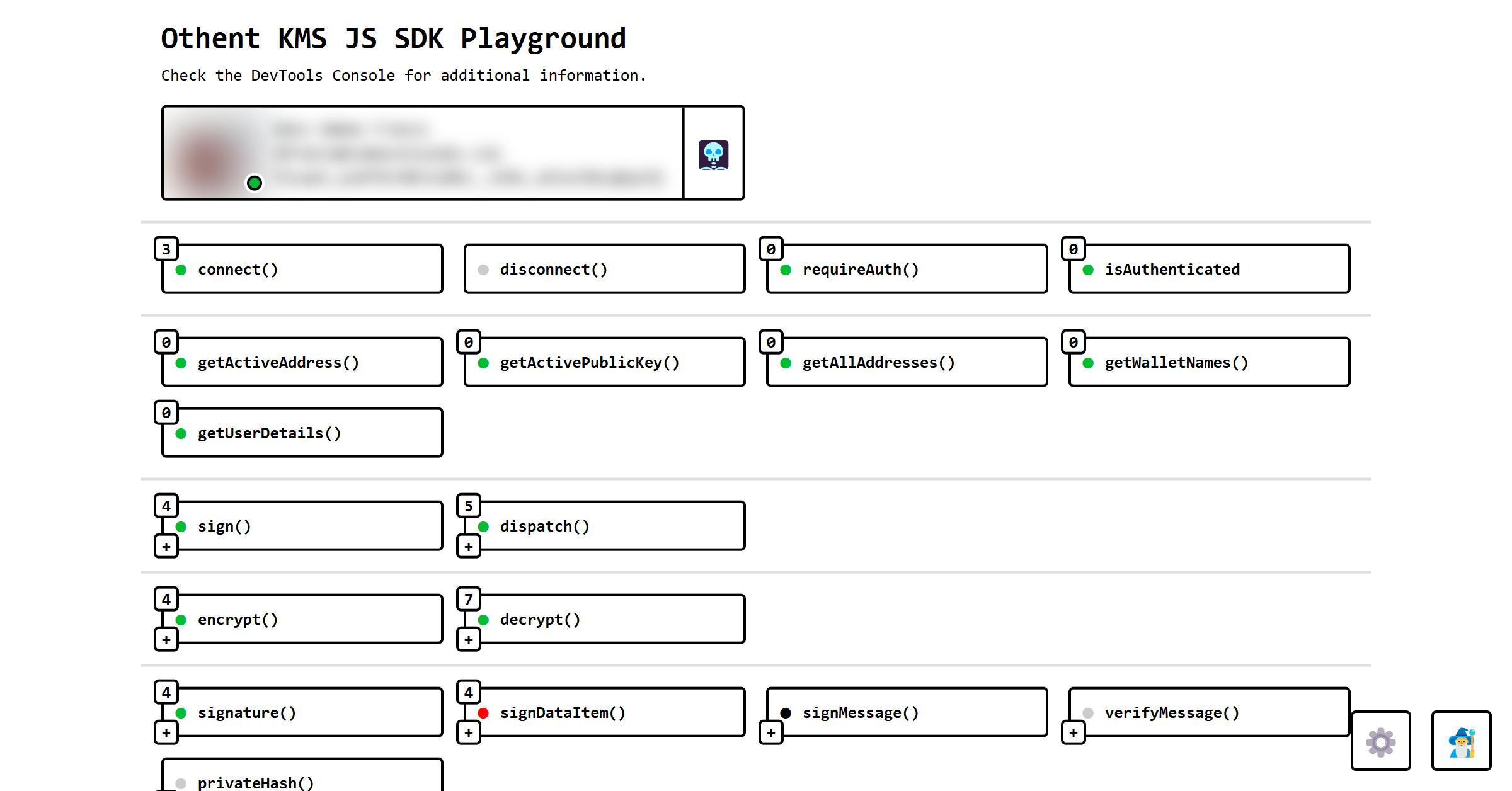
Learn how to set it up at https://docs.othent.io or looking at our demo's code at https://github.com/Othent/KMS-test-repo.
Installation
npm install --save @othent/kms
yarn install --save @othent/kms
pnpm add --save @othent/kms
Usage
import { Othent, AppInfo } from "@othent/kms";

const appInfo: AppInfo = {
  name: "My Awesome App",
  version: "1.0.0",
  env: "production",
};

const othent = new Othent({ appInfo, throwErrors: false, ... });

othent.addEventLister("error", (err) => {
  console.error(err);
});

await othent.connect();

const mySecret = await othent.encrypt("My secret");

const transaction = await arweave.createTransaction({
  data: imySecret,
});

const result = await othent.dispatch(transaction);
const transactionURL = `https://viewblock.io/arweave/tx/${result.id}`;

console.log(transactionURL);
You can find more information and examples at https://docs.othent.io or looking at our demo's code at https://github.com/Othent/KMS-test-repo.
Publishing A New Release:
Manually:
Use
pnpm versionto bump the version, which will also make sure the next commit has the right tags.Stable release:
npm version patch
npm version minor
npm version major
Pre-release:
npm version prerelease --preid=beta
npm version prepatch --preid=beta
npm version preminor --preid=beta
npm version premajor --preid=beta
The
preversion,versionandpostversionscripts defined inpackage.jsonwill test, format, build, tag and push all the changes automatically. See https://docs.npmjs.com/cli/v10/commands/npm-version.To publish a stable release, simply run
pnpm publish.The
latesttag will also point to this new version.If you are publishing a pre-release version and don't want the
latesttag to be updated, run this instead:pnpm publish --tag beta
Troubleshooting
If you accidentally updated the latest tag, you can point it to another version with the following command:
npm dist-tag add @othent/kms@<version> latestYou can see the package distribution (not version) tags like this:
npm view . dist-tagsIf you added / pushed an incorrect tag, you can delete it from the server with:
git push origin :refs/tags/v0.1.0And locally with:
git tag -d v0.1.0