
@patternfly/design-comments
v1.0.0
Published
A commenting system for PatternFly React applications that allows designers and developers to add comments directly on design pages, sync with GitHub Issues, and link Jira tickets.
Downloads
109

Maintainers
 dgutride
 dlabrecq
 patternfly-build
 jeff-phillips-18
 mturley
 bennyp
 mwcz
mwcz kylebuch8
 evwilkin
 schulj12
 nicolethoen
 heymp
heymp zhawkins
 dlabaj
 ausuliv
 kmcfaul
Keywords
Readme
design-comments
A floating comment overlay for React apps — pin feedback to any UI element, sync with GitHub Issues, and link Jira tickets.
🚨 Important: Proper Uninstall Required
This package modifies your project files during setup. Before uninstalling, you MUST run:
npx design-comments remove
npm uninstall design-comments
Failure to run remove first will break your app. See Uninstalling for details.
Key Features
- React Component Detection - Automatically identifies React components with names, types, props, and component tree paths
- Smart Pin Positioning - Pins anchor to elements using CSS selectors and follow them on scroll/resize
- Hover Preview - Visual preview with dashed border before creating a comment
- Component Highlighting - Chrome DevTools-style blue border on selected components
- Resizable Widget - Adjustable panel size (300-800px width)
- Thread Discussions - Organized comment threads with replies
- GitHub Integration - Automatic sync with GitHub Issues including component metadata
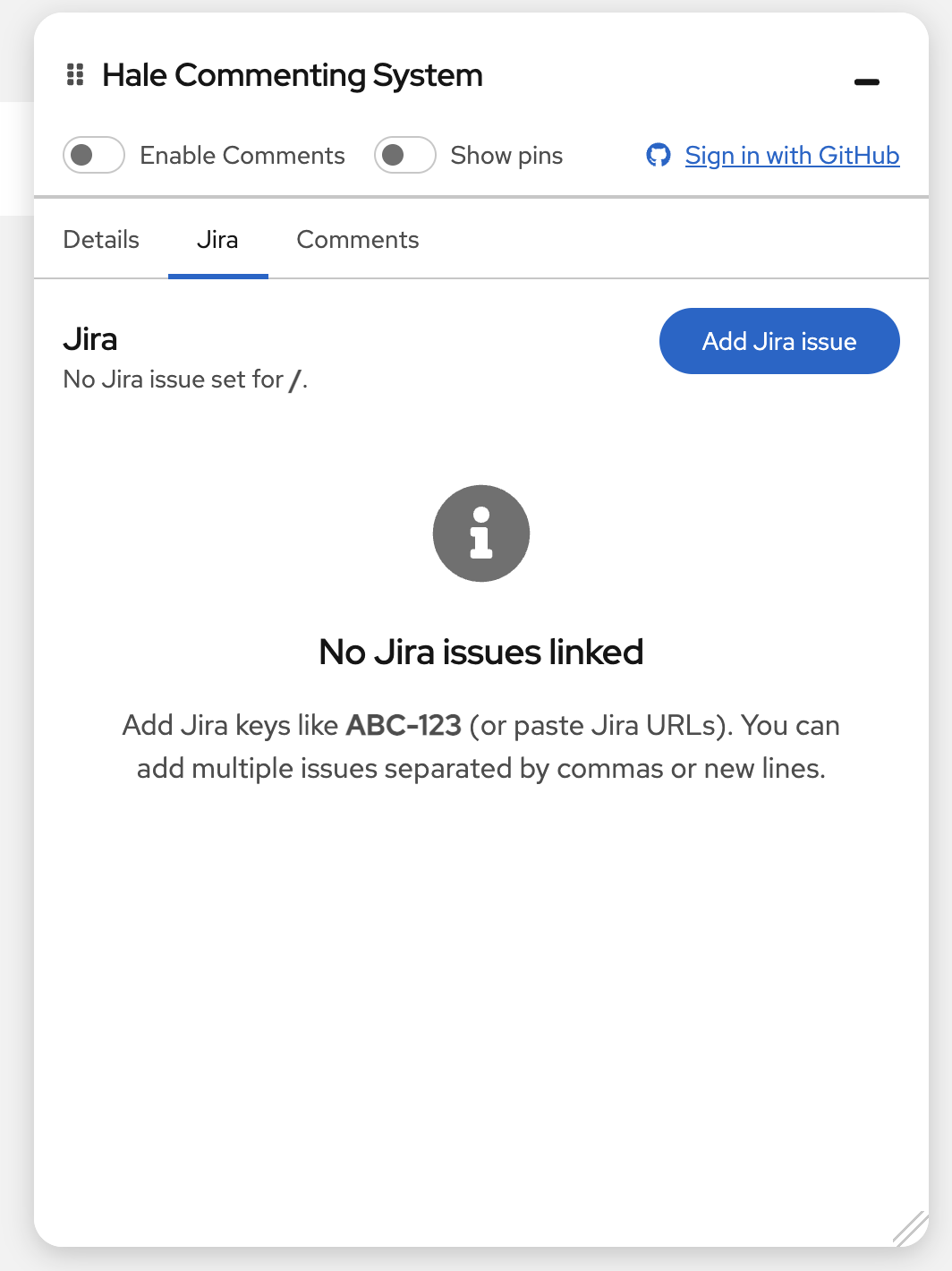
- Jira Integration - Link tickets to specific pages or sections
- AI summaries (optional) - Summarize all threads, the current page, or the selected thread via an OpenAI-compatible API (local dev proxy or
SUMMARIZE_API_URLin production) - Missing Element Detection - Pins fade and show [deleted] when target is removed
Prerequisites
This package works best with React applications that have:
- Webpack-based setup with
webpack.dev.js src/app/directory structure- React 18+
- Node.js 18+
The automated integration script (npx design-comments init) works best with PatternFly React Seed or projects with a similar structure. PatternFly React v5 or v6 is supported but not required.
Quick Start
# Install
npm install design-comments

# Run setup
npx design-comments init

# Start dev server
npm run start:dev
The interactive setup will guide you through configuring GitHub OAuth and Jira integration (both optional).
Uninstalling
Always remove integration before uninstalling:
# Step 1: Remove integration
npx design-comments remove

# Step 2: Uninstall package
npm uninstall design-comments

# Step 3: Restart
npm run start:dev
Already Uninstalled by Mistake?
If your app is broken after uninstalling without running remove:
npm install design-comments
npx design-comments remove
npm uninstall design-comments- Removes imports from
src/app/index.tsx - Removes imports from
src/app/AppLayout/AppLayout.tsx - Notifies about webpack middleware (may require manual removal)
- Keeps
.envand.env.serverfiles
Usage
Creating Comments
- Hover over any component to see a preview with a dashed blue border and component label
- Click to attach a comment pin - the system detects React components automatically
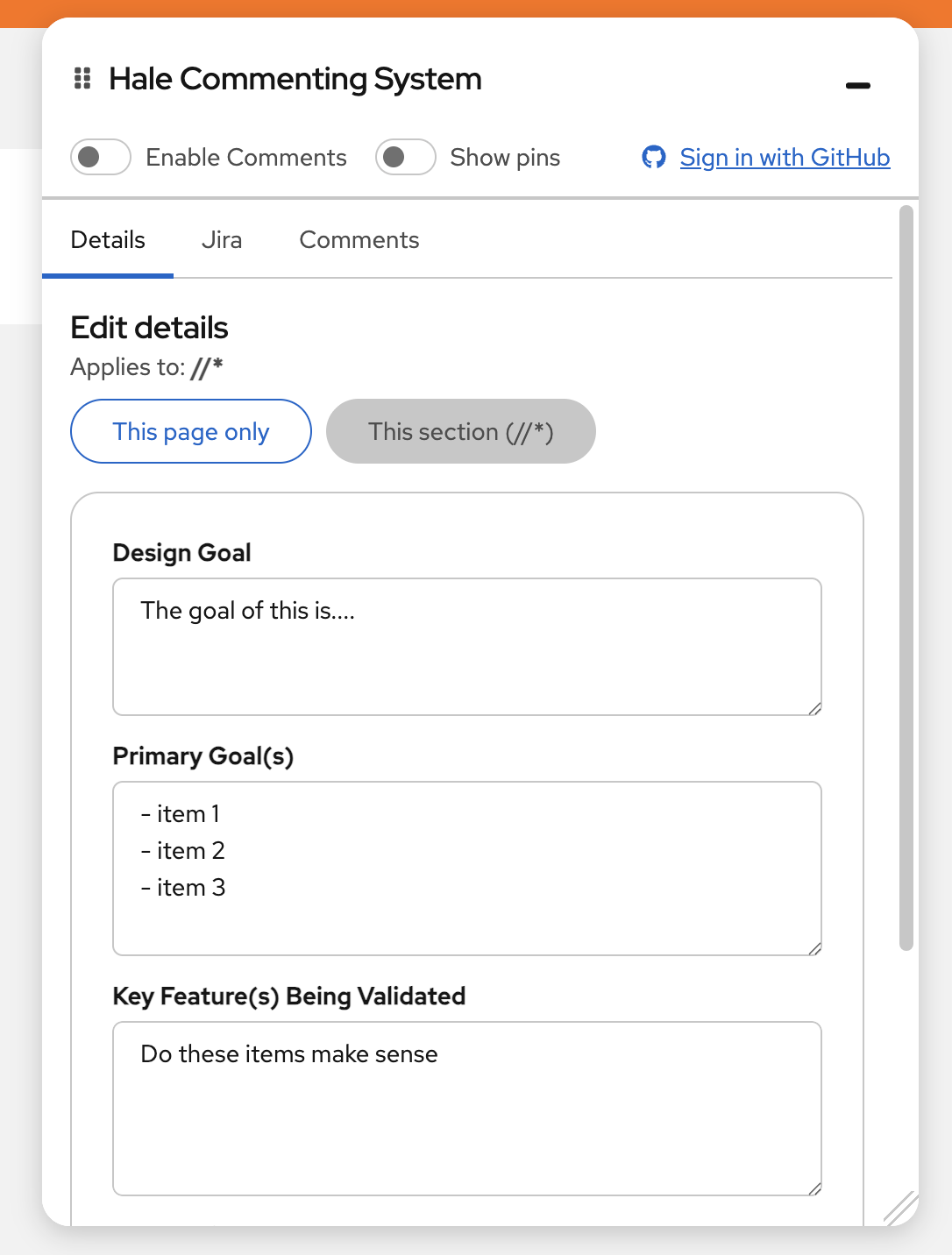
- View component details in the panel including name, type, tree path, and props
Managing Comments
- Toggle visibility - Enable/disable comments or use "Show pins" to view without creating new ones
- Resize widget - Drag the resize handle (300-800px width, 200px to viewport height)
- Pin behavior - Pins follow elements on scroll/resize; fade to 40% opacity if element is deleted
- Thread discussions - Reply to comments, close/reopen threads, view all in sidebar
- Remove pins - Delete comment threads as needed
How It Works
The system uses a hybrid approach:
React Component Detection (Primary)
- Detects components using React fiber nodes
- Extracts name, type, props, and component tree path
- Works with all React component types including HOCs
CSS Selector Fallback
- Uses
data-testid,id, or tag + class + aria attributes - Stores coordinates as fallback if element is deleted
Integrations
GitHub (Optional)
- Comments sync as GitHub Issues with component metadata
- Replies sync as issue comments
- Status changes (open/closed) sync bidirectionally
Jira (Optional)
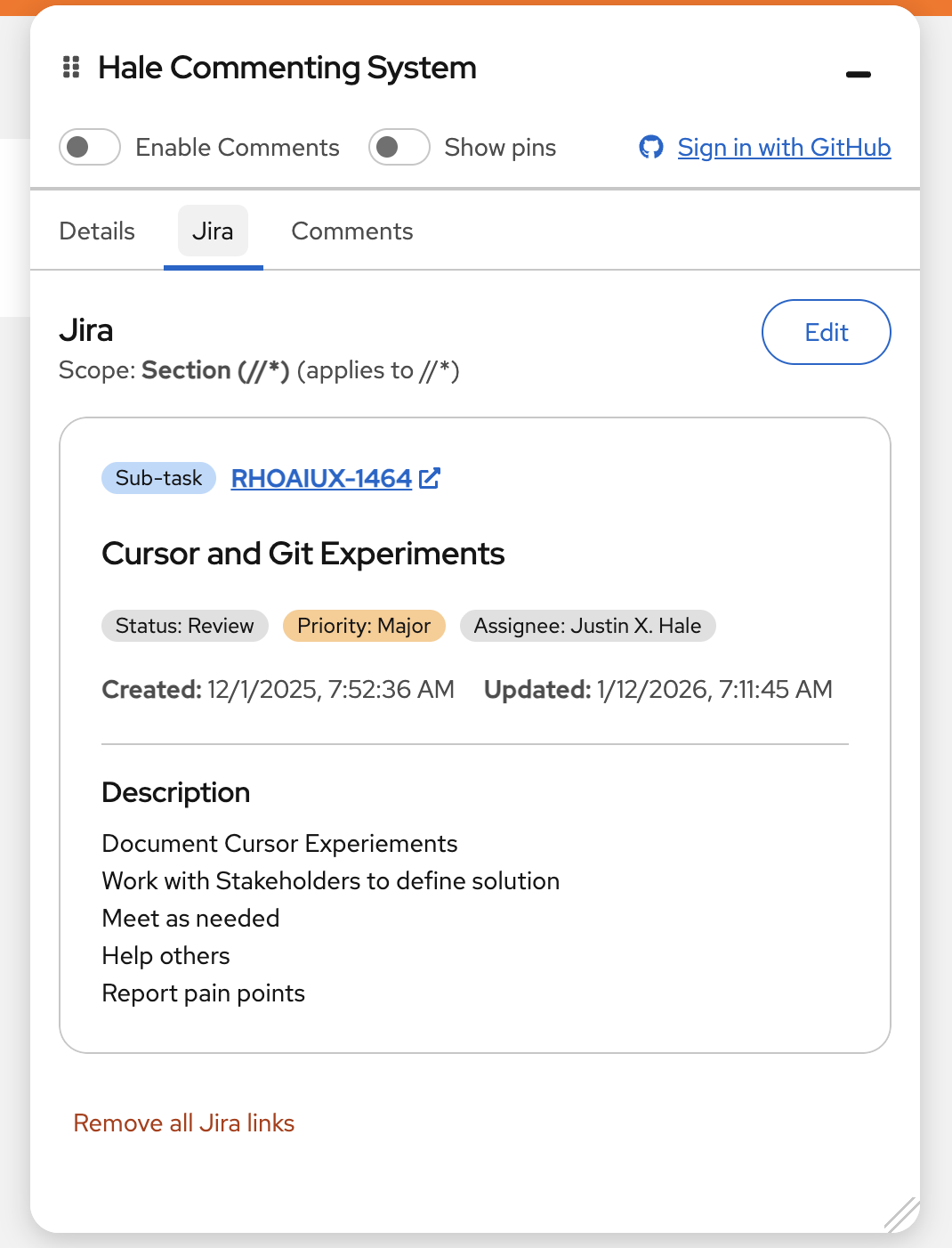
- Link Jira tickets to specific pages or sections
- View ticket details in the commenting panel
- Track design work alongside development
AI summaries (Optional)
- Use Summarize all threads, Summarize this page, or Summarize this thread in the Comments tab
- Local dev:
webpack.dev.jsexposesPOST /api/discussions-summarize. SetMAAS_API_KEYandMAAS_ENDPOINT_URL(OpenAI-compatible base URL, e.g.https://api.openai.com) in.envor.env.server. OptionalMAAS_MODEL(defaultgpt-4o-mini). If unset, the UI shows a friendly “not configured” message instead of failing hard. - Production: build with
SUMMARIZE_API_URLpointing to any HTTPS endpoint that acceptsPOST { "prompt": "..." }and returns JSON{ "summary": "..." }(for example a small Cloudflare Worker or backend you host).
Configuration
.env (client-side, safe to commit)
- GitHub OAuth client ID, Jira base URL
.env.server (server-side secrets, auto-added to .gitignore)
- GitHub OAuth client secret, Jira API tokens
- Optional:
MAAS_API_KEY,MAAS_ENDPOINT_URL,MAAS_MODELfor the local summarization proxy (see AI summaries above)
Production build
- Set
SUMMARIZE_API_URLin the environment when runningnpm run buildso the client calls your summarization backend (seewebpack.common.jsDefinePlugin). Do not put private API keys in.envif those values are bundled to the browser.
Requirements
- React 18+
- Node.js 18+ (for webpack middleware with native
fetch()) - Webpack-based dev setup (for the
initscript and proxy middleware)
What Gets Modified
The init script automatically updates:
src/app/index.tsx- Adds providerssrc/app/routes.tsx- Adds Comments routesrc/app/AppLayout/AppLayout.tsx- Adds panel and overlay componentswebpack.dev.js- Adds OAuth/Jira/summarize proxy middleware- Creates
src/app/Comments/Comments.tsxand config files
Local Testing
Using npm link (Recommended)
# In package directory
npm run build && npm link

# In test app
npm link design-comments
npx design-comments init
npm run start:dev

# Clean up when done
npx design-comments remove
npm unlink design-comments && npm install
Using npm pack
# In package directory
npm run build && npm pack

# In test app
npm install /path/to/design-comments-*.tgz
npx design-comments init
npm run start:dev
Test Checklist
- Hover preview and pin creation
- Component detection (name, type, path, props)
- Pin positioning and dynamic tracking
- Widget resizing and toggles
- Element deletion handling
- Comments, replies, GitHub/Jira sync, and optional AI summaries
Development
This repository contains two parts:
src/commenting-system/— the npm package (published to npm)demo/— a PatternFly demo app for local testing (not published)
npm install          # Install dependencies
npm run start:dev    # Start demo dev server (http://localhost:9000)
npm run build        # Build demo app to demo/dist
npm run type-check   # Type-check the package
npm run type-check:demo  # Type-check the demo app
License
MIT
Support
For issues or questions, open an issue on GitHub.