
@phoenix-plugin-registry/easy-edit-numerical-value
v1.2.1
Published
Edit numerical value of CSS, HTML and JavaScript easier by + or - Key (also need Alt or Ctrl or Cmd). You can see the element moving in the Live Preview.
Downloads
21


Readme
Easy Edit Numerical Value
This extension makes it easy to edit numerical value of CSS, HTML and JavaScript by + or - Key (also need Alt or Ctrl or Cmd).
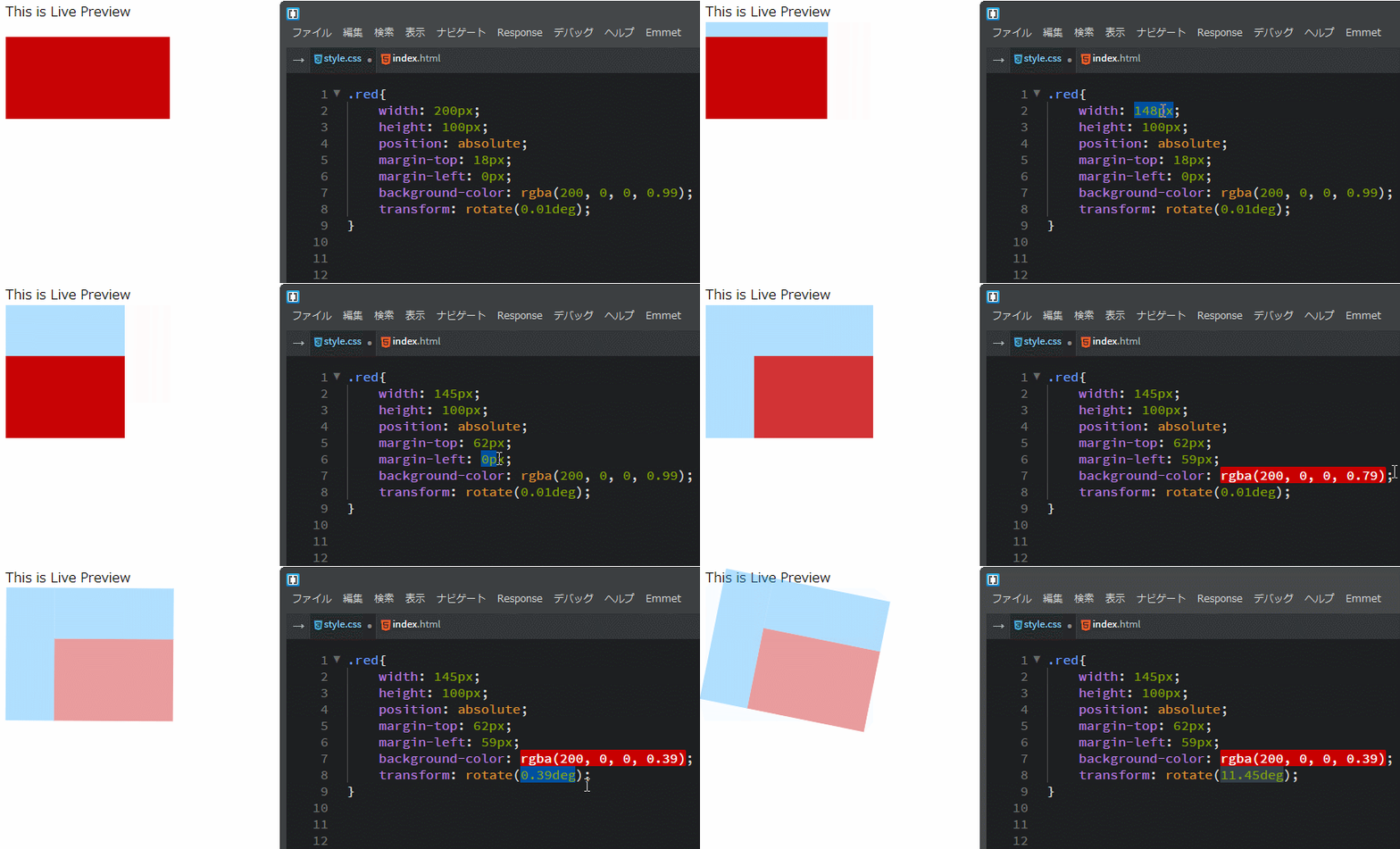
How to use
- Select numerical value of css ,html and JavaScript. In the case of "width" and "margin" of css, also select "px" or "%".
- Press Alt and + key, then the numerical value increase by 1.
- Press Alt and - key, then the numerical value decrease by 1.
- Press Ctrl(Cmd) and Alt and + key, then the numerical value increase by 10.
- Press Ctrl(Cmd) and Alt and - key, then the numerical value decrease by 10.
- If the number has a decimal point, for example 0.3 or 0.05, it changes by 0.1 or 0.01 by Alt and + or - key, and it changes by 1 or 0.1 by Ctrl(Cmd) and Alt and + or - key.
- If you hold down these keys, the value also increases continuously and you can see the element moving in the Live Preview.