
@phoenix-plugin-registry/ivogabe.icons
v1.5.7
Published
File icons in Brackets' file tree.


Readme
Brackets Icons
File icons in the file tree using Ionicons or Devicons
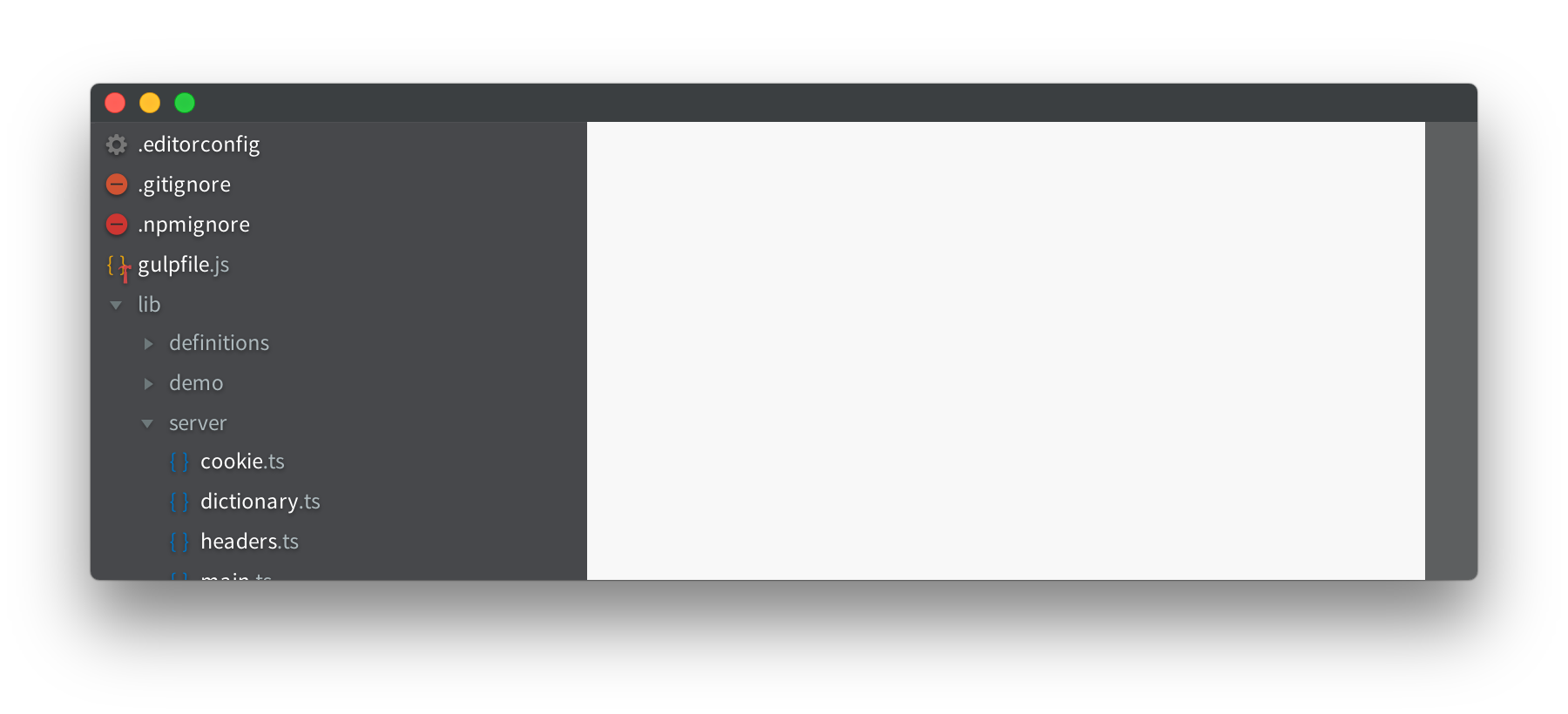
Supported files
The following files are supported out of the box at the moment:
- JavaScript, JSX
- JSON
- TypeScript
- CoffeeScript
- LiveScript
- Dart
- Haml
- HTML
- SVG
- XML
- C, C++, C#
- Swift
- PHP, SQL
- Java, Scala, Groovy, Manifests
- Ruby, Embedded Ruby, RDoc, Cucumber Feature files
- Perl
- Lua
- Haxe
- VB, VBScript
- Clojure
- CSS, SASS, Less, Stylus
- Python
- QtQuick
- Shell script, Batch
- Jade
- Handlebars
- TXT
- Log
- Markdown
- PNG, JPG, JPEG, TIFF, ICO
- GIF
- MP4, WebM, OGG
- MP3, WAV
- EOT, TTF, WOFF, WOFF2, OTF
- GitIgnore, GitModules
- NPMIgnore, SlugIgnore
- HTAccess, HTPasswd, Conf
- YAML
- Sqf
- Project, Jscsrc, Jshintrc, Csslintrc, Htmlhintrc, Xmlhintrc, Todo, Classpath, Properties
- VBProj, CSProj, Sln
- Exe, Dll
- Zip, Rar, 7z, Tgz, Tar, Gz, Bzip, Msi, Dmg
- Tex, Bib, Sty
- AppleScript, Textile, Matlab, Lisp, Xsl, Tcl, Rst, D, R
You can request more file formats by creating an issue. Choose the icon from Iconicons and add a color (in hex format) to the issue.
Or see the Customizability documentation below for how to use the Brackets preferences file to add icons for unsupported extensions and change the icons for already supported extensions.
How to install
Open Brackets, and click the extensions button on the right. Search for 'Brackets Icons' and click install.
Customizability
You can choose the icon set in the view menu. You can choose between the icons of Ionicons (default, left image) and Devicons (right image).
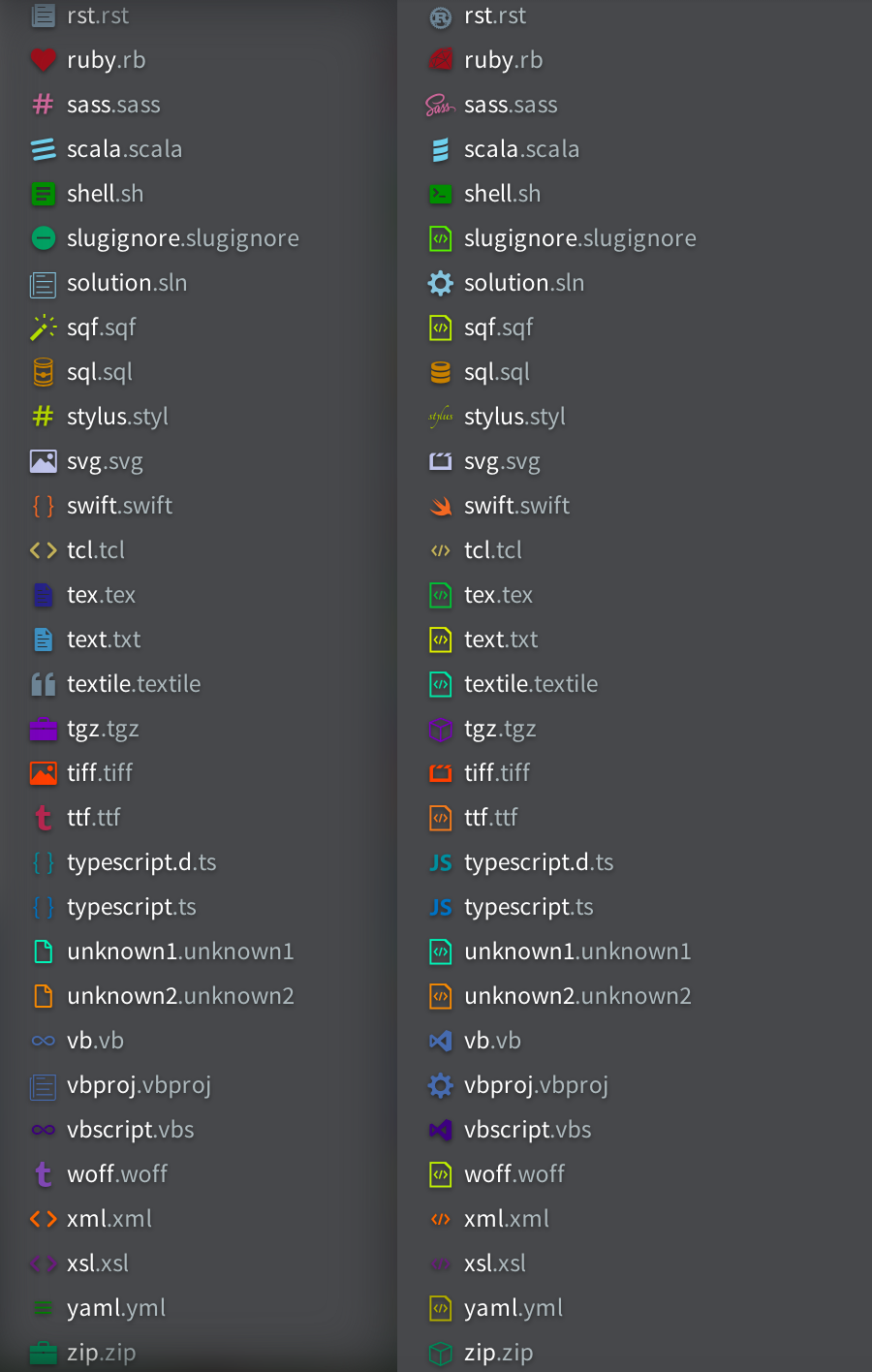
Besides these presets, you can also customize specific extensions. For information on how to customize icons, click here.
How to build
If you don't grab the extension from the extension registry (see 'How to install'), you have to build it manually. You need to install node first. After that installation you can install the dependencies in a command line / terminal window.
npm install gulp -g
npm install
When you've installed the dependencies, you can build the project by running gulp in the terminal.
License
Brackets Icons is licensed under the MIT license. Ionicons and Devicons are also licensed under the MIT license.