
@rbxts/react-clean-ui
v1.5.0
Published
A clean UI library for Roblox TypeScript projects

Maintainers
 shadercloud
Readme
React Clean UI
An easy-to-use, theme-aware React component library for building polished Roblox interfaces with roblox-ts and @rbxts/react.
Stop hand-rolling sizes, spacing, colours, and layout on every screen — compose your UI from reusable, styled components instead.
📖 Read the full docs · 📦 npm package
Install
npm install @rbxts/react-clean-uiPreview
| | | |
|---|---|---|
| 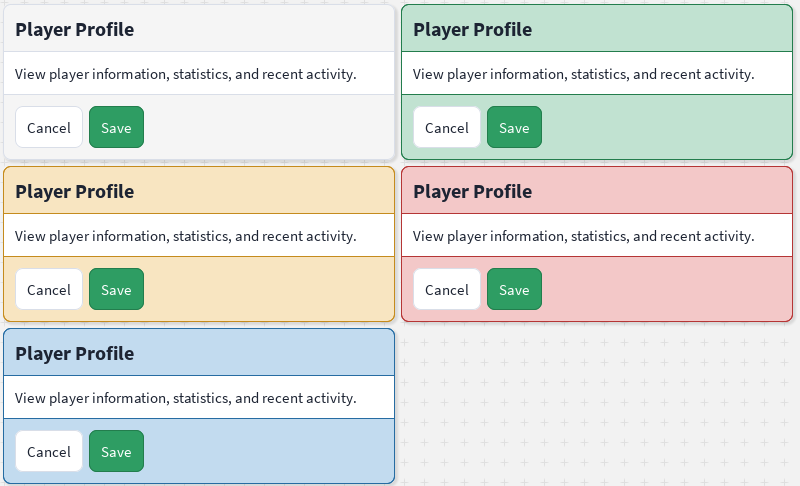 |
| 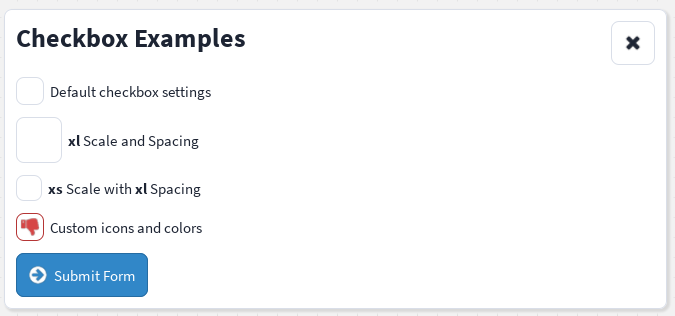 |
| 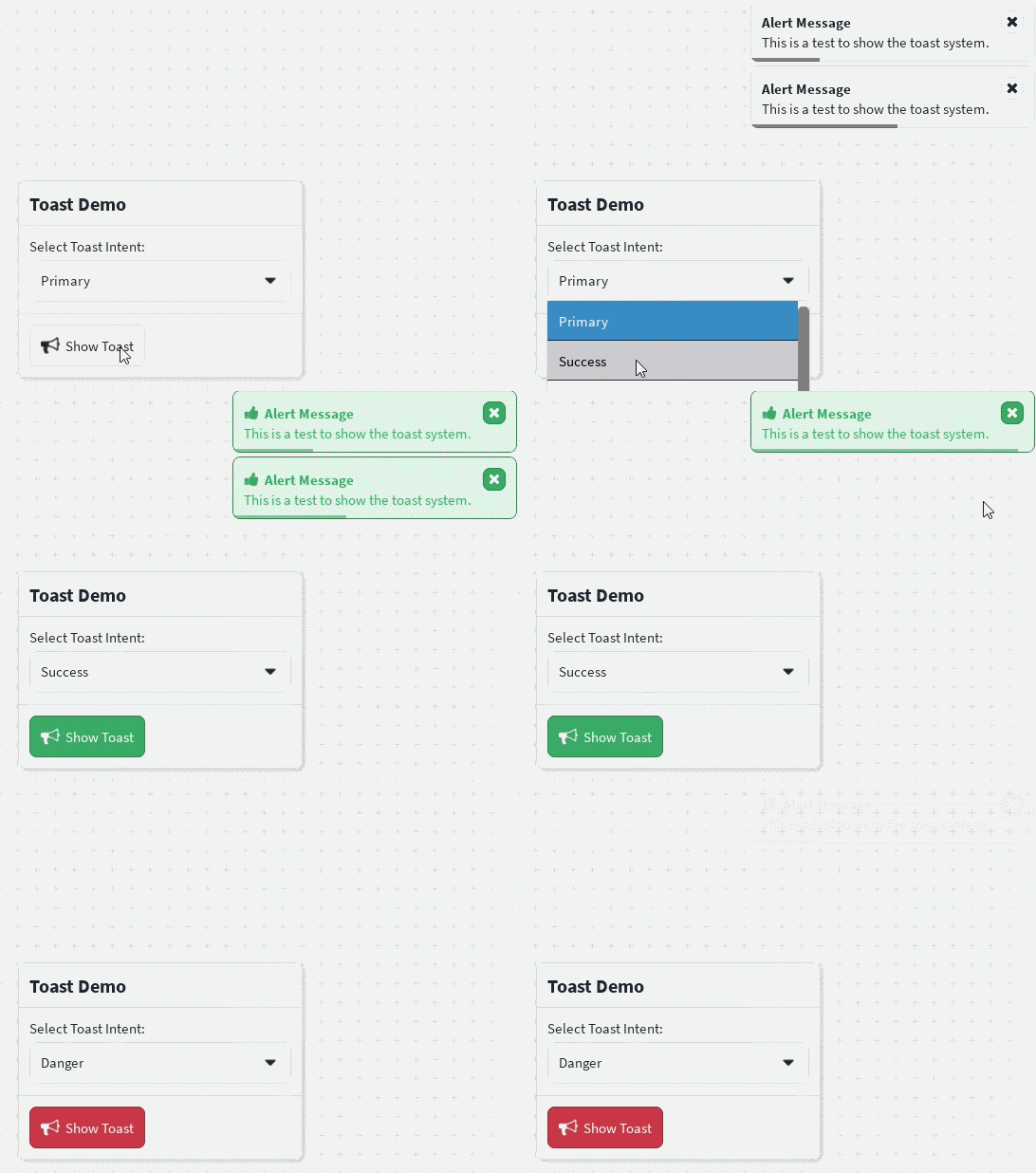 |
|
|
| 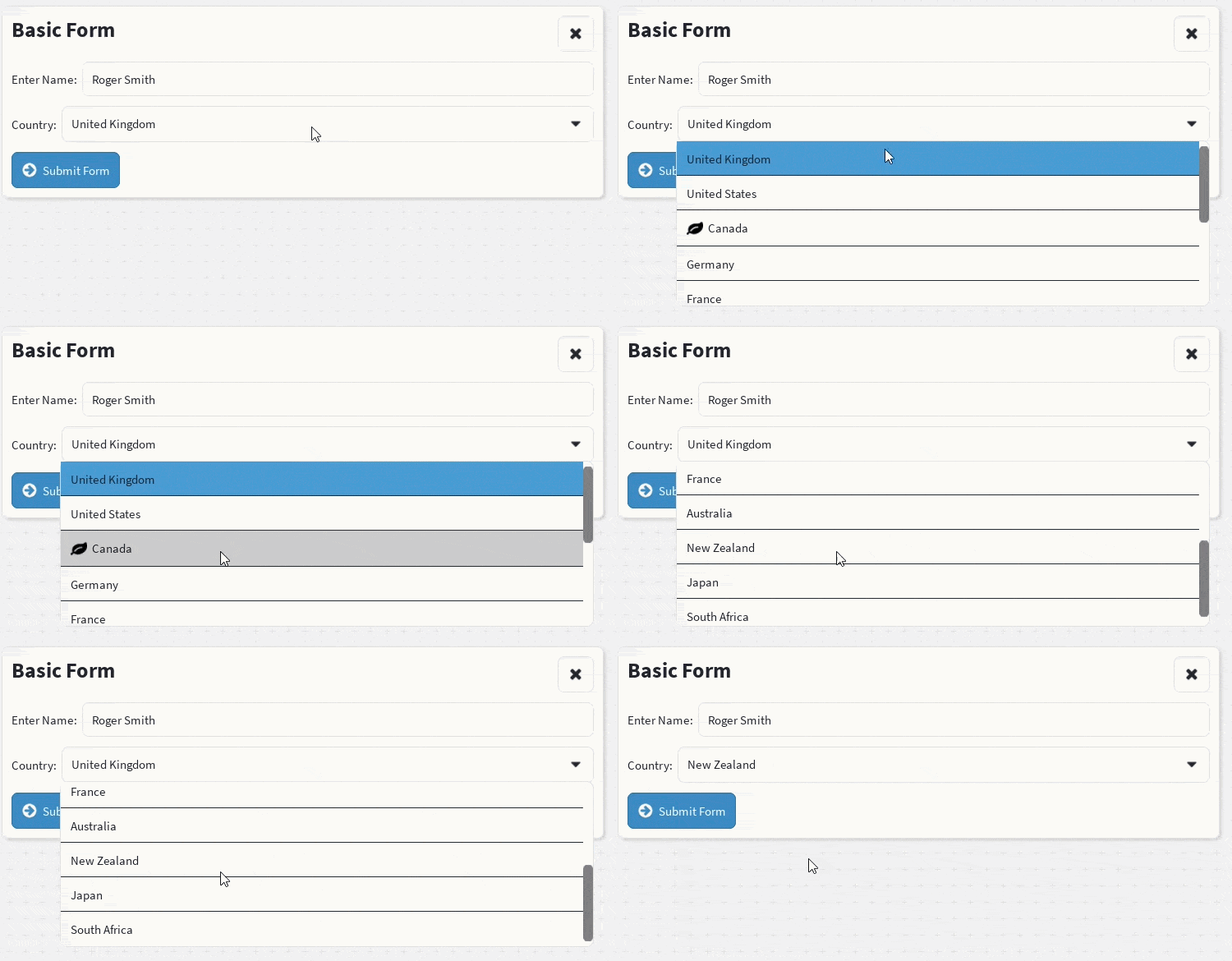 |
|  |
|  |
|
|
|  |
|  |
|  |
|
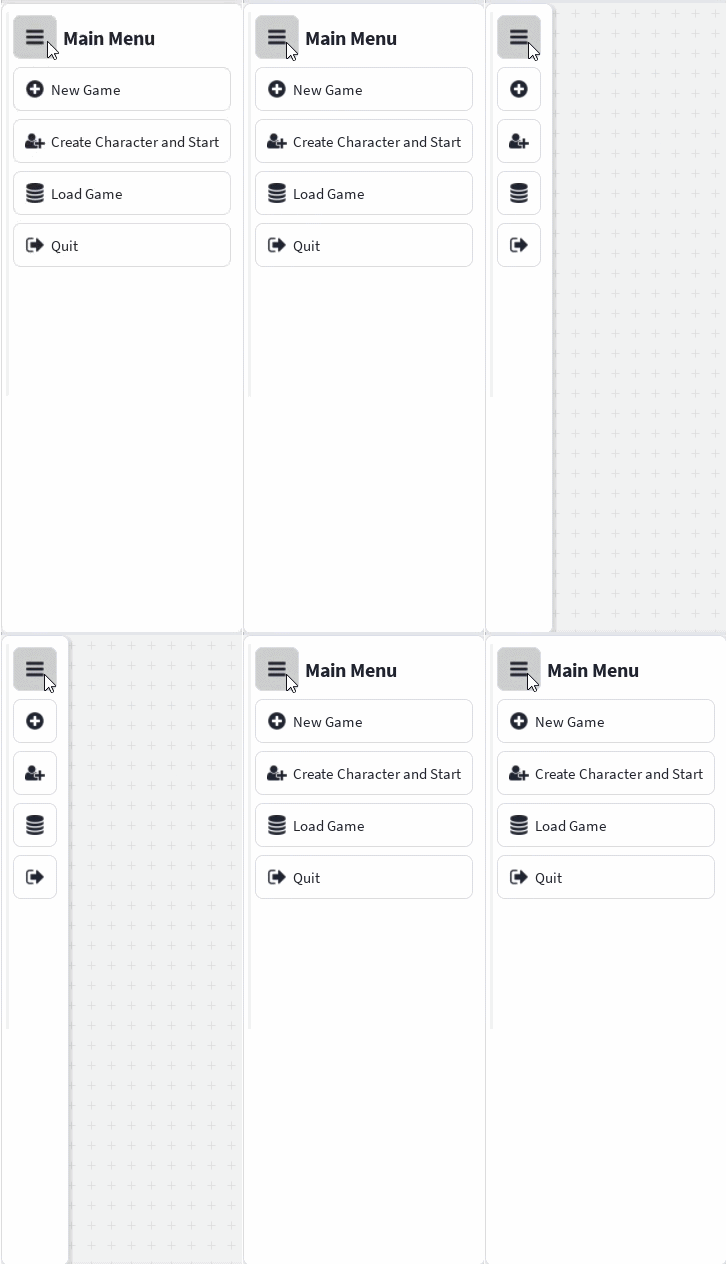
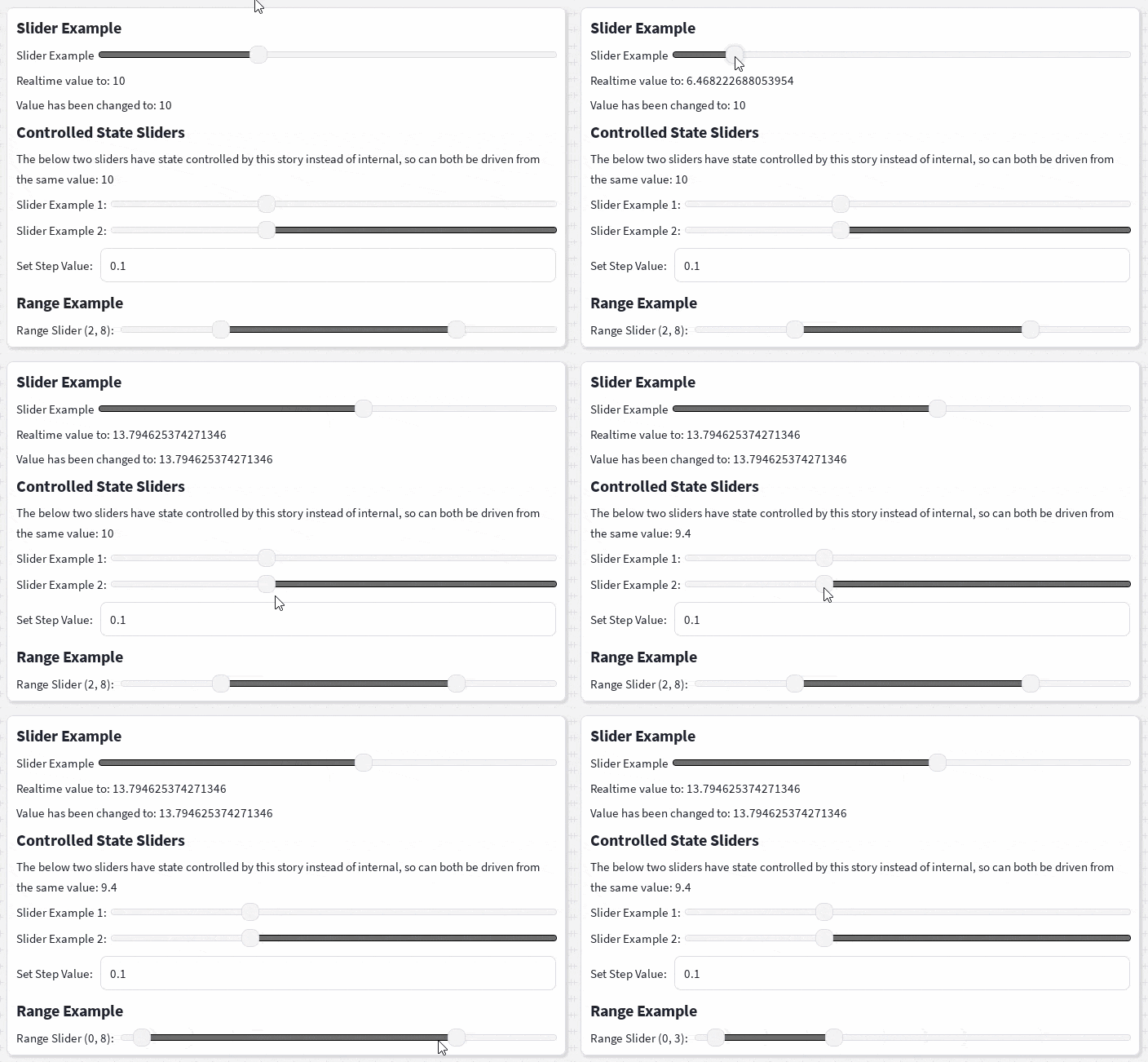
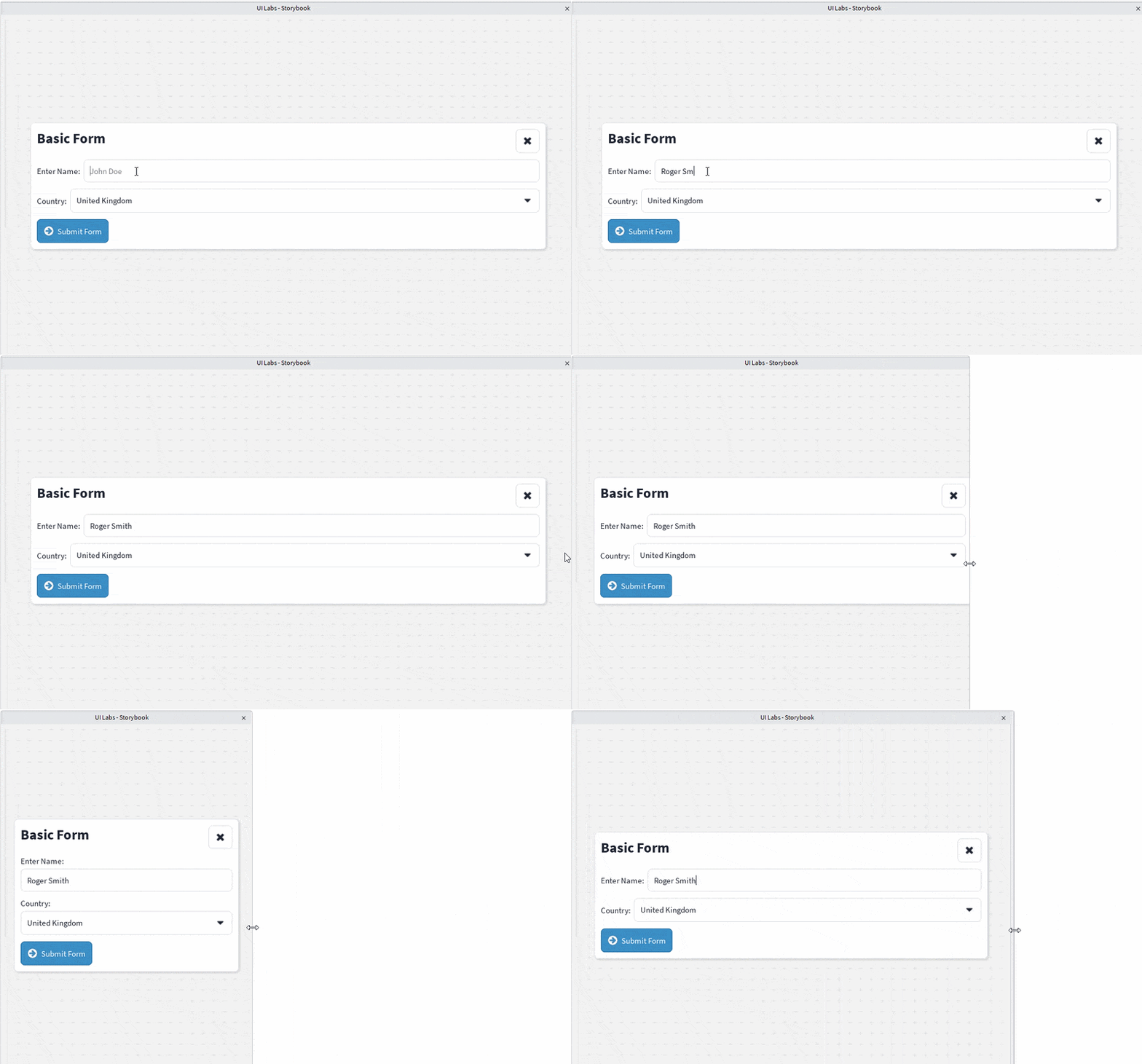
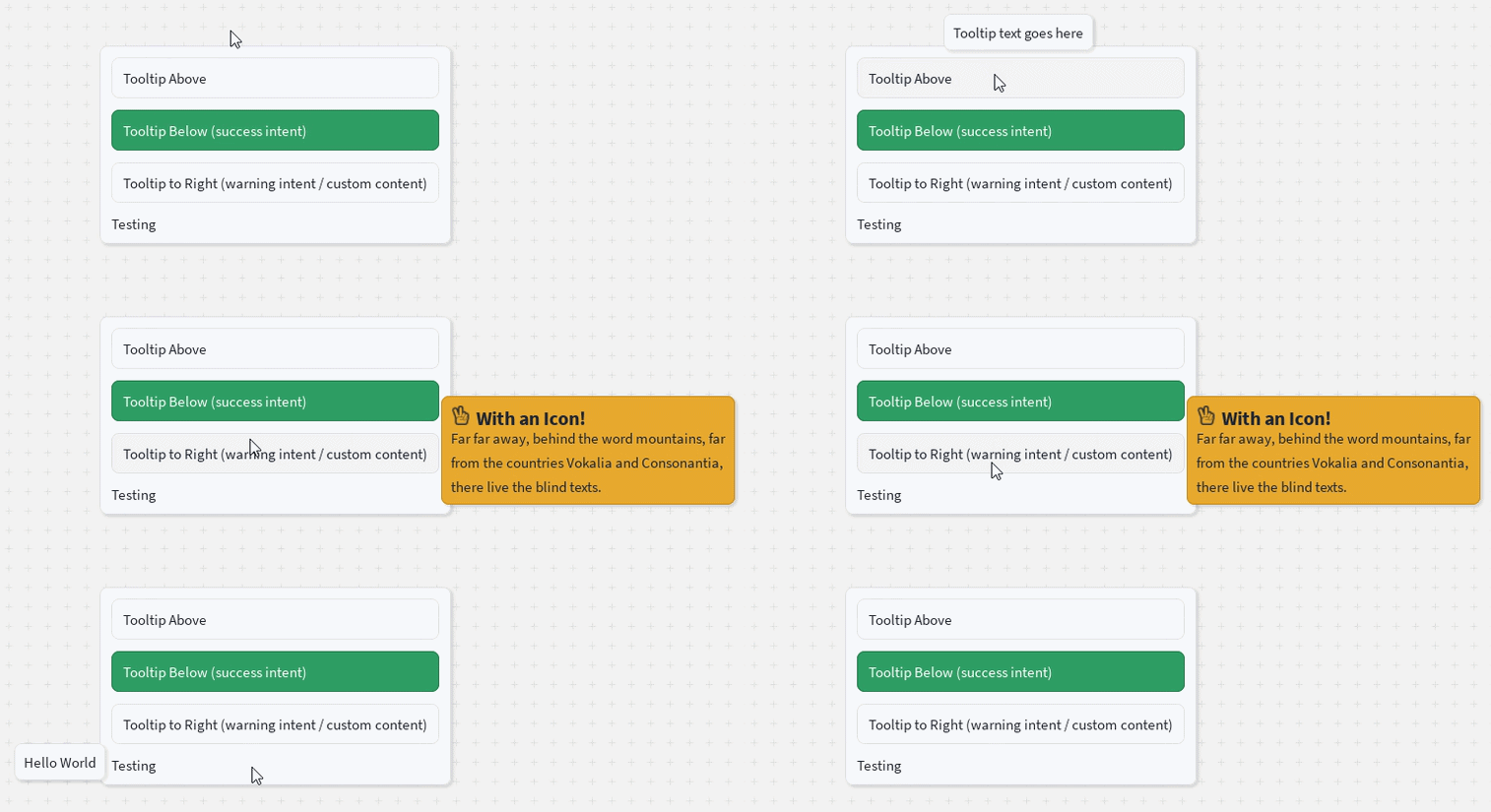
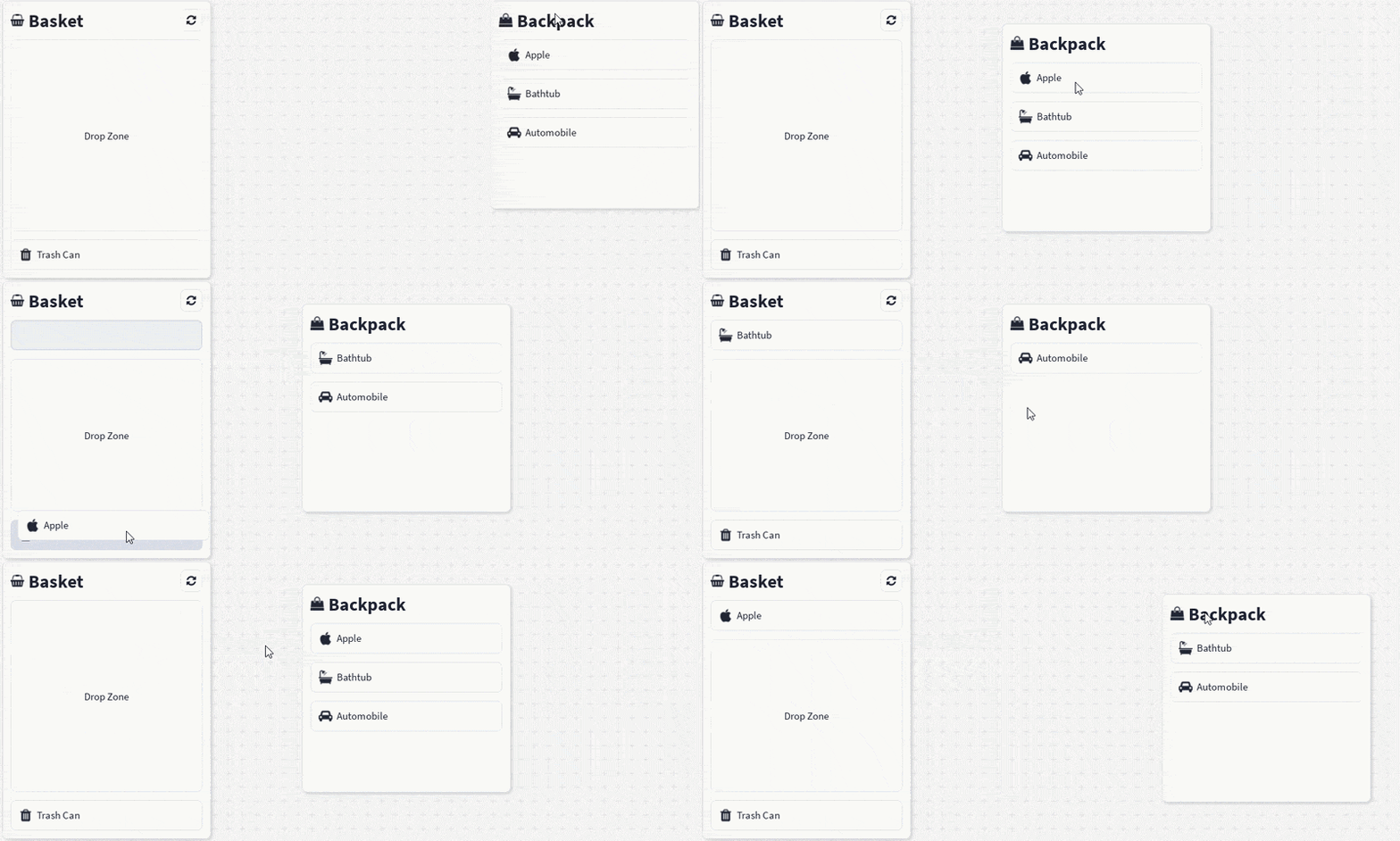
More components, including layouts, forms, charts, and navigation, are in the docs.
Why React Clean UI?
Roblox gives you powerful low-level UI instances, but every screen ends up repeating the same work: calculating sizes and positions, configuring layout and spacing, applying colours/typography/corners/shadows, and keeping it all visually consistent.
React Clean UI moves that repeated work into reusable components, helpers, and theme definitions — you describe what the interface should contain, the library handles how it's presented.
Features
- 🧩 Composable components — containers, stacks, boxes, buttons, text, fieldsets, inputs, selects, and more
- 🎨 Theme-driven design — colours, spacing, typography, radii, and semantic intent colours (
primary,info,success,danger) defined centrally; light/dark and custom themes supported - 📐 Familiar sizing & spacing — concise, CSS-like props translated into native Roblox
UDim/UDim2 - 📱 Responsive layouts — breakpoint-aware components for phone, tablet, desktop, and console
- ⚛️ Built for Roblox React — renders ordinary Roblox GUI instances through
@rbxts/react; plays nicely with hooks, contexts, Rojo, and UI Labs stories
Quick start
First set up a roblox-ts project (npm init roblox-ts), then:
npm install @rbxts/react-clean-ui// src/client/demo.client.tsx
import React from "@rbxts/react";
import ReactRoblox from "@rbxts/react-roblox";
import { CleanUiProvider, DefaultTheme, Container, Box, VStack, HStack, FlexItem, Text, Button, Fieldset, Input, Select } from "@rbxts/react-clean-ui";
const playerGui = game.GetService("Players").LocalPlayer.WaitForChild("PlayerGui") as PlayerGui;
const screenGui = new Instance("ScreenGui");
screenGui.ResetOnSpawn = false;
screenGui.IgnoreGuiInset = true;
screenGui.Parent = playerGui;
const root = ReactRoblox.createRoot(screenGui);
root.render(
<CleanUiProvider theme={DefaultTheme}>
<Container width="90%" center>
<Box>
<VStack>
<Container>
<HStack>
<FlexItem>
<Text text="Basic Form" variant="title" />
</FlexItem>
<Button icon="times" />
</HStack>
</Container>
<Fieldset>
<Fieldset.Label>
<Text text="Enter Name:" />
</Fieldset.Label>
<Fieldset.Control>
<Input placeholder="John Doe" value="" />
</Fieldset.Control>
</Fieldset>
<Fieldset>
<Fieldset.Label>
<Text text="Country:" />
</Fieldset.Label>
<Fieldset.Control>
<Select>
<Select.Option text="United Kingdom" />
<Select.Option text="United States" />
<Select.Option text="Canada" />
</Select>
</Fieldset.Control>
</Fieldset>
<Container>
<Button text="Submit Form" intent="info" icon="arrow-circle-right" />
</Container>
</VStack>
</Box>
</Container>
</CleanUiProvider>
);See the Quick Start docs for the full walkthrough (including default.project.json setup), and the Stories directory for live UI Labs examples you can open directly in Roblox Studio.
Project status
React Clean UI is under active development and being built in public. APIs, component props, and installation details may still change before a first stable release. Feedback, issues, and contributions are welcome.