
@readystack/hospital-mrf-lint
v1.0.7
Published
15 offline rules read your standard charges JSON the way 45 CFR Part 180 and the CMS template do - the dirty sample returns 17 findings, 15 errors

Maintainers
 readystack
Readme
Hospital Price Transparency MRF Lint
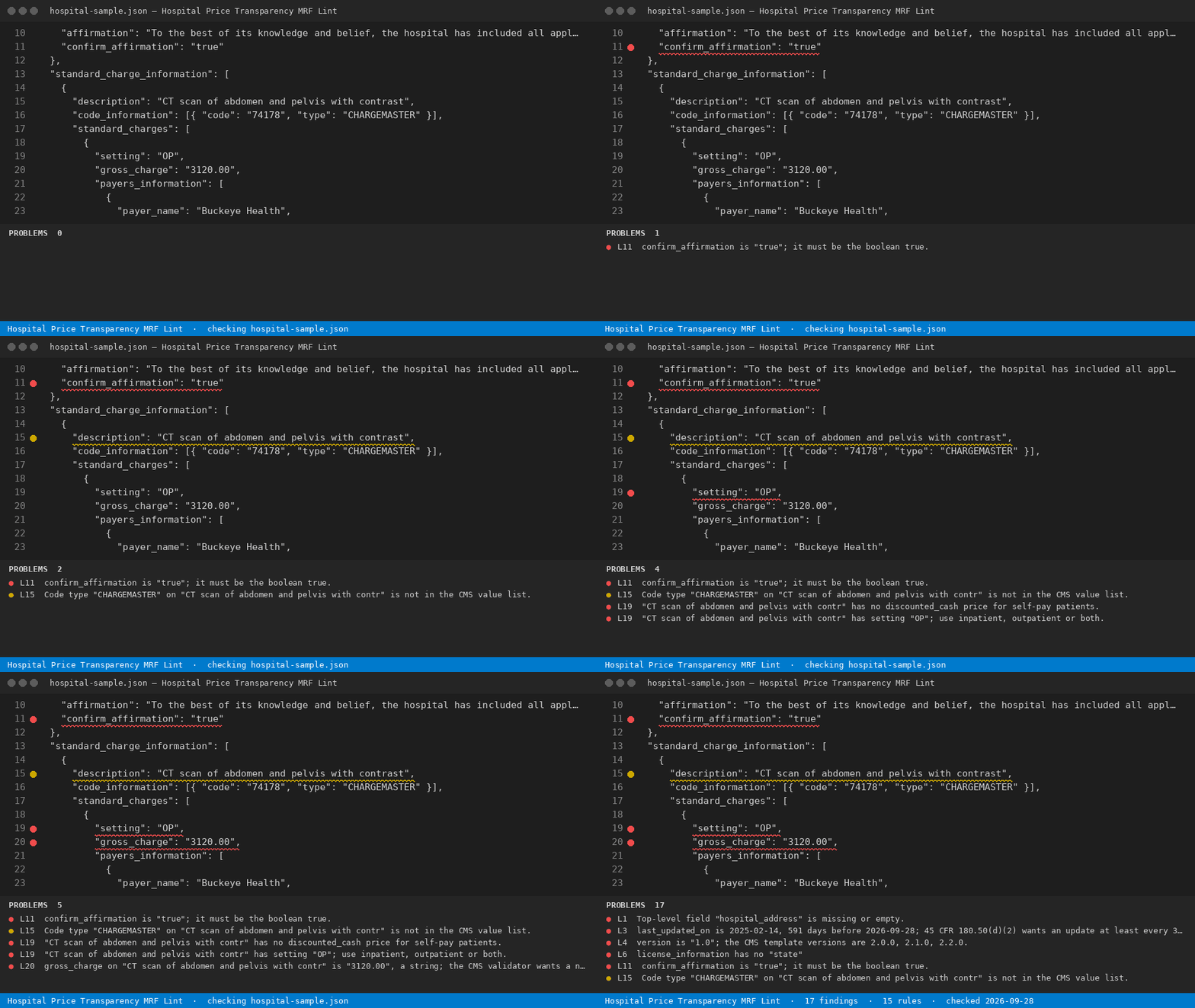
15 offline rules read your standard charges JSON the way 45 CFR Part 180 and the CMS template do - the dirty sample returns 17 findings, 15 errors
Install
npx @readystack/hospital-mrf-lint fileNode 18+. The same 15 rules as the VS Code extension, from a terminal or CI.
Free
- Open one standard charges JSON file and see every one of the 15 rules report with a line number - the whole check for that file, no key, nothing uploaded.
--ruleslists every rule
With a licence ($29 once)
- Sweep every hospital location file in the workspace in one pass and export one dated evidence report you keep for the file, with finding counts per location and the rule text beside each one.
@readystack/hospital-mrf-lint --dir ./templates --report html --out report.htmlA hospital price-transparency review by a revenue-integrity consultancy is commonly quoted as a five-figure engagement; this extension is 29 dollars once.
Use from an AI agent (MCP)
Claude Code · Cursor · Windsurf · any MCP client - add to your MCP config:
{ "mcpServers": { "hospital-mrf-lint": { "command": "npx", "args": ["-y", "@readystack/hospital-mrf-lint", "--mcp"] } } }Tools: check_text and check_file (free) · check_dir (licence). The agent gets every finding with the line number.
Use in CI
- name: Hospital Price Transparency MRF Lint
  run: npx -y @readystack/hospital-mrf-lint --dir . --ci
(container: docker run --rm -v "$PWD:/work" getreadystack/hospital-mrf-lint --dir /work --ci)
The folder sweep, reports and CI mode need one licence — one payment, no subscription. Set READYSTACK_LICENSE=<key> or run --license <key> once.