
@realflow/react
v0.2.1
Published
The fastest, most beautiful React library for building node-based UIs. Fine-grained rendering, built-in auto-layout, undo/redo, alignment guides — free and open source.

Maintainers
 pepleo
Readme
@realflow/react




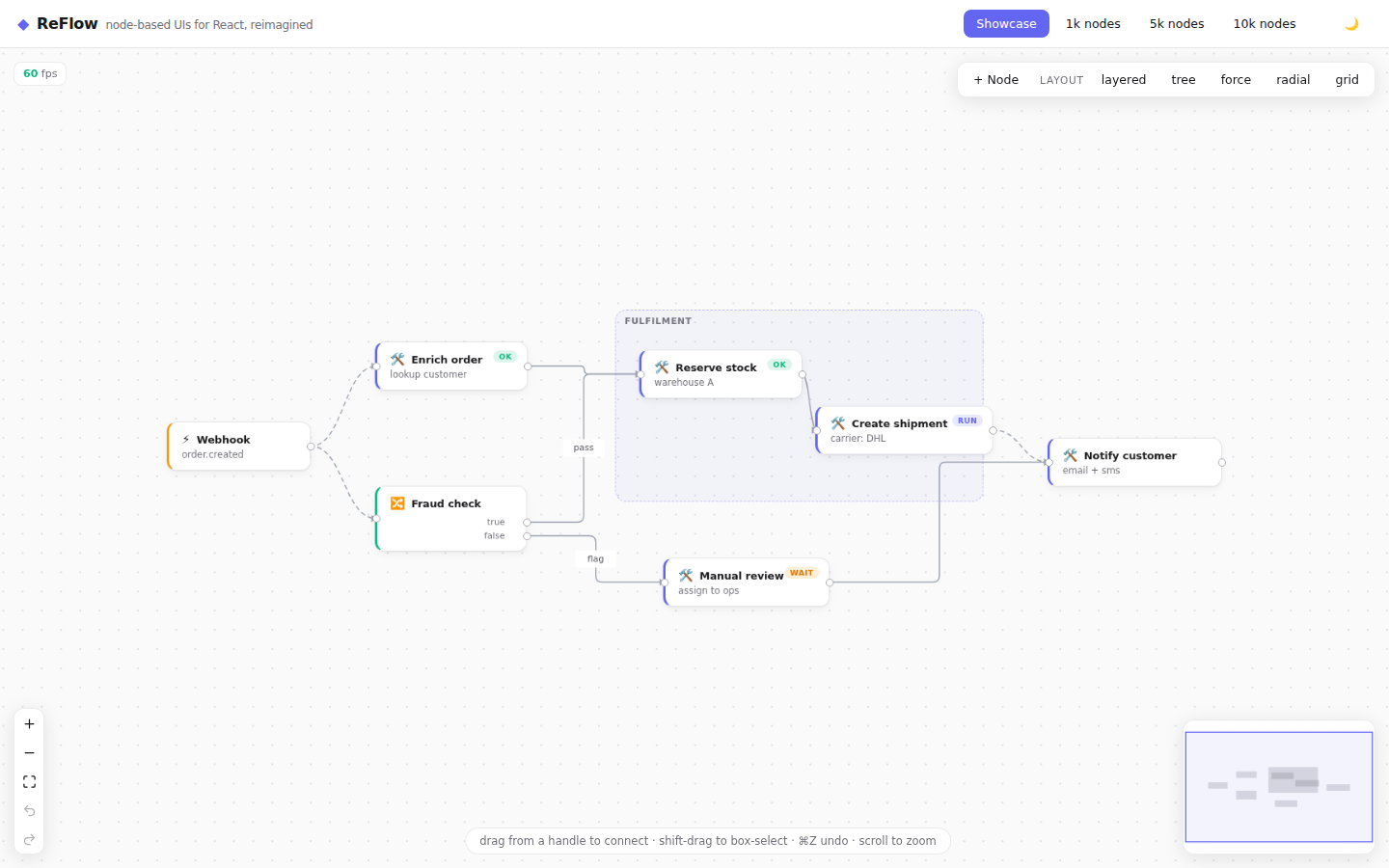
The fastest, most beautiful open-source library for building node-based UIs with React. Flow editors, workflow builders, data pipelines and node graphs — with the features other libraries put behind a paywall built in and free: undo/redo, auto-layout, viewport culling, typed ports, alignment guides, AI-agent operations and real-time collaboration.
An open-source React Flow alternative — with a drop-in migration adapter.
npm install @realflow/reactRequires React 18 or 19 (peer dependency). Ships ESM + TypeScript types.
Quick start
import { RealFlow, Background, Controls, MiniMap } from '@realflow/react';
import '@realflow/react/styles.css';

const nodes = [
  { id: 'a', position: { x: 0, y: 0 }, data: { label: 'Hello' } },
  { id: 'b', position: { x: 260, y: 80 }, data: { label: 'World', description: 'it just works' } },
];
const edges = [{ id: 'e1', source: 'a', target: 'b', animated: true }];

export default function App() {
  return (
    <div style={{ width: '100vw', height: '100vh' }}>
      <RealFlow defaultNodes={nodes} defaultEdges={edges}>
        <Background />
        <Controls />
        <MiniMap />
      </RealFlow>
    </div>
  );
}
That's the whole app. Pan, zoom, drag, connect, box-select, delete, undo/redo
(⌘Z / ⌘⇧Z), alignment guides and dark mode all work out of the box — no
onNodesChange, no applyNodeChanges, no state wiring.
Drive it imperatively
useRealFlow() returns an imperative API — no reducers, no change handlers:
import { useRealFlow } from '@realflow/react';

function Toolbar() {
  const flow = useRealFlow();
  return (
    <>
      <button onClick={() => flow.addNode({ id: crypto.randomUUID(), position: { x: 0, y: 0 }, data: { label: 'New' } })}>
        Add
      </button>
      <button onClick={() => flow.layout('layered', { duration: 300 })}>Auto layout</button>
      <button onClick={() => flow.undo()}>Undo</button>
      <button onClick={() => flow.fitView({ duration: 300 })}>Fit</button>
    </>
  );
}
Custom nodes
import { RealFlow, Handle, type NodeProps } from '@realflow/react';

function MetricNode({ data, selected }: NodeProps<{ kpi: string }>) {
  return (
    <div className={selected ? 'ring' : ''}>
      <Handle kind="target" side="left" />
      {data.kpi}
      <Handle kind="source" side="right" dataType="number" maxConnections={1} />
    </div>
  );
}

<RealFlow nodeTypes={{ metric: MetricNode }} defaultNodes={nodes} defaultEdges={edges} />
Handles are measured automatically — put them anywhere in your markup and edges
anchor exactly. Typed ports (dataType + maxConnections) reject incompatible
or full connections live while dragging.
What you get for free
- ⚡ Performance as architecture — fine-grained reactivity (dragging one node re-renders one node + its edges), zero-render pan/zoom written straight to the DOM, spatial-hash viewport culling on by default, and a canvas MiniMap that repaints 10k nodes in about a millisecond.
- ↩️ Real undo/redo — transactional, drag-coalescing; reactive
canUndo/canRedoviauseHistory(). - 🧭 Built-in auto-layout —
layered,tree,force,radial,grid— zero deps (no dagre, no elkjs). Async / off-thread variants included. - 📐 Figma-style alignment guides + snapping — on by default.
- 🎨 Beautiful by default — light/dark theme,
colorMode="auto", themeable with CSS variables (--rf-accent,--rf-node-bg, …). - 🧩 Pro components —
NodeResizer,NodeToolbar, edge reconnection, clipboard (⌘C/⌘V/⌘D/⌘X, id-remapped). - ♿ Accessibility — focusable nodes, aria roles, spatial keyboard navigation.
- 🤖 AI-ready & 🔄 collaborative — validated JSON operations for LLM agents
and transport-agnostic real-time sync + presence (
RemoteCursors).
Hooks & components
Components: RealFlow, Background, MiniMap, Controls, Panel,
Handle, NodeResizer, NodeToolbar, RemoteCursors.
Hooks: useRealFlow, useNodes, useEdges, useViewport, useSelection,
useHistory, useConnection, useOnSelectionChange, useSelectionCount,
useFlowSelector.
This package re-exports the entire @realflow/core
surface, so a single import serves most apps.
Migrating from React Flow?
@realflow/compat is a drop-in
adapter — change your imports and an existing React Flow app runs on RealFlow's
engine (undo/redo and culling included, free):
- import { ReactFlow, Handle, Position, useReactFlow } from '@xyflow/react';
+ import { ReactFlow, Handle, Position, useReactFlow } from '@realflow/compat';
Documentation
- Getting started
- Custom nodes & edges
- Auto-layout
- Performance guide
- Tailwind / shadcn / Radix / Base UI
- AI agent integration
- Migrating from React Flow
- Core concepts & API
License
MIT © RealFlow contributors — every feature above is free, forever.