
@roaugusto/react-timeline
v4.0.3
Published
Timeline React Component


Readme
@roaugusto/react-timeline
Timeline React Component


Install
npm install --save @roaugusto/react-timeline
yarn add @roaugusto/react-timeline
Test here
https://codesandbox.io/s/react-timeline-y75fo
Usage
React Timeline component for viewing activities over a given period.
Given a base date, the component automatically calculates a period to demonstrate activities.
The date bar displays a period of 7 days, showing each Monday. Each period can be extended as many weeks as necessary.
For the defined period of 7 days, the calculated start date is on average 30 days before. For a period of 14 days (2 weeks), the demonstrated start date is an average of 60 days and so on.
Parameters
| Parameter | Type | Description | |------------------|----------|-------------------------------------------------------------------------------------------------------------| | dateBase | Required | Base date used to demonstrate the period covered and to calculate the start date of the timeline. | | totPeriods | Required | Total periods to be displayed on the timeline. | | weeksPerPeriods | Required | Total weeks served in a period. | | position | Required | Position that activities will be displayed. Options: top, bottom, both. | | typeDraw | Required | Type of display of activities, which can be increasing or on the same line. The options are: rising, inline.| | labels | Optional | Names displayed in the legend. Default is: ['Finished', 'Under Development', 'Not Started'] | | daysLabel | Optional | Label for the word "days". Default is "days". | | locale | Optional | Internationalization to display the days of the months, imported from the date-fns/locale package. Default is {enUS} | | backgroundColor | Optional | Background color. Default is: '#f0f0f5' |
Examples
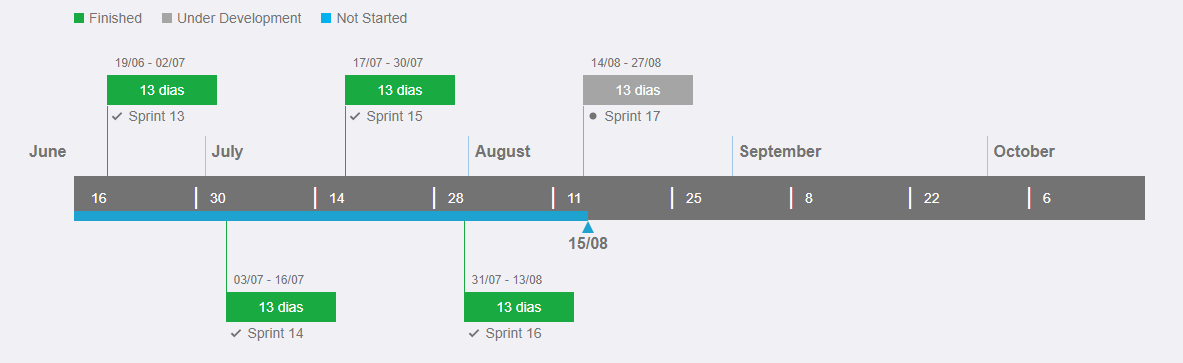
typeDraw = 'inline' / position = 'both'
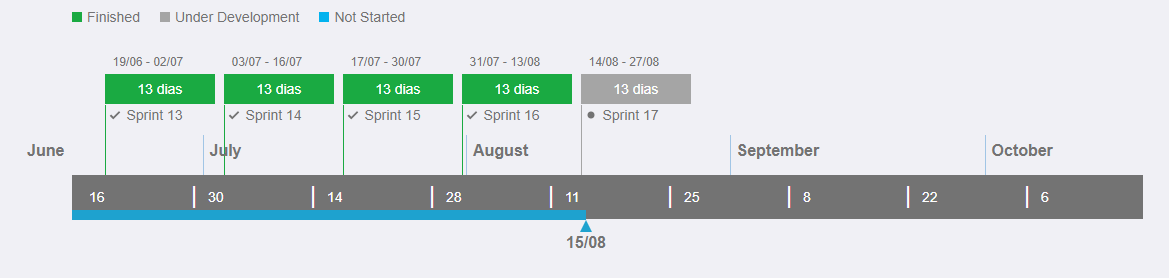
typeDraw = 'inline'/ position = 'top'
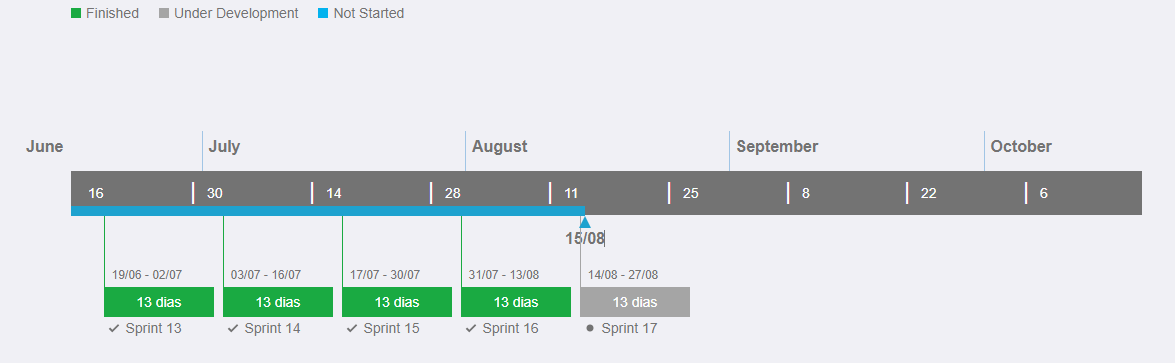
typeDraw = 'inline'/ position = 'bottom'
typeDraw = 'rising'/ position = 'both'
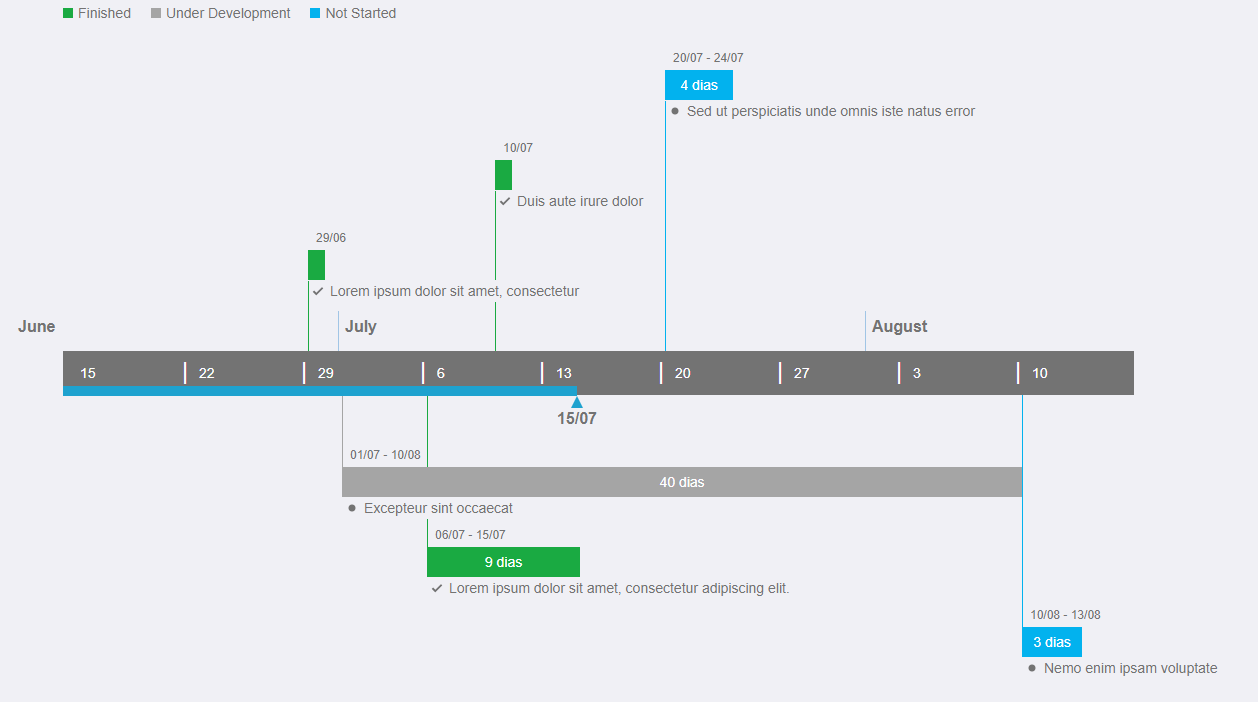
typeDraw = 'inline'/ position = 'both'
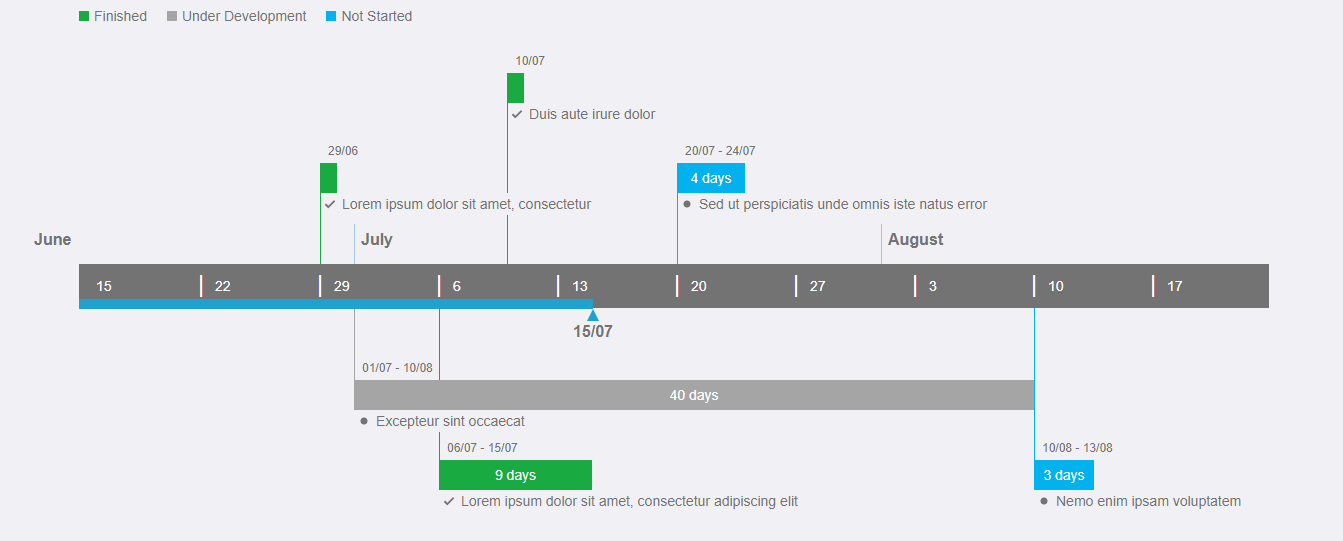
Usage
import React from 'react'
import { ptBR } from 'date-fns/locale';

import Timeline, { ITask } from '@roaugusto/react-timeline'

const dateBase = new Date(2020, 7, 15);
const totPeriods = 8;
const weeksPerPeriods = 2;
const position: 'top' | 'bottom' | 'both' = 'both';
const typeDraw: 'inline' | 'rising' = 'inline';
const labels = ['Concluído', 'Em Desenvolvimento', 'Não Iniciado'];

export const tasks: ITask[] = [
  {
    id: '1',
    startDate: '2020-04-27',
    finishDate: '2020-05-08',
    description: 'Sprint 10',
  },
  {
    id: '2',
    startDate: '2020-05-11',
    finishDate: '2020-05-15',
    description: 'PI Planning II',
  },
  {
    id: '3',
    startDate: '2020-05-18',
    finishDate: '2020-06-04',
    description: 'Sprint 11',
  },
  {
    id: '4',
    startDate: '2020-06-05',
    finishDate: '2020-06-18',
    description: 'Sprint 12',
  },
  {
    id: '5',
    startDate: '2020-06-19',
    finishDate: '2020-07-02',
    description: 'Sprint 13',
  },
  {
    id: '6',
    startDate: '2020-07-03',
    finishDate: '2020-07-16',
    description: 'Sprint 14',
  },
  {
    id: '7',
    startDate: '2020-07-17',
    finishDate: '2020-07-30',
    description: 'Sprint 15',
  },
  {
    id: '8',
    startDate: '2020-07-31',
    finishDate: '2020-08-13',
    description: 'Sprint 16',
  },
  {
    id: '9',
    startDate: '2020-08-14',
    finishDate: '2020-08-27',
    description: 'Sprint 17',
  },
];


const App = () => {
  return (
    <Timeline
      dateBase={dateBase}
      totPeriods={totPeriods}
      weeksPerPeriod={weeksPerPeriods}
      position={position}
      typeDraw={typeDraw}
      locale={ptBR}
      labels={labels}
      tasks={tasks}
    />
  )

}

export default App
License
MIT © roaugusto