
@rootcause/rootcause-mcp
v0.1.3
Published
Connect Claude Desktop (and other stdio MCP clients) to the RootCause MCP server

Maintainers
 ayyman-e
Readme
rootcause-mcp
About RootCause
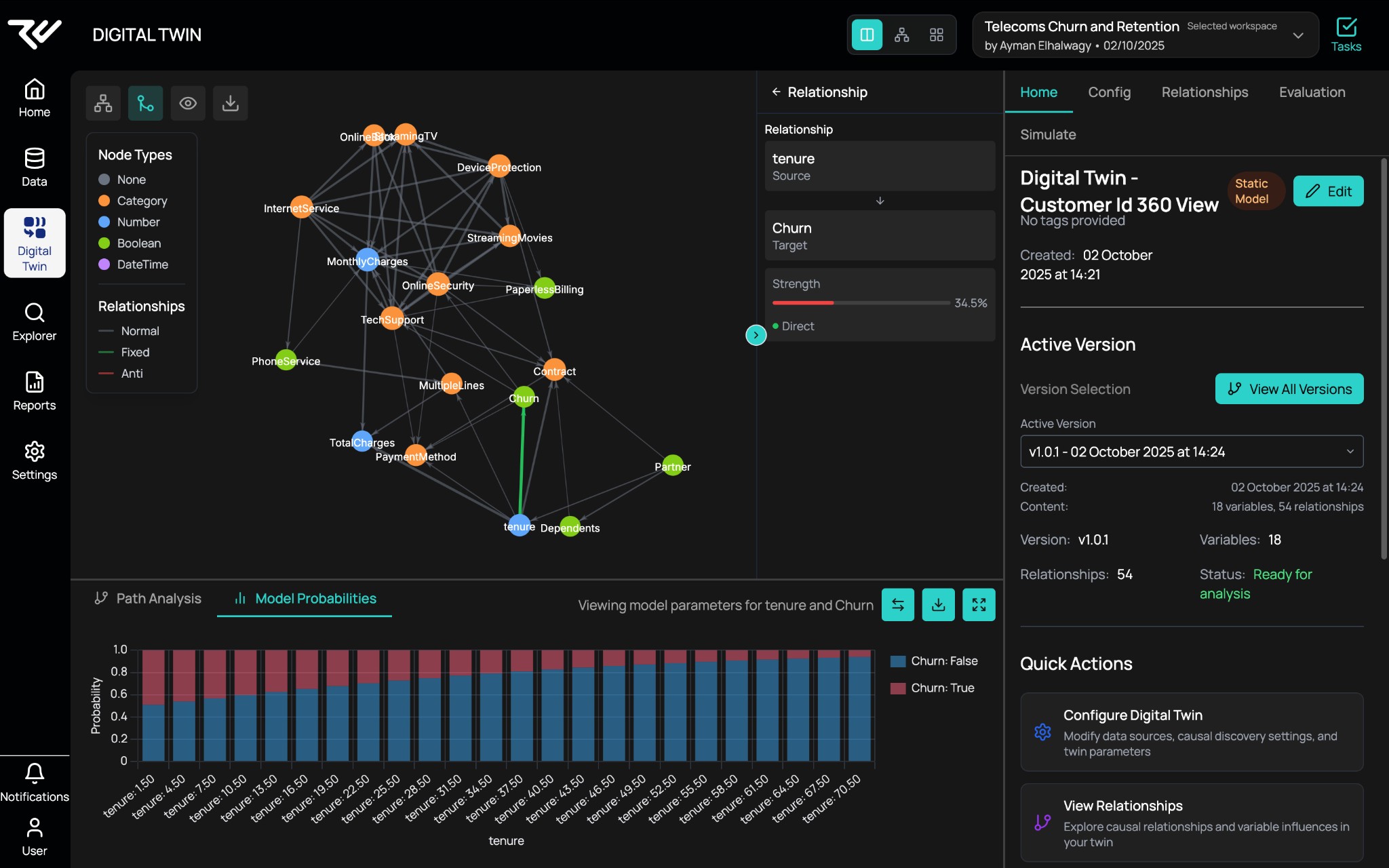
RootCause is a causal AI platform: you bring your data, define or discover causal structure, and run what‑if analyses and simulations. Build digital twins, explore causal graphs, and query outcomes via the UI or the Model Context Protocol. Full docs: docs.rootcause.ai.
This package connects Claude Desktop, Cursor, and other stdio-based MCP clients to the RootCause platform so you can interact with your causal models from chat.
How it works
Claude Desktop and Cursor can only talk to MCP servers via stdio (spawning a local process). The RootCause MCP server lives remotely at platform.rootcause.ai/api/v1/mcp. This package is a thin stdio-to-SSE bridge that:
- Reads your
ROOTCAUSE_API_KEYfrom the environment - Constructs an
Authorization: Bearerheader - Spawns
mcp-remoteto handle the stdio ↔ HTTP/SSE protocol translation - Pipes stdio in/out back to the MCP client
mcp-remote does the heavy lifting; this package configures it with the right URL and auth header.
What you can do
Once connected, your AI assistant has full access to your RootCause workspaces. The MCP server exposes tools and resources for:
| Capability | Examples | |---|---| | Workspaces | List workspaces, get workspace overviews with datasets/models/twins | | Datasets | Browse datasets, inspect schemas and metadata | | Data Views | Query and explore transformed data views | | Ontology | Read ontology concepts, field mappings, and causal relationships | | Digital Twins | List twins, inspect structure, run what-if simulations | | Causal Discovery | Discover causal graphs from data, explore relationships | | Interventions | Run what-if analyses - "what happens if X increases by 10%?" |
Example conversations
Try asking your assistant:
- "List my workspaces"
- "Show me the datasets in [workspace name]"
- "What causal relationships exist between temperature and yield?"
- "Run a what-if analysis: what happens to revenue if marketing spend increases by 20%?"
- "Describe the digital twin for [model name] and its current status"
Requirements
- Node.js 20+
- A RootCause API key - create one at Settings → API in the RootCause platform
Auth scoping
API keys can be org-wide or workspace-scoped:
- Org-wide keys can access all workspaces your account has access to. Recommended for MCP so the assistant can list and switch between workspaces.
- Workspace-scoped keys are restricted to a single workspace. Use these when you want to limit access.
Quick setup
Package on npm: @rootcause/rootcause-mcp - no global install needed, just use npx.
Claude Desktop
Get your API key from RootCause (Settings → API in the platform).
Open your Claude Desktop MCP config:
- macOS:
~/Library/Application Support/Claude/claude_desktop_config.json - Windows:
%APPDATA%\Claude\claude_desktop_config.json
- macOS:
Add the RootCause server - either via the UI or by editing the JSON directly:
Option A: Config UI
- Command:
npx - Args:
@rootcause/rootcause-mcp - Env:
ROOTCAUSE_API_KEY= your API key (e.g.pk_...)
Option B: Edit config JSON
{
  "mcpServers": {
    "rootcause": {
      "command": "npx",
      "args": ["@rootcause/rootcause-mcp"],
      "env": {
        "ROOTCAUSE_API_KEY": "pk_YOUR_API_KEY_HERE"
      }
    }
  }
}- Restart Claude Desktop. You should see the RootCause server available (hammer icon in the input area).
Cursor
- Open Settings → MCP in Cursor.
- Add a new stdio server with this command:
npx @rootcause/rootcause-mcp- Set the environment variable
ROOTCAUSE_API_KEYto your API key.
Alternatively, add to your project's .cursor/mcp.json:
{
  "mcpServers": {
    "rootcause": {
      "command": "npx",
      "args": ["@rootcause/rootcause-mcp"],
      "env": {
        "ROOTCAUSE_API_KEY": "pk_YOUR_API_KEY_HERE"
      }
    }
  }
}
Environment variables
| Variable | Required | Default | Description |
|----------|----------|---------|-------------|
| ROOTCAUSE_API_KEY | Yes | - | RootCause API key (e.g. pk_...). |
| ROOTCAUSE_MCP_URL | No | https://platform.rootcause.ai/api/v1/mcp | MCP server URL. Override for local development (e.g. http://localhost:3000/api/v1/mcp). |
Troubleshooting
- "ROOTCAUSE_API_KEY is required" - Set
ROOTCAUSE_API_KEYin the MCP server'senvblock in your client config. - Connection errors - Check that
ROOTCAUSE_MCP_URLis reachable and your API key is valid. Verify the key has access to the org/workspace you expect. - Windows: command not found or bad path - Use
npxas the command and@rootcause/rootcause-mcpas the only arg. Do not use the full path tonpx.cmdor Node. - Linux/macOS: EACCES permission errors on global install - Use
npxdirectly (no global install needed). If you must install globally, see npm's guide to fixing permissions. - Tools not loading - Make sure your API key has the required scopes. An org-wide key with broad scopes is recommended for MCP.
License
MIT