
@rozenite/expo-atlas-plugin
v2.4.0
Published
Expo Atlas for Rozenite.


Readme

A Rozenite plugin that integrates Expo Atlas into React Native DevTools for enhanced development experience.




The Rozenite Expo Atlas Plugin seamlessly integrates Expo Atlas into your React Native DevTools environment. It provides a dedicated panel for accessing Expo Atlas features, including asset management, dependency analysis, and project insights, all within the familiar DevTools interface.
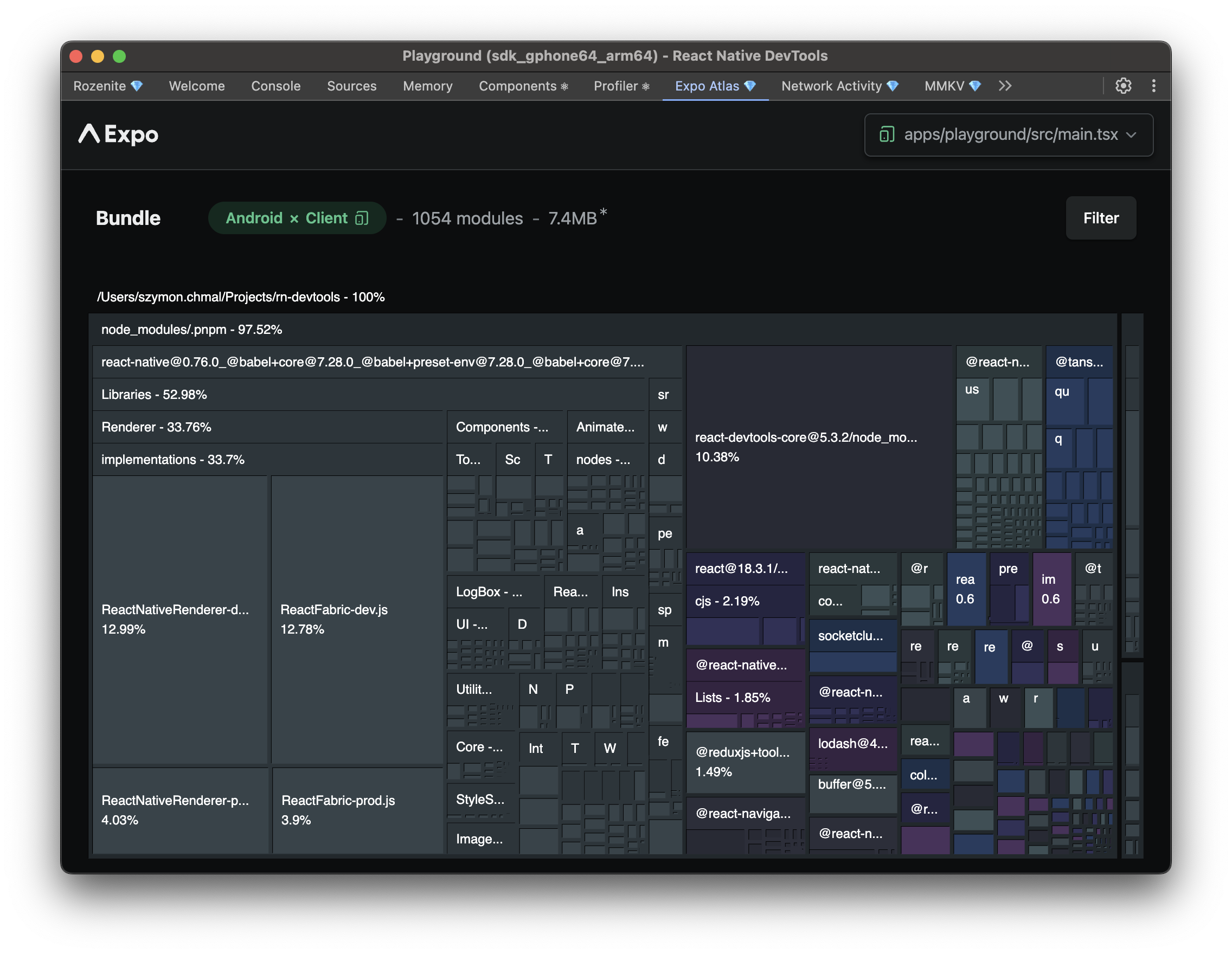
Features
- Expo Atlas Integration: Direct access to Expo Atlas features within DevTools
- Asset Management: Visual asset browser and management tools
- Dependency Analysis: Comprehensive dependency tree visualization
- Project Insights: Detailed project structure and configuration analysis
Installation
Install the Expo Atlas plugin as a dependency:
npm install @rozenite/expo-atlas-pluginQuick Start
1. Install the Plugin
npm install @rozenite/expo-atlas-plugin2. Configure Metro
Add the Expo Atlas plugin to your Metro configuration:
// metro.config.js
import { withRozenite } from '@rozenite/metro';
import { withRozeniteExpoAtlasPlugin } from '@rozenite/expo-atlas-plugin';

export default withRozenite(
  withRozeniteExpoAtlasPlugin({
    // Your existing Metro configuration
  })
);
3. Access Expo Atlas
Start your development server and open React Native DevTools. You'll find the "Expo Atlas" panel in the DevTools interface.
Made with ❤️ at Callstack
rozenite is an open source project and will always remain free to use. If you think it's cool, please star it 🌟.
Callstack is a group of React and React Native geeks, contact us at [email protected] if you need any help with these or just want to say hi!
Like the project? ⚛️ Join the team who does amazing stuff for clients and drives React Native Open Source! 🔥