
@safetnsr/shipart
v2.0.1
Published
generate README hero images for open source projects using AI — with dynamic theme generation

Maintainers
 safetnsr
Readme
shipart
your README deserves better than a blank top.
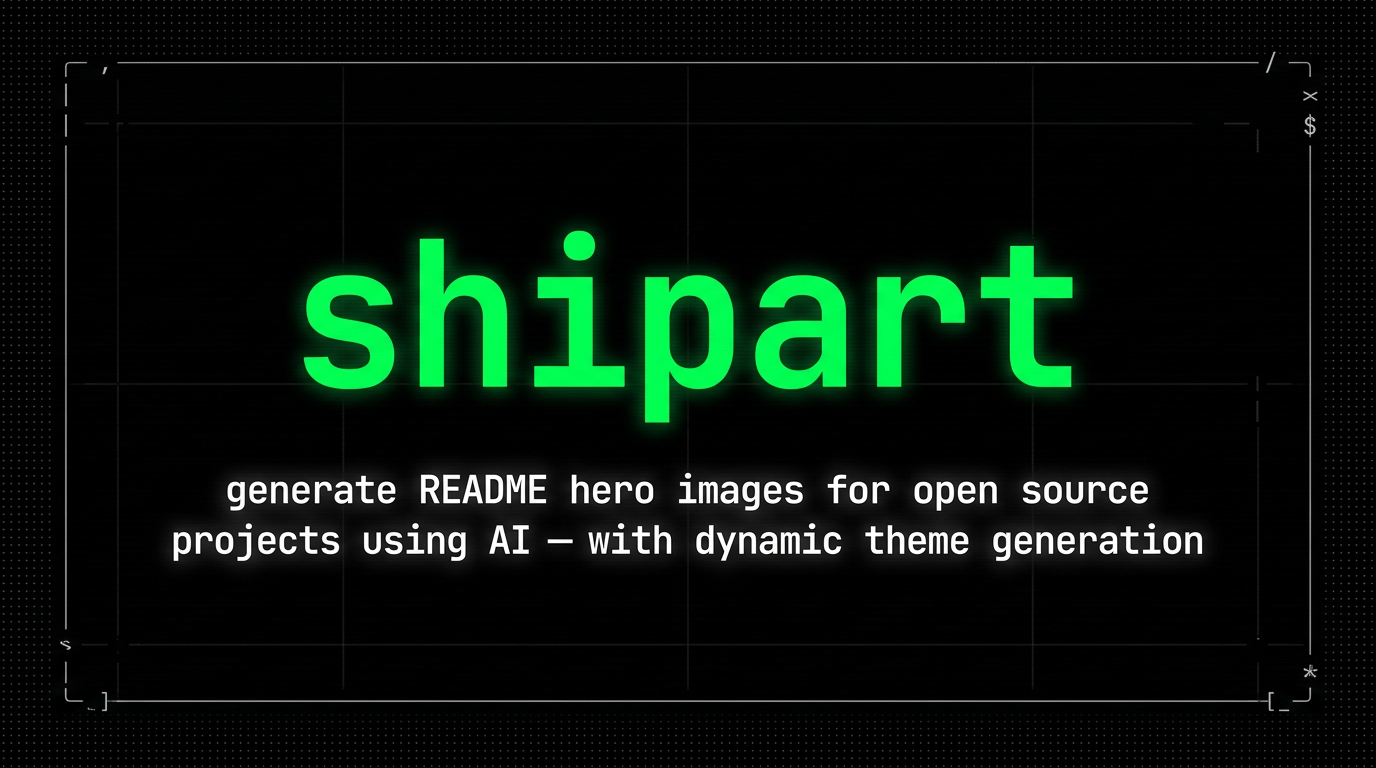
generate README hero images for open source projects using AI. one command, six built-in themes, three dynamic theme modes powered by nano banana 2 (gemini-3.1-flash-image-preview).
$ shipart .

shipart → /home/user/myproject
  name:        myproject
  description: a fast CLI for developers
  category:    CLI tool
  tech:        Node.js, TypeScript, CLI
  theme:       terminal-dark

  generating with gemini-3.1-flash-image-preview... (attempt 1/3)
  saved → /home/user/myproject/banner.png (1.1 MB)

done. 1 banner(s) generated.
  → /home/user/myproject/banner.png
api key
get a free key at aistudio.google.com/apikey, then:
export GOOGLE_AI_KEY=your_key_hereshipart also checks GEMINI_API_KEY, ~/.openclaw/workspace/.credentials/google_ai_key, and ~/.config/shipart/key.
install
npm install -g @safetnsr/shipartor run without installing:
npx @safetnsr/shipart .usage
shipart .                                          # generate for current directory
shipart ./myproject                                # specify directory
shipart . --theme bold                             # choose built-in theme
shipart . --output ./docs/hero.png                 # custom output path
shipart . --variations 3                           # generate 3 alternatives
shipart . --model gemini-2.5-flash                 # use a different google model
shipart . --patch-readme                           # also update README.md
shipart . --dry-run                                # preview the prompt
shipart --list-themes                              # show all built-in themes
themes
six built-in themes:
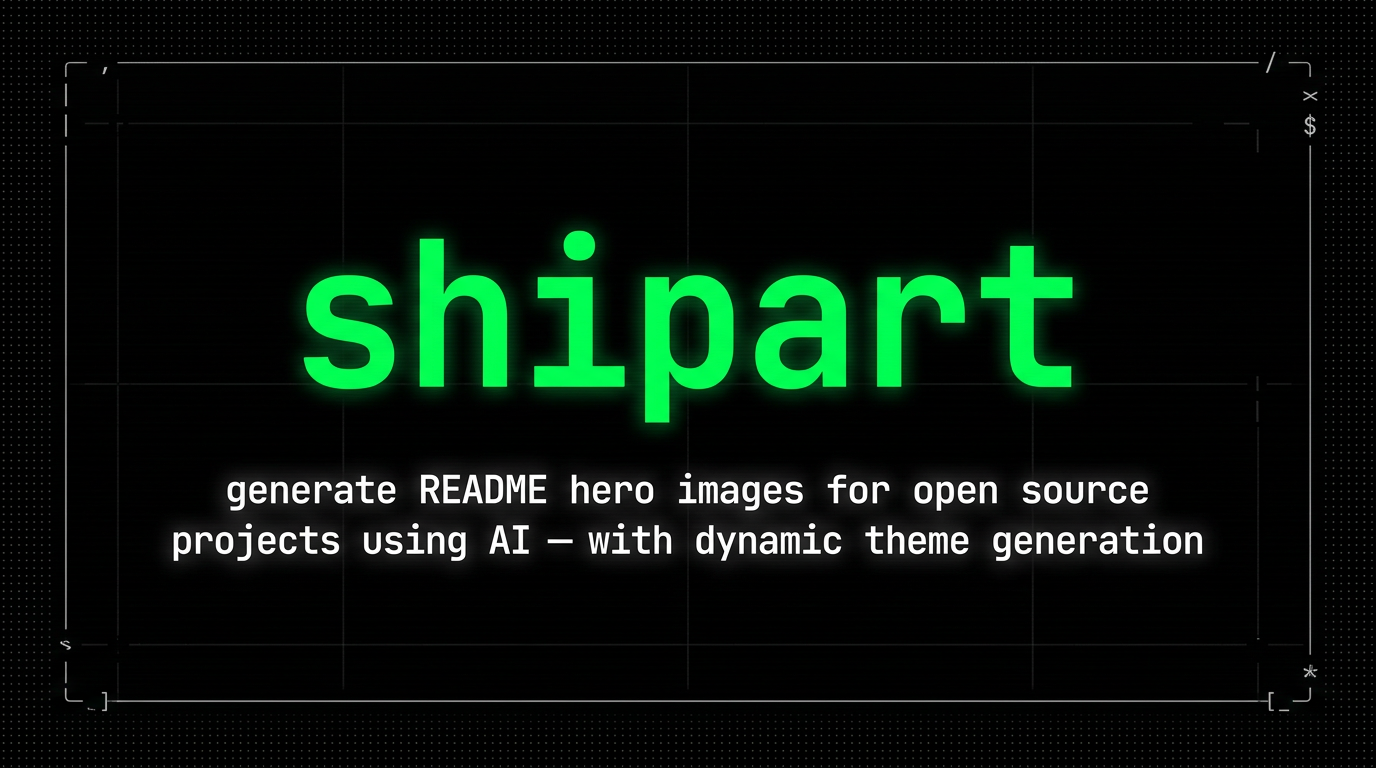
terminal-dark — pure black bg, white monospace text, terminal aesthetic
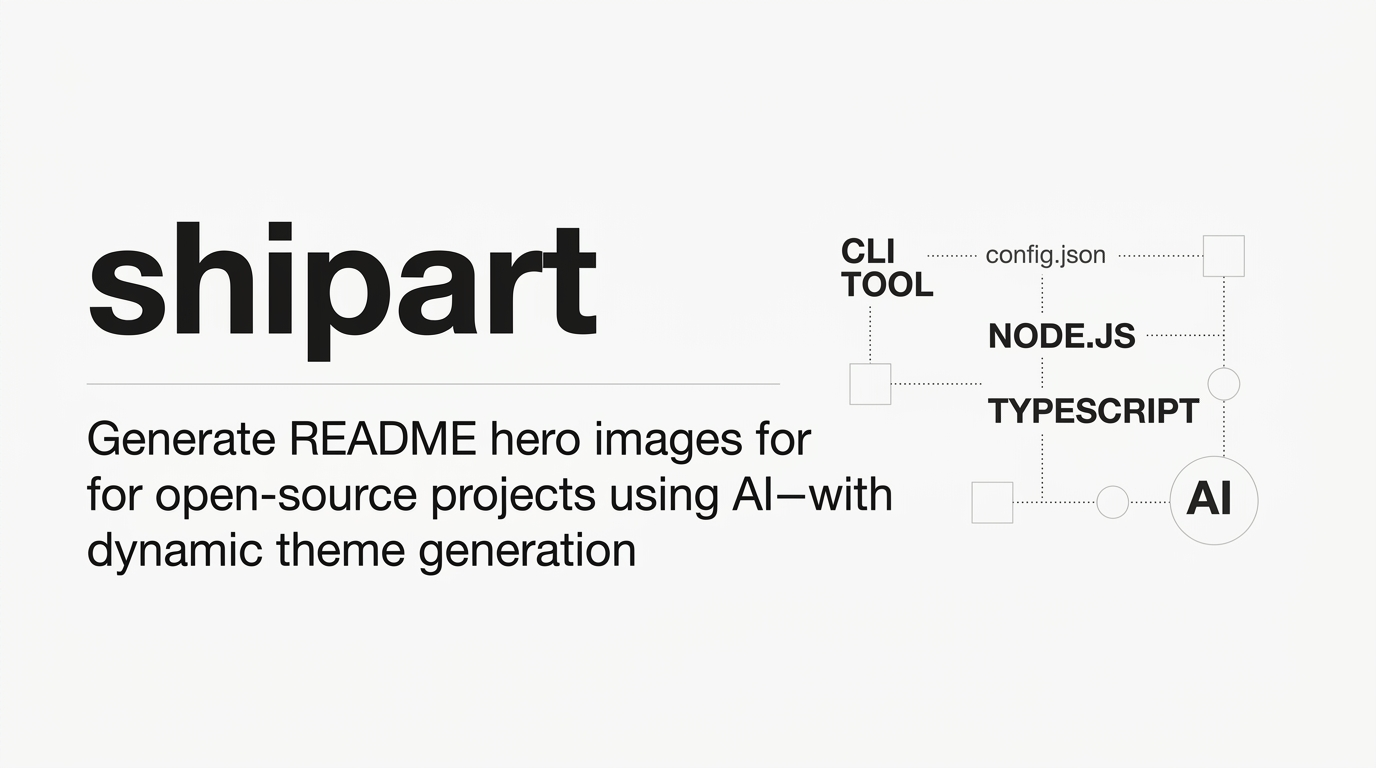
minimal — white bg, clean typography, lots of negative space
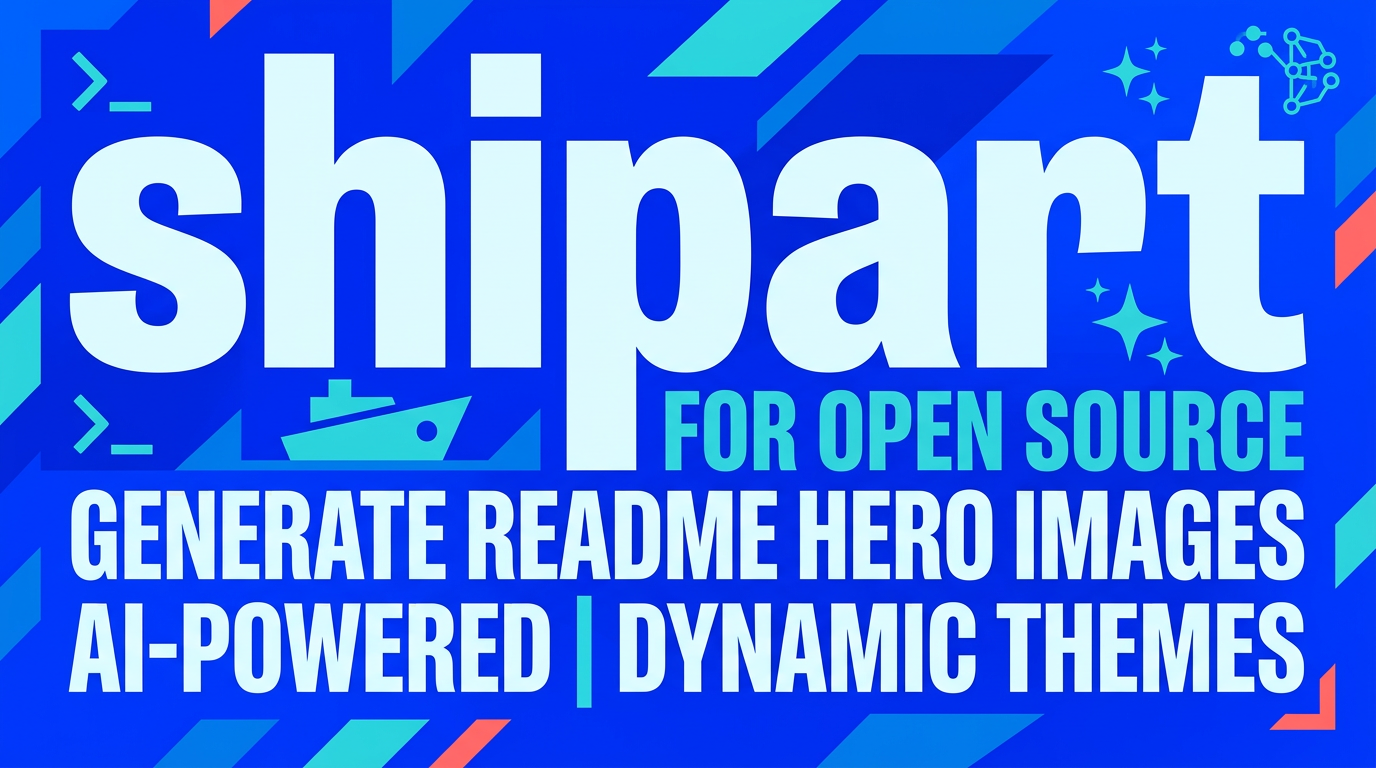
bold — high-contrast, large typography, vibrant background
gradient — dark gradient bg (deep blue → purple), modern SaaS look
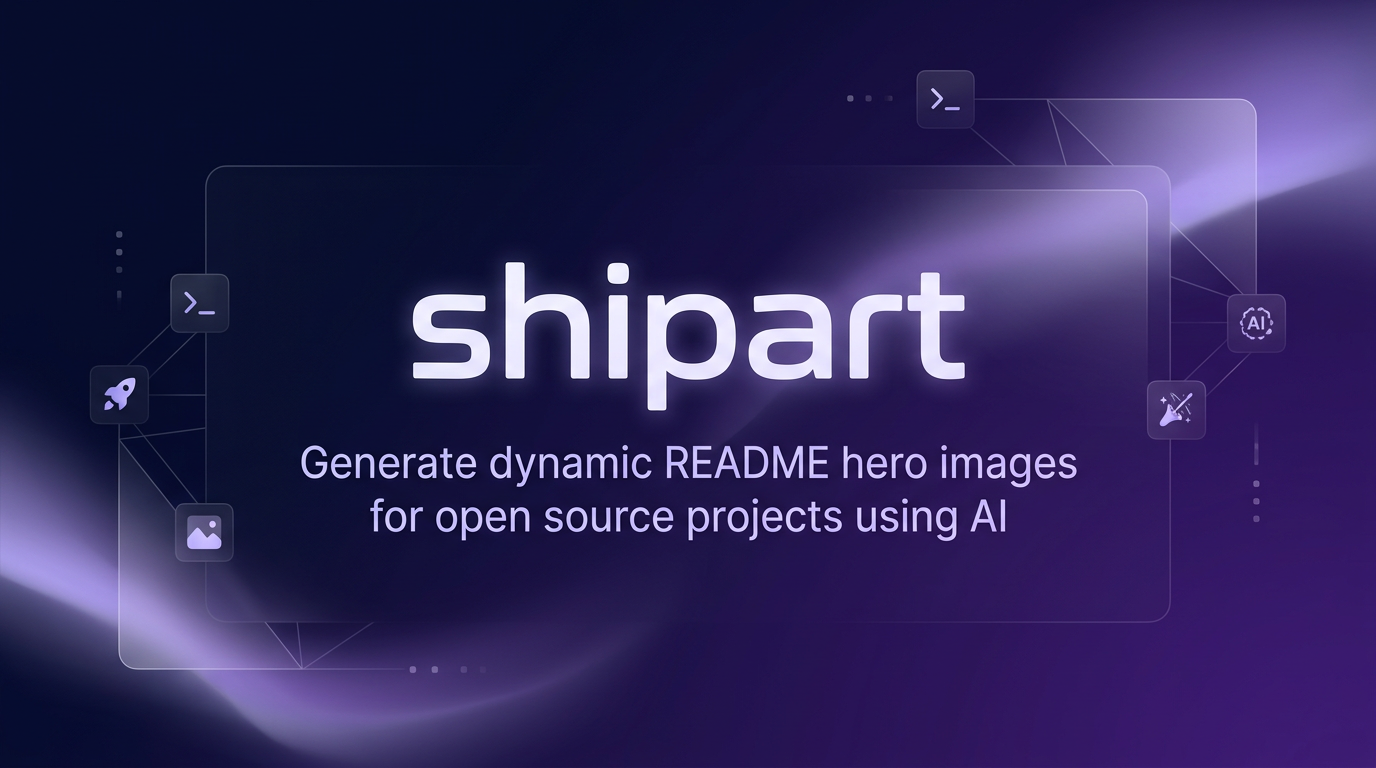
retro — pixel art / 8-bit aesthetic, bright colors on dark
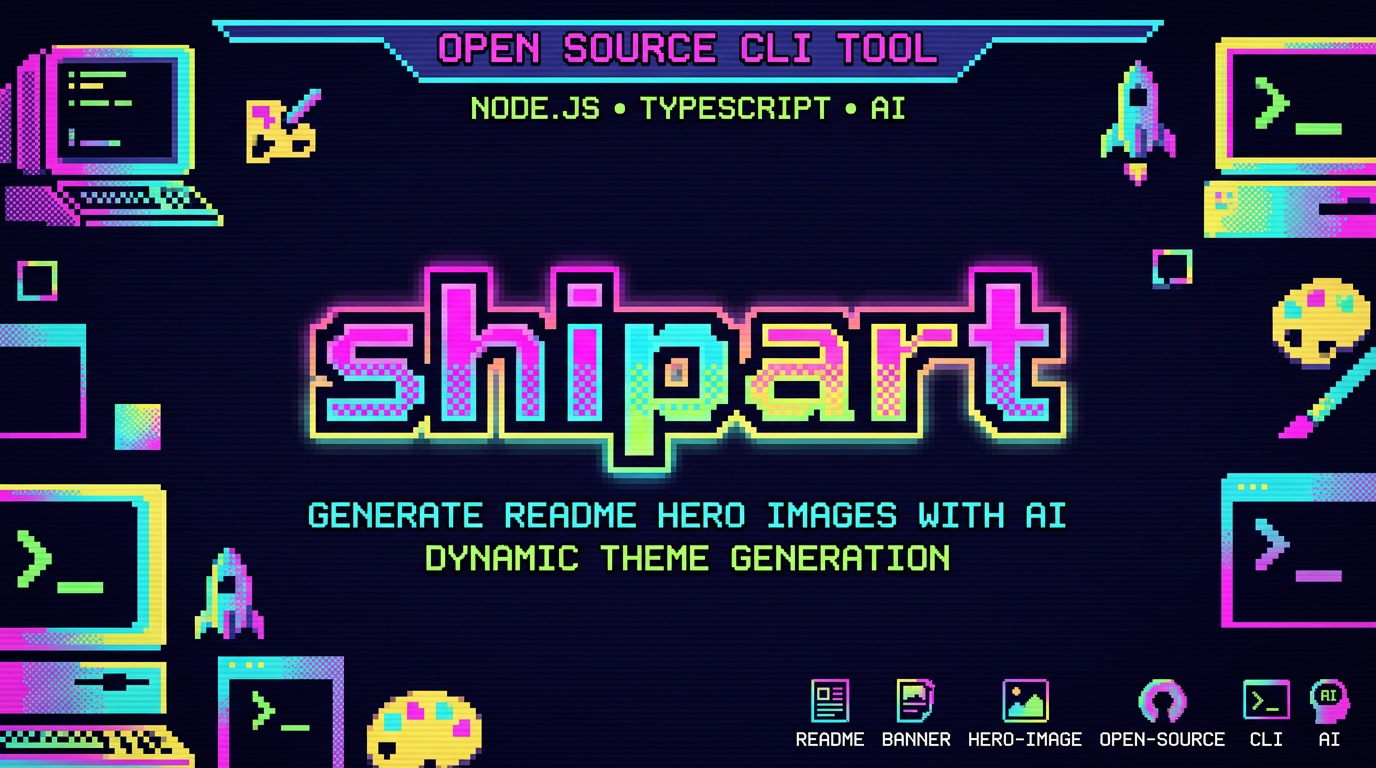
paper — off-white, subtle texture, editorial/blog feel
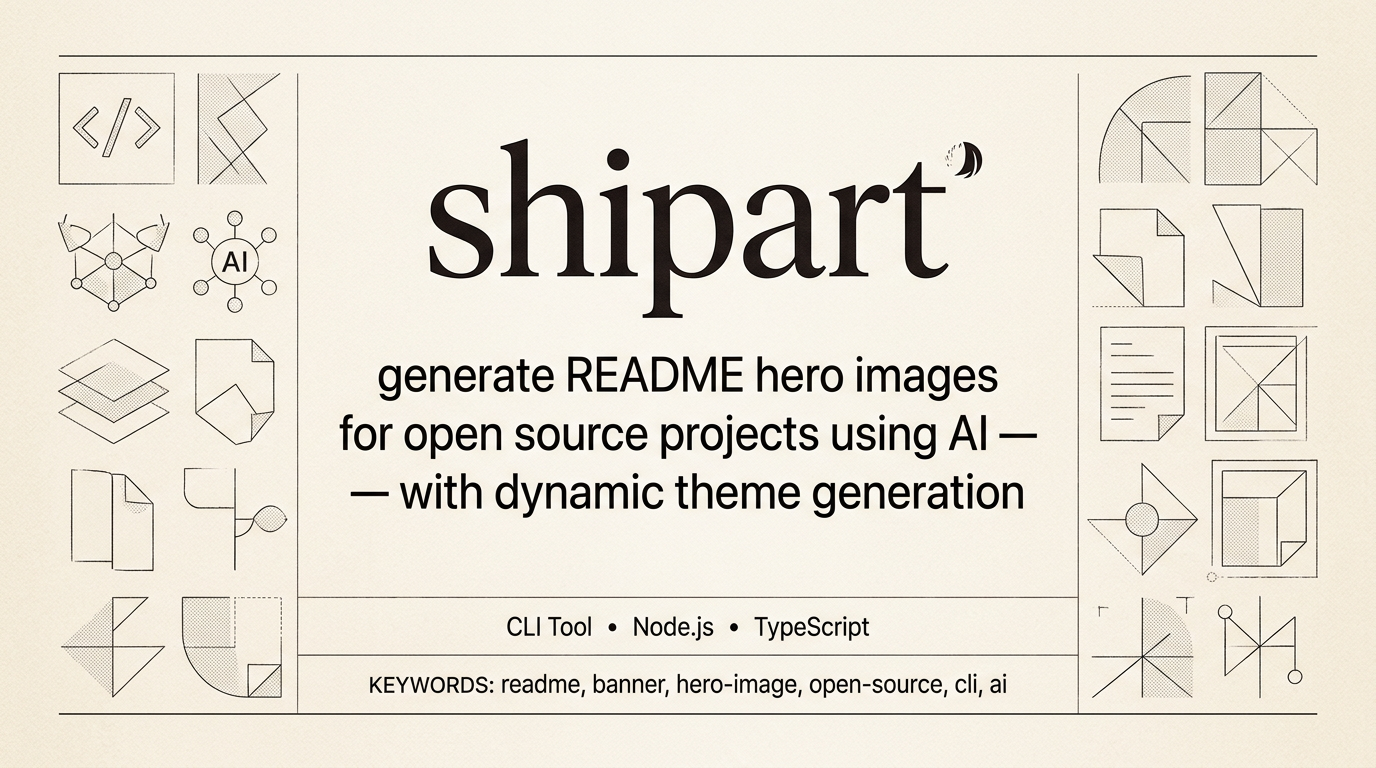
dynamic themes
the killer feature: generate themes from real sources.
--theme-from-url
screenshots the URL, extracts dominant colors, uses it as your theme:
shipart . --theme-from-url https://linear.app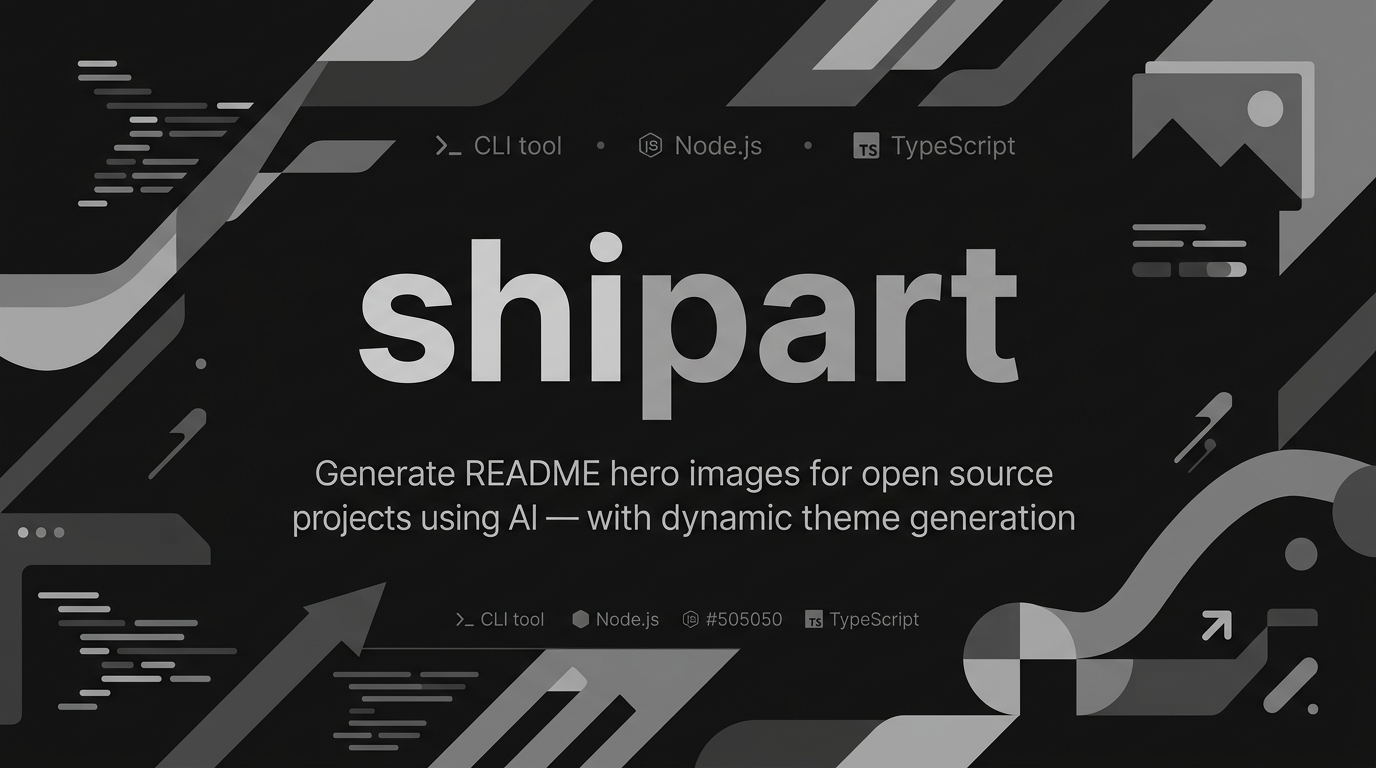
requires playwright: npm install playwright && npx playwright install chromium
--theme-from-css
parses CSS custom properties from your stylesheet:
shipart . --theme-from-css ./src/globals.css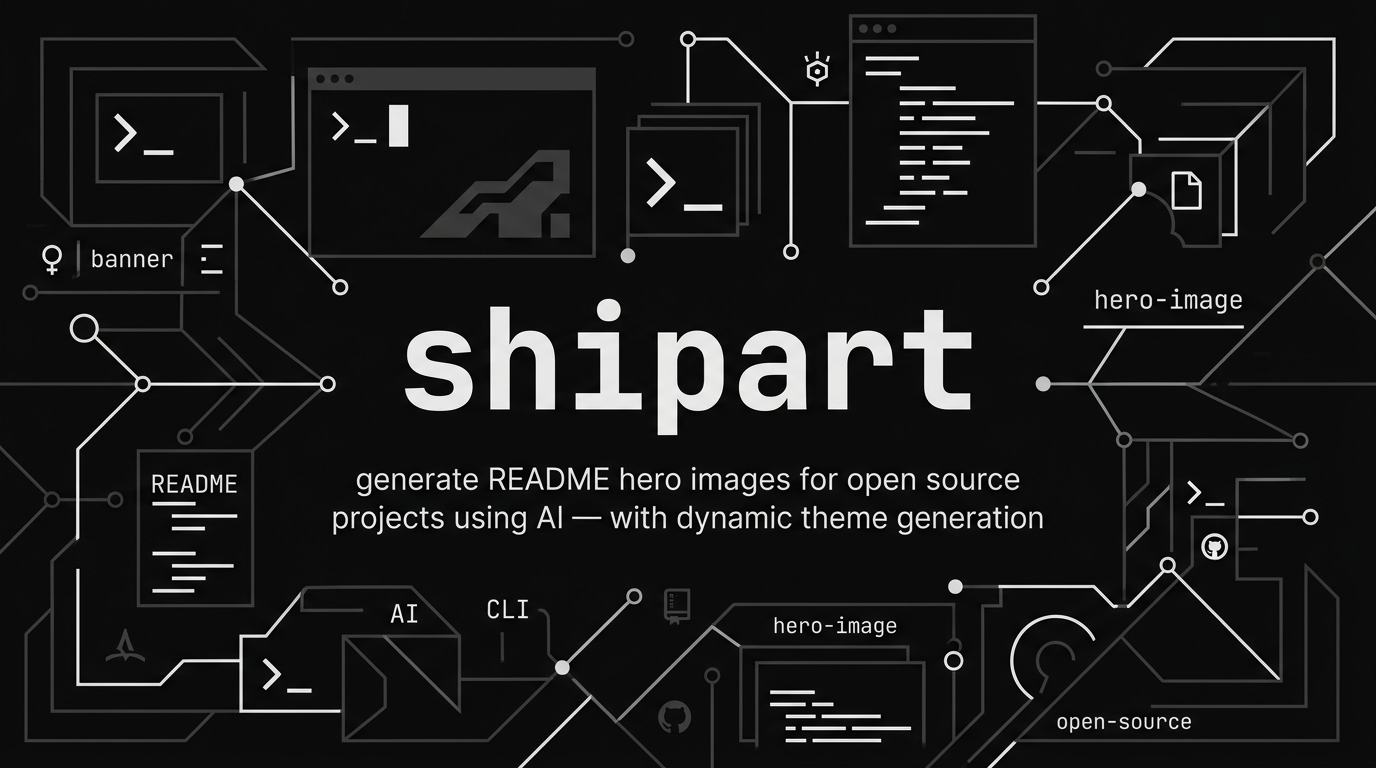
works with any CSS file containing --primary, --background, --accent, etc. also detects tailwind config.
--theme-prompt
describe your aesthetic in plain text:
shipart . --theme-prompt "dark purple glassmorphism, blurred edges, neon accent"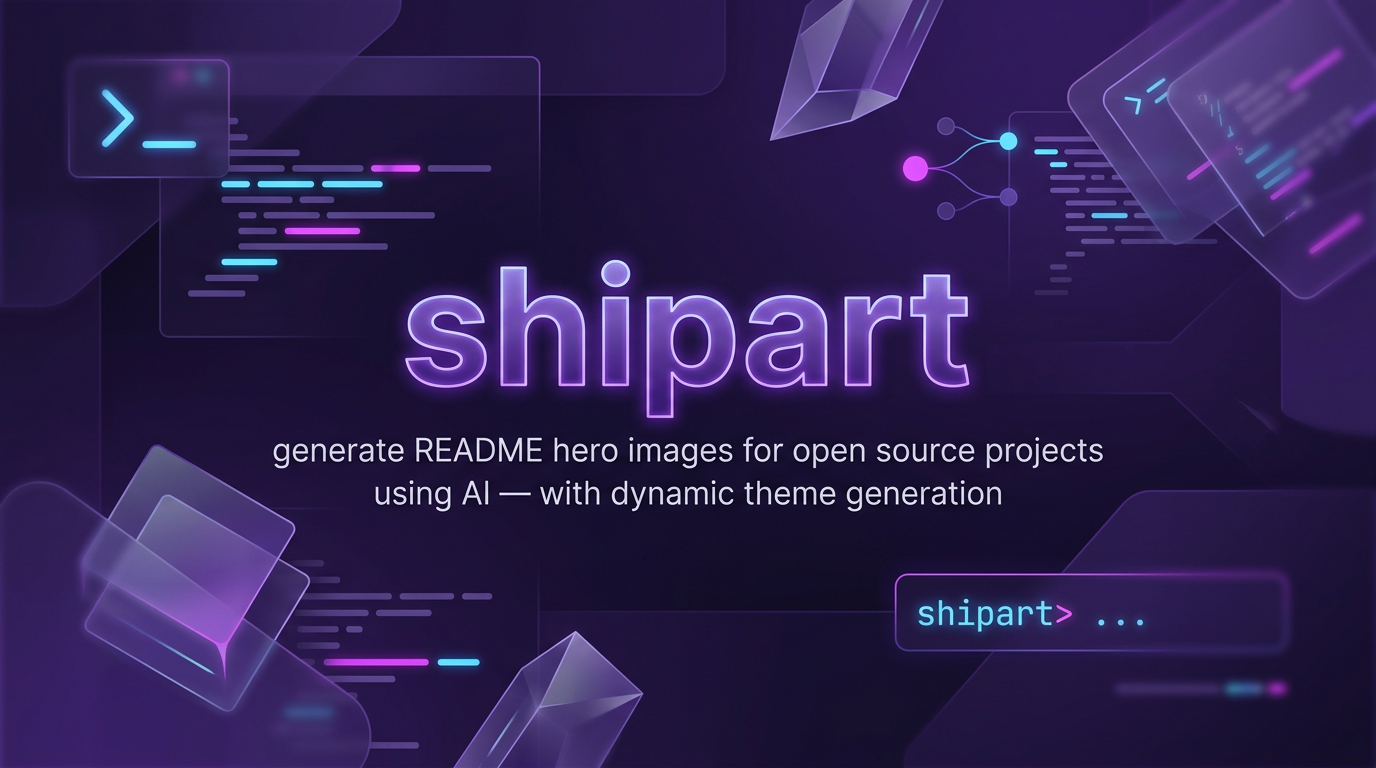
smart project reading
shipart reads your project automatically:
package.json— name, description, keywords, main dependenciespyproject.toml/Cargo.toml/go.mod— fallback for python, rust, go projectsREADME.md— first H1, first paragraph, code block languages
options
| flag | description | default |
|------|-------------|---------|
| --theme <name> | built-in theme | terminal-dark |
| --theme-from-url <url> | extract theme from website | — |
| --theme-from-css <file> | extract theme from CSS | — |
| --theme-prompt <text> | custom theme description | — |
| --model <id> | google AI model to use | gemini-3.1-flash-image-preview |
| --variations <n> | number of images (1-3) | 1 |
| --output <path> | output file path | ./banner.png |
| --patch-readme | prepend banner to README.md | false |
| --dry-run | print prompt, don't generate | false |
| --list-themes | show available themes | — |
mit license