
@sanity/table
v3.1.20
Published
Table schema type and input component for Sanity Studio


Readme
Sanity Table Plugin
This is a (triple) fork of the Sanity Plugin Table, now maintained by Sanity.io.
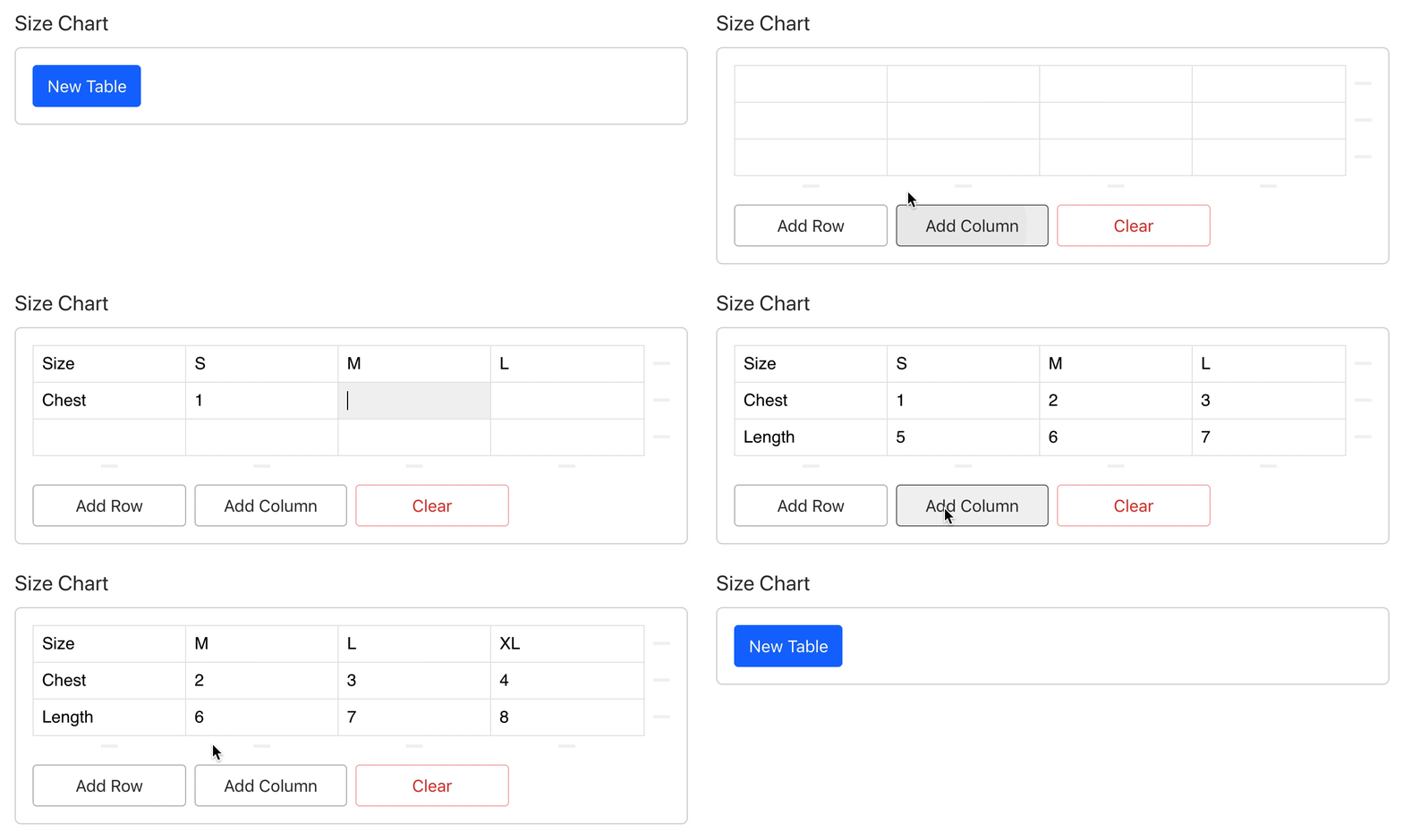
Acknowledgements
Big thanks to the original contributors for their work!
- Original version: rdunk/sanity-plugin-table.
- Further improvements in fork MathisBullinger/sanity-plugin-another-table.
- Initial Studio port: bitfo/sanity-plugin-table
Disclaimer
Sometimes a table is just what you need. However, before using the Table plugin, consider if there are other ways to model your data that are:
- easier to edit and validate
- easier to query
Approaching your schemas in a more structured manner can often pay dividends down the line.
Install
Install using npm
$ npm i --save @sanity/tableUsage
Add the plugin to your project configuration. Then use the type in your schemas
// sanity.config.ts

import {table} from '@sanity/table'
import {defineConfig} from 'sanity'

export default defineConfig({
  name: 'default',
  title: 'My Cool Project',
  projectId: 'my-project-id',
  dataset: 'production',
  plugins: [
    // Include the table plugin
    table(),
  ],
  schema: {
    types: [
      {
        name: 'product',
        title: 'Product',
        type: 'document',
        fields: [
          {
            // Include the table as a field
            // Giving it a semantic title
            name: 'sizeChart',
            title: 'Size Chart',
            type: 'table',
          },
        ],
      },
    ],
  },
})
Configuration
You can optionally configure the _type used for the row object in the table schema by passing a rowType when adding the plugin. For most users this is unnecessary, but it can be useful if you are migrating from a legacy table plugin.
export default defineConfig({
  // ...
  plugins: [
    table({
      rowType: 'my-custom-row-type',
    }),
  ],
  // ...
})
License
MIT © ʞunp ʇɹǝdnɹ, Mathis Bullinger, Dave Lucia and Sanity.io