
@santi020k/og
v1.1.1
Published
Generate deterministic Open Graph images with reusable presets or project-owned renderers.

Maintainers
 santi020k
Readme
@santi020k/og
Generate deterministic Open Graph images with a useful default design or a fully custom renderer.
@santi020k/og handles layout presets, output paths, content-aware caching, bounded concurrency,
safe cleanup, image encoding, and CI checks while consumer configs retain their copy and brand data.
It works with Astro, Next.js, plain Node.js, monorepos, Markdown collections, CMS data, or a static array. There is no framework runtime. A portable page definition can drive the generated image, complete Open Graph, X, canonical, robots, page metadata, a route manifest, and built-site auditing without repeating content.
Install the package as a development dependency for static generation. Sharp, Satori, Resvg, Fontkit, and the bundled font are intentionally available during that build; only the generated images and your application output need to be deployed. See the stability and dependency contract for runtime use.
Quick start
pnpm add -D @santi020k/og
pnpm exec santi-og init
pnpm exec santi-og generate
Add stable package scripts:
{
  "scripts": {
    "generate:og": "santi-og generate",
    "generate:og:force": "santi-og generate --force",
    "check:og": "santi-og check",
    "audit:seo": "santi-og audit --site dist --site-url https://example.com",
    "inspect:og": "santi-og inspect http://localhost:4321"
  }
}
The generated og.config.mjs uses the neutral product preset. Change its cards, brand, and theme;
only create a custom renderer when the project needs a unique composition.
Inspect a live page
Inspect crawler-facing metadata and the referenced social image without adding a framework plugin:
pnpm exec santi-og inspect https://example.com
pnpm exec santi-og inspect http://localhost:4321 --open
pnpm exec santi-og inspect https://example.com --json
The inspector follows a bounded redirect chain, limits downloaded HTML and image bytes, reports
metadata and JSON-LD coverage, and verifies common social-image response properties. --open
serves a local visual report; JSON output is the automation contract.
Programmatic consumers can use inspectHtml or inspectUrl. Hosted services must supply an
authorizeUrl callback that applies their DNS resolution and network-egress policy to every URL in
the redirect chain. assertPublicInspectionUrl rejects obvious local hostnames and literal private
addresses, but it is not a substitute for DNS-aware SSRF protection.
Inspect a URL
Inspect a deployed page or a local development server with the same metadata and social-image analyzer used by the website checker:
pnpm exec santi-og inspect https://example.com
pnpm exec santi-og inspect http://localhost:4321 --open
pnpm exec santi-og inspect https://example.com --json
The report checks canonical, robots, HTML language and heading structure, Open Graph, X metadata,
JSON-LD, image reachability, content type, dimensions, and file size. --open serves a private
report on 127.0.0.1; stop it with Ctrl+C. The command exits unsuccessfully when required metadata
has errors, so --json can also be used in automation. Its 0–100 score gives passes full credit,
warnings half credit, and errors no credit; the individual checks remain the source of truth.
Programmatic consumers can call inspectHtml() or inspectUrl() from
@santi020k/og/inspect. inspectUrl() accepts a custom Fetch implementation, byte and timeout
limits, and an authorization callback that runs before the initial request and every redirect.
Visual preset gallery
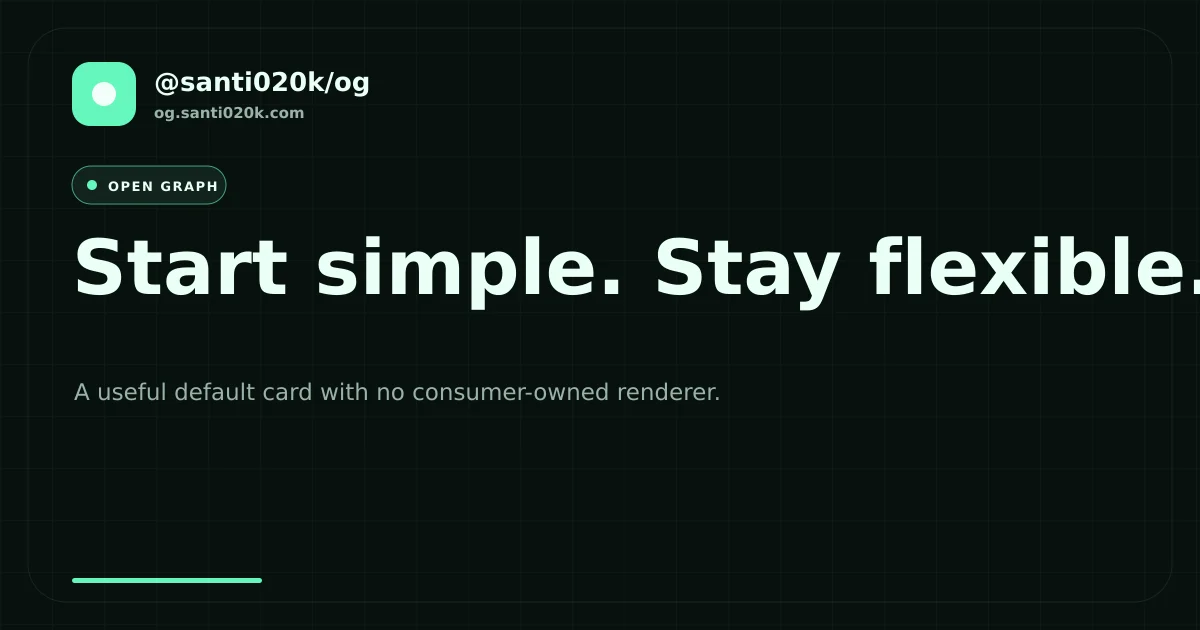
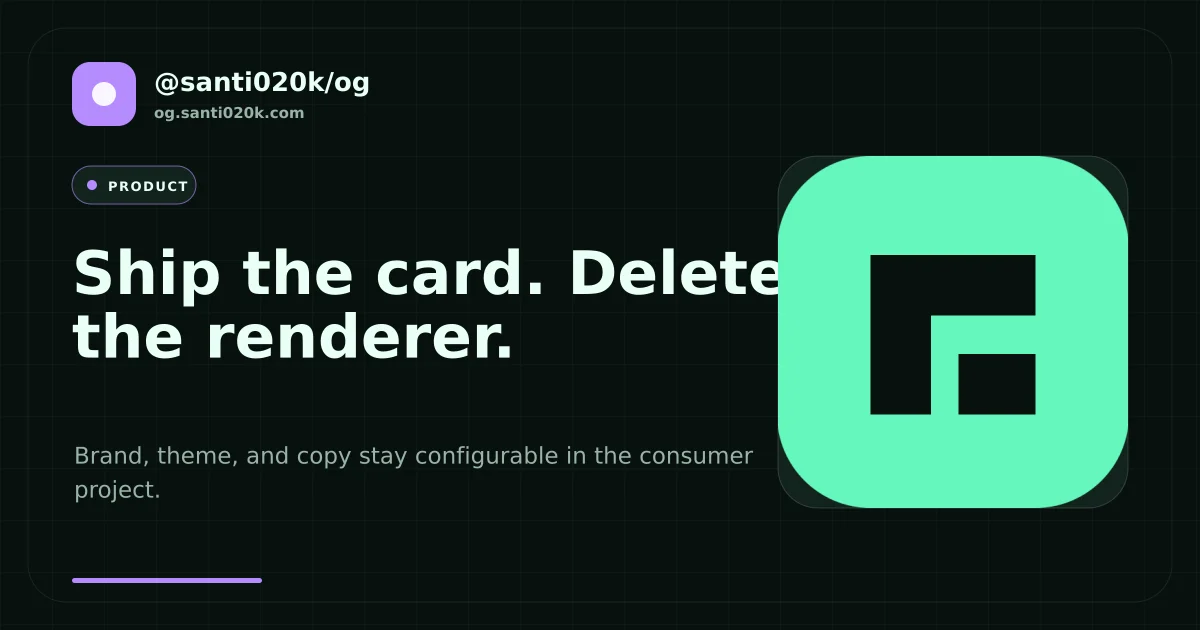
Each preset uses the same generator and accepts the same brand and theme options. These cards are
generated by the website's own og.config.mjs, so the gallery is also an end-to-end example.
| Simple | Article |
| --- | --- |
|  |
|  |
| Docs | Product |
|
|
| Docs | Product |
|  |
|  |
|
The visual documentation pairs these outputs with copyable, synchronized examples and complete v0.9 references for metadata, JSON-LD, built-site auditing, framework-neutral content, typed catalogs, typography, caching, CLI automation, Sharp, and Satori.
For compatibility with existing build scripts, FORCE_OG=1 behaves like --force and
OG_WORKER_THREADS=<number> behaves like --concurrency. Explicit CLI flags take precedence.
Configuration
For most sites, the preset entry point removes the consumer-owned SVG and Sharp plumbing:
import { createPathCards } from '@santi020k/og'
import { definePresetConfig } from '@santi020k/og/presets'

export default definePresetConfig({
  outputDirectory: 'public/og/pages',
  cards: createPathCards([
    {
      pathname: '/',
      data: {
        title: 'Ship a useful social card',
        description: 'Copy and brand stay in your project.',
        badge: 'Home',
        variant: 'product',
      },
    },
  ]),
  preset: {
    brand: { name: 'Example', domain: 'example.com', logo: 'public/logo.png' },
    theme: { accent: '#7c3aed' },
  },
})
Available variants are simple, article, docs, and product. A card can override the configured
variant, brand, domain, accent, or image. Local images are embedded before Sharp renders the SVG, so
declare changing image paths in per-card sources when they are not also part of the card data.
Remote preset images must be pinned by content digest and explicitly enabled. The renderer verifies the bytes before placing them in a content-addressed project cache, so a changed response fails the build instead of silently changing a generated card:
export default definePresetConfig({
  cards: [{
    data: {
      title: 'Pinned cover',
      image: {
        url: 'https://cdn.example.com/cover.png',
        type: 'image/png',
        sha256: '0123456789abcdef0123456789abcdef0123456789abcdef0123456789abcdef',
      },
    },
    output: 'cover.webp',
  }],
  preset: { remoteImages: { cacheDirectory: '.cache/og-images' } },
})
Plain HTTP image strings are rejected. Update the digest deliberately when remote content changes;
maxBytes and timeoutMilliseconds can bound downloads.
For a product-specific diagram or screenshot frame that should retain the preset shell, use the
typed preset.decoration(data, context, { accent, theme }) SVG slot. Its returned fragment is
trusted project configuration.
pathnameOutput() exposes the same deterministic URL-to-filename mapping without creating cards.
Typed catalogs and multiple formats
Use createCards(items, mapper, options) for typed catalogs, pagination, tag archives, CMS records,
or any other source that is not pathname-oriented. One logical card can produce several formats and
format-specific aliases:
import { createCards } from '@santi020k/og'

const cards = createCards(products, product => ({
  title: product.name,
  description: product.summary,
  variant: 'product',
}), {
  output: product => `products/${product.slug}.webp`,
  formats: ['png', 'svg'],
  formatAliases: product => ({ png: [`social/${product.slug}.png`] }),
  sources: product => product.image ? [product.image] : [],
})
This produces WebP, PNG, and SVG without consumer-side flatMap expansion. Each format is rendered
once; its aliases reuse the rendered bytes.
Page metadata from the same source
Keep page copy, the public image location, and the generated card together without mixing SEO data with renderer-only fields:
import { definePresetConfig } from '@santi020k/og/presets'
import { createPageCard, definePageMetadata } from '@santi020k/og/metadata'

export const page = definePageMetadata({
  pathname: '/docs',
  title: 'Documentation',
  description: 'Learn how to generate deterministic social images.',
  image: {
    output: 'pages/docs.webp',
    alt: 'Example documentation social card',
    width: 1200,
    height: 630,
  },
})

export default definePresetConfig({
  outputDirectory: 'public/og',
  cards: [createPageCard(page, {
    data: ({ description, title }) => ({
      title,
      description,
      badge: 'Guide',
      variant: 'docs',
    }),
  })],
  preset: { brand: { name: 'Example' } },
})
createMetaTags returns stable, framework-neutral descriptors. Page definitions can include
alternates for hreflang links; createLocaleAlternates builds symmetric locale matrices and the
Next.js adapter emits the same values through alternates.languages. renderMetaTags safely turns
those descriptors into HTML for static templates, server renderers, Astro, Eleventy, or any other
system that accepts head markup:
import { createMetaTags } from '@santi020k/og/metadata'
import { renderMetaTags } from '@santi020k/og/metadata/html'
import { page } from './page.js'

const tags = createMetaTags(page, {
  siteUrl: 'https://example.com',
  siteName: 'Example',
  publicImagePath: '/og',
  titleTemplate: '%s — Example',
  twitter: { site: '@example' },
})

const headHtml = renderMetaTags(tags)
The result includes the title, description, canonical URL, robots directives, Open Graph image dimensions, type and alternative text, locale fields, and X card fields. Article definitions can also include publication and modification dates, authors, section, and tags. URLs are resolved to absolute HTTP(S) URLs, fragments are removed from canonical URLs, output image MIME types are inferred, and invalid dimensions or empty required text fail early.
For the Next.js App Router, use the small structural adapter. It does not import Next.js or add it as a dependency:
import { toNextMetadata } from '@santi020k/og/metadata/next'
import { page } from '../../page.js'

export const metadata = toNextMetadata(page, {
  siteUrl: 'https://example.com',
  siteName: 'Example',
  publicImagePath: '/og',
})
Run santi-og generate before next build so every referenced static image already exists. In
Astro, use MetadataHead from @santi020k/og/astro/head. Other frameworks can consume the
descriptors directly instead of parsing HTML.
Starlight sites can wrap their Head override with @santi020k/og/astro/starlight. It preserves
Starlight's head descriptors and adds the route-mapped Open Graph and X image metadata expected by
collectContentCards.
For larger sites, defineSite from @santi020k/og/site binds site-wide defaults once and exposes
page, card, tags, html, next, resolve, and imageUrl. Enable routeManifest in the OG
config to publish a deterministic route-to-image map and make santi-og check verify it.
Framework-neutral Markdown and MDX content
The optional content entry point reads Markdown and MDX frontmatter without starting a framework:
import { collectContentCards } from '@santi020k/og/content'
import { definePresetConfig } from '@santi020k/og/presets'

export default definePresetConfig({
  cards: () => collectContentCards({
    directory: 'src/content/blog',
    basePath: 'blog',
  }),
  preset: { brand: { name: 'Example' }, variant: 'article' },
})
Draft entries are excluded by default. Use map, output, route, and sources callbacks for custom
frontmatter schemas, output conventions, published routes, and cover images. Use include, exclude, filter,
draft, coverFields, and aggregate for project-specific collections. Existing Astro consumers
can keep using collectAstroContentCards and readAstroContent from @santi020k/og/astro; those
names are compatibility aliases for the same framework-neutral implementation.
include and exclude run before files are parsed. filter and draft operate on parsed entries,
coverFields defines image-field preference, and aggregate(entries, cards) can append tag,
locale, pagination, or collection-level cards. Use dot paths such as coverImage.ogImage,
resolveCover, and declarative archives with paginateArchive or groupArchive to replace
repeated cover resolution, pagination, and tag-card loops.
JSON-LD and built-site auditing
The optional @santi020k/og/schema entry point provides typed recipes for websites, web pages,
articles, software applications, events, FAQs, offers, images, breadcrumbs, collections, people,
and organizations. defineSchema,
extendSchema, and defineSchemaRecipe keep arbitrary Schema.org types and properties available
for FAQs, products, events, recipes, and project-specific scenarios. composeJsonLd creates a graph;
serializeJsonLd safely embeds it in an HTML script element.
After the framework build, run santi-og audit --site <directory> --site-url <url>. It validates
final metadata, canonical routes, local social images and dimensions, duplicates, and optional
route-manifest coverage. Use --json for automation or --sarif for code-scanning systems. See
site metadata, schemas, and auditing for complete examples.
Add --standards to audit sitemap coverage, robots directives, hreflang alternates, and redirects.
Add --llms to check llms.txt, llms-full.txt, and per-route Markdown coverage.
Programmatic consumers can spread standardAuditRules() into auditSite() or select individual
rules from @santi020k/og/audit/rules. Human output groups repeated findings by root cause after
the detailed diagnostics.
For reusable local and CI policy, default-export defineAuditConfig(...) from
og.audit.config.mjs; the CLI discovers it without requiring --site or repeated flags:
import { standardAuditRules } from '@santi020k/og/audit/rules'
import { defineAuditConfig } from '@santi020k/og/audit/config'

export default defineAuditConfig({
  directory: 'dist',
  siteUrl: 'https://example.com',
  ...standardAuditRules({ sitemap: { reportOrphans: true } }),
})
Custom renderer configuration
import { defineConfig } from '@santi020k/og'
import { createSharpRenderer } from '@santi020k/og/sharp'

export default defineConfig({
  outputDirectory: 'public/og/pages',
  clean: true,
  cache: {
    sources: [
      'scripts/render-og-card.mjs',
      'public/fonts/Inter-Bold.ttf',
      'public/logo.svg',
    ],
  },
  cards: async () => [
    {
      output: 'index.webp',
      data: { title: 'Home', description: 'Welcome to the project.' },
    },
  ],
  renderer: createSharpRenderer({
    renderSvg: ({ title }, { height, width }) =>
      `<svg xmlns="http://www.w3.org/2000/svg" viewBox="0 0 ${width} ${height}">...</svg>`,
    webp: { quality: 86 },
  }),
})
Card data can have any serializable shape. Each card may also declare sources, width,
height, formats, and formatAliases. The output extension selects the primary SVG, PNG, WebP,
JPEG, or AVIF encoding.
Source collections accept literal paths, glob patterns, or an async callback. Relative paths resolve
from root; absolute paths are supported and remain outside the output traversal boundary:
cache: { sources: ['public/fonts/*.ttf', '/shared/brand/logo.svg'] },
cards: async () => [{
  output: 'article.webp',
  data: article,
  sources: () => article.cover ? [article.cover] : [],
}],
Existing encoded renderers
Wrap an existing function that already returns encoded PNG, WebP, JPEG, or AVIF bytes without changing its implementation:
import { createEncodedRenderer, fromLegacyCards, relativeOutput } from '@santi020k/og'

const cards = fromLegacyCards(legacySpecs) // [{ outFile, props }] -> [{ output, data }]
const renderer = createEncodedRenderer(props => renderExistingCard(props))
const output = relativeOutput('public/og', '/project/public/og/pages/home.webp')
relativeOutput rejects paths outside its output directory.
Aliases, named directories, and static assets
One logical card can publish several encodings with formats. Same-format aliases reuse the
primary bytes, while formatAliases publish extra names for a specific encoding. Named output
directories work with every destination. Use assets for pass-through files referenced by
generated SVG or published beside the cards:
export default defineConfig({
  outputDirectory: 'public/og',
  outputDirectories: {
    docs: 'apps/docs/public',
    store: 'apps/store/public',
  },
  cards: [{
    output: 'og.webp',
    formats: ['png', 'svg'],
    aliases: ['og-image.webp', { directory: 'docs', output: 'social/home.webp' }],
    formatAliases: { png: ['share.png'] },
    data: home,
  }],
  assets: [{
    source: 'assets/app-icon.png',
    directory: 'store',
    output: 'app-icon.png',
  }],
  renderer,
})
Satori
The Satori entry point includes Satori, Resvg-compatible SVG output, Sharp encoding, and the
satori-html template helper:
import { readFile } from 'node:fs/promises'
import { defineConfig } from '@santi020k/og'
import { createSatoriRenderer, html } from '@santi020k/og/satori'

const regular = await readFile('public/fonts/Inter-Regular.ttf')

export default defineConfig({
  cards: [{ output: 'index.webp', data: { title: 'Hello' } }],
  renderer: createSatoriRenderer({
    satori: {
      fonts: [{ data: regular, name: 'Inter', weight: 400 }],
    },
    template: ({ title }) => html`<div style="display:flex">${title}</div>`,
  }),
})
Runtime image routes
Use the same renderer in prerendered or on-demand Fetch-compatible routes without repeating response headers and render context setup:
import { createImageResponse } from '@santi020k/og/runtime'
import { renderer } from './renderer.js'

export const GET = () => createImageResponse(renderer, { title: 'Runtime card' }, {
  cacheControl: 'public, max-age=3600',
  format: 'png',
})
The helper works with Astro endpoints, standards-based server runtimes, and adapters that accept a
native Response.
Large collections and worker threads
For hundreds of cards, export a renderer from a separate module and let the CLI create a bounded worker pool:
import { defineConfig, defineWorkerRenderer } from '@santi020k/og'

export default defineConfig({
  cards: collectCards,
  concurrency: { mode: 'auto', max: 16 },
  renderer: defineWorkerRenderer({
    module: new URL('./scripts/render-og-card.mjs', import.meta.url),
  }),
})
The renderer module default-exports the same (data, context) => output function used in a regular
config. Card data sent to workers must support structured cloning. Use 'auto' for every available
CPU, { mode: 'auto', max: 16 } for detected-but-bounded concurrency, or a fixed integer.
For Satori, the worker helper can load a module that exports SatoriRendererOptions, avoiding a
wrapper module that only calls createSatoriRenderer:
import { createSatoriWorkerRenderer } from '@santi020k/og/satori'

renderer: createSatoriWorkerRenderer({
  module: new URL('./scripts/satori-options.mjs', import.meta.url),
})
Cache and cleanup guarantees
The default .og-cache.json fingerprint includes each card's data, dimensions, destinations, config
contents, declared source-file contents, the generating library version, and an optional semantic
cache.key. Preset configs also record their preset version. Worker entry modules, their statically
imported local modules, and literal readFile(...) or new URL(...) assets are discovered
transitively. Dynamic paths should still be declared with cache.sources or per-card sources.
Each manifest entry also stores the generated file's SHA-256 digest. generate and check therefore
detect missing, manually edited, or corrupted output bytes even when all inputs are unchanged. A
legacy manifest is read safely and upgraded by regeneration. If generated images are committed,
commit .og-cache.json alongside them so CI can verify integrity and tracked cleanup can identify
obsolete files. If generated images are build artifacts, ignore both the images and manifest and
generate them in CI. Do not commit outputs while ignoring their manifest.
clean: true removes only obsolete outputs recorded in the previous manifest. It never scans and
deletes arbitrary files from the output directory. Output paths and the manifest are constrained to
the project root, preventing accidental traversal.
Use santi-og check in CI to fail when an output is missing or stale without changing files.
Use santi-og compare --threshold 0.01 during migrations. It renders into a temporary directory,
reports the format, dimensions, byte size, and decoded pixel difference against each existing
output. It fails when a card exceeds the accepted difference and always fails for missing outputs
or dimension changes, which cannot be expressed as a pixel ratio. Add --json for automation.
santi-og migrate --report inventories logical cards, physical outputs, local renderer modules,
and remaining custom-renderer responsibilities. santi-og upgrade --to 1.0.0 updates regular
dependencies in the root and every declared workspace package, plus pnpm catalogs and release-age
exclusions; run your package manager install command after reviewing the changes. generate,
check, compare, inspect, migrate, and upgrade support machine-readable JSON summaries.
Deterministic typography
Presets bundle Inter Variable, measure real glyph advances, split long tokens safely, and embed the font in generated SVG. This keeps wrapping portable across build machines, including emoji and mixed-width text. To use your own font, provide a local WOFF/WOFF2/TTF/OTF file; it is automatically tracked as a cache source:
preset: {
  typography: { file: 'public/fonts/Brand.woff2', family: 'Brand' },
}
Hybrid preset and custom media
A project can use presets for social cards while retaining an independent custom renderer for videos, diagrams, or other media. Keep them as separate configs or scripts so each pipeline owns only its outputs:
{
  "scripts": {
    "generate:og": "santi-og generate --config og.config.mjs",
    "generate:media": "node scripts/generate-launch-video.mjs"
  }
}
The CLI discovers root configs, scripts/og.config.mjs, and scripts/generate-og-images.mjs. A
package can also point to any config without repeating --config in every script:
{
  "santi-og": { "config": "scripts/cards.mjs" }
}
Existing-project migration
See docs/migrating-existing-projects.md for the recommended adapter for Lumen, santi020k.com, santi020k-theme, astro-doctor, eslint-config-basic, commitprompt, ContracTrack, Cult, PostLens, and workspace-organizer.
Philosophy
The package owns generation and portable metadata mechanics. The consuming project owns its brand,
content mapping, fonts, assets, visual composition, and framework rendering. Shared brand presets
can depend on @santi020k/og, but the core package does not depend on a design system, theme, or web
framework.